Nginx服务器部署ssl证书,实现https访问
·
1、购买ssl证书
 https://yundun.console.aliyun.com/?spm=5176.12818093.resourceCenter.3.3be92cc9EYb5Wz&p=cas#/overview/cn-hangzhou
免费版:选个人测试证书3个月有效期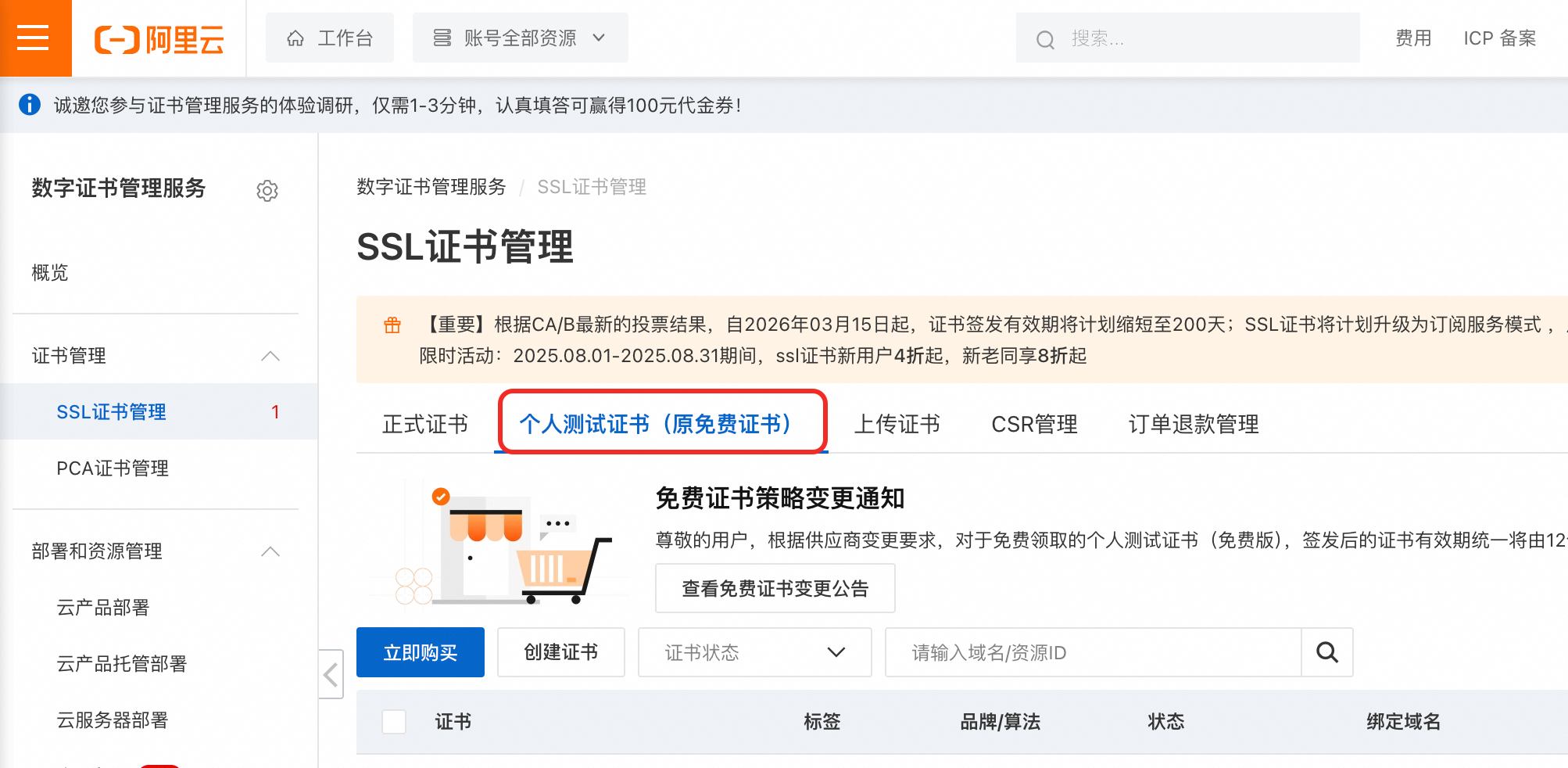
收费版:购买地址:https://yundun.console.aliyun.com/?spm=5176.2020520163.0.0.6375Ncd2Ncd2Ry&p=cas_buy#/buy/cn-hangzhou
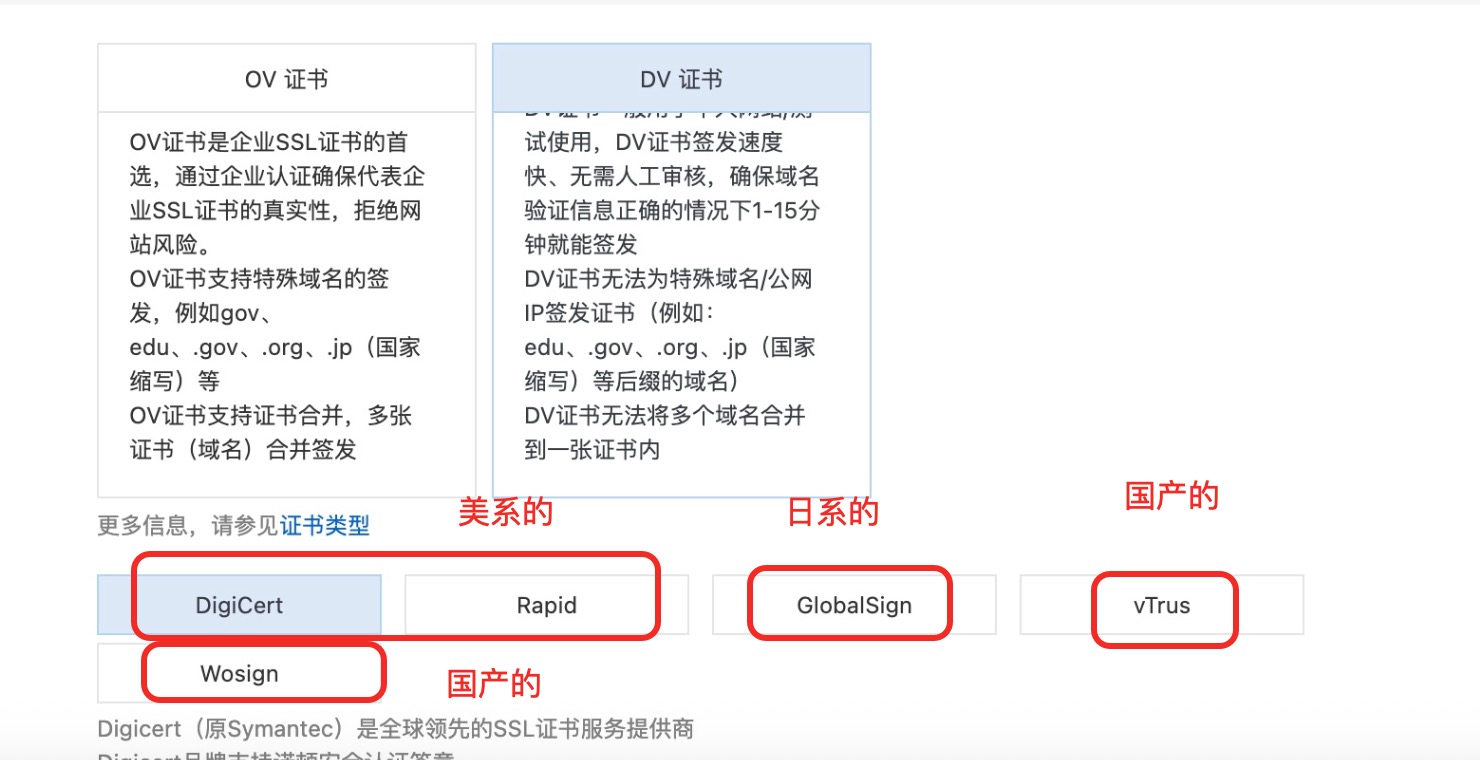
选择方法:如果公司涉及的业务是国内的一般就买国产的,如果是涉及到国外的业务,针对不同的地区去买。
2、部署
根据自己服务器的类型下载证书进行服务器部署
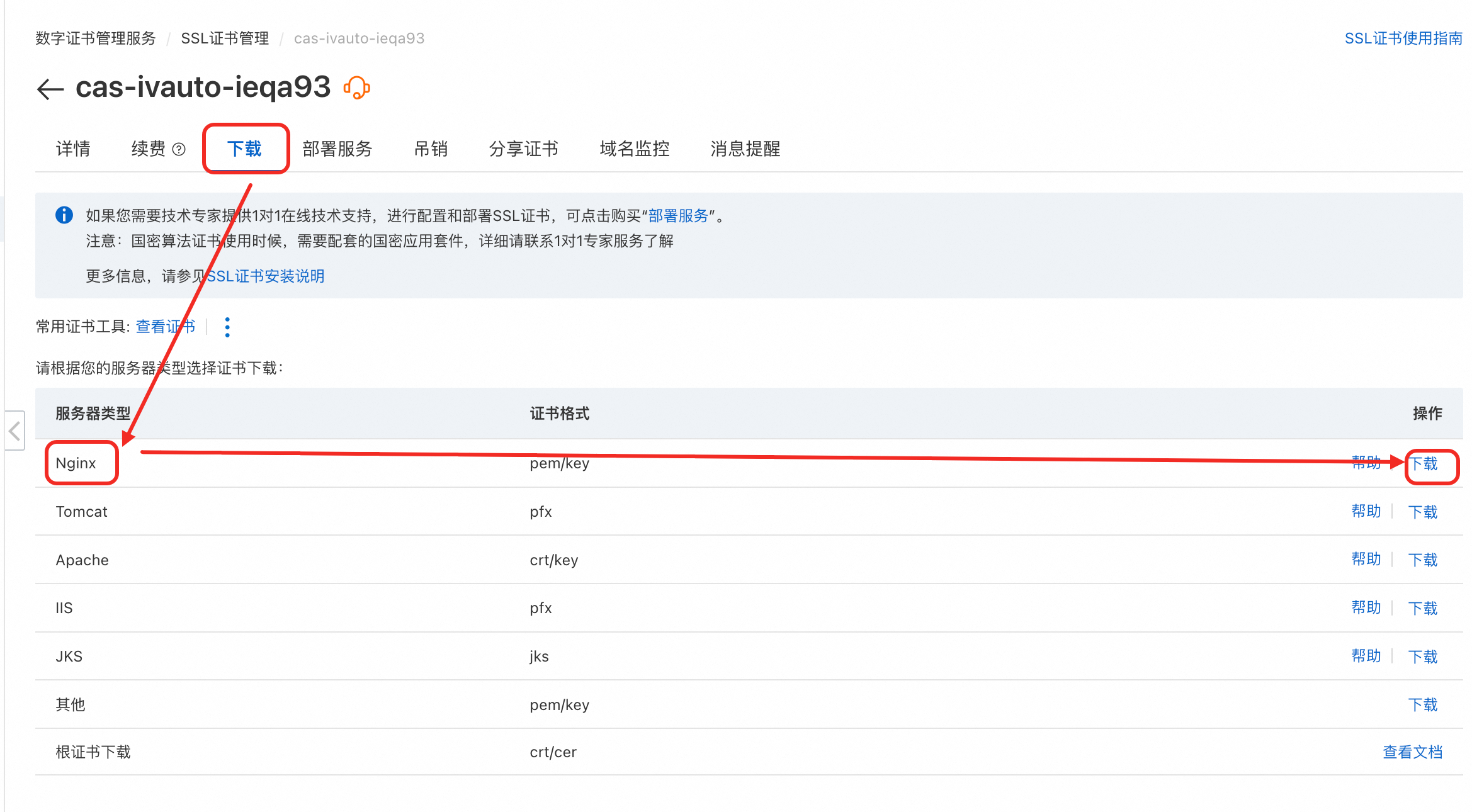
将下载的证书放在服务器的目录里,在项目的nginx配置文件中进行配置
nginx示例文件:
server
{
        listen 80;
        server_name ssss.****.com;
        return 301 https://ssss.****.com$request_uri;
}


server
{
        listen  443  ssl http2;
        server_name ssss.****.com;
        index index.html index.php index.htm default.php default.htm default.html;
        root /www/ssss/public;

        ssl_certificate     "/etc/ssl/nginx/ssss.com.pem";
        ssl_certificate_key  "/etc/ssl/nginx/ssss.com.key";
        ssl_session_timeout  5m;    #缓存有效期
        ssl_ciphers ECDHE-RSA-AES128-GCM-SHA256:ECDHE:ECDH:AES:HIGH:!NULL:!aNULL:!MD5:!ADH:!RC4;
        ssl_protocols TLSv1 TLSv1.1 TLSv1.2;
        ssl_prefer_server_ciphers on;

        location / {
                if (!-e $request_filename) {
                        rewrite  ^(.*)$  /index.php?s=/$1  last;
                        break;
                }
        }

        # PHP 支持
        location ~ \.php$ {
                try_files $uri /index.php =404;
                fastcgi_split_path_info ^(.+\.php)(/.+)$;
                fastcgi_pass 127.0.0.1:9000;
                fastcgi_index index.php;
                fastcgi_param SCRIPT_FILENAME $document_root$fastcgi_script_name;
                include fastcgi_params;
        }
        ## nginx log 自己配置
        #access_log;
        #error_log;
}
部署完成后重启nginx:
查看修改后的状态:nginx -t 没问题的话进行重启,有问题针对问题进行修改
sudo systemctl restart nginx
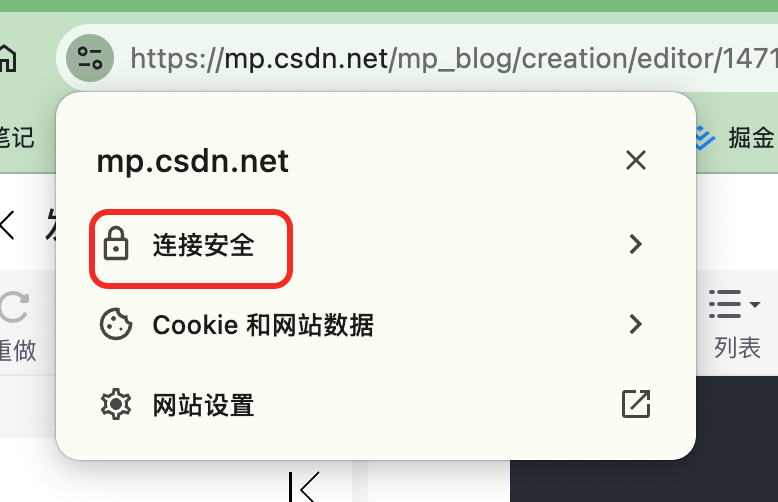
3、https访问域名,浏览器中查看:

北京人形旗下天工造物具身智能开源社区,聚焦具身天工与慧思开物两大平台
更多推荐
 5
5 0
0- 0


 已为社区贡献5条内容

所有评论(0)