zabbix监控Nginx状态
·
环境说明
| 主机名 | ip | 服务 | 系统 |
|---|---|---|---|
| zabbix | 192.168.141.140 | zabbix | centos8 |
| nginx | 192.168.141.141 | nginx zabbix_agentd | centos8 |
zabbix安装过程省略,需要请查看zabbix安装文档
nginx端,安装zabbix_agentd
//创建zabbix用户
[root@nginx ~]# useradd -rMs /sbin/nologin zabbix

//安装依赖包
[root@nginx ~]# dnf -y install make gcc gcc-c++ pcre-devel openssl openssl-devel wget

//下载zabbix软件包
[root@nginx ~]# wget https://cdn.zabbix.com/zabbix/sources/stable/6.2/zabbix-6.2.2.tar.gz

//解压并进行安装zabbix_agentd
[root@nginx ~]# tar -xf zabbix-6.2.2.tar.gz
[root@nginx ~]# cd zabbix-6.2.2/
[root@nginx zabbix-6.2.2]# ./configure --enable-agent

//出现这个证明安装成功
***********************************************************
*            Now run 'make install'                       *
*                                                         *
*            Thank you for using Zabbix!                  *
*              <http://www.zabbix.com>                    *
***********************************************************

[root@nginx zabbix-6.2.2]# make install

//修改zabbix_agentd配置文件
[root@nginx zabbix-6.2.2]# vim /usr/local/etc/zabbix_agentd.conf

111 # Server=
112
113 Server=192.168.141.140    #安装zabbix主机地址
…………
165 # ServerActive=
166
167 ServerActive=192.168.141.140  #安装zabbix主机地址

ServerActive=
…………
176 # Hostname=
177
178 Hostname=nginx


//启动服务
[root@nginx zabbix-6.2.2]# zabbix_agentd
//看到10050端口,服务启动成功
[root@nginx zabbix-6.2.2]# ss -anlt | grep 10050
LISTEN 0      128          0.0.0.0:10050      0.0.0.0:*
[root@nginx zabbix-6.2.2]#
nginx状态界面
[root@nginx ~]# vim /usr/local/nginx/conf/nginx.conf

 server {
        listen       80;
        server_name  localhost;

        #charset koi8-r;

        #access_log  logs/host.access.log  main;

         location = /status {
             stub_status;
         }

......
//访问自己的IP地址
[root@nginx ~]# curl  http://192.168.141.141/status
Active connections: 1
server accepts handled requests
 1 1 1
Reading: 0 Writing: 1 Waiting: 0
[root@nginx ~]#
编写监控脚本
[root@nginx ~]# mkdir /scripts
[root@nginx ~]# cd /scripts/
[root@nginx scripts]# touch status.sh
[root@nginx scripts]# vim nginx_status
[root@nginx scripts]# cat nginx_status
#!/bin/bash

case $1 in
    Reading)
        curl -s 127.0.0.1/status |awk "NR==4{print\$2}"
        ;;
    Writing)
        curl -s 127.0.0.1/status |awk "NR==4{print\$4}"
        ;;
    Waiting)
        curl -s 127.0.0.1/status |awk "NR==4{print\$6}"
    ;;
    *)
        exit
        ;;
esac


[root@nginx scripts]# curl -s 127.0.0.1/status |awk "NR==4{print\$6}"
0

#测试访问,然后加权限
[root@nginx scripts]# chmod +x nginx_status

//修改配置文件
[root@nginx scripts]# vim /usr/local/etc/zabbix_agentd.conf
 //配置文件的最后一行添加

# ListenBacklog=
UnsafeUserParameters=1
UserParameter=nginx_status[*],/bin/bash /scripts/nginx_status.sh $1

//重启服务
[root@nginx scripts]# pkill zabbix_agentd
[root@nginx scripts]# zabbix_agentd

//去zabbix服务端检查key是否可用
[root@zabbix ~]# zabbix_get -s 192.168.141.141 -k status[Writing]
1

//如果访问失败请回去修改nginx虚拟机的 vim /scripts/status.sh
[root@zabbix ~]# zabbix_get -s 192.168.141.141 -k status[Writing]
ZBX_NOTSUPPORTED: Unsupported item key.
web界面配置
创建主机
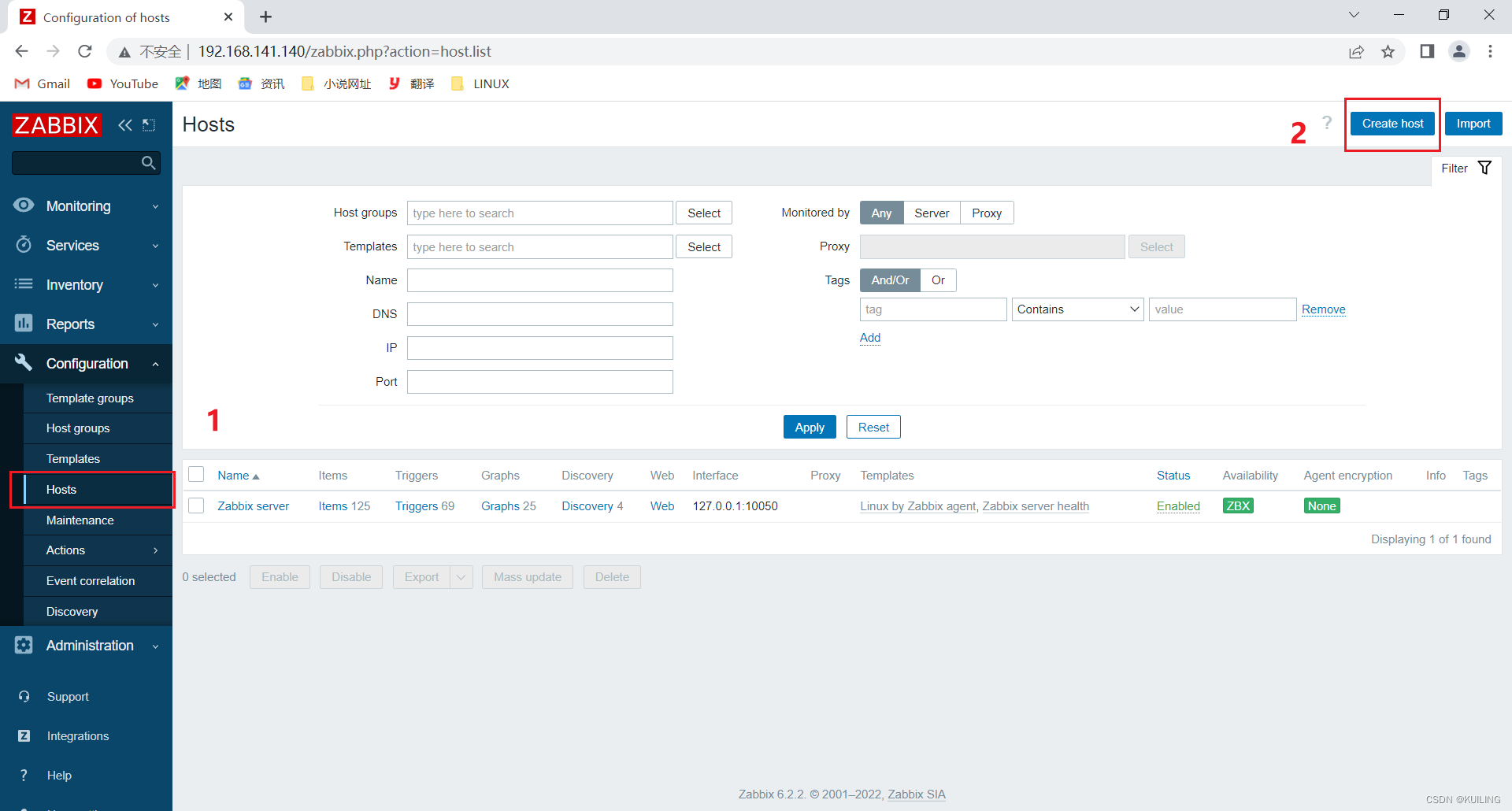
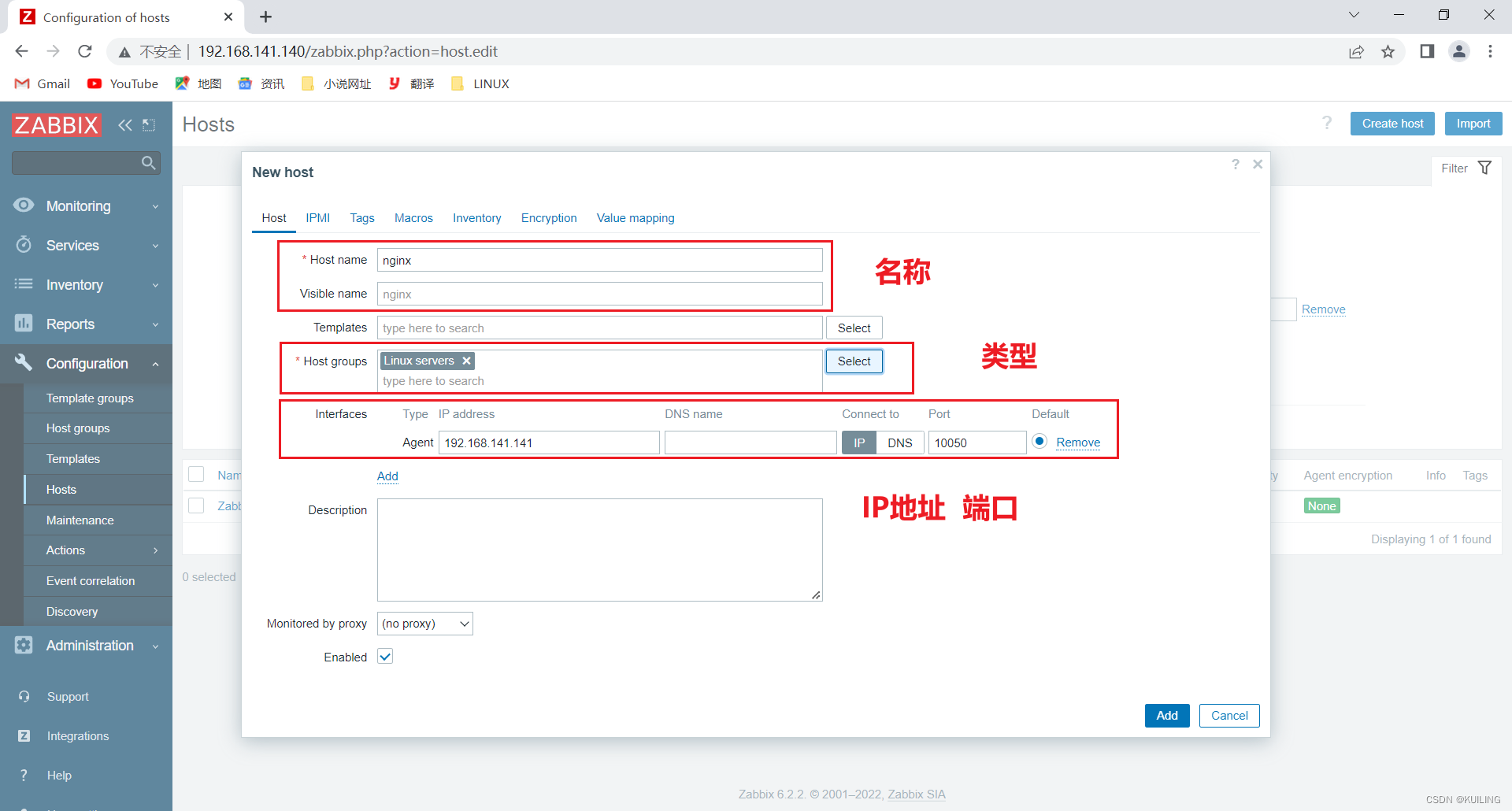
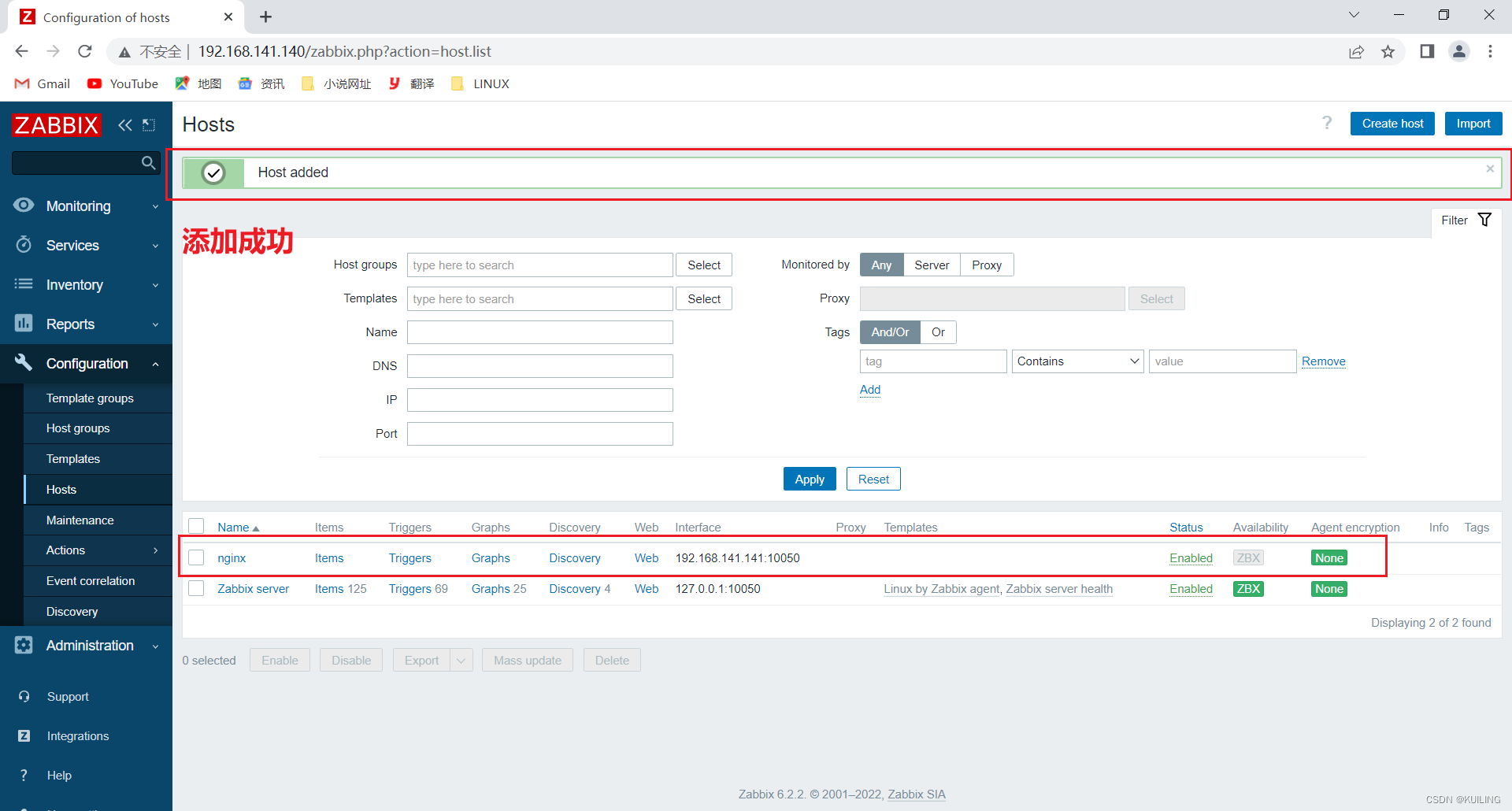
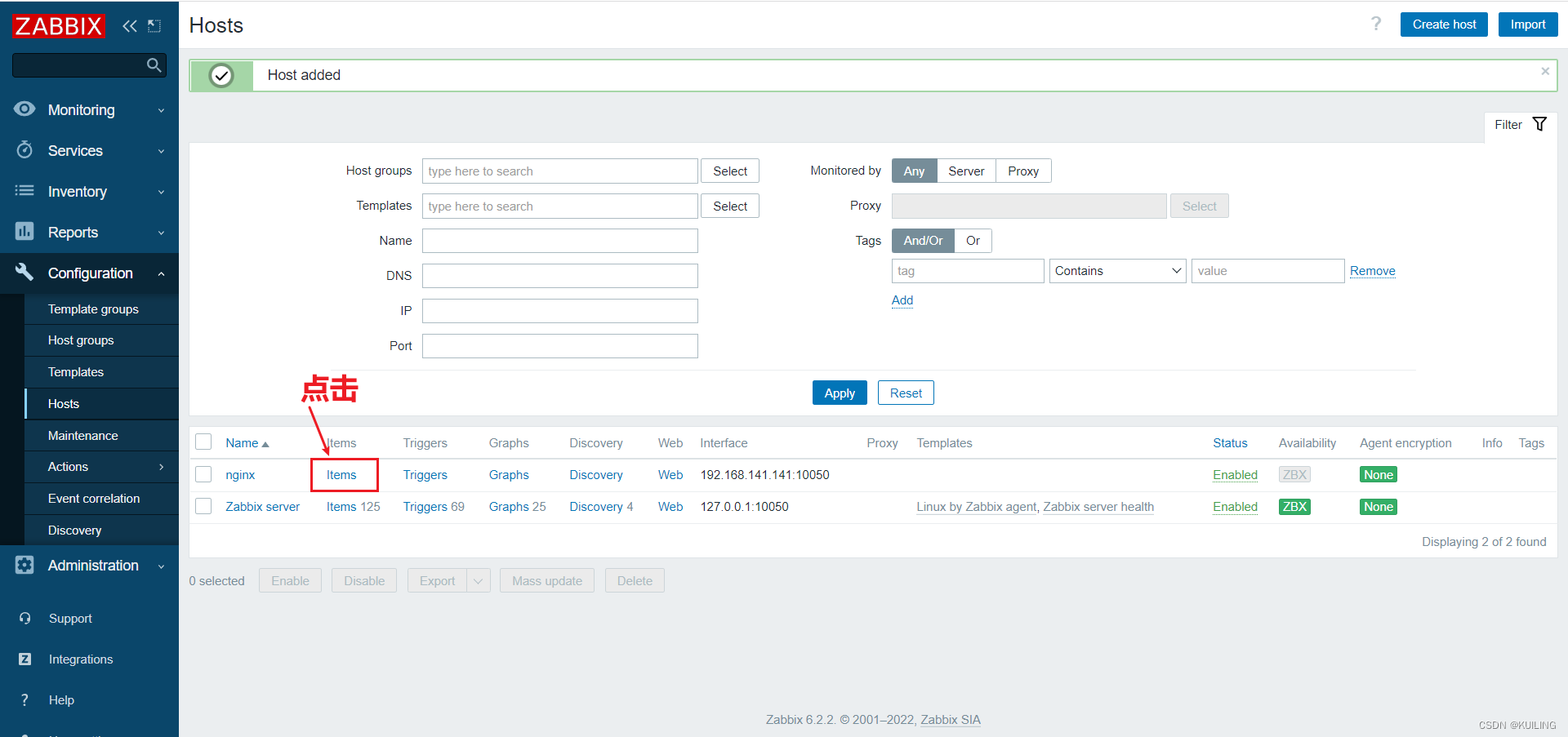
添加监控项
添加Reading监控
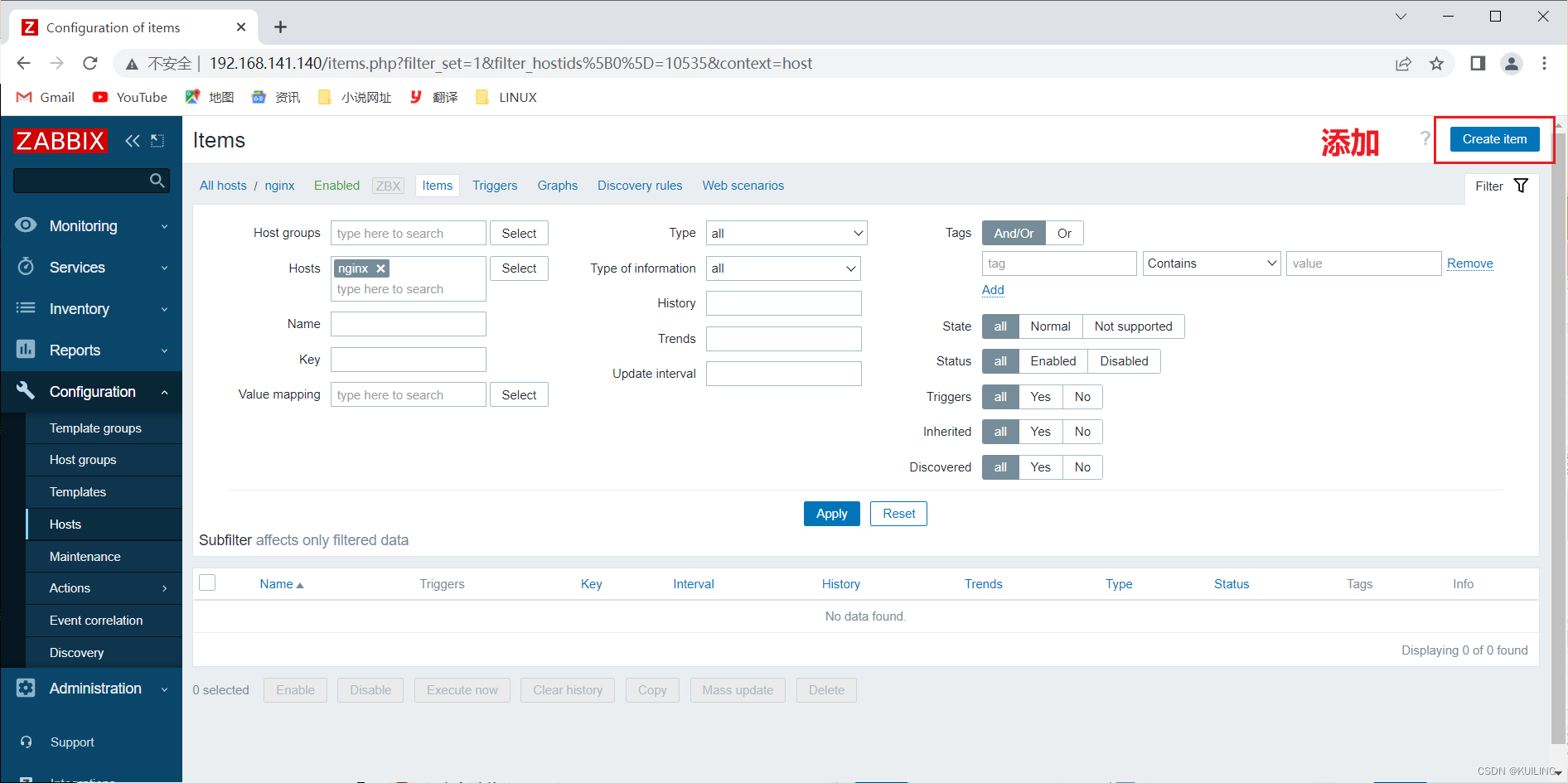
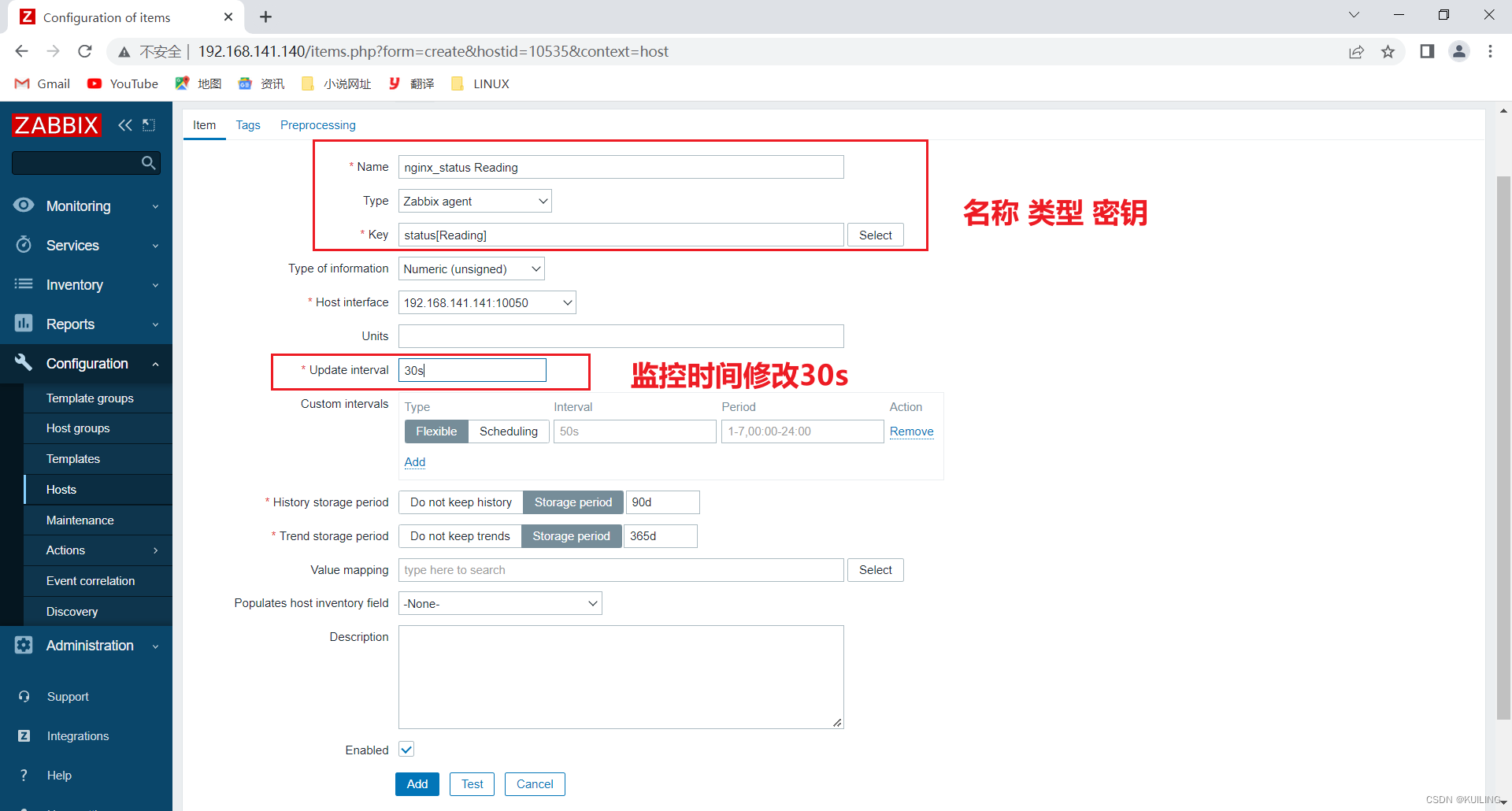
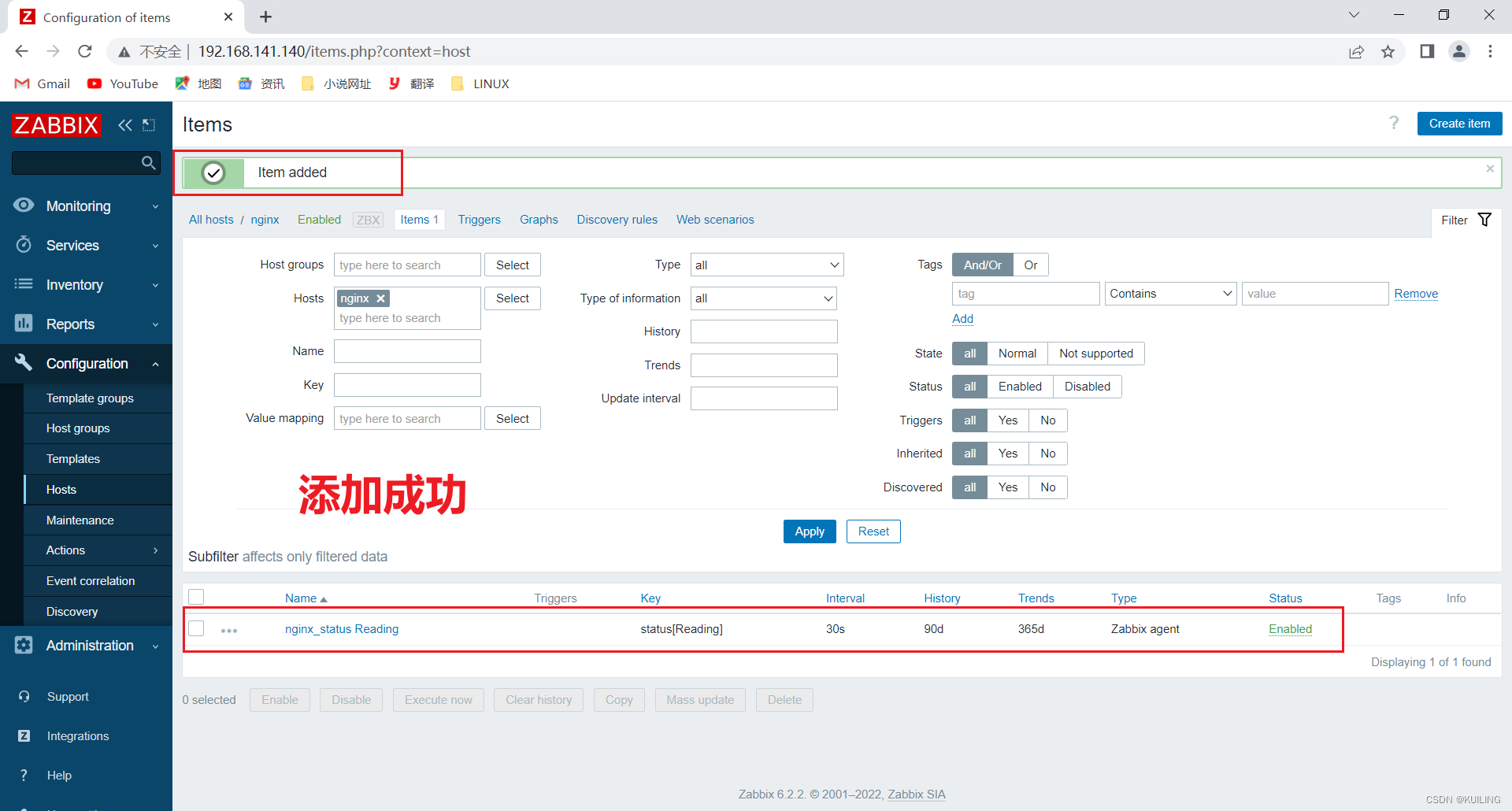
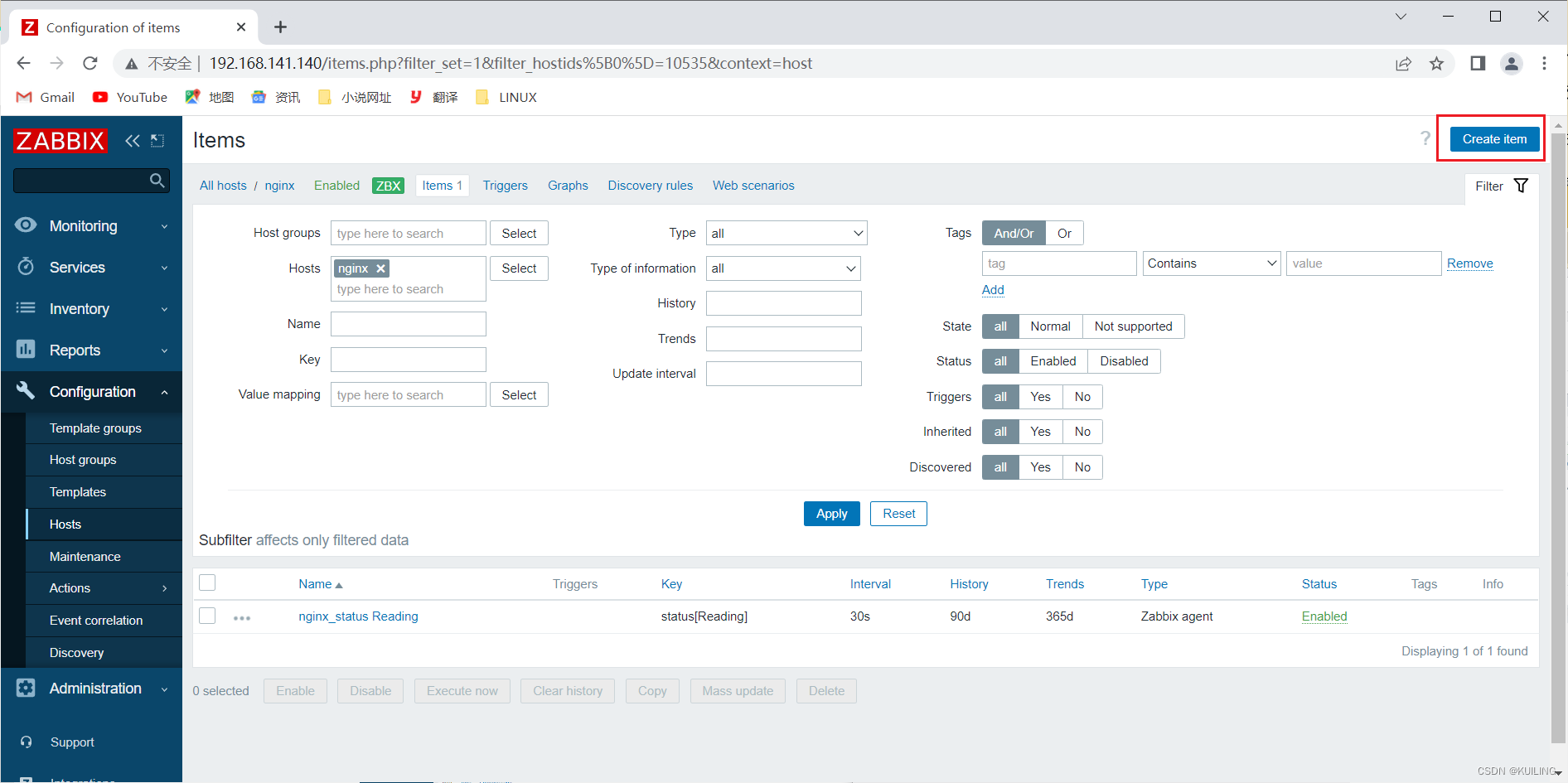
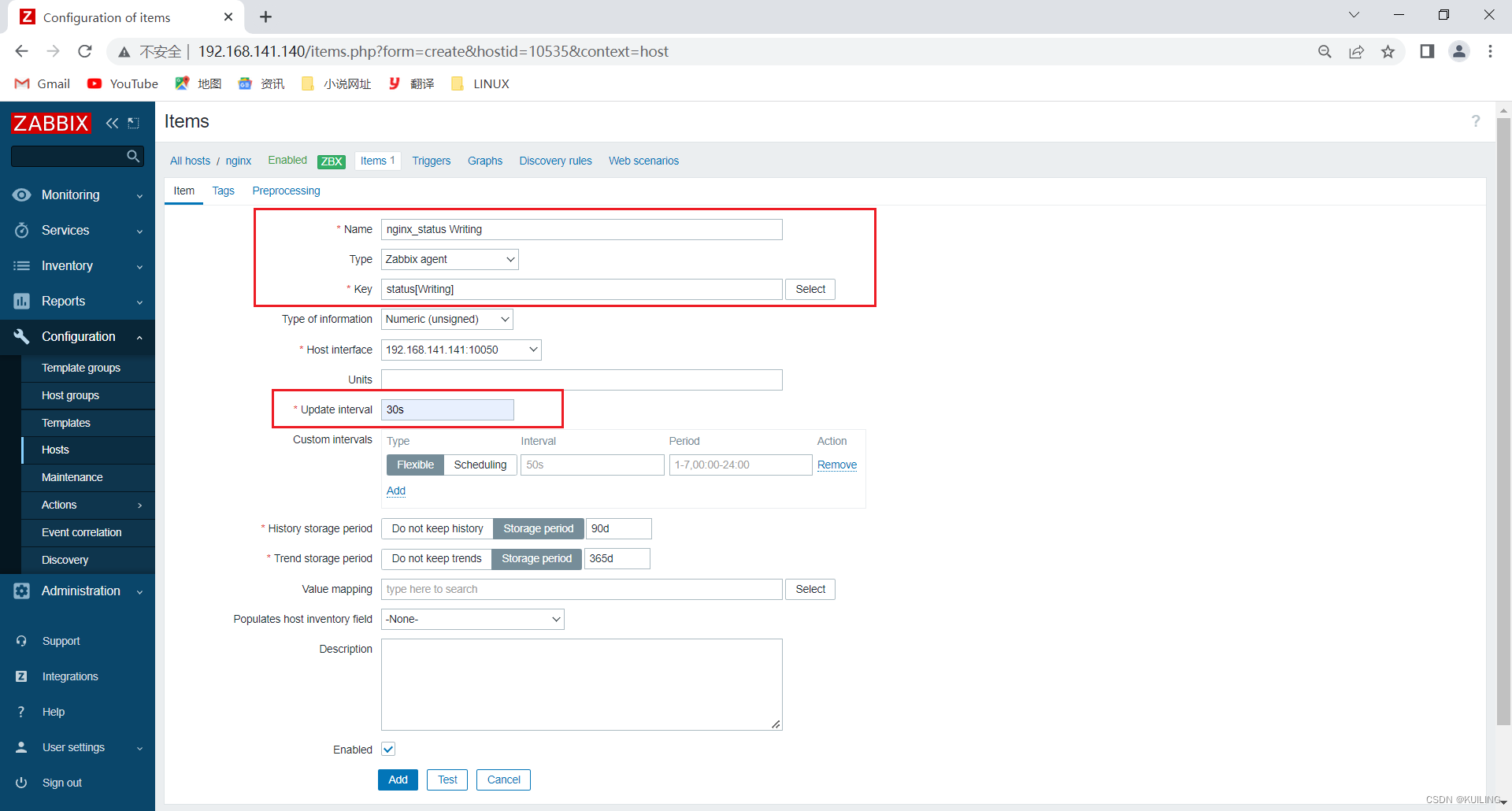
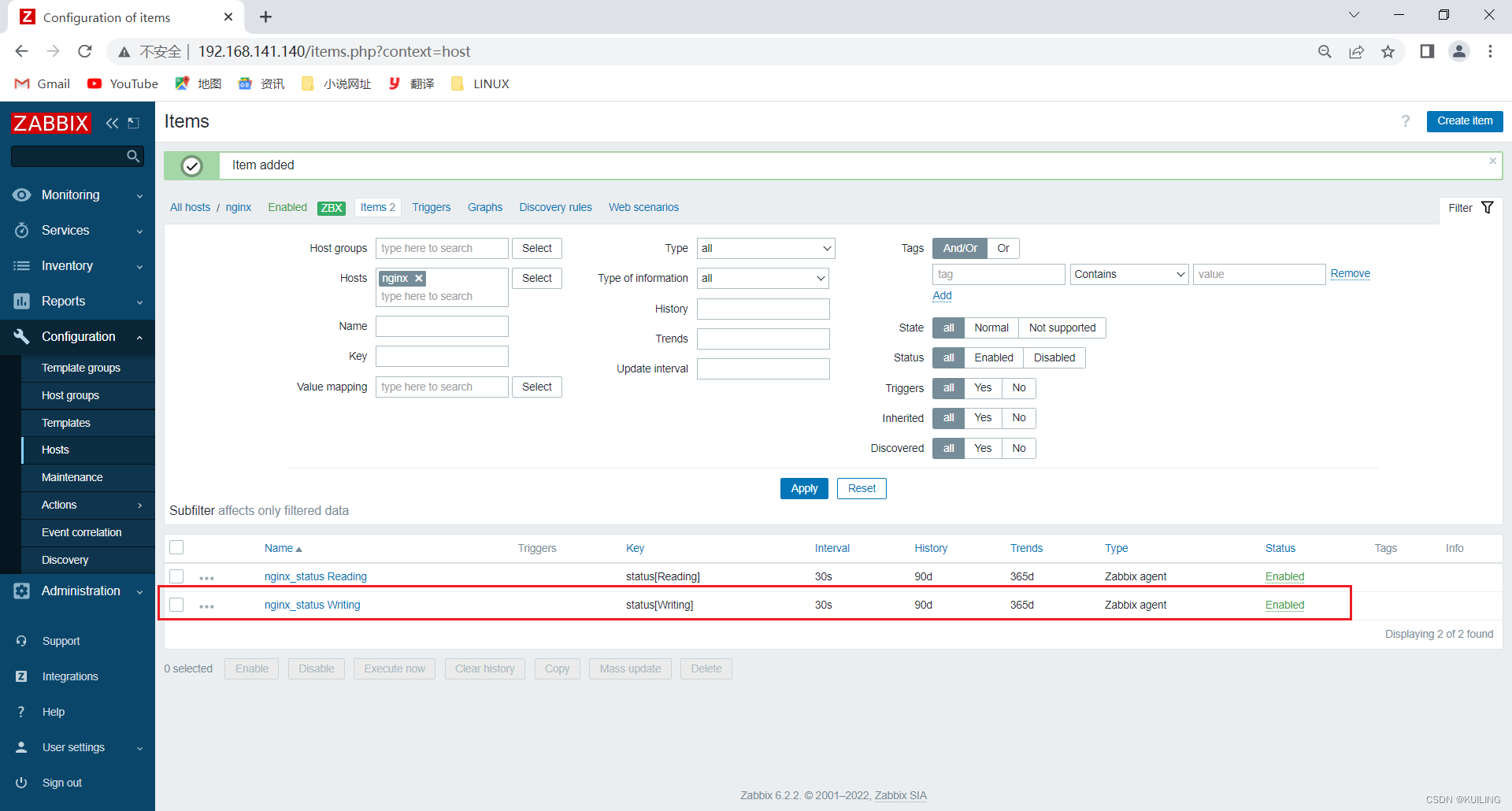
添加Writing监控
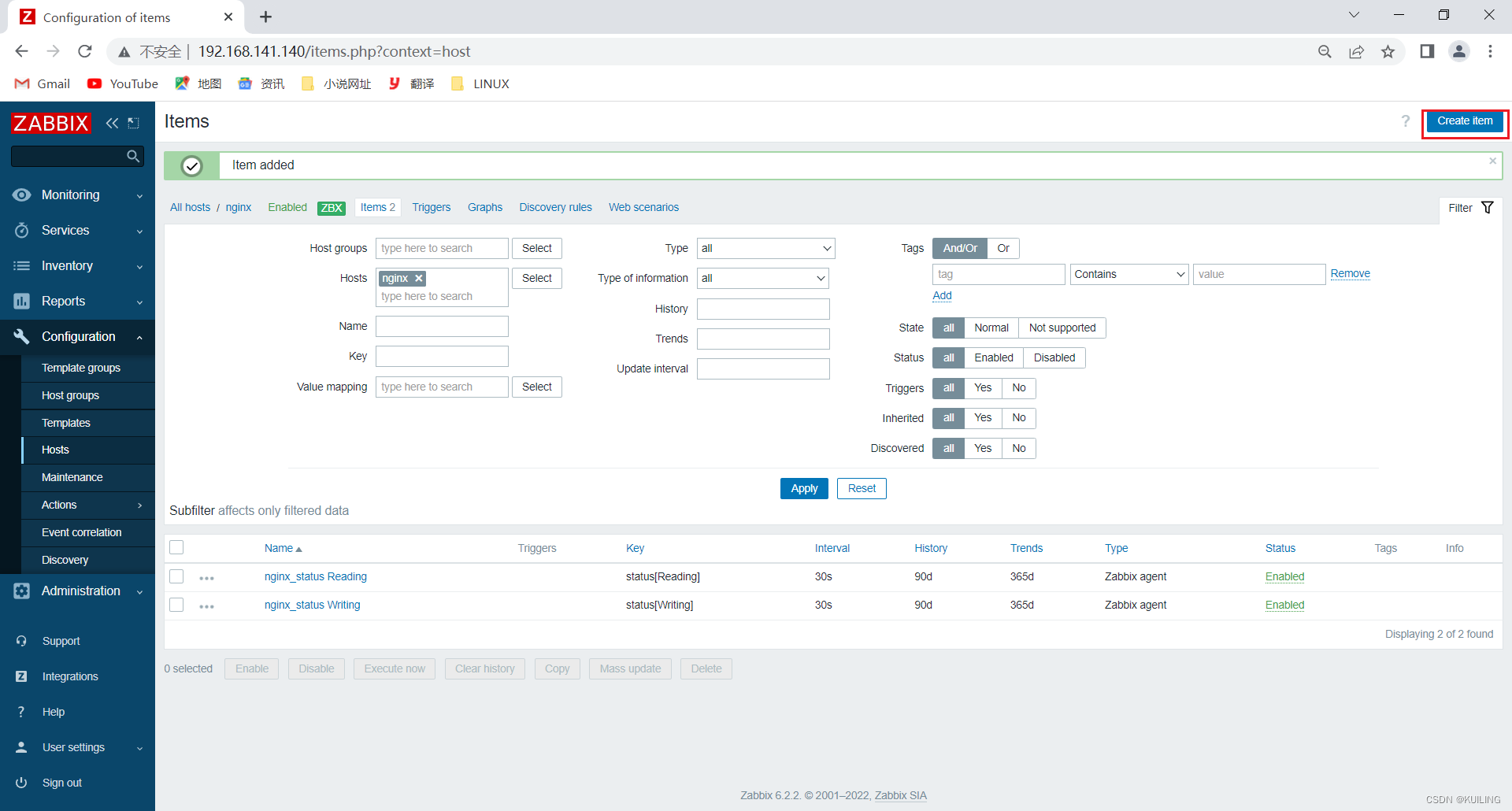
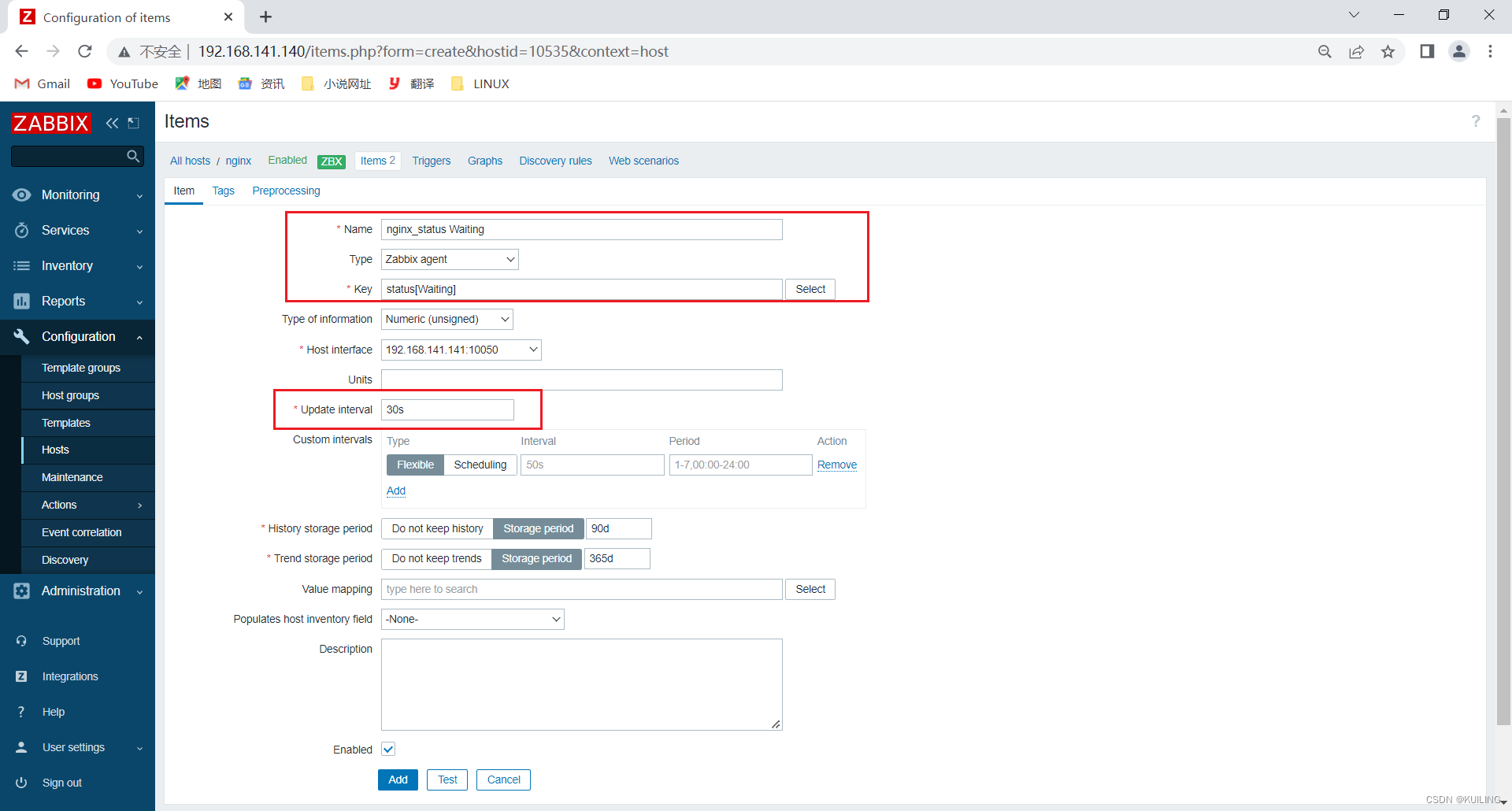
添加Waiting监控
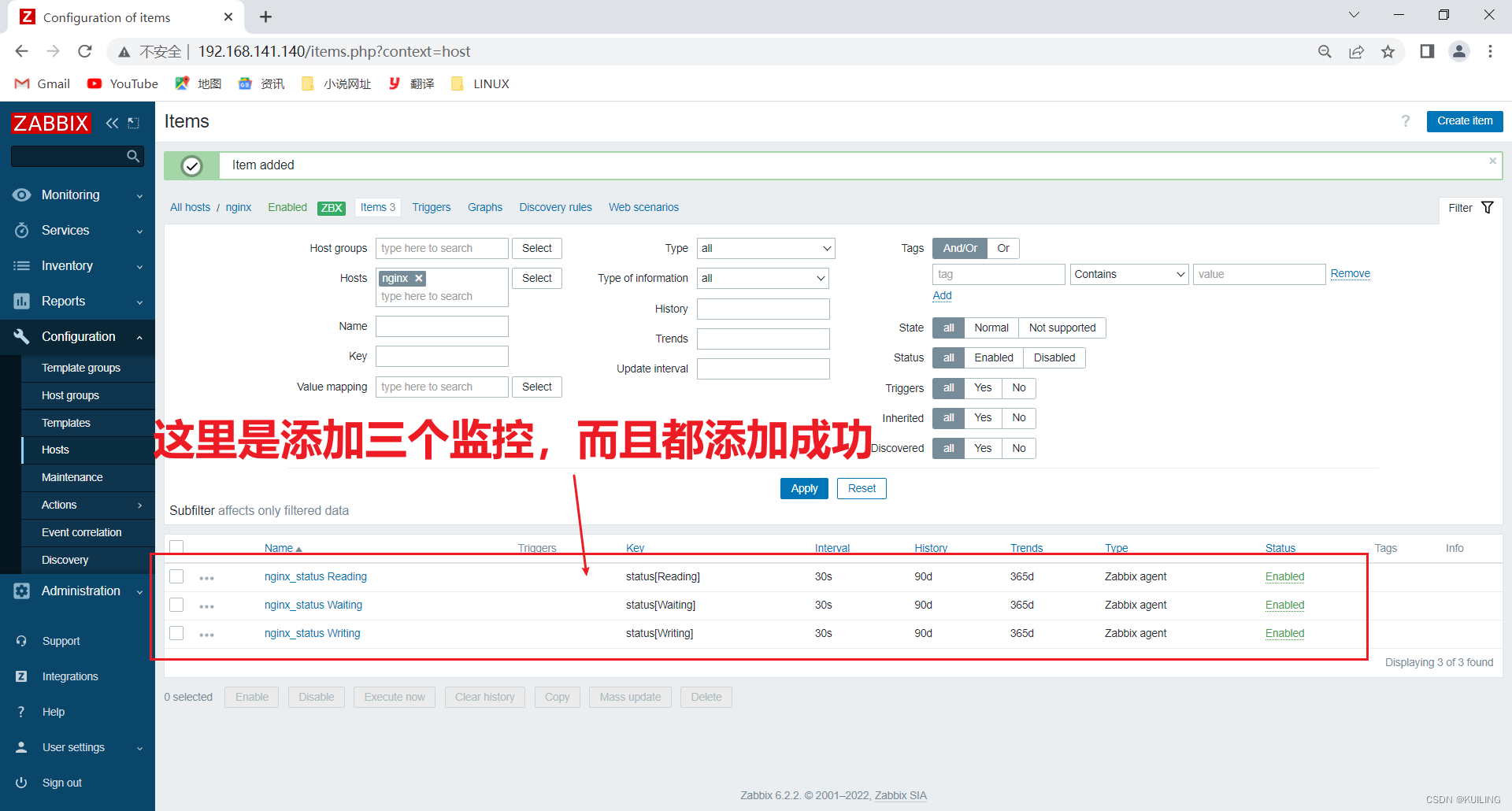
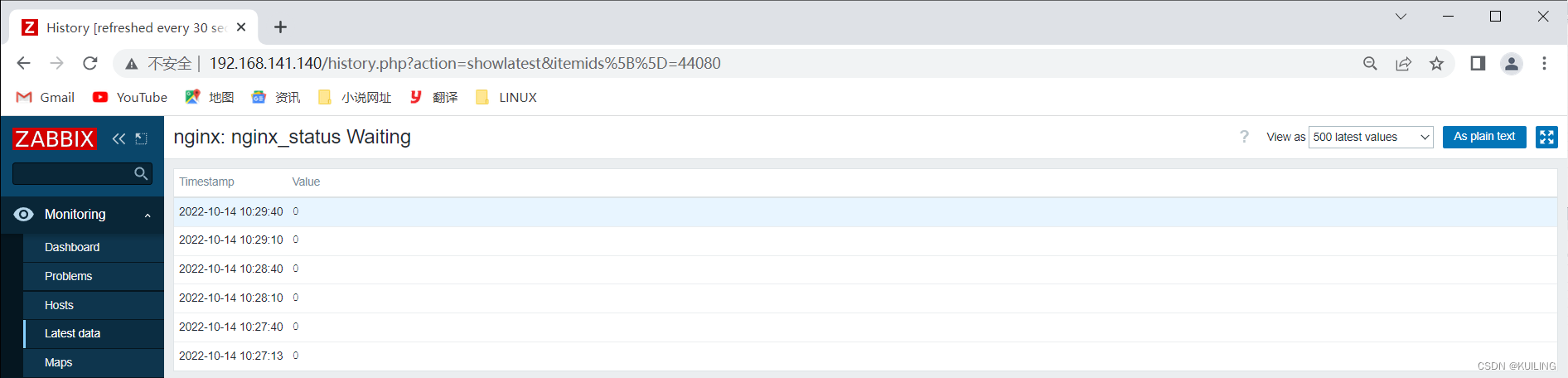
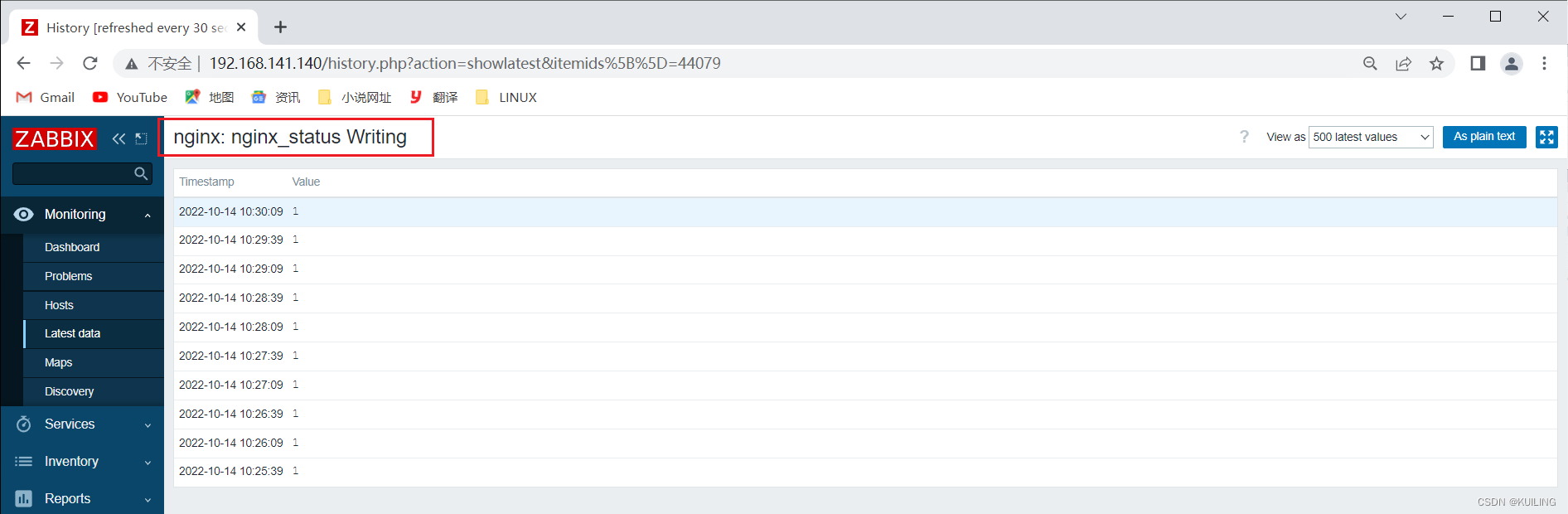
查看是否有推荐到监控项,然后点击选项进入查看监控值
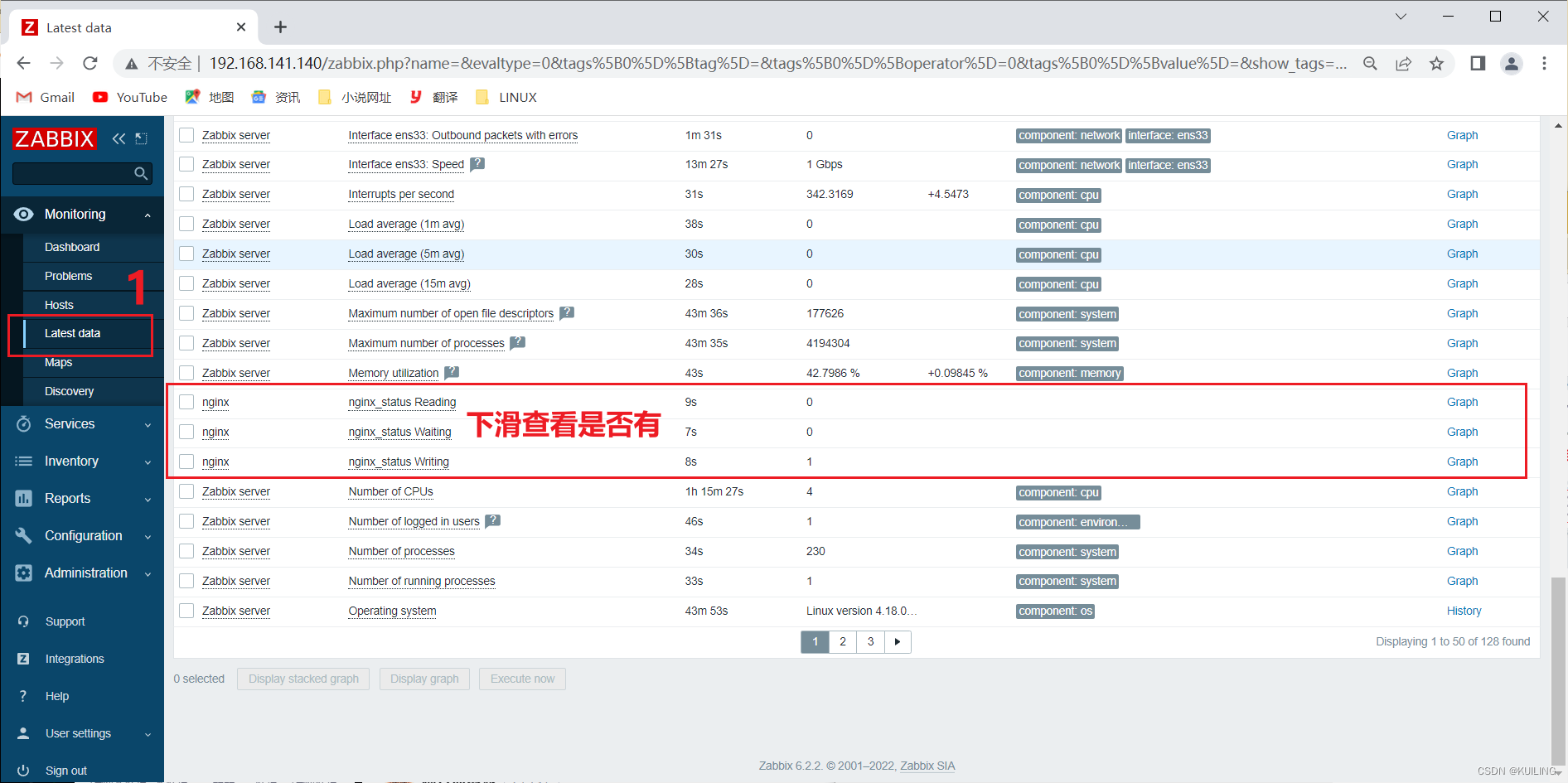
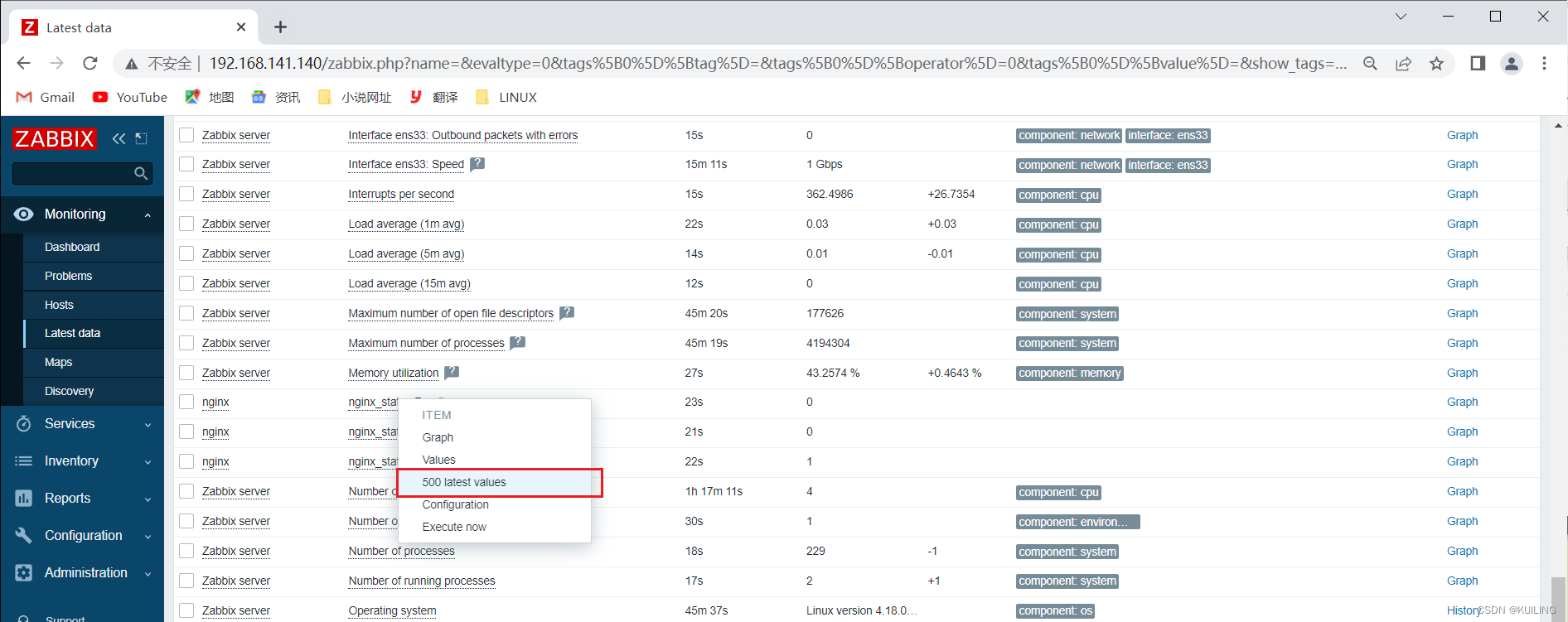
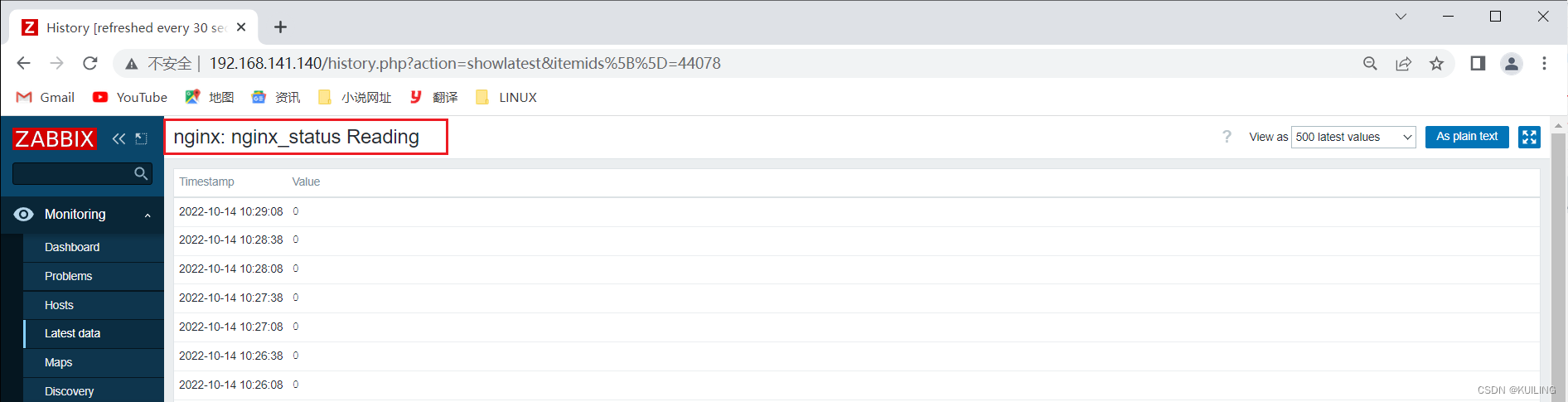
然后点击选项进入查看监控值

北京人形旗下天工造物具身智能开源社区,聚焦具身天工与慧思开物两大平台
更多推荐
 0
0 0
0- 0


 已为社区贡献1条内容

所有评论(0)