uniapp微信h5自定义分享
·
效果图
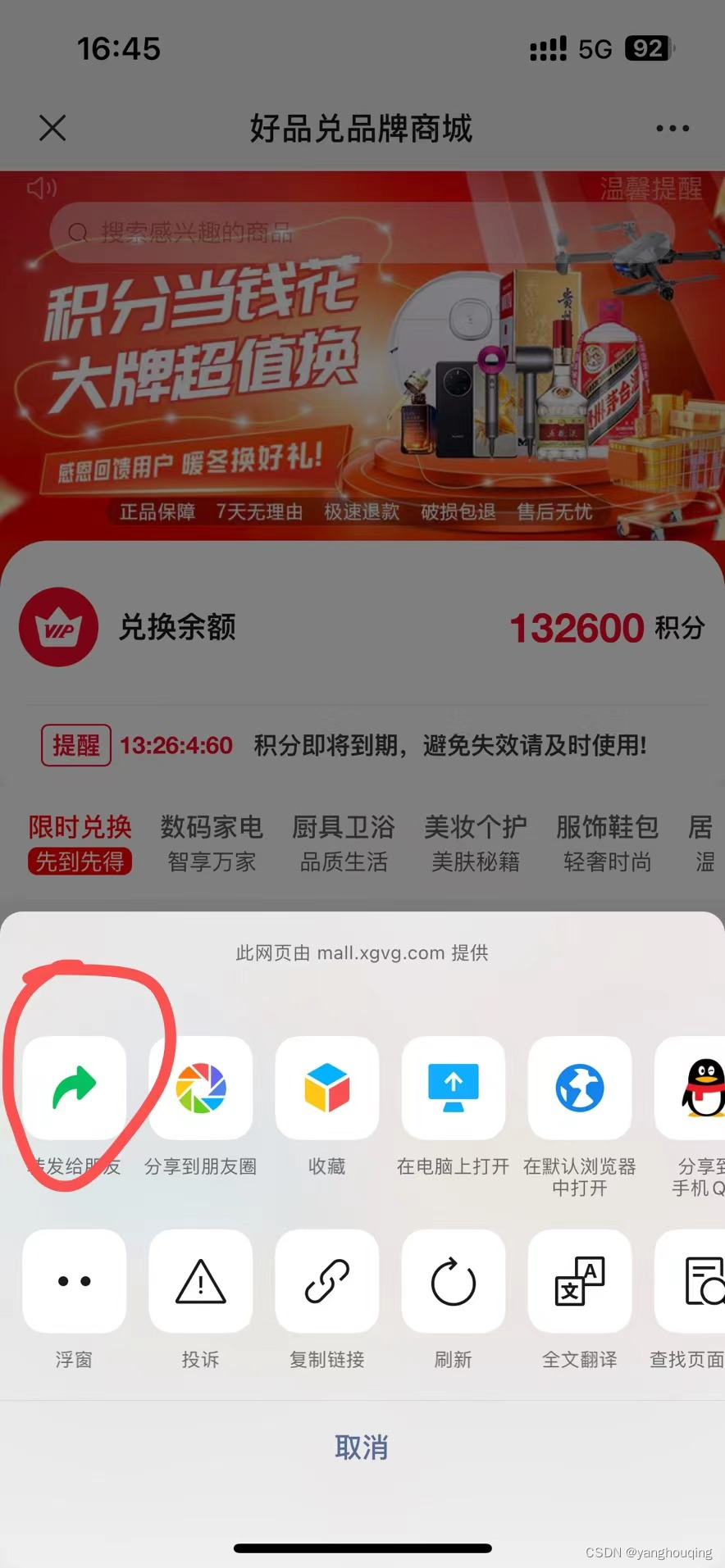
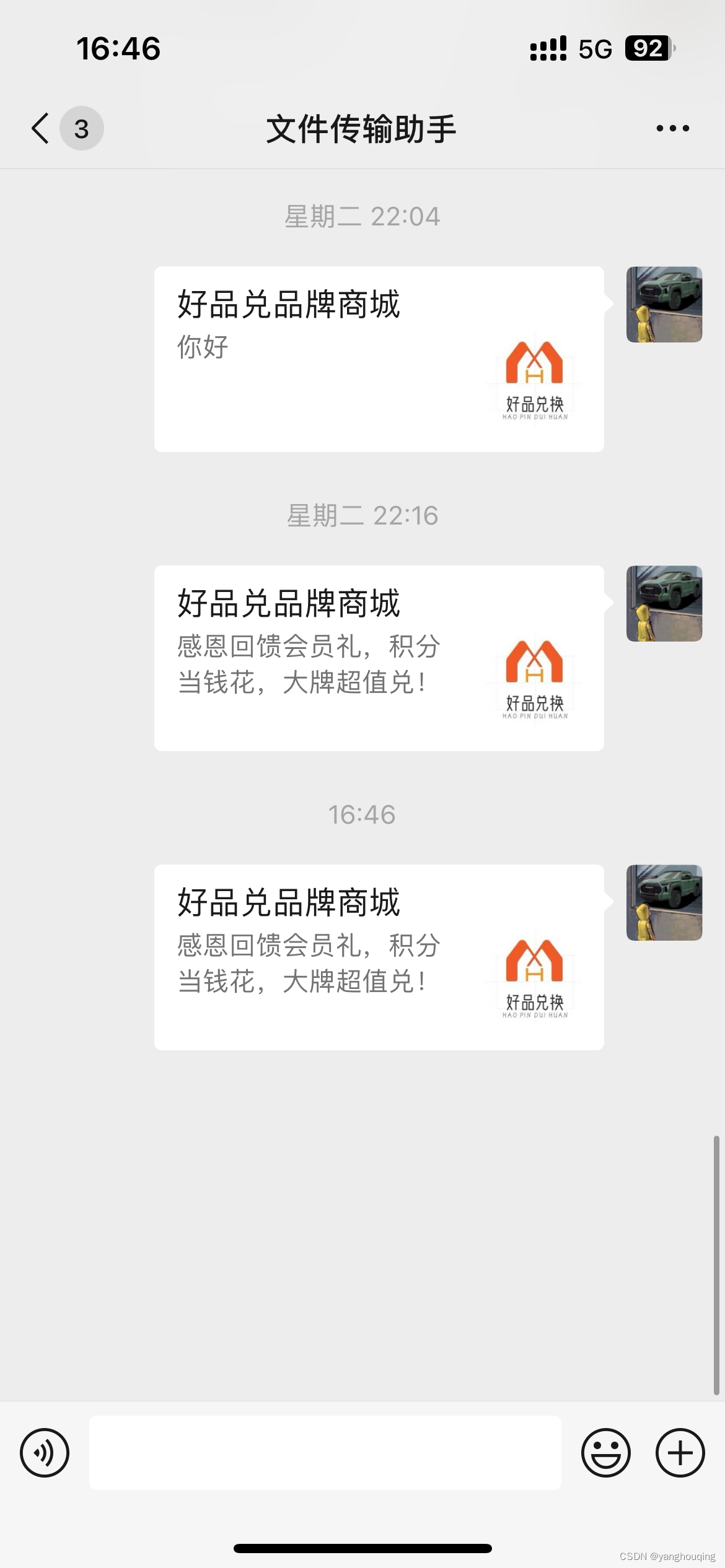
1、添加js接口安全域名
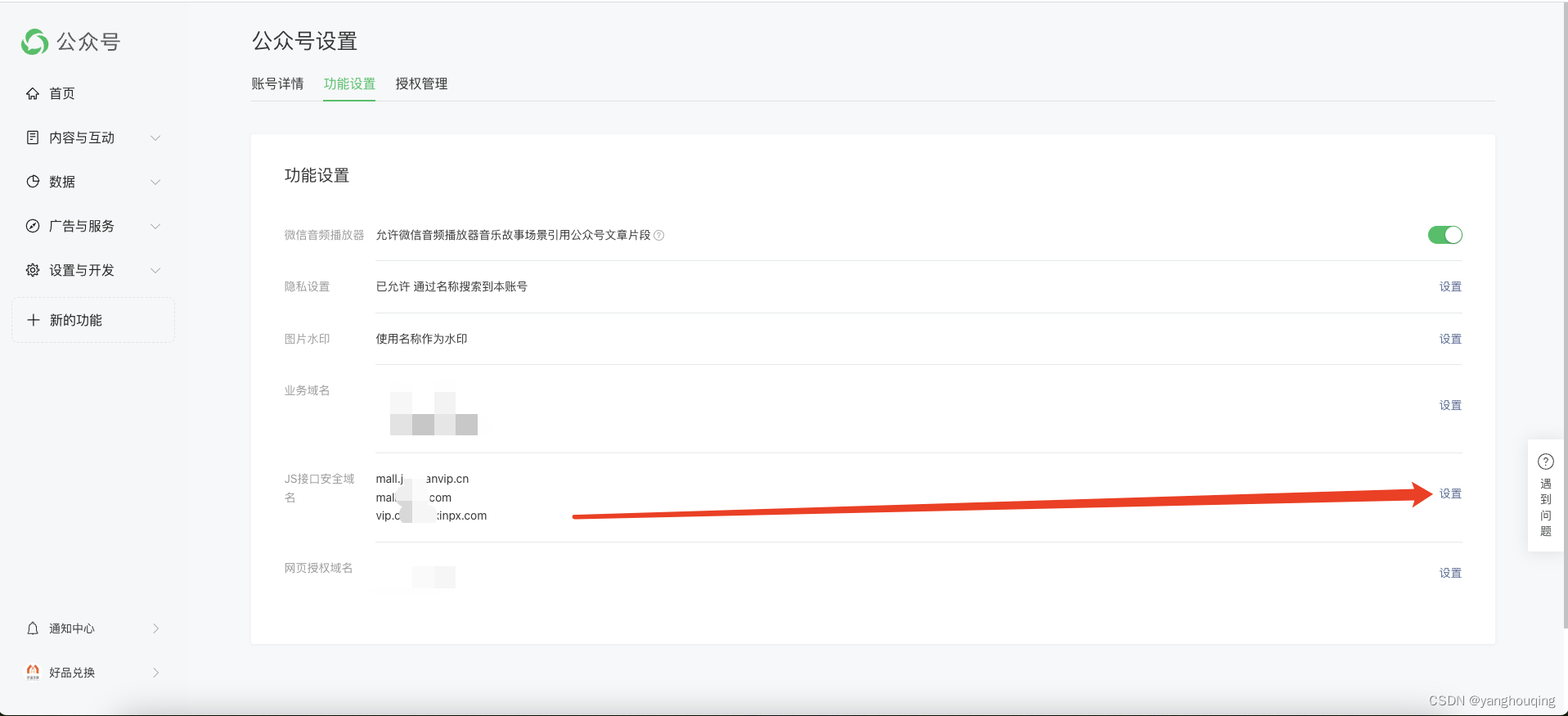
首先登录 微信公众平台,进入公众号设置 > 功能设置 “设置js接口安全域名”。
2、安装weixin-js-sdk依赖
打开终端执行以下命令
npm install weixin-js-sdk --save3、使用
以下是我的测试页面,实际使用在你自己需要分享的页面中使用即可
<template>
	<view>
        uniapp微信h5自定义分享测试页面
	</view>
</template>

<script>
    //引用依赖
    import jweixin from "weixin-js-sdk";

	export default {
		onLoad() {
			// 获取当前页面路径
			let currentPageUrl = encodeURIComponent(window.location.href);
            // 请求后端接口进行签名
			let urlStr = `/wechat/config?url=${currentPageUrl}`;
			this.tui.request(urlStr, "GET", {}, false, true, false).then((res) => {
				if (res.status == 200) {
					jweixin.config({
						debug: false,  //测试时候用true 能看见wx.config的状态是否是config:ok
						appId: res.data.appId, // 必填,公众号的唯一标识(公众号的APPid)
						timestamp: res.data.timestamp, // 必填,生成签名的时间戳
						nonceStr: res.data.nonceStr, // 必填,生成签名的随机串
						signature: res.data.signature, // 必填,签名
						jsApiList: ["updateAppMessageShareData"]
					});
					jweixin.ready(function() {
						jweixin.updateAppMessageShareData({
							title: '好品兑品牌商城', // 分享标题
							desc: '感恩回馈会员礼,积分当钱花,大牌超值兑!', // 分享描述
							link: currentPageUrl, // 分享链接,该链接域名或路径必须与当前页面对应的公众号JS安全域名一致
							imgUrl: 'https://image.xgvg.com/WechatIMG717.jpeg', // 分享图标
							success: function () {
							},
							fail: function (error) {
							}
						})
					})
				}
			}).catch((res) => {
			})
		}
	}
</script>4、结束语
这里我使用的是updateAppMessageShareData接口,更多参考文档 微信官方JS-SDK文档
后端接口如何签名该文章不提供代码,可关注后续将会更新。

北京人形旗下天工造物具身智能开源社区,聚焦具身天工与慧思开物两大平台
更多推荐
 2
2 0
0- 0


 已为社区贡献2条内容

所有评论(0)