flutter打包ipa 并上传Appstore
·
Transporter
在macOS上安装Transporter,后面会用它来上传ipa文件
https://apps.apple.com/us/app/transporter/id1450874784?mt=12
打包
假设已经配置好了,开发者账号,各种证书文件了。
flutter build ipa --release
这里注意,如果使用模拟器调试的话,这里的--release 不可以缺少
打包成功后
cd build/ios/ipa
open .
然后把.ipa文件拖到Transporter
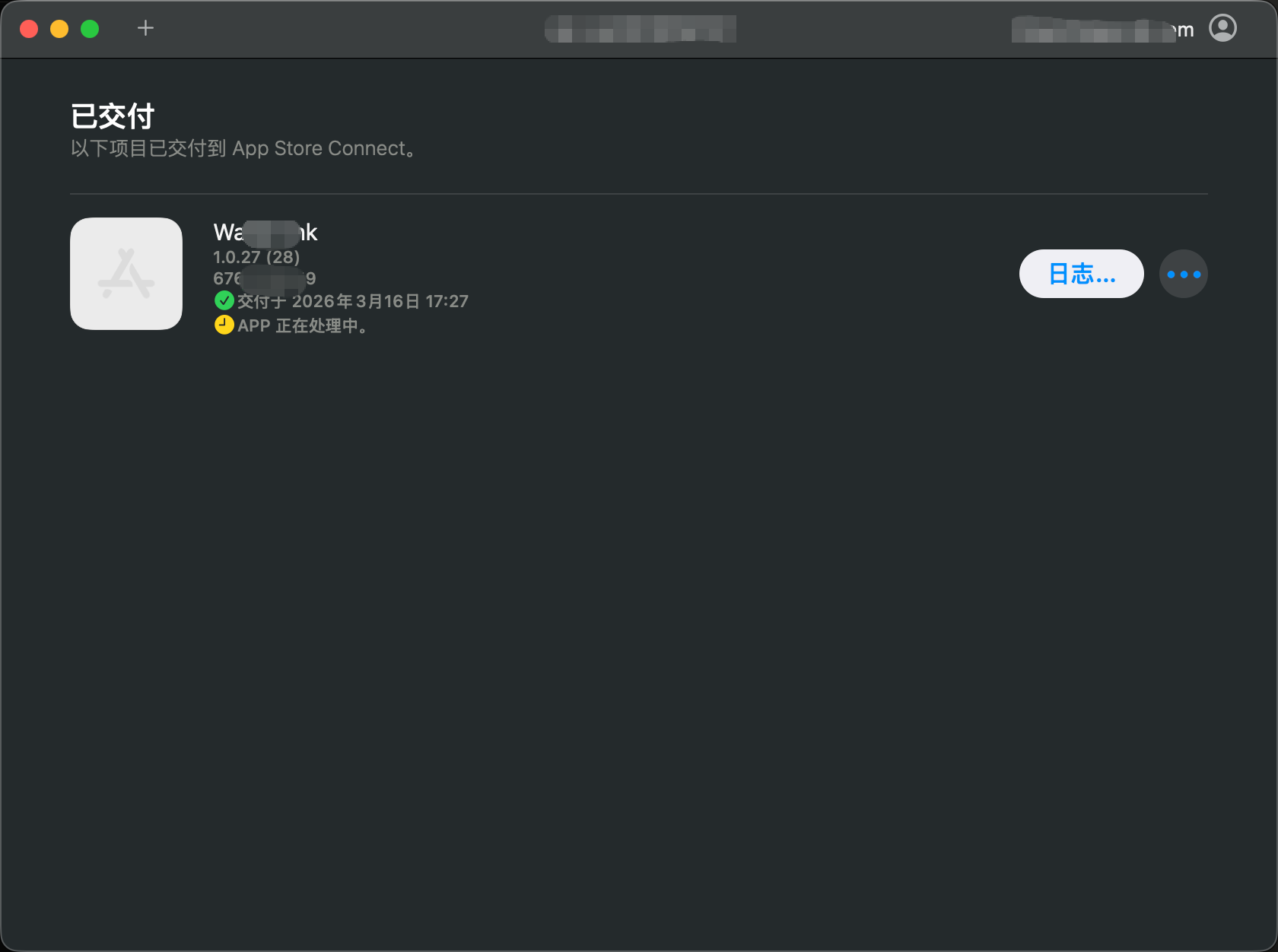
2026年03月24日 补充
打包之前不要使用模拟器调试,不然打出来的ipa上传时会报
使用Transporter 上传ipa时报错如下 Validation failed (409)
Invalid executable. The “Runner.app/Frameworks/objective_c.framework/objective_c” executable references an unsupported platform in the arm64 slice. Since your app targets the iOS platform, it should only include executables that support the iOS platform. Simulator platforms aren’t permitted. (ID: a6204ae3-f169-42cb-bf01-651b3b695713)
我的解决办法,退出模拟器,重新启动MacOS使用真机调试,这里在打包就可以正常上传了。不会有报错了。
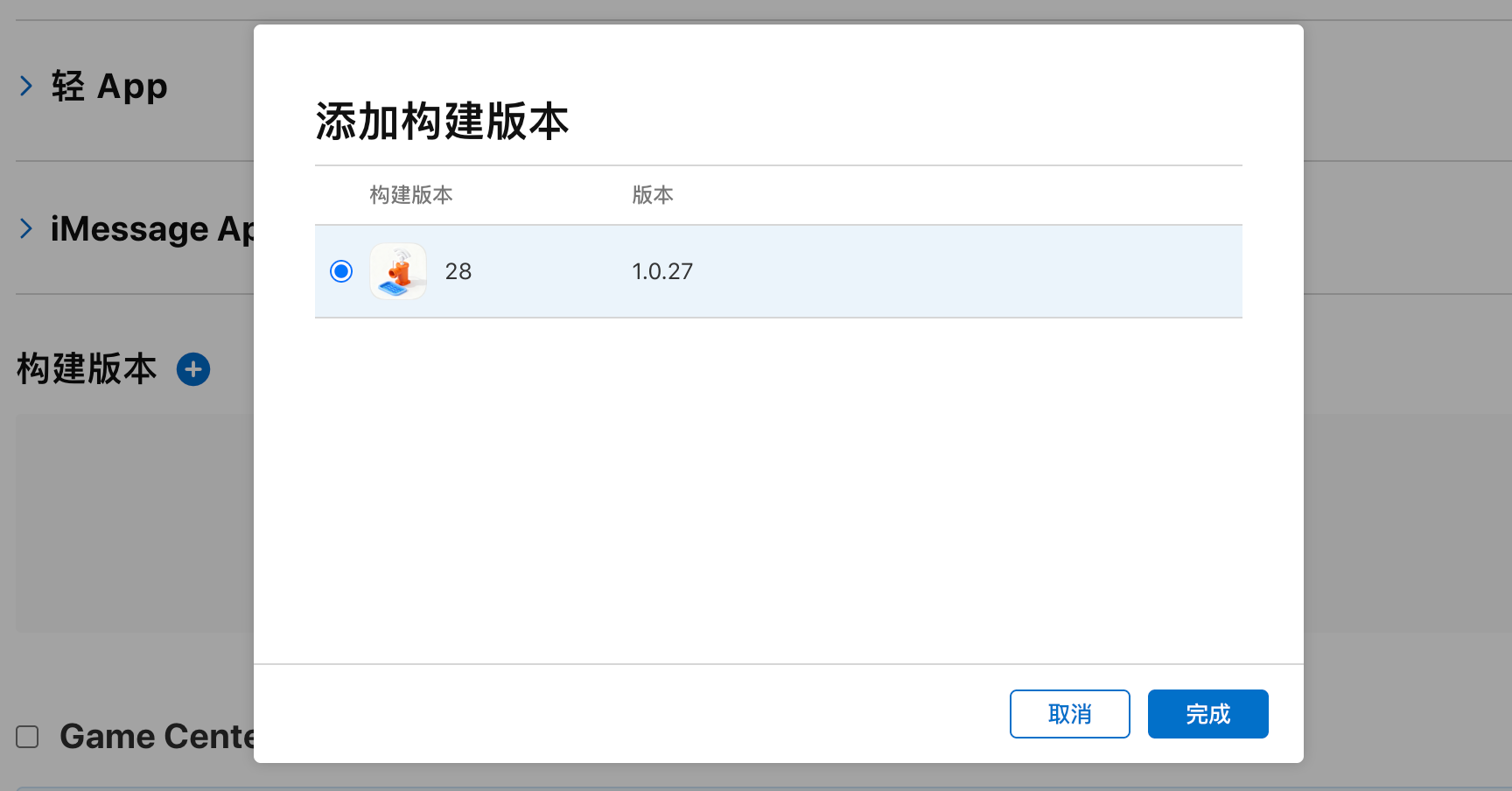
添加构建版本
稍等一段时间,在
https://appstoreconnect.apple.com/
就可以添加构建版本了。
参考

北京人形旗下天工造物具身智能开源社区,聚焦具身天工与慧思开物两大平台
更多推荐
 1
1 0
0- 0


 已为社区贡献17条内容

所有评论(0)