centos7安装adb命令和ffmpeg命令
·
一、下载并安装adb命令
1、确认你的操作系统
cat /etc/os-release

NAME="CentOS Linux"
VERSION="7 (Core)"
ID="centos"
ID_LIKE="rhel fedora"
VERSION_ID="7"
PRETTY_NAME="CentOS Linux 7 (Core)"
ANSI_COLOR="0;31"
CPE_NAME="cpe:/o:centos:centos:7"
HOME_URL="https://www.centos.org/"
BUG_REPORT_URL="https://bugs.centos.org/"

CENTOS_MANTISBT_PROJECT="CentOS-7"
CENTOS_MANTISBT_PROJECT_VERSION="7"
REDHAT_SUPPORT_PRODUCT="centos"
REDHAT_SUPPORT_PRODUCT_VERSION="7"
2、下载并安装adb命令集合
下载platform-tools_r31.0.3-linux.zip, 解压缩至本地。
cd /opt
unzip platform-tools_r31.0.3-linux.zip

3、配置adb环境变量
vi /etc/profile

export ADB_PATH=/opt/platform-tools
export PATH=$PATH:$ADB_PATH

source /etc/profile

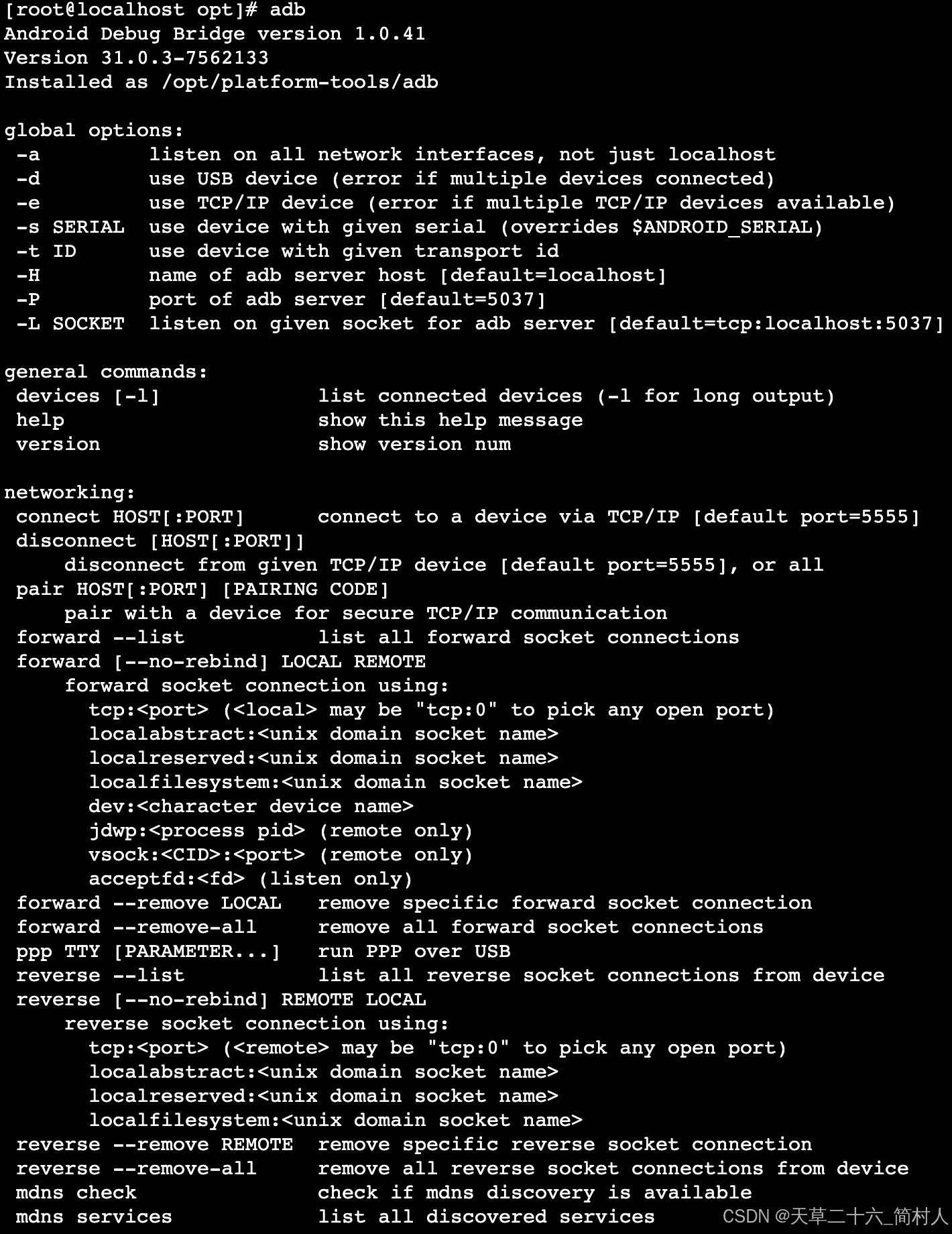
4、验证adb命令
二、安装ffmpeg命令
1、下载ffmpeg-4.1.tar.xz
cd /opt
wget --no-check-certificate https://johnvansickle.com/ffmpeg/release-source/ffmpeg-4.1.tar.xz

# 解压缩至本地
tar -xvf ffmpeg-4.1.tar.xz

2、安装配置
cd ffmpeg-4.1
./configure --enable-shared --prefix=/usr/local/ffmpeg  # --prefix选项指出ffmpeg的安装路径
执行config程序时,可能会报“nasm/yasm not foun or too old. Use …”的错,此时需要先安装yams,然后再重新执行配置程序

3、安装yams
yum install gcc make wget

# 可能会安装yasm失败,找不到源。需要先启用 EPEL 仓库
yum install epel-release
yum install yasm
4、编译并安装
执行编译&安装指令 make && make install ,完成ffmpeg程序的编译和安装。
5、配置ffmpeg环境变量
# ffmpeg -h 提示找不到ffmpeg

vi /etc/profile

export PATH="/usr/local/ffmpeg/bin:${PATH}"
export LD_LIBRARY_PATH="/usr/local/ffmpeg/lib:{LD_LIBRARY_PATH}"

source /etc/profile

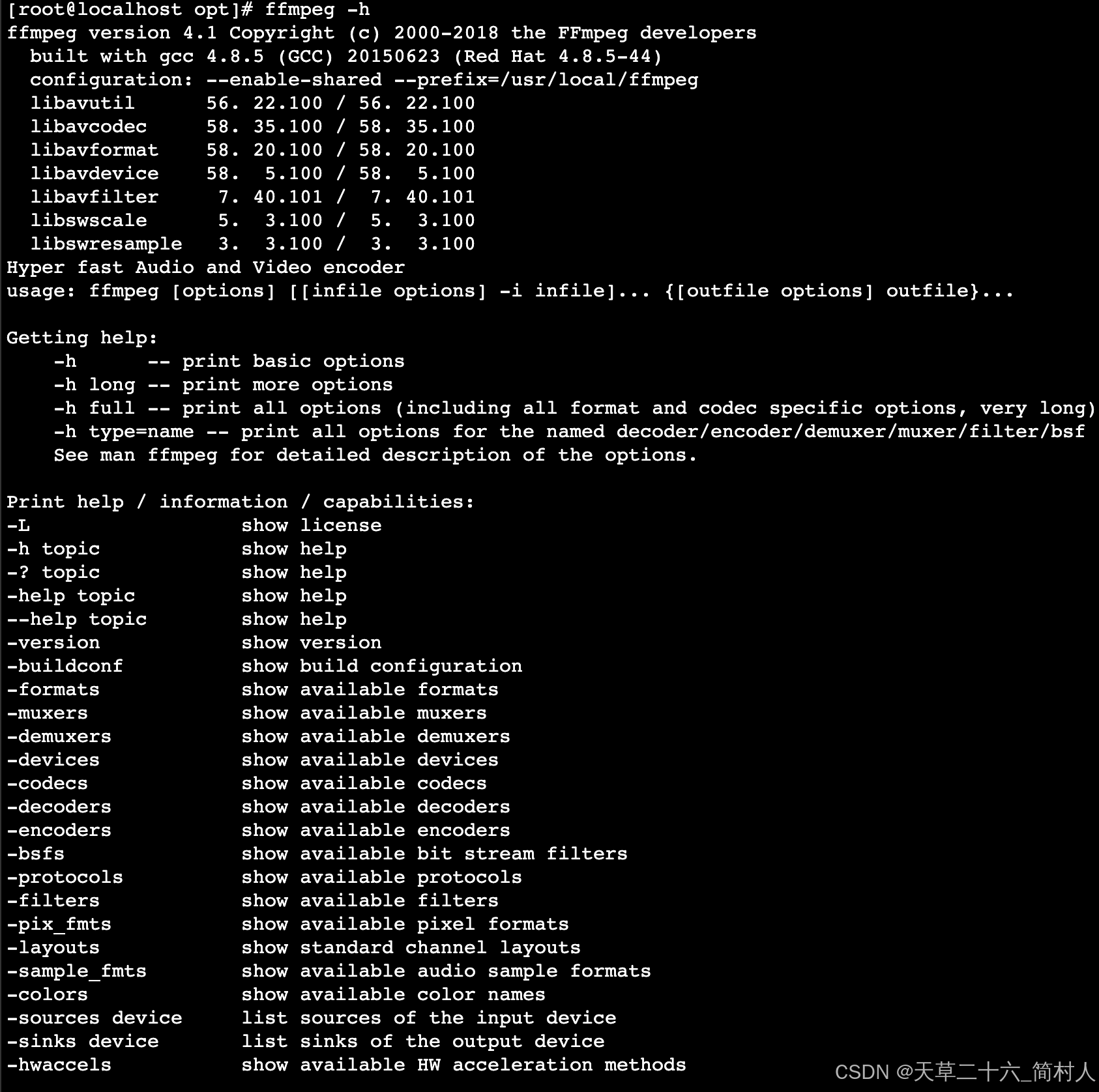
6、验证ffmpeg
ffmpeg -h 验证环境变量是否已生效

北京人形旗下天工造物具身智能开源社区,聚焦具身天工与慧思开物两大平台
更多推荐
 5
5 0
0- 0


 已为社区贡献15条内容

所有评论(0)