uniapp app端使用友盟
·
由于项目需要统计,我们选中的方案是接入友盟,配置完成了需要打自定义基座才能看到
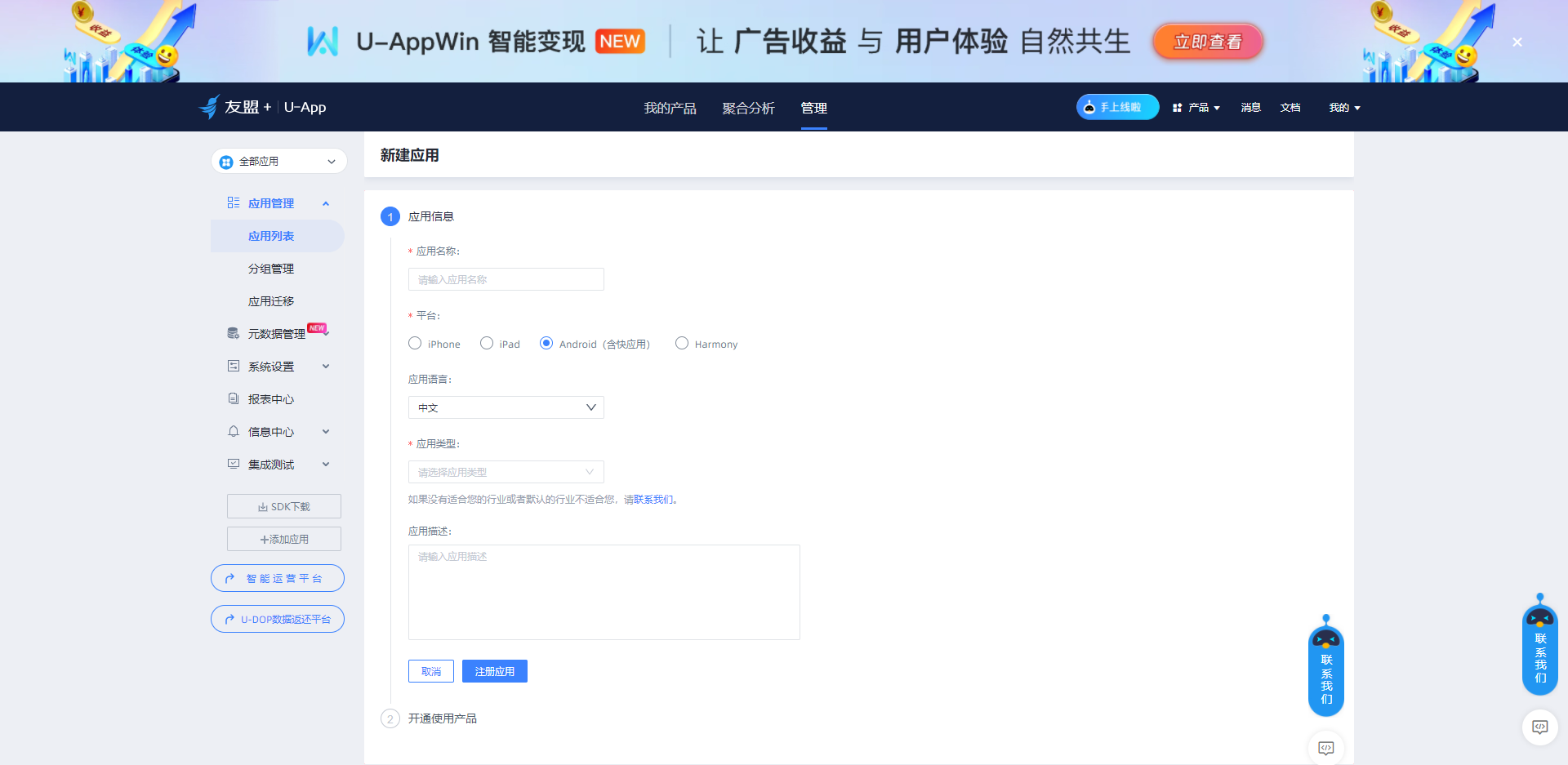
首先去申请友盟账号,然后创建应用
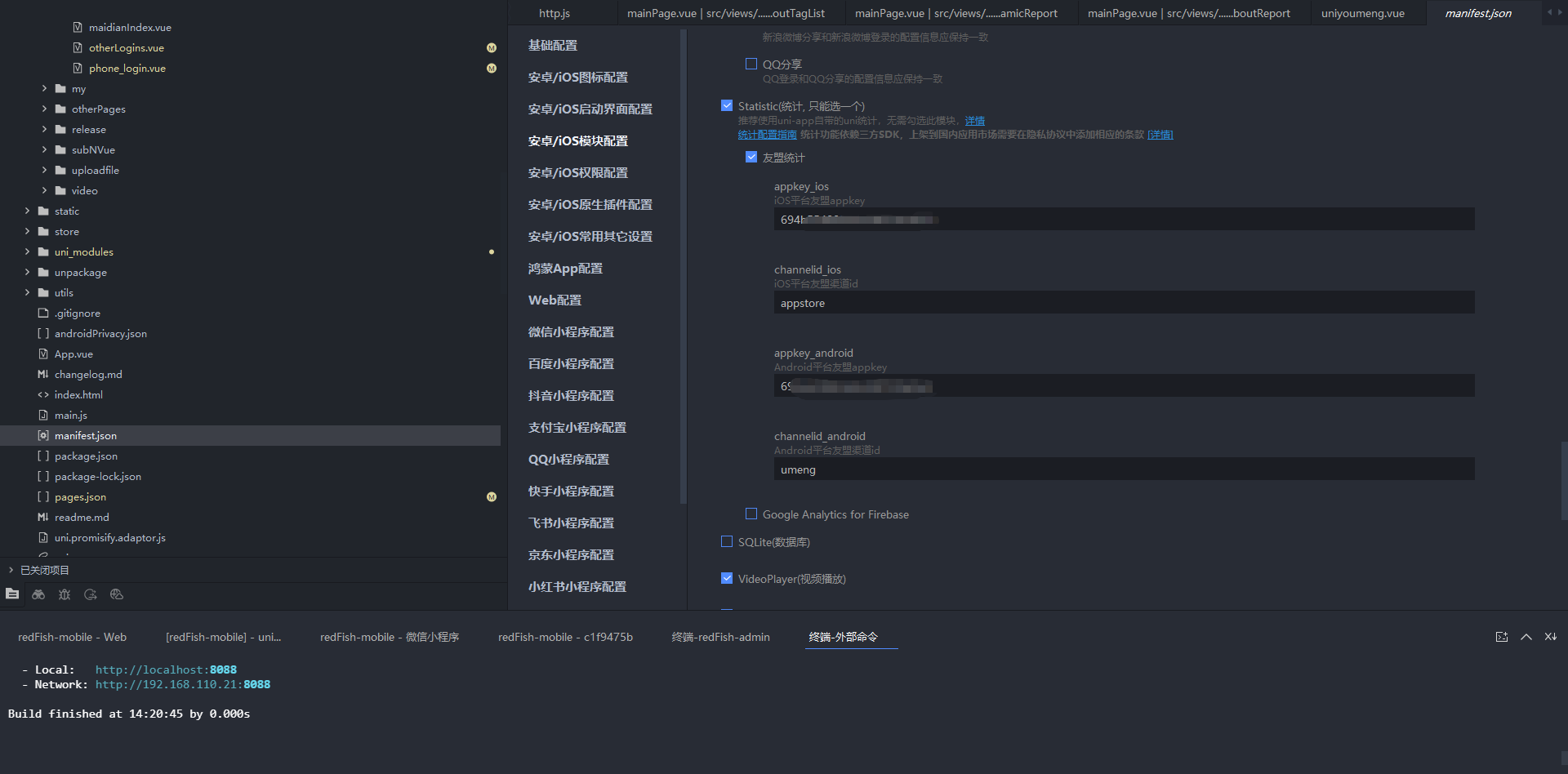
在manifest.json文件中去配置友盟申请的appkey,渠道id随便写
文档
https://www.html5plus.org/doc/zh_cn/statistic.html
使用方法,uniapp集成好了,只需要写自定义事件就好了
// #ifdef APP-PLUS
		plus.statistic.eventTrig("unimaidian",'123')
		// #endif
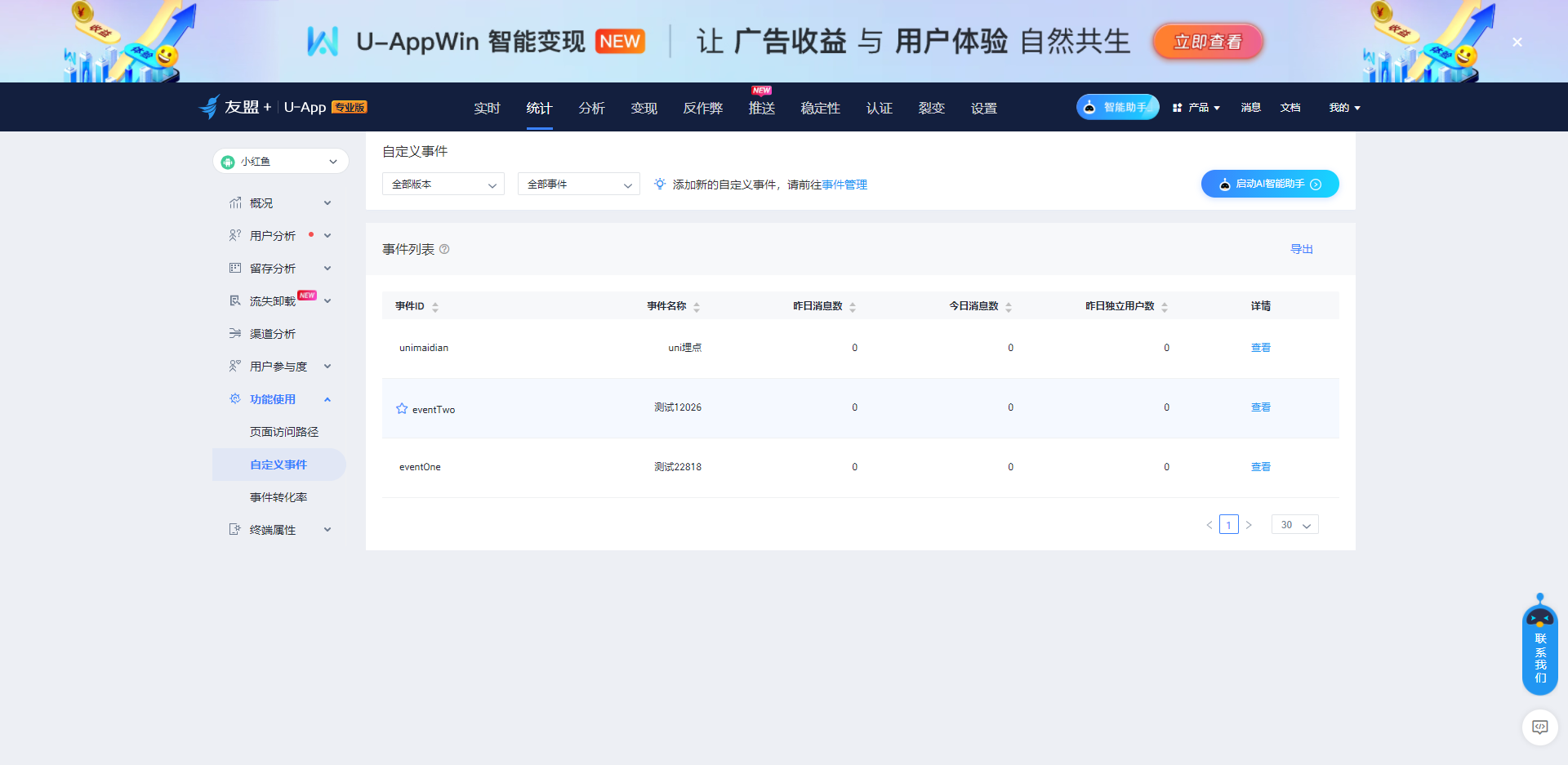
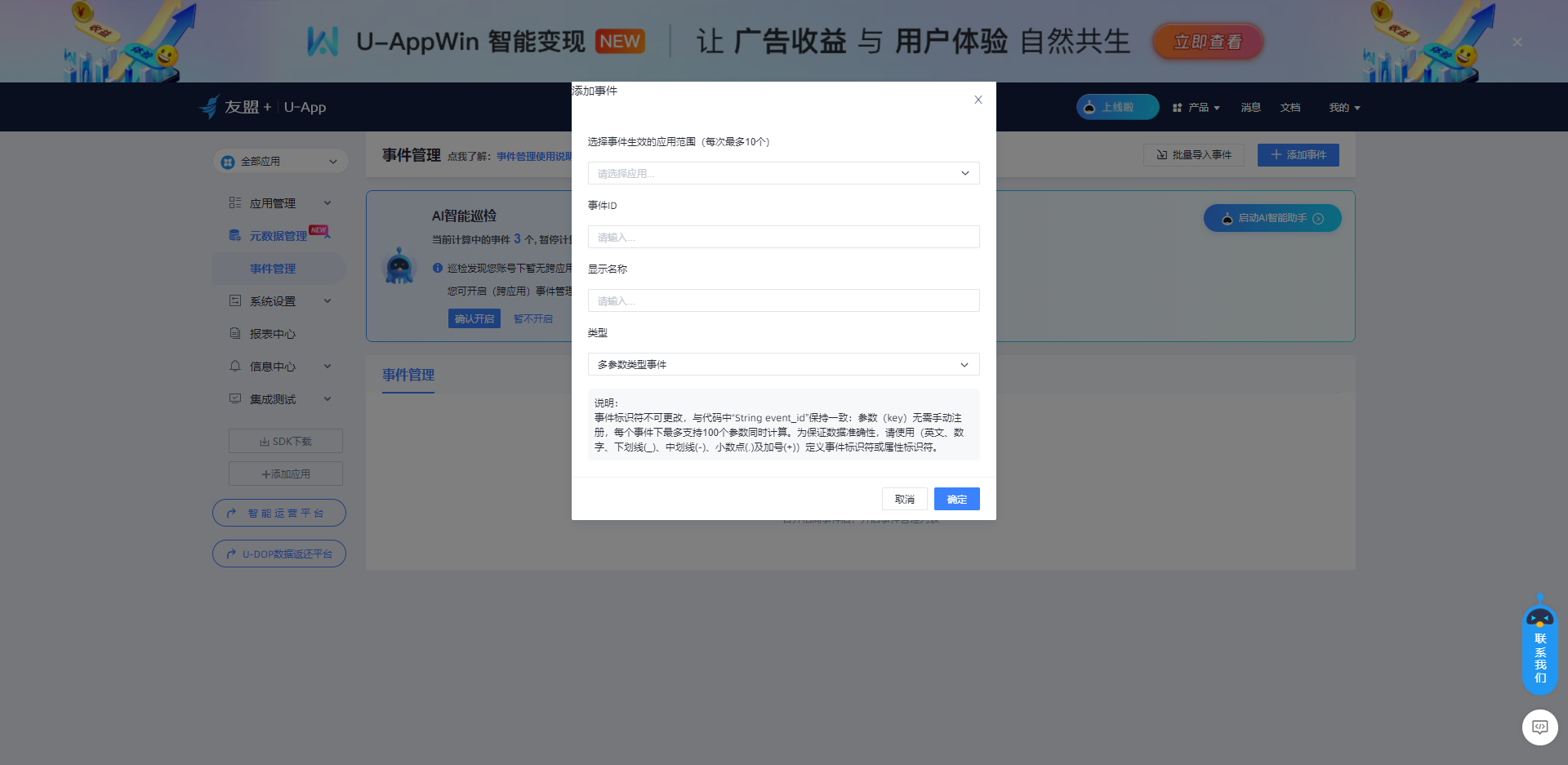
自定义事件添加
如果不想用uniapp自带的可以用插件市场的
插件地址
https://ext.dcloud.net.cn/plugin?id=22818
使用方法
<template>
	<view>
		<view>
			22818
		</view>
		<!-- #ifdef APP-PLUS -->
		<view @click="goMaidian">点击设置埋点登录</view>
		<!-- #endif -->
	</view>
</template>

<script setup>
	// #ifdef APP-PLUS
	import {onLoad} from "@dcloudio/uni-app"
	//插件对象
	import * as UMStatistic from "@/uni_modules/Lizii-UMStatistic";
	const goMaidian=()=>{
		//页面进入事件
		var viewName = "viewName1";//自定义页面名。
		UMStatistic.onPageStart(viewName);
		console.log("点击了22818")
		//自定义埋点事件
		var eventID = "eventOne";//为当前统计的事件ID。
		var map = {
		    key1:"key1",
		    key2:12
		};//对当前事件的参数描述,定义为“参数名:参数值”的HashMap“<键-值>对”。
		UMStatistic.onEventObject(eventID,map);
	}

	onLoad(()=>{
		UMStatistic.UMinit();
	})
	// #endif
</script>

<style>

</style>
或者使用另一个
https://ext.dcloud.net.cn/plugin?id=12026
这个就需要去manifest.json选云端插件
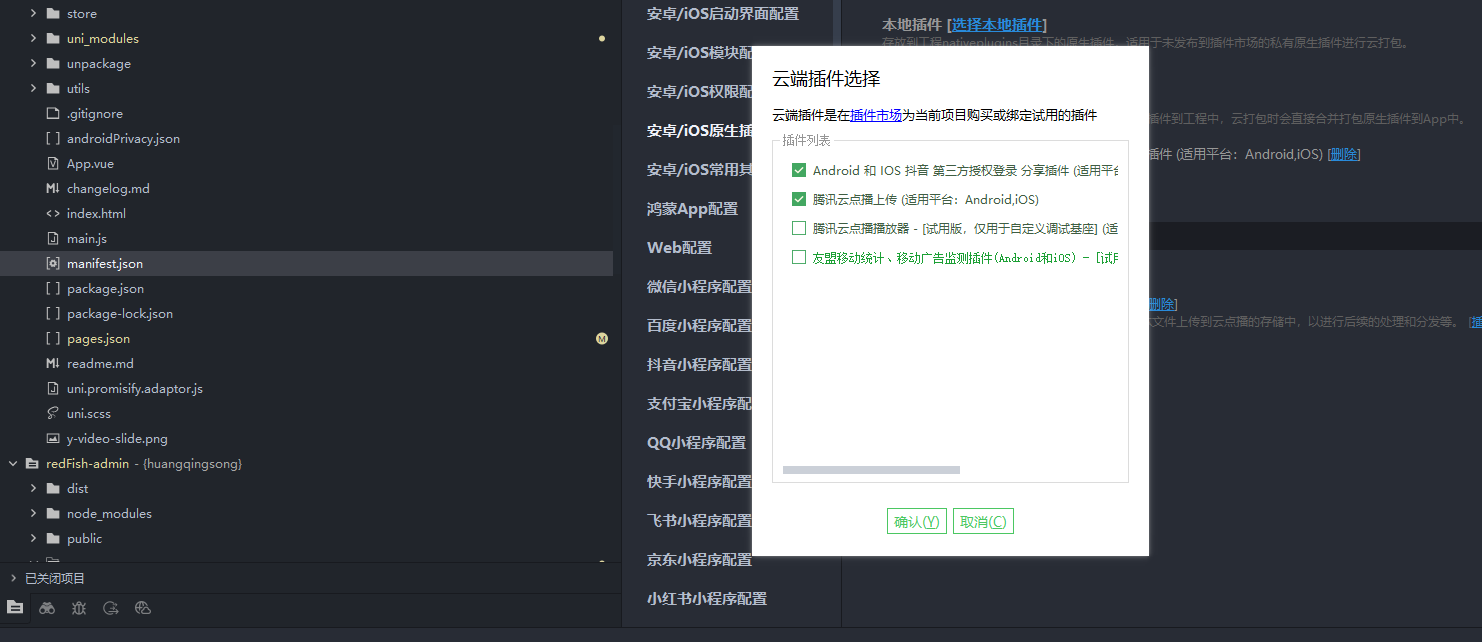
使用方法
<template>
	<view>
		<view>12026</view>
		<!-- #ifdef APP-PLUS -->
		<view @click="goMaidian">点击设置埋点登录</view>
		<!-- #endif -->
	</view>
</template>

<script setup>
	// #ifdef APP-PLUS
	import {onLoad} from "@dcloudio/uni-app"
	//插件对象
	var UMStatistic = uni.requireNativePlugin('UM-Statistic');
	const goMaidian=()=>{
		//页面进入事件
		var viewName = "viewName2";//自定义页面名。
		UMStatistic.onPageStart(viewName);
		console.log("点击了12026")
		//自定义埋点事件
		var eventID = "eventTwo";//为当前统计的事件ID。
		var map = {
		    key1:"key1",
		    key2:12
		};//对当前事件的参数描述,定义为“参数名:参数值”的HashMap“<键-值>对”。
		var number = 10;//计数值
		UMStatistic.onEventObject(eventID,map);
	}

	onLoad(()=>{
		UMStatistic.UMinit();
	})
	// #endif
</script>

<style>

</style>
北京人形旗下天工造物具身智能开源社区,聚焦具身天工与慧思开物两大平台
更多推荐
 2
2 0
0- 0


 已为社区贡献11条内容

所有评论(0)