从零学习three.js官方文档(二)——图元
个人简介
👀个人主页: 前端杂货铺
🙋♂️学习方向: 主攻前端方向,正逐渐往全干发展
📃个人状态: 研发工程师,现效力于中国工业软件事业
🚀人生格言: 积跬步至千里,积小流成江海
🥇推荐学习:🍍前端面试宝典 🎨100个小功能 🍉Vue2 🍋Vue3 🍓Vue2/3项目实战 🥝Node.js实战 🍒Three.js
🌕个人推广:每篇文章最下方都有加入方式,旨在交流学习&资源分享,快加入进来吧
| 内容 | 参考链接 |
|---|---|
| 从零学习three.js官方文档(一) | 基本篇 |
文章目录
- 图元
- 立方缓冲几何体(BoxGeometry)
- 圆形缓冲几何体(CircleGeometry)
- 圆锥缓冲几何体(ConeGeometry)
- 圆柱缓冲几何体(CylinderGeometry)
- 十二面缓冲几何体(DodecahedronGeometry)
- 挤压缓冲几何体(ExtrudeGeometry)
- 二十面缓冲几何体(IcosahedronGeometry)
- 车削缓冲几何体(LatheGeometry)
- 八面缓冲几何体(OctahedronGeometry)
- 参数化缓冲几何体(ParametricGeometry)
- 平面缓冲几何体(PlaneGeometry)
- 多面缓冲几何体(PolyhedronGeometry)
- 圆环缓冲几何体(RingGeometry)
- 形状缓冲几何体(ShapeGeometry)
- 球缓冲几何体(SphereGeometry)
- 四面缓冲几何体(TetrahedronGeometry)
- 文本缓冲几何体(TextGeometry)
- 圆环缓冲几何体(TorusGeometry)
- 圆环缓冲扭结几何体(TorusKnotGeometry)
- 管道缓冲几何体(TubeGeometry)
- 边缘几何体(EdgesGeometry)
- 网格几何体(WireframeGeometry)
- Geometry VS BufferGeometry
图元
Three.js 有很多图元。图元就是一些 3D 的形状,在运行时根据大量参数生成。
立方缓冲几何体(BoxGeometry)
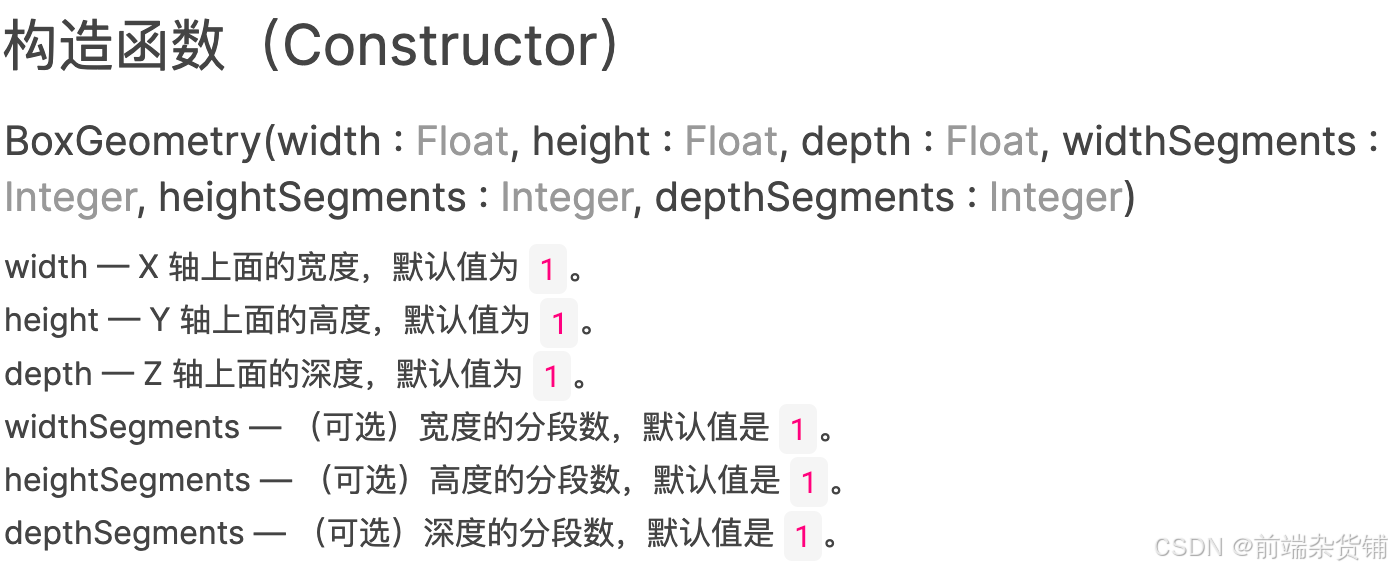
BoxGeometry 是四边形的原始几何类,它通常使用构造函数所提供的 “width”、“height”、“depth” 参数来创建立方体或者不规则四边形。
const geometry = new THREE.BoxGeometry(8, 8, 8, 4, 4, 4);
const material = new THREE.MeshPhongMaterial({ color: "orange" });
const cube = new THREE.Mesh(geometry, material);
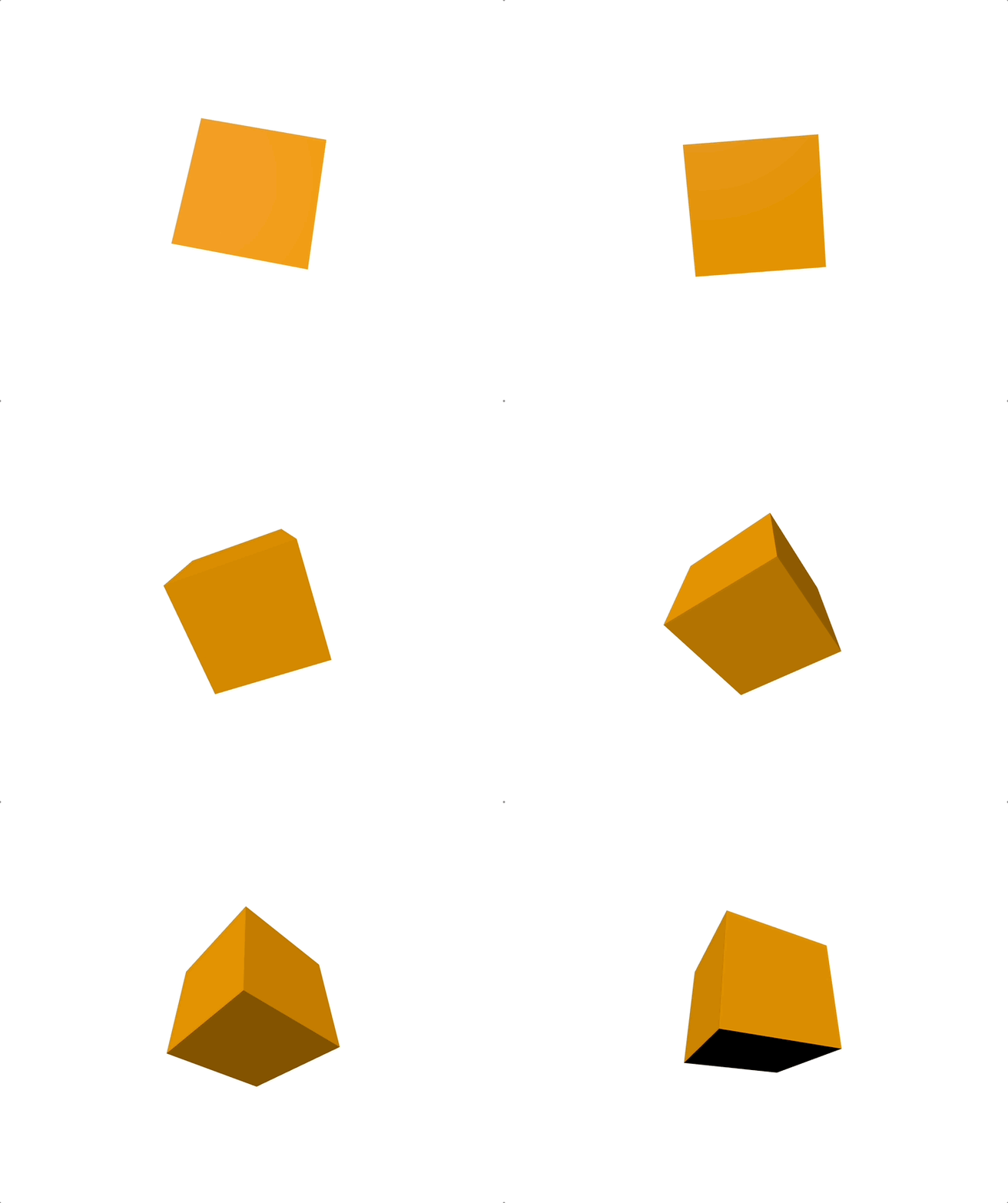
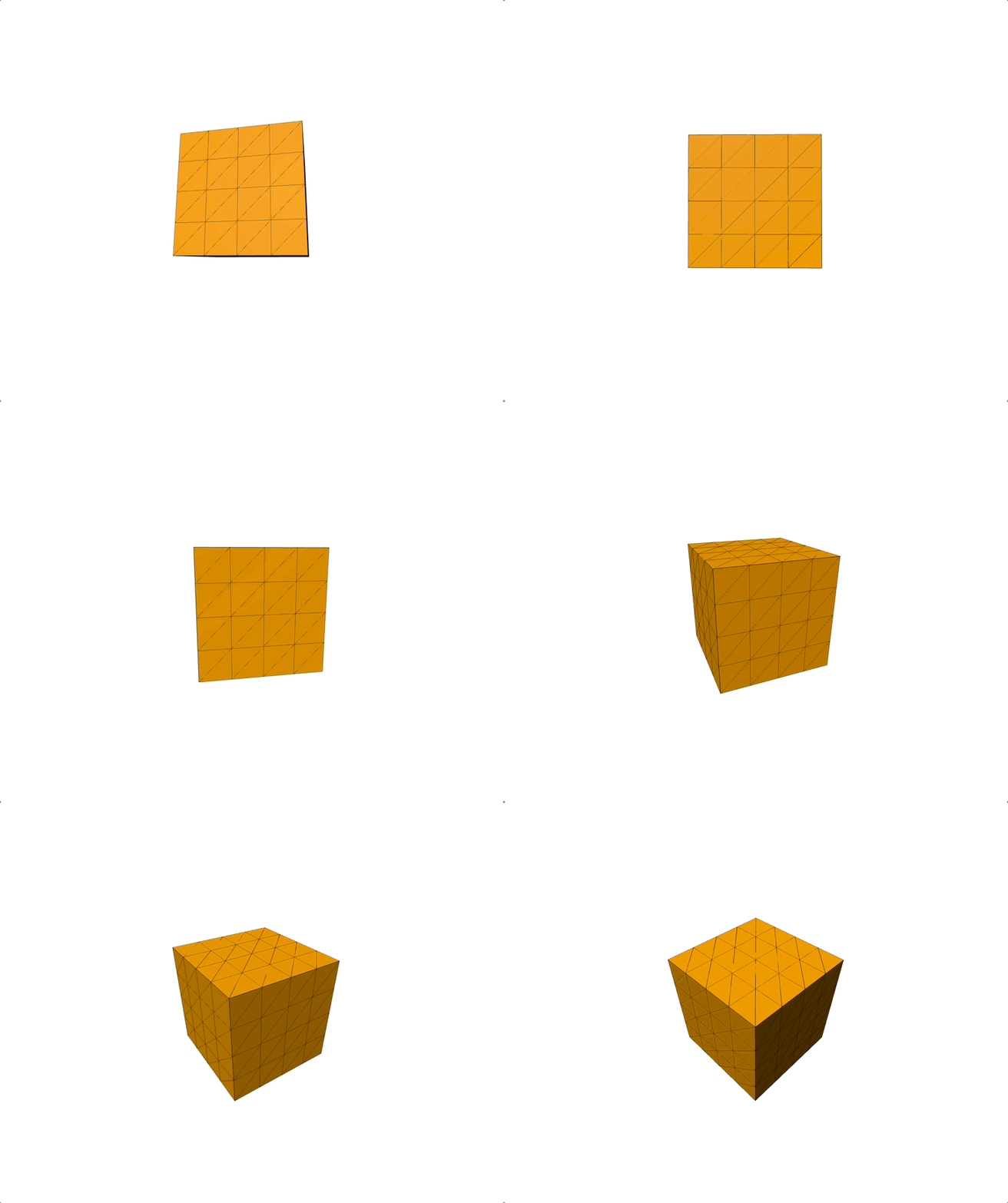
由上效果我们发现,宽度、高度和深度的分段数并没有呈现出来。其实我们需要 线框辅助工具 来显示。
- WireframeGeometry:这个类可以被用作一个辅助物体,来对一个 geometry 以线框的形式进行查看。(传入的参数:任意几何体对象)。
- LineBasicMaterial:一种用于绘制线框样式几何体的材质。
- LineSegments:线段。在若干对的顶点之间绘制的一系列的线。
// 添加线框辅助线,显示分段
// WireframeGeometry这个类可以被用作一个辅助物体,来对一个geometry以线框的形式进行查看。
const lineGeometry = new THREE.WireframeGeometry(geometry);
// LineBasicMaterial一种用于绘制线框样式几何体的材质。
const lineMaterial = new THREE.LineBasicMaterial({ color: 0x000000 });
// 在若干对的顶点之间绘制的一系列的线。
const wireframe = new THREE.LineSegments(lineGeometry, lineMaterial);
cube.add(wireframe);
圆形缓冲几何体(CircleGeometry)
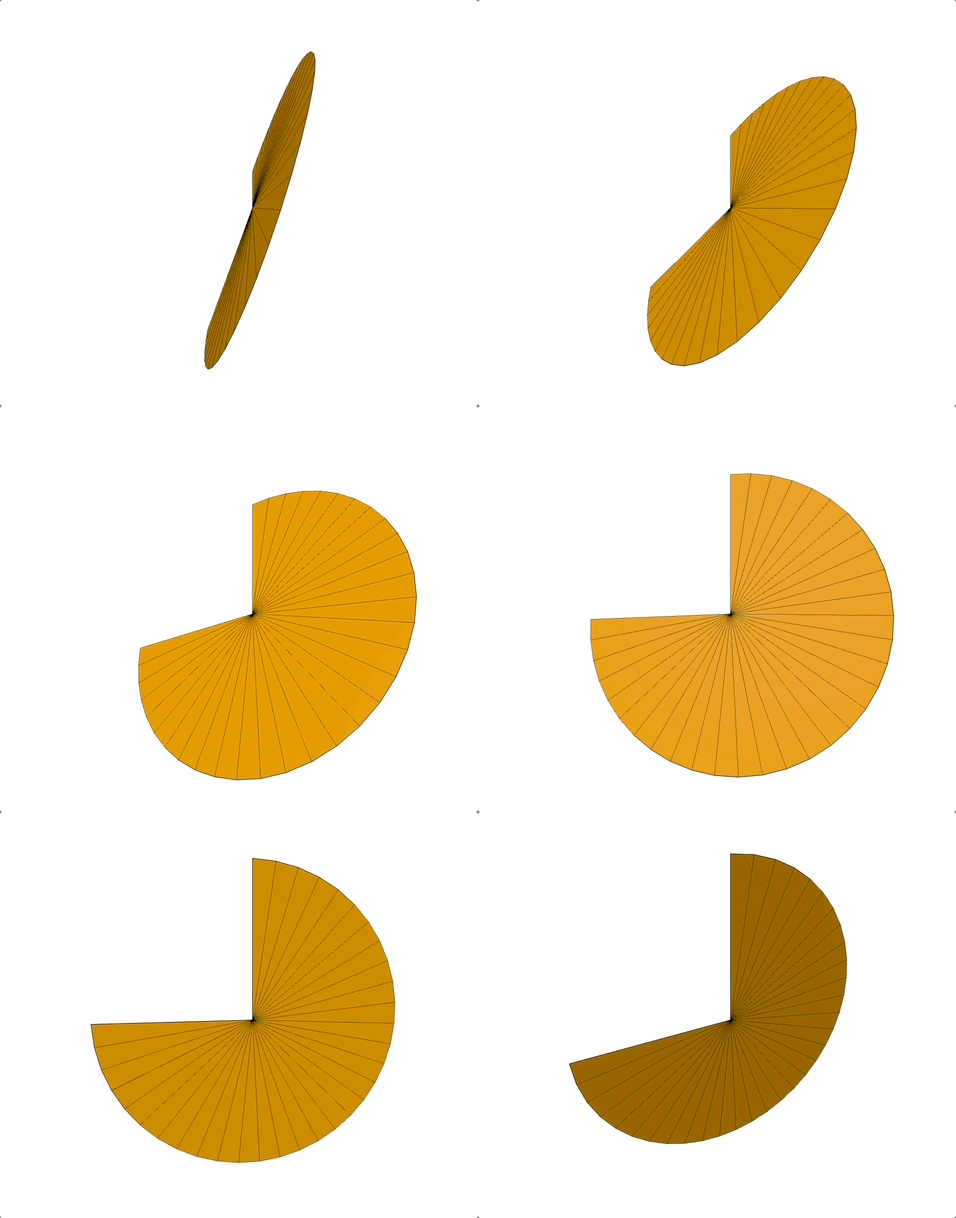
CircleGeometry 是欧式几何的一个简单形状,它由围绕着一个中心点的三角分段的数量所构造,由给定的半径来延展。 同时它也可以用于创建规则多边形,其分段数量取决于该规则多边形的边数。
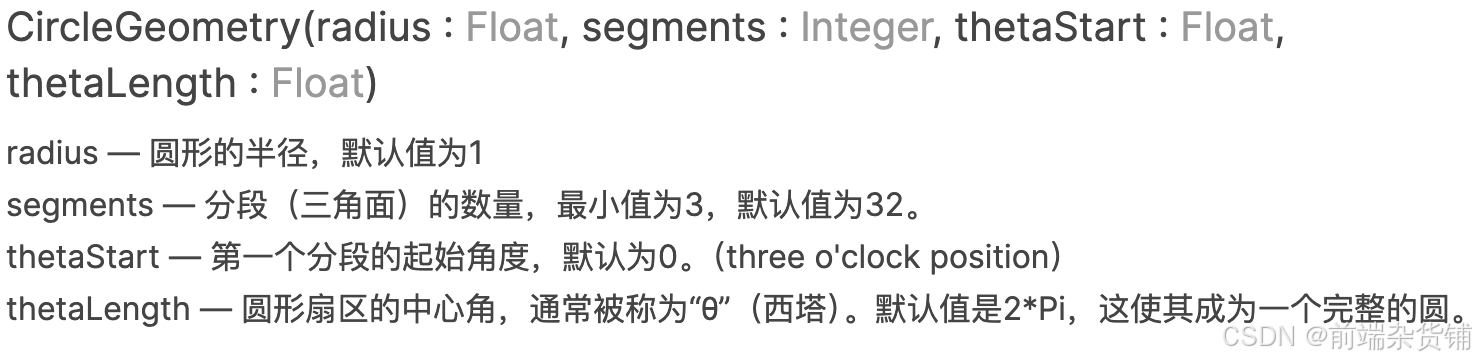
const geometry = new THREE.CircleGeometry(8, 32, Math.PI * 1, Math.PI * 1.5);
圆锥缓冲几何体(ConeGeometry)
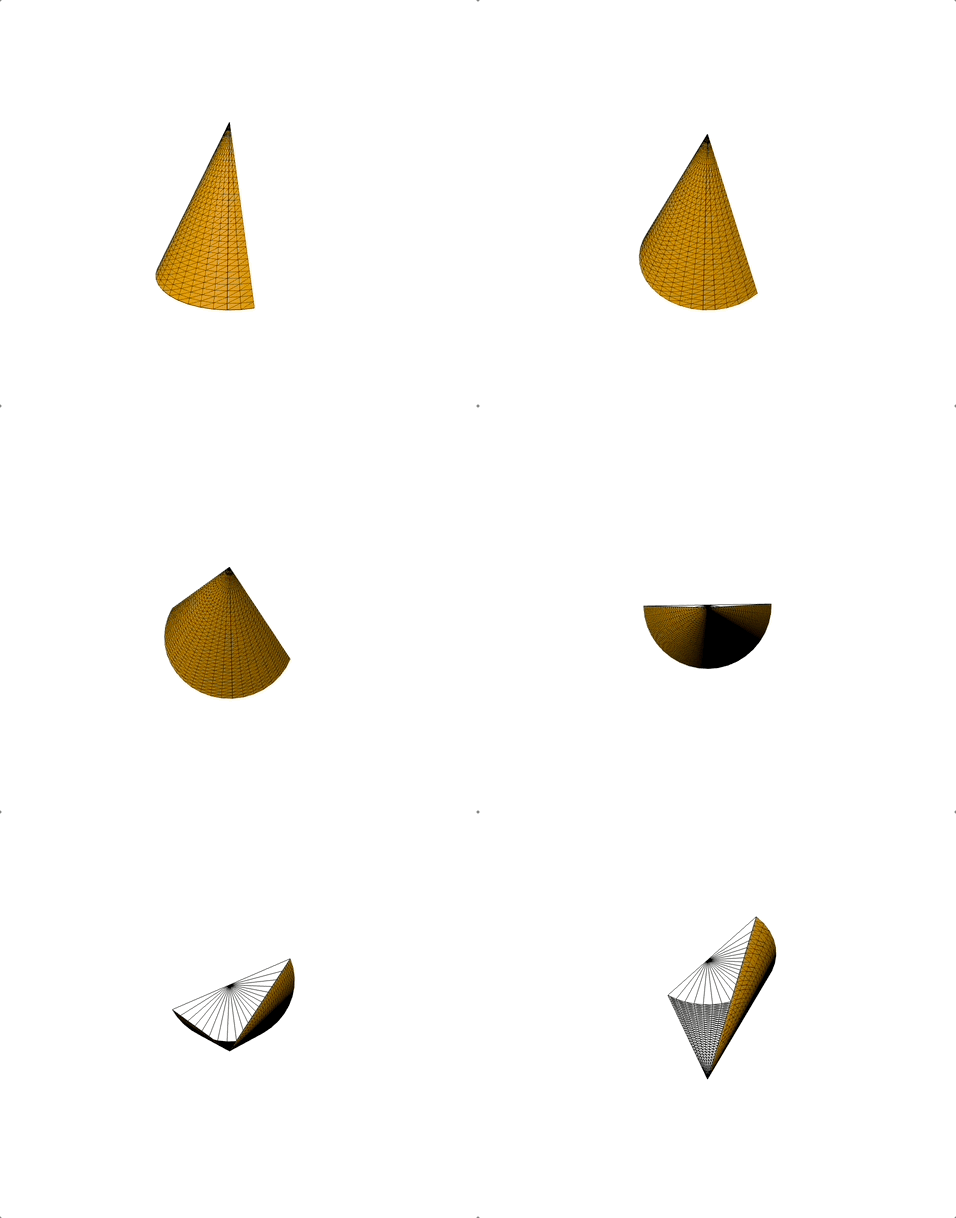
一个用于生成圆锥几何体的类。
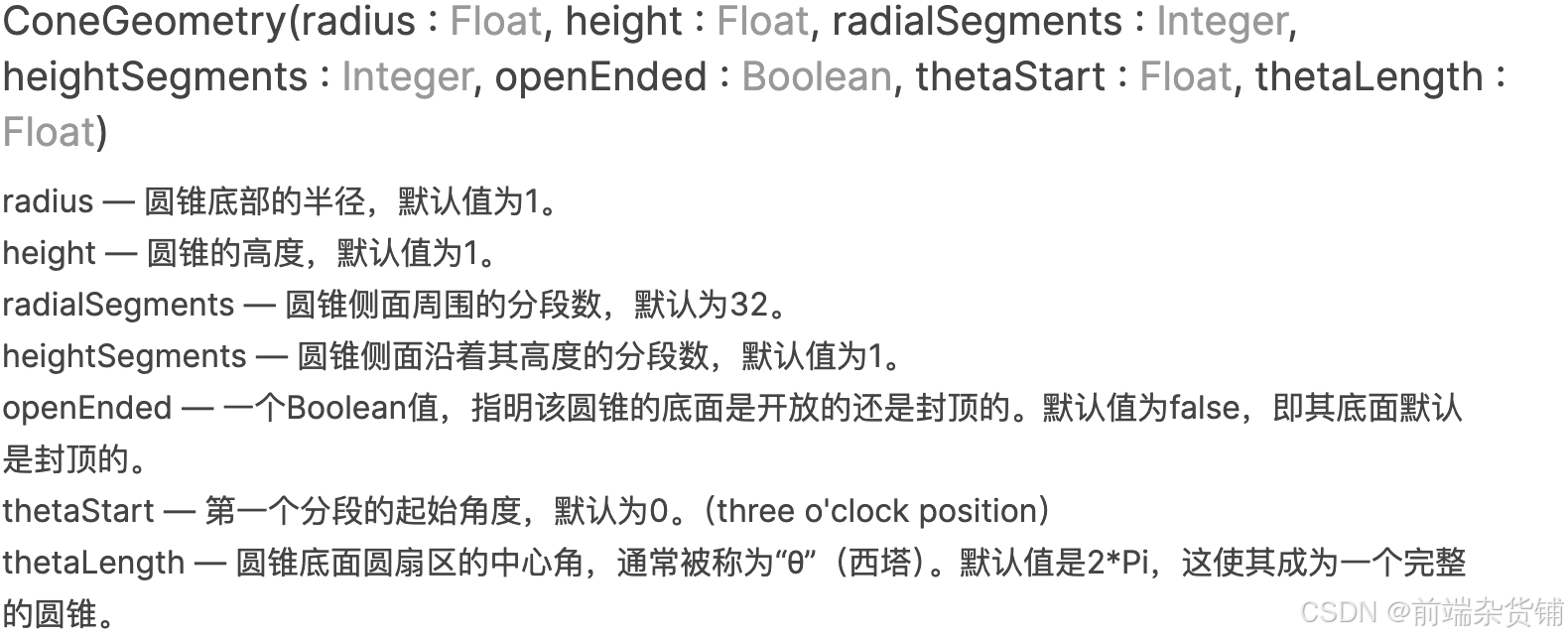
const geometry = new THREE.ConeGeometry(
  4,
  8,
  20,
  32,
  false,
  Math.PI * 1,
  Math.PI * 1
);
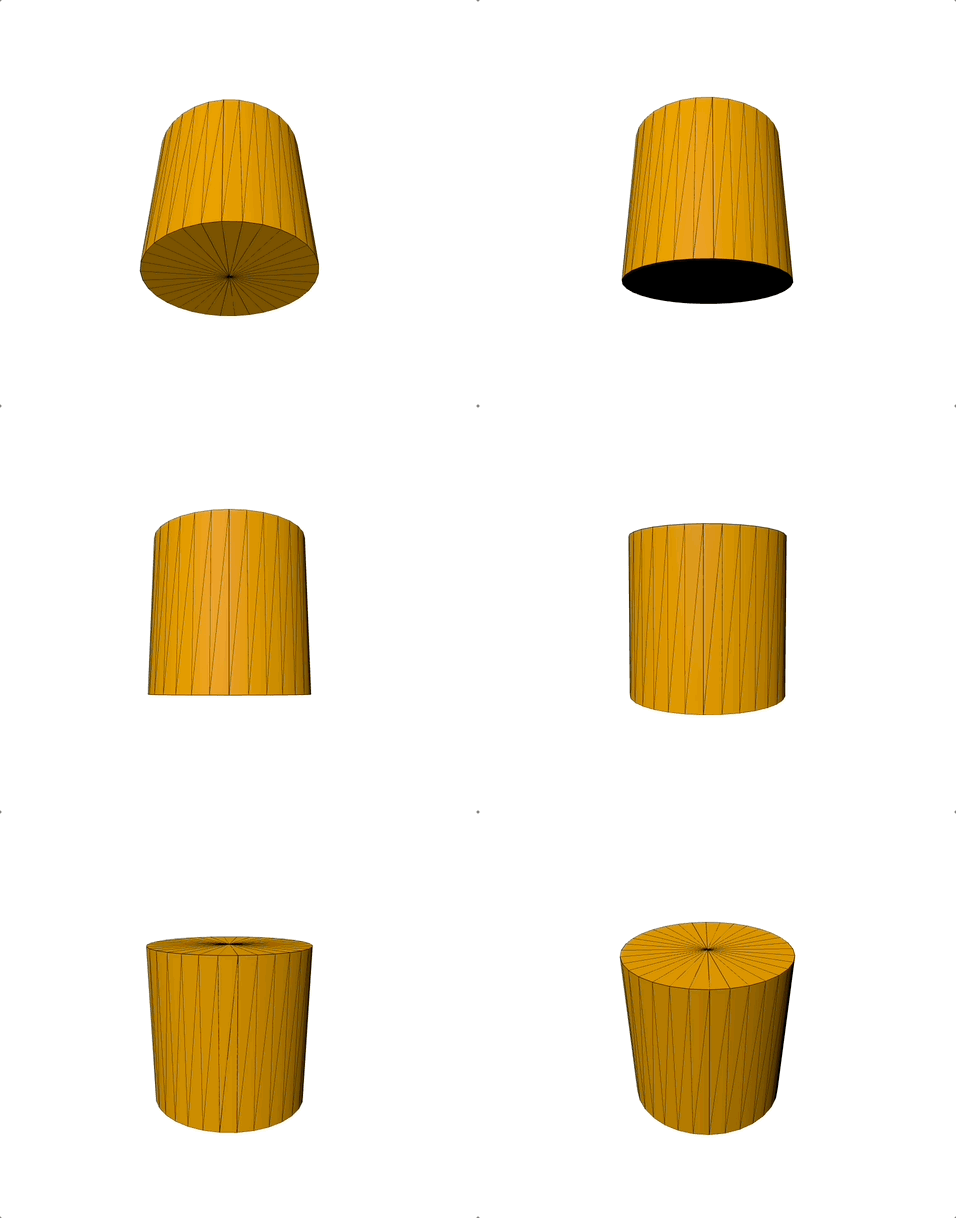
圆柱缓冲几何体(CylinderGeometry)
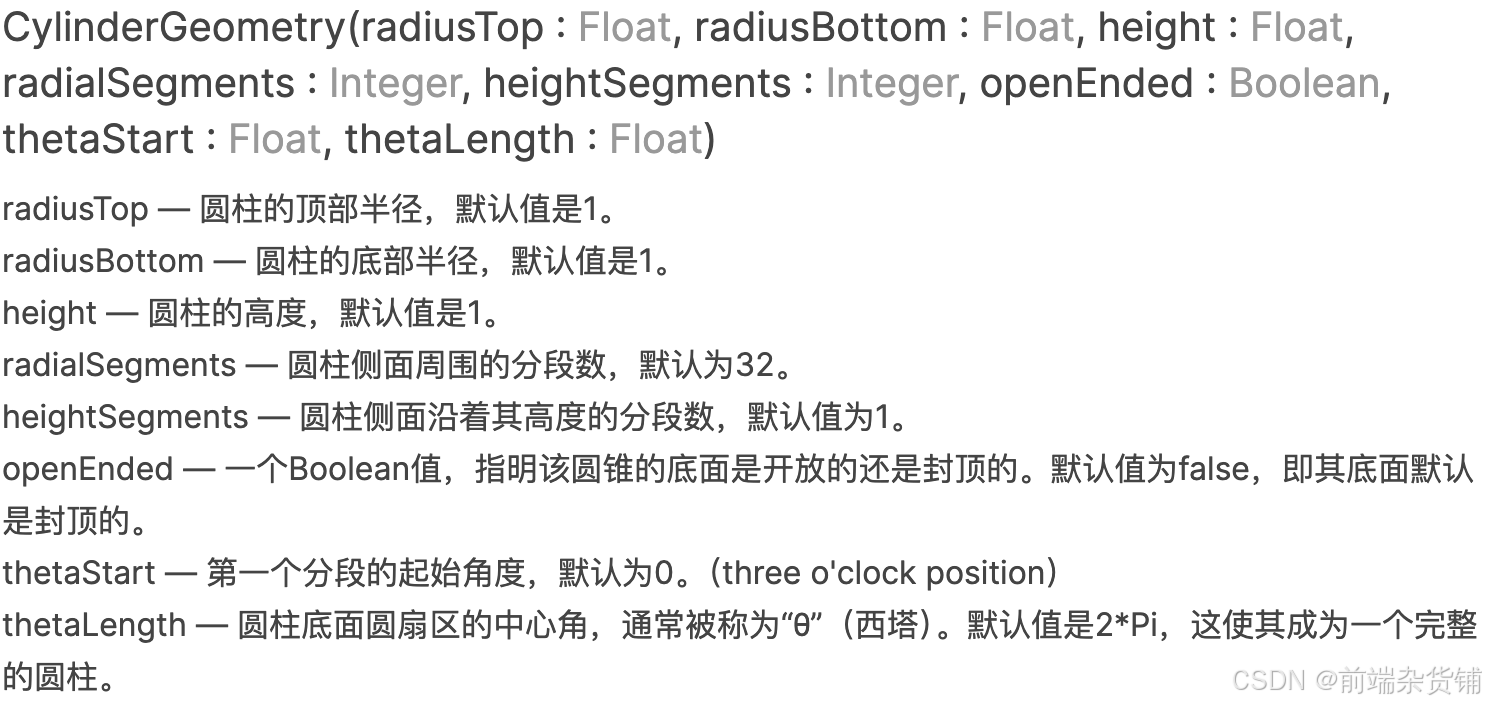
一个用于生成圆柱几何体的类。
// 圆柱缓冲几何体
const geometry = new THREE.CylinderGeometry(
  4,
  4,
  8,
  32,
  1,
  false,
  Math.PI * 1,
  Math.PI * 2
);
十二面缓冲几何体(DodecahedronGeometry)
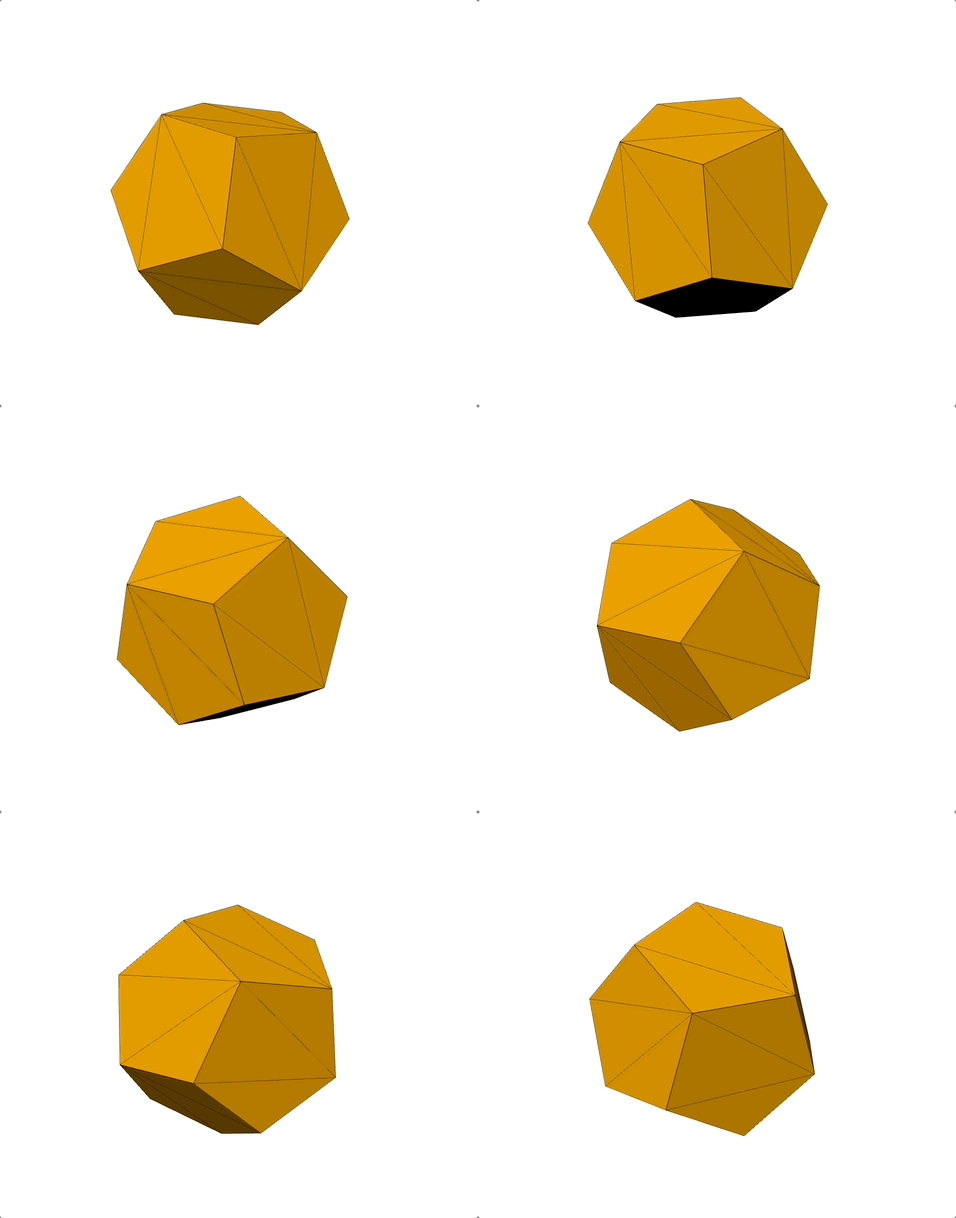
一个用于创建十二面几何体的类。

const geometry = new THREE.DodecahedronGeometry(6, 0);
挤压缓冲几何体(ExtrudeGeometry)
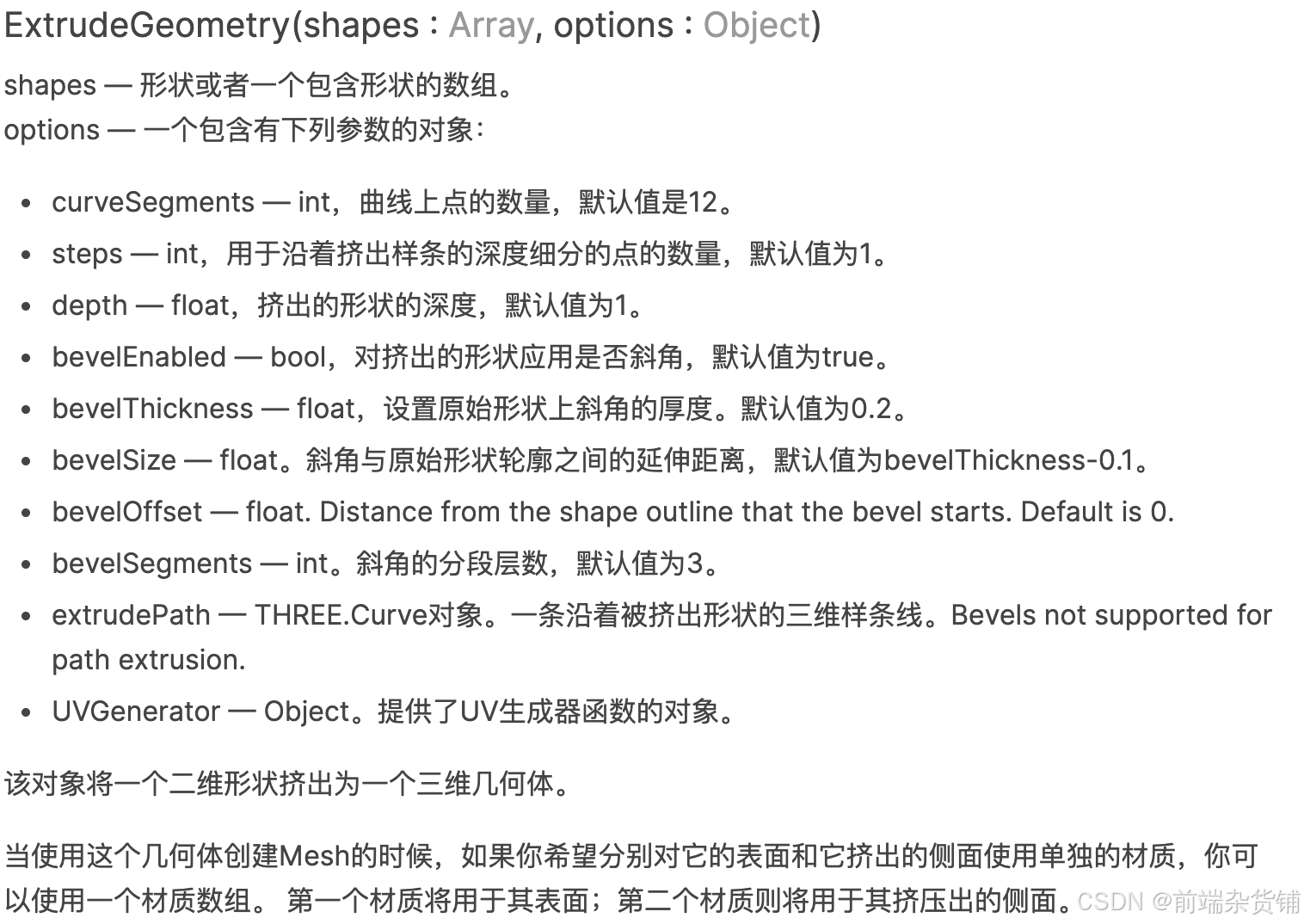
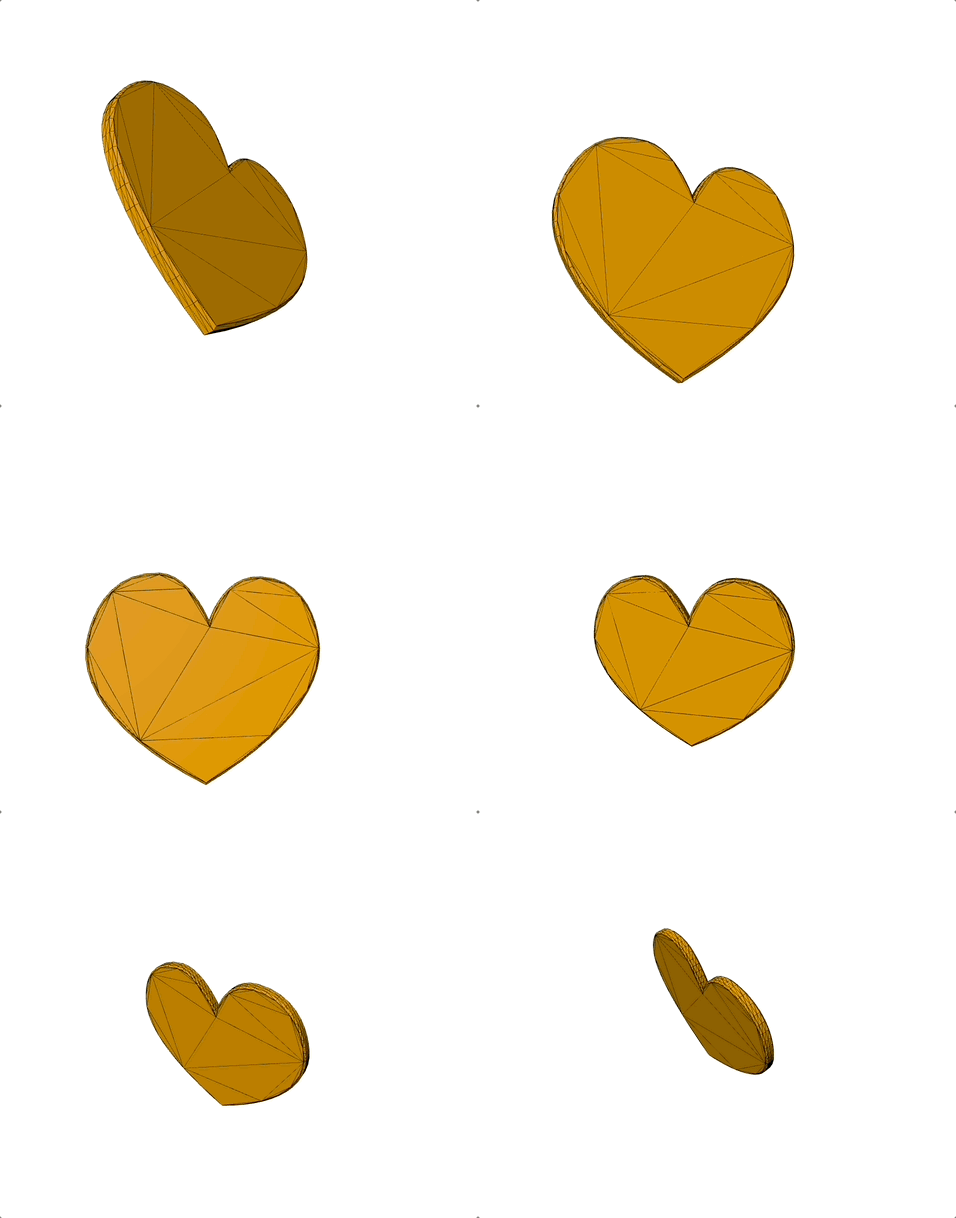
从一个形状路径中,挤压出一个BufferGeometry。
-
Shape形状。使用路径以及可选的孔洞来定义一个二维形状平面。 它可以和ExtrudeGeometry、ShapeGeometry一起使用,获取点,或者获取三角面。
-
bezierCurveTo 用于在当前路径上添加一段三次贝塞尔曲线。
它的作用是通过指定起点、两个控制点和终点,绘制出平滑的曲线段,常用于绘制复杂的二维图形轮廓(如心形、云朵等)。 -
bezierCurveTo(cp1x, cp1y, cp2x, cp2y, x, y)。
cp1x, cp1y:第一个控制点坐标
cp2x, cp2y:第二个控制点坐标
x, y:曲线终点坐标
const heartShape = new THREE.Shape();

heartShape.moveTo(25, 25);
heartShape.bezierCurveTo(25, 25, 20, 0, 0, 0);
heartShape.bezierCurveTo(-30, 0, -30, 35, -30, 35);
heartShape.bezierCurveTo(-30, 55, -10, 77, 25, 95);
heartShape.bezierCurveTo(60, 77, 80, 55, 80, 35);
heartShape.bezierCurveTo(80, 35, 80, 0, 50, 0);
heartShape.bezierCurveTo(35, 0, 25, 25, 25, 25);

const extrudeSettings = {
  steps: 2,
  depth: 4,
  bevelEnabled: true,
  bevelThickness: 1,
  bevelSize: 1,
  bevelOffset: 0,
  bevelSegments: 1,
};

const geometry = new THREE.ExtrudeGeometry(heartShape, extrudeSettings);
二十面缓冲几何体(IcosahedronGeometry)
一个用于生成二十面体的类。

const geometry = new THREE.IcosahedronGeometry(7);
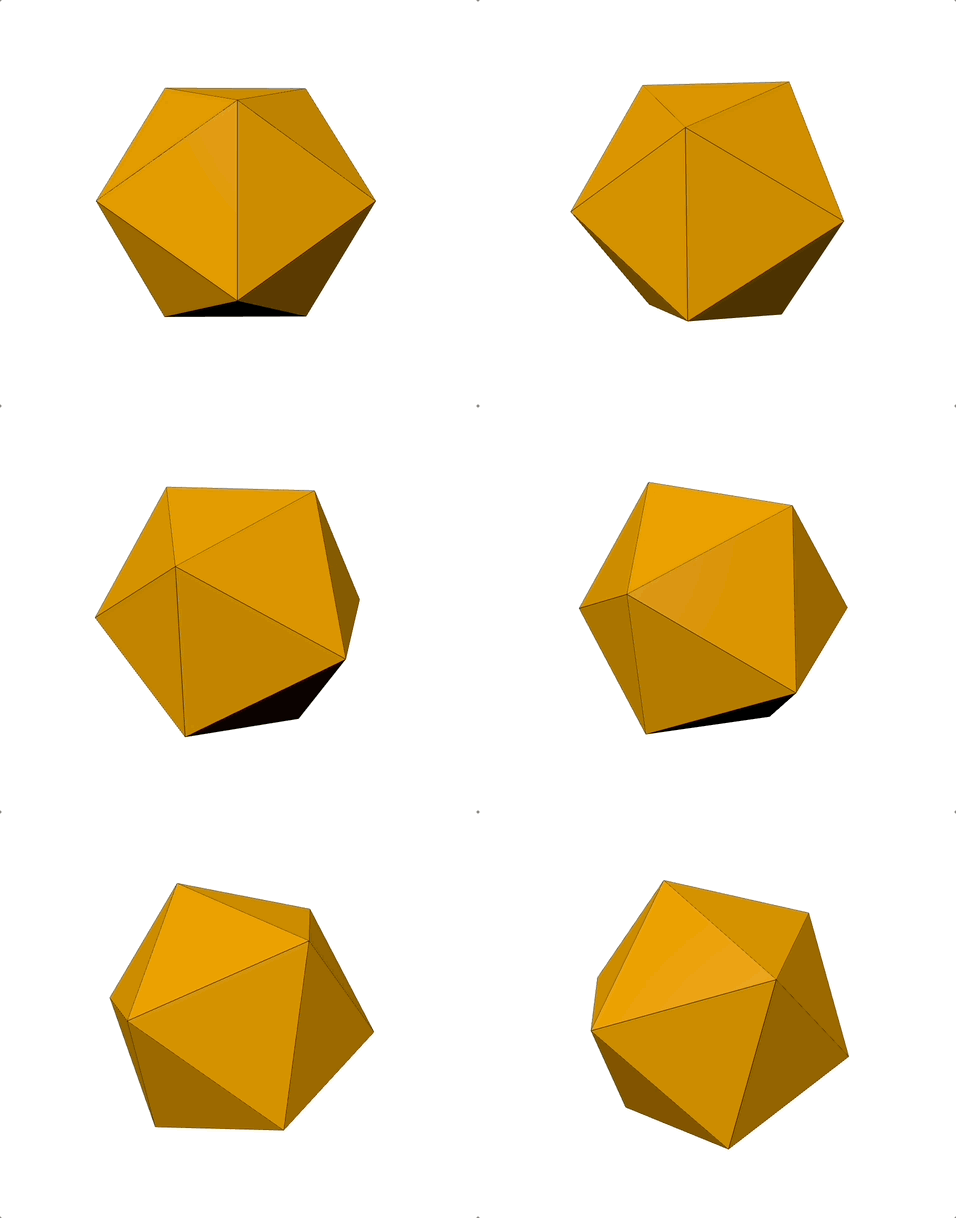
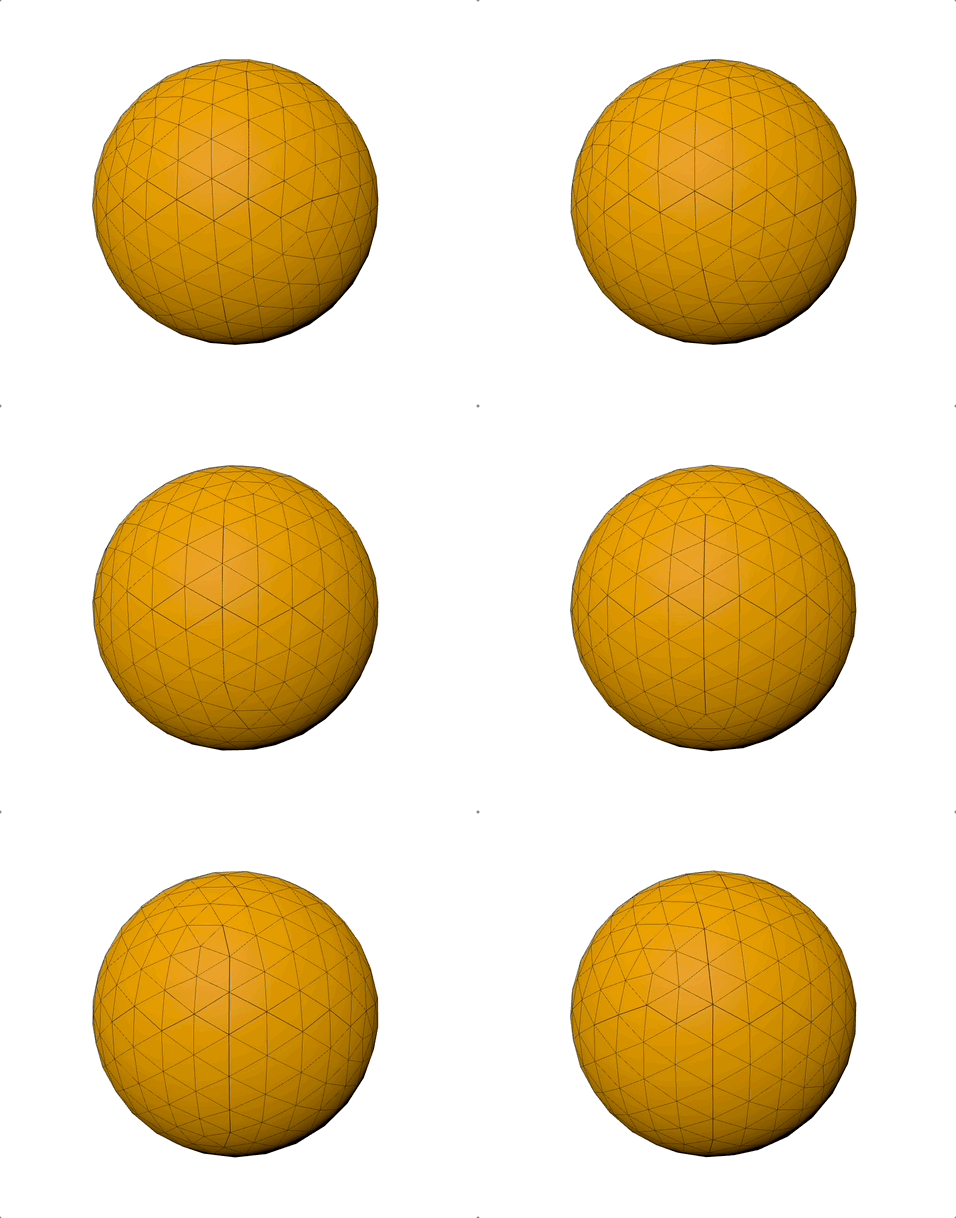
传入第二个参数,让其变为球体。
const geometry = new THREE.IcosahedronGeometry(7, 5);
车削缓冲几何体(LatheGeometry)
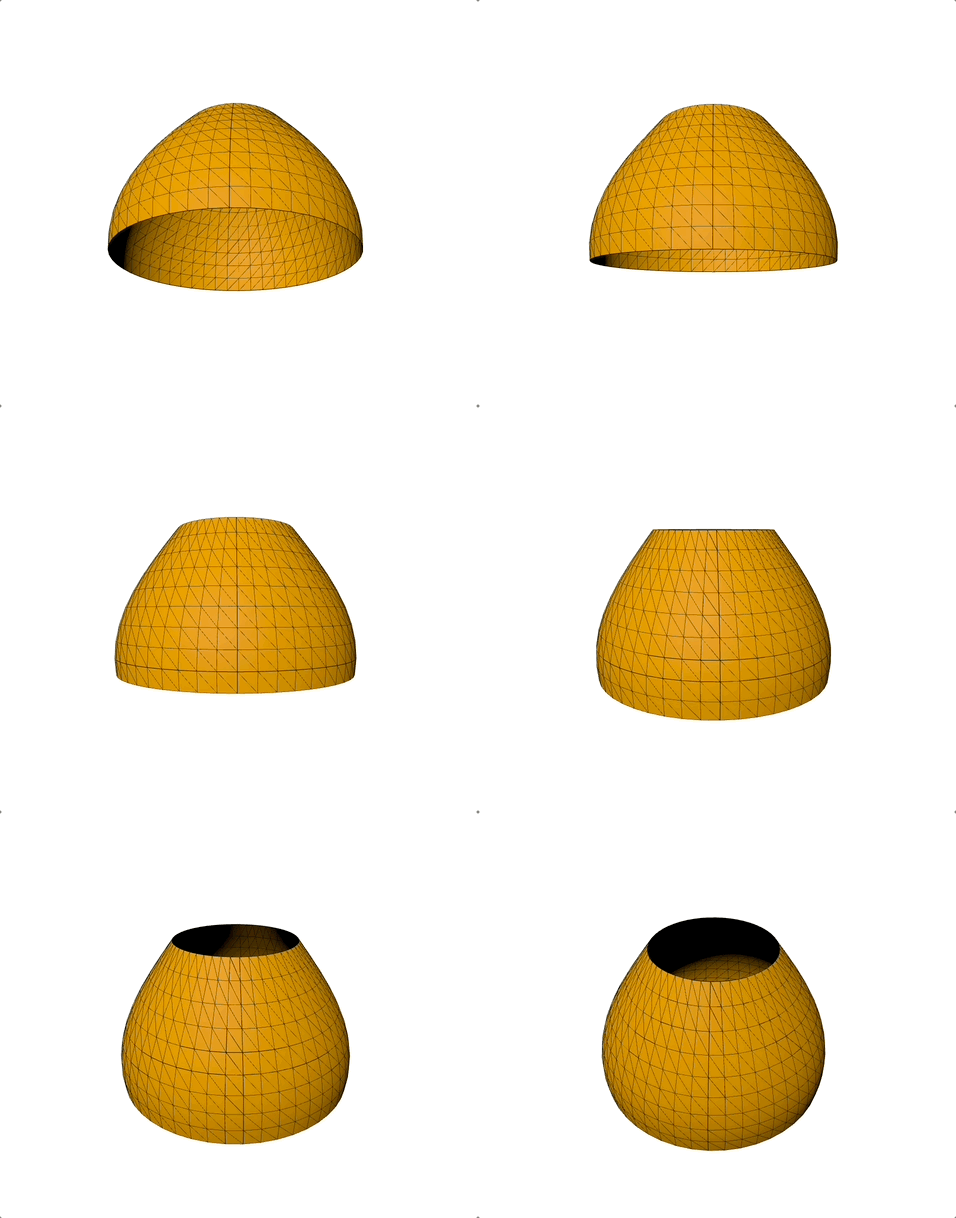
创建具有轴对称性的网格,例如:灯泡、保龄球瓶、蜡烛、蜡烛台、酒瓶、玻璃杯等。车削绕着Y轴来进行旋转。
const points = [];
for (let i = 0; i < 10; ++i) {
  points.push(new THREE.Vector2(Math.sin(i * 0.2) * 3 + 3, (i - 5) * 0.8));
}

const geometry = new THREE.LatheGeometry(points, 50, Math.PI * 1, Math.PI * 2);
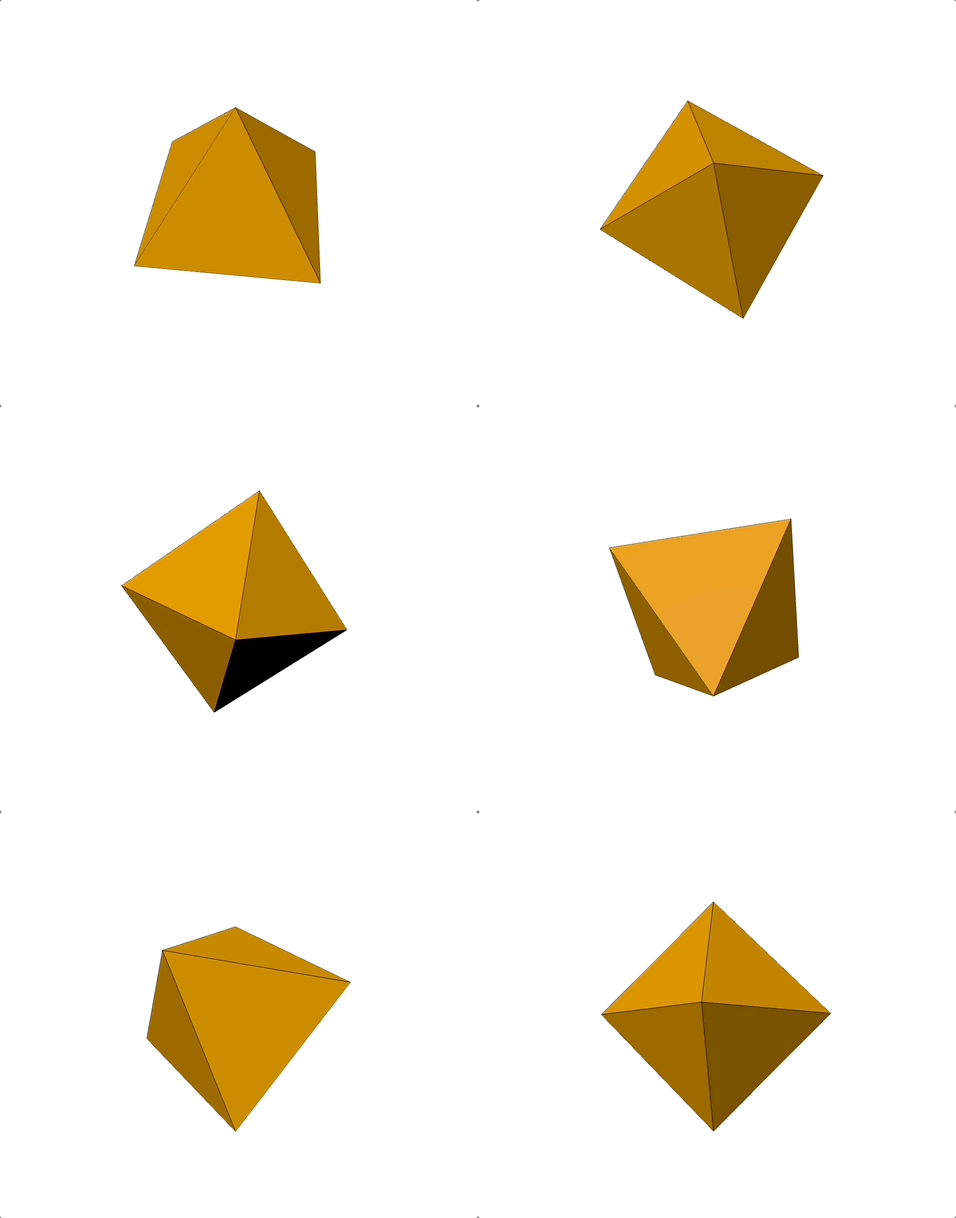
八面缓冲几何体(OctahedronGeometry)
一个用于创建八面体的类。

const geometry = new THREE.OctahedronGeometry(6, 0);
参数化缓冲几何体(ParametricGeometry)
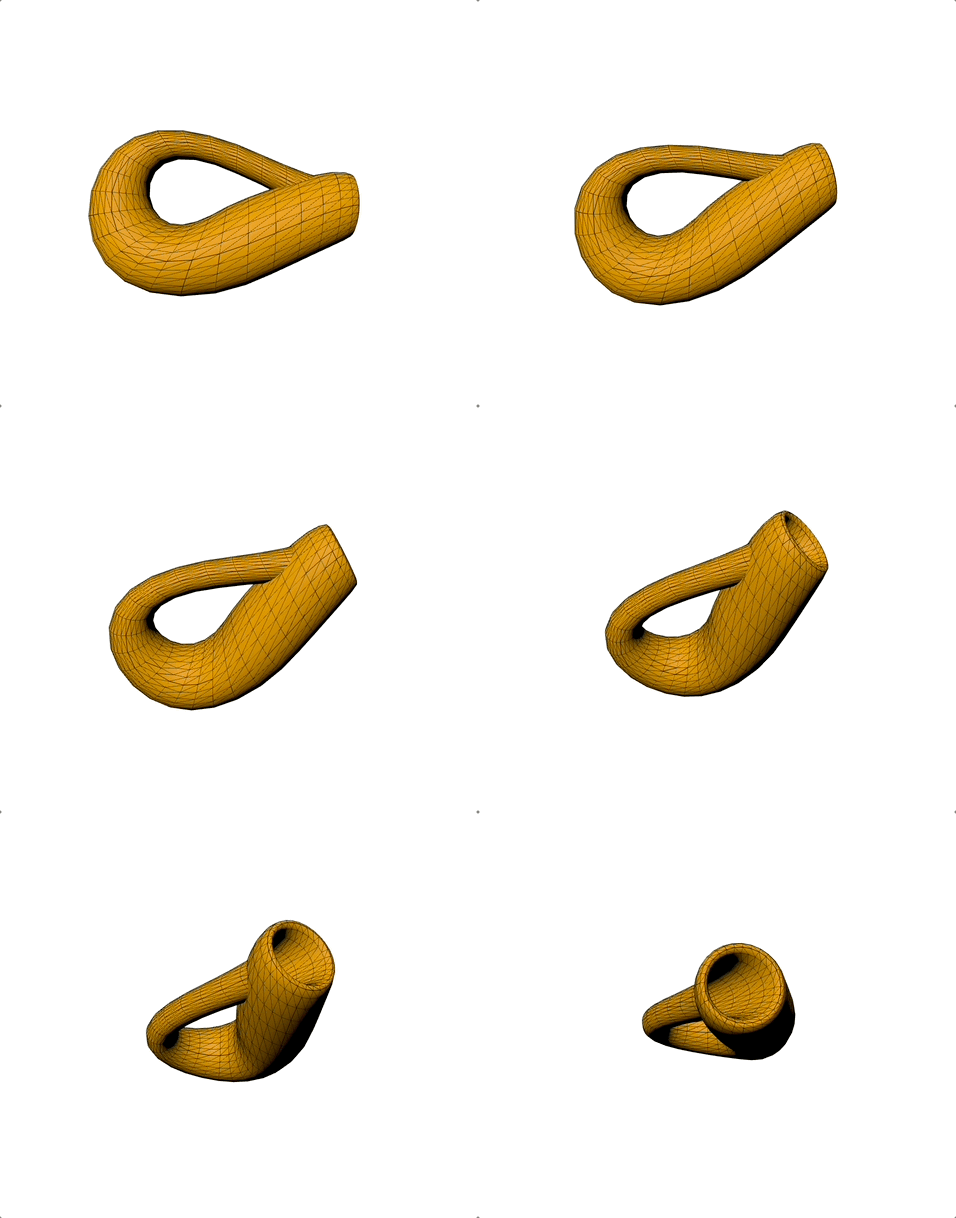
生成由参数表示其表面的几何体。

const geometry = new ParametricGeometry(klein, 28, 29);

...
/**
 * 克莱因瓶参数方程
 * @param {number} v - 参数v,范围[0,1],控制曲面“纬度”
 * @param {number} u - 参数u,范围[0,1],控制曲面“经度”
 * @param {THREE.Vector3} target - 用于存储计算出的三维坐标的向量
 * 该函数将二维参数(u, v)映射为三维空间中的(x, y, z),用于生成克莱因瓶的几何体
 */
function klein(v, u, target) {
  // 将参数u、v映射到合适的角度范围
  u *= Math.PI;
  v *= 2 * Math.PI;
  u = u * 2;

  let x;
  let z;

  // 根据u的范围,分段计算x、z坐标,生成克莱因瓶的不同部分
  if (u < Math.PI) {
    x =
      3 * Math.cos(u) * (1 + Math.sin(u)) +
      2 * (1 - Math.cos(u) / 2) * Math.cos(u) * Math.cos(v);
    z =
      -8 * Math.sin(u) - 2 * (1 - Math.cos(u) / 2) * Math.sin(u) * Math.cos(v);
  } else {
    x =
      3 * Math.cos(u) * (1 + Math.sin(u)) +
      2 * (1 - Math.cos(u) / 2) * Math.cos(v + Math.PI);
    z = -8 * Math.sin(u);
  }

  // 计算y坐标
  const y = -2 * (1 - Math.cos(u) / 2) * Math.sin(v);

  // 设置三维坐标并整体缩放
  target.set(x, y, z).multiplyScalar(0.75);
}
平面缓冲几何体(PlaneGeometry)
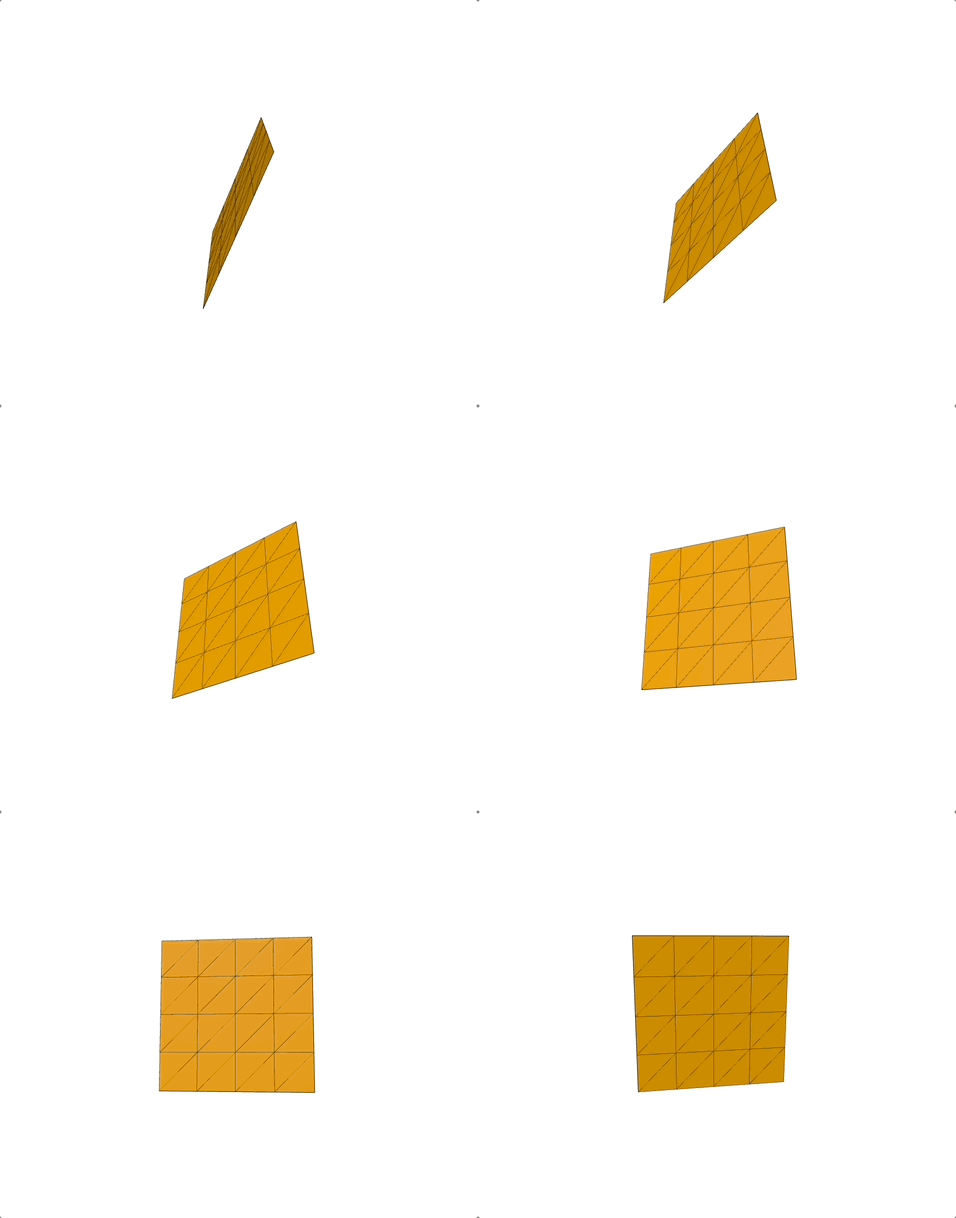
一个用于生成平面几何体的类。
const geometry = new THREE.PlaneGeometry(8, 8, 4, 4);
多面缓冲几何体(PolyhedronGeometry)
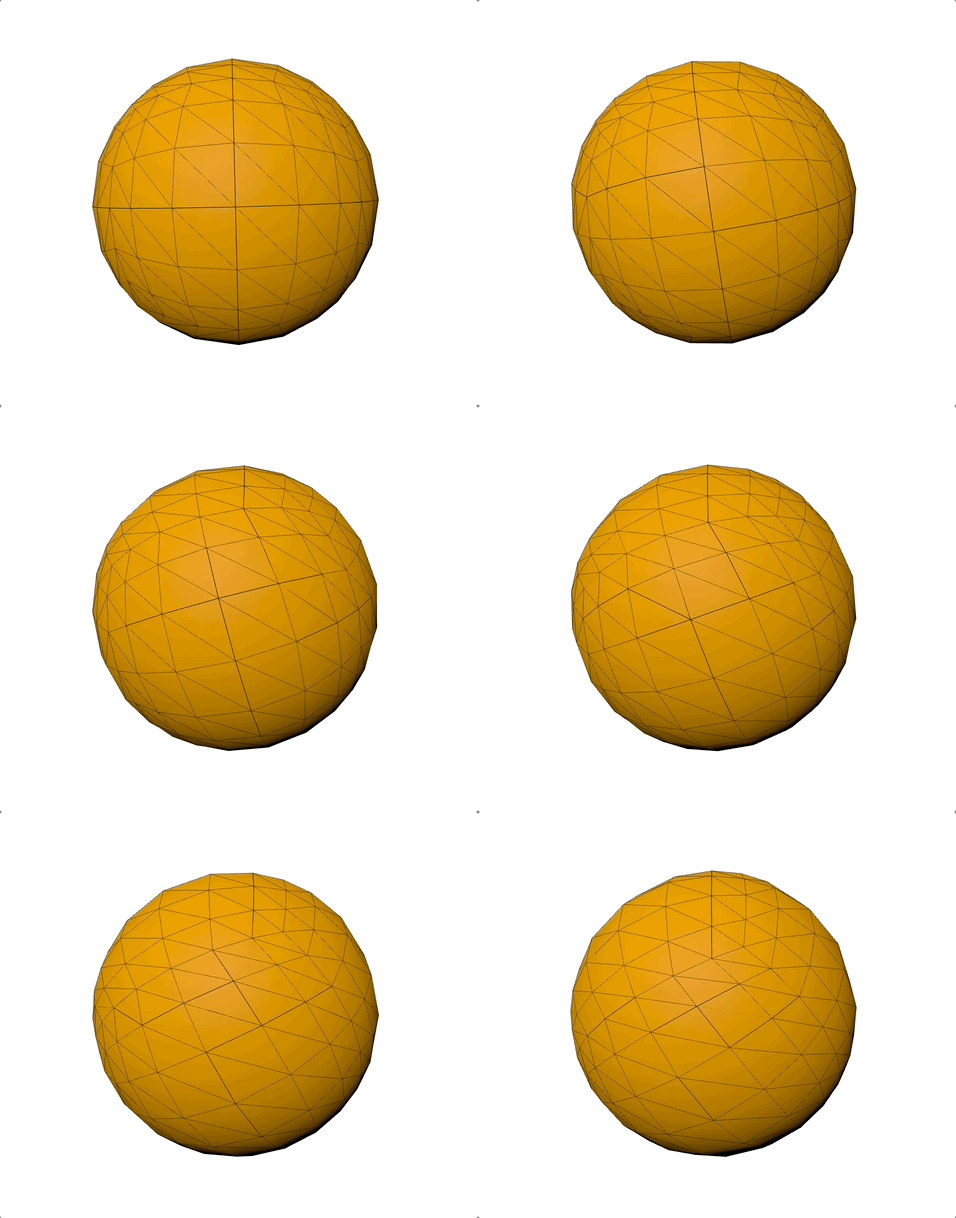
多面体在三维空间中具有一些平面的立体图形。这个类将一个顶点数组投射到一个球面上,之后将它们细分为所需的细节级别。
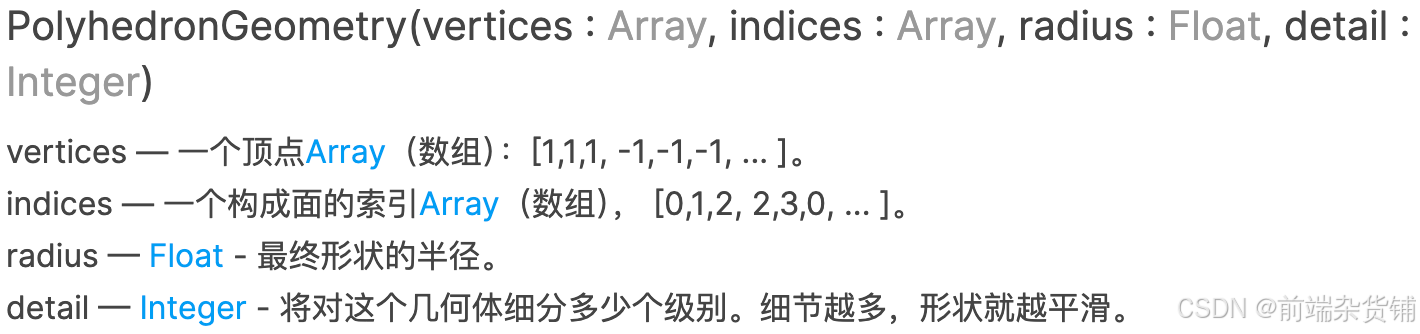
const verticesOfCube = [
  -1, -1, -1,  // 0号顶点
   1, -1, -1,  // 1号顶点
   1,  1, -1,  // 2号顶点
  -1,  1, -1,  // 3号顶点
  -1, -1,  1,  // 4号顶点
   1, -1,  1,  // 5号顶点
   1,  1,  1,  // 6号顶点
  -1,  1,  1,  // 7号顶点
];
// 定义立方体的12个三角形面,每个三角形由3个顶点索引组成
const indicesOfFaces = [
  2, 1, 0, 0, 3, 2,      // 底面
  0, 4, 7, 7, 3, 0,      // 左面
  0, 1, 5, 5, 4, 0,      // 前面
  1, 2, 6, 6, 5, 1,      // 右面
  2, 3, 7, 7, 6, 2,      // 后面
  4, 5, 6, 6, 7, 4,      // 顶面
];
const radius = 7;
const detail = 3;
const geometry = new THREE.PolyhedronGeometry(
  verticesOfCube,
  indicesOfFaces,
  radius,
  detail
);
圆环缓冲几何体(RingGeometry)
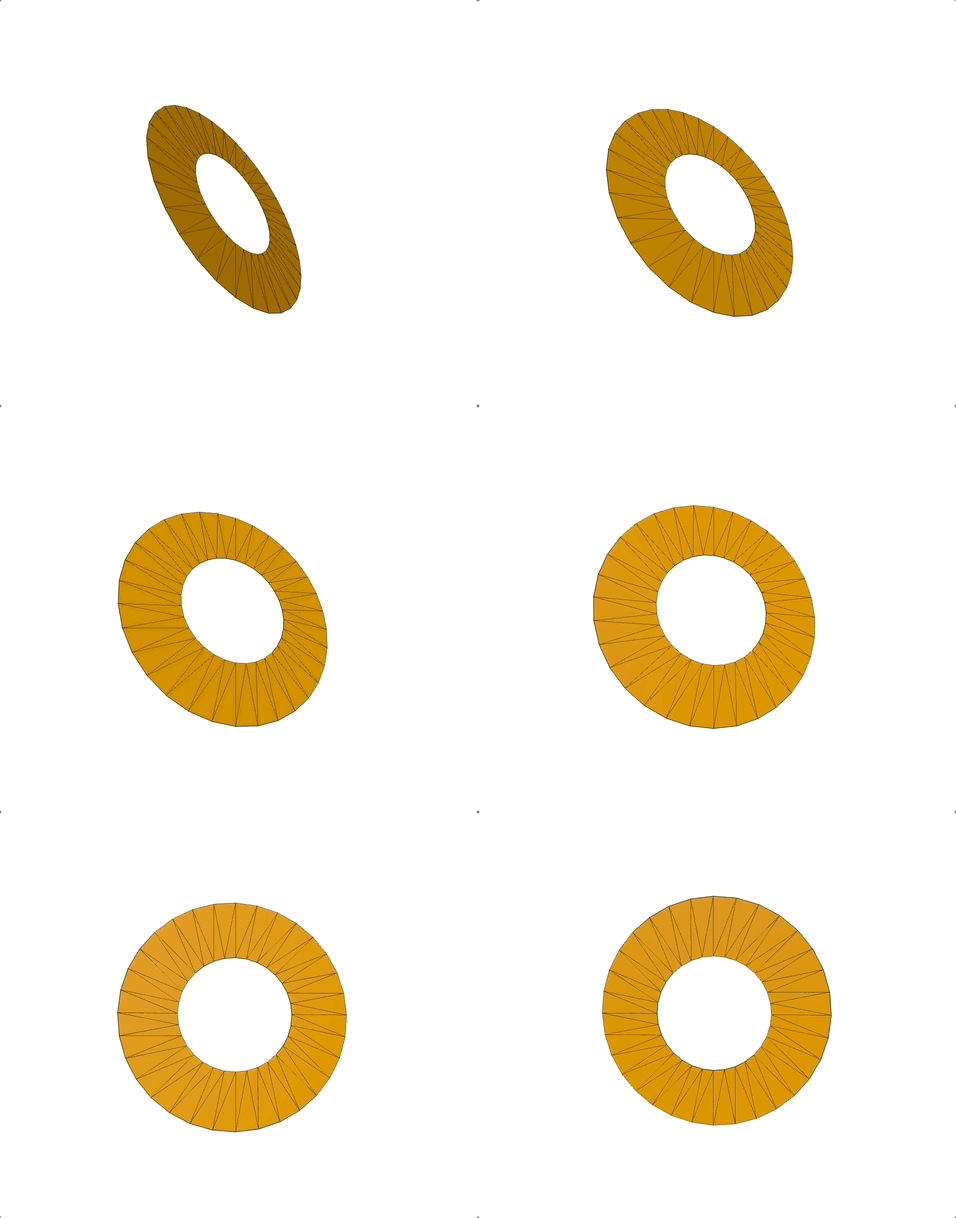
一个用于生成二维圆环几何体的类。
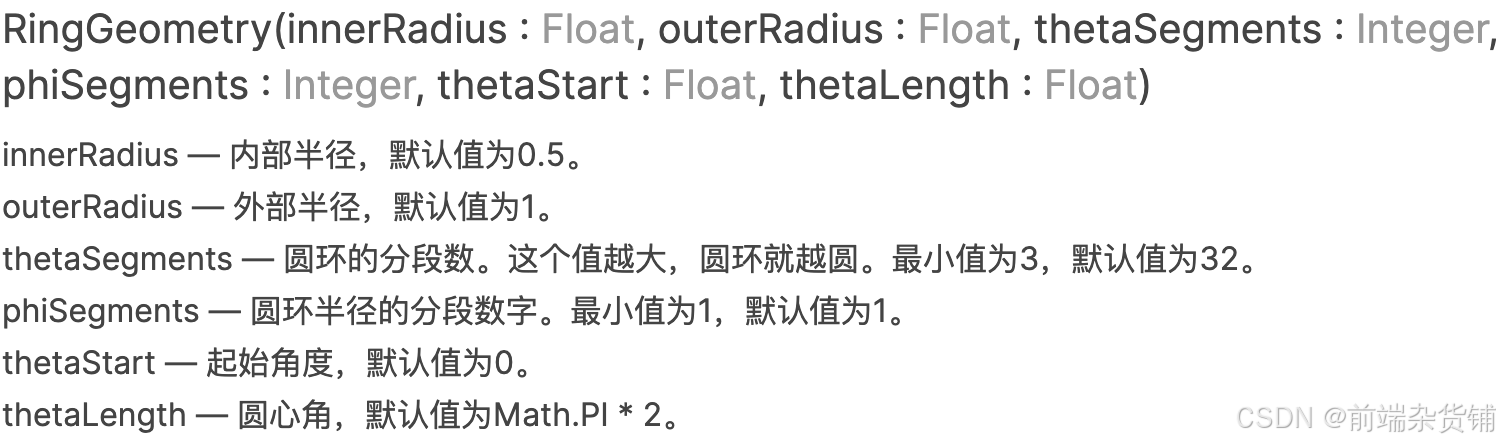
const geometry = new THREE.RingGeometry(3, 6, 32, 1, Math.PI * 1, Math.PI * 2);
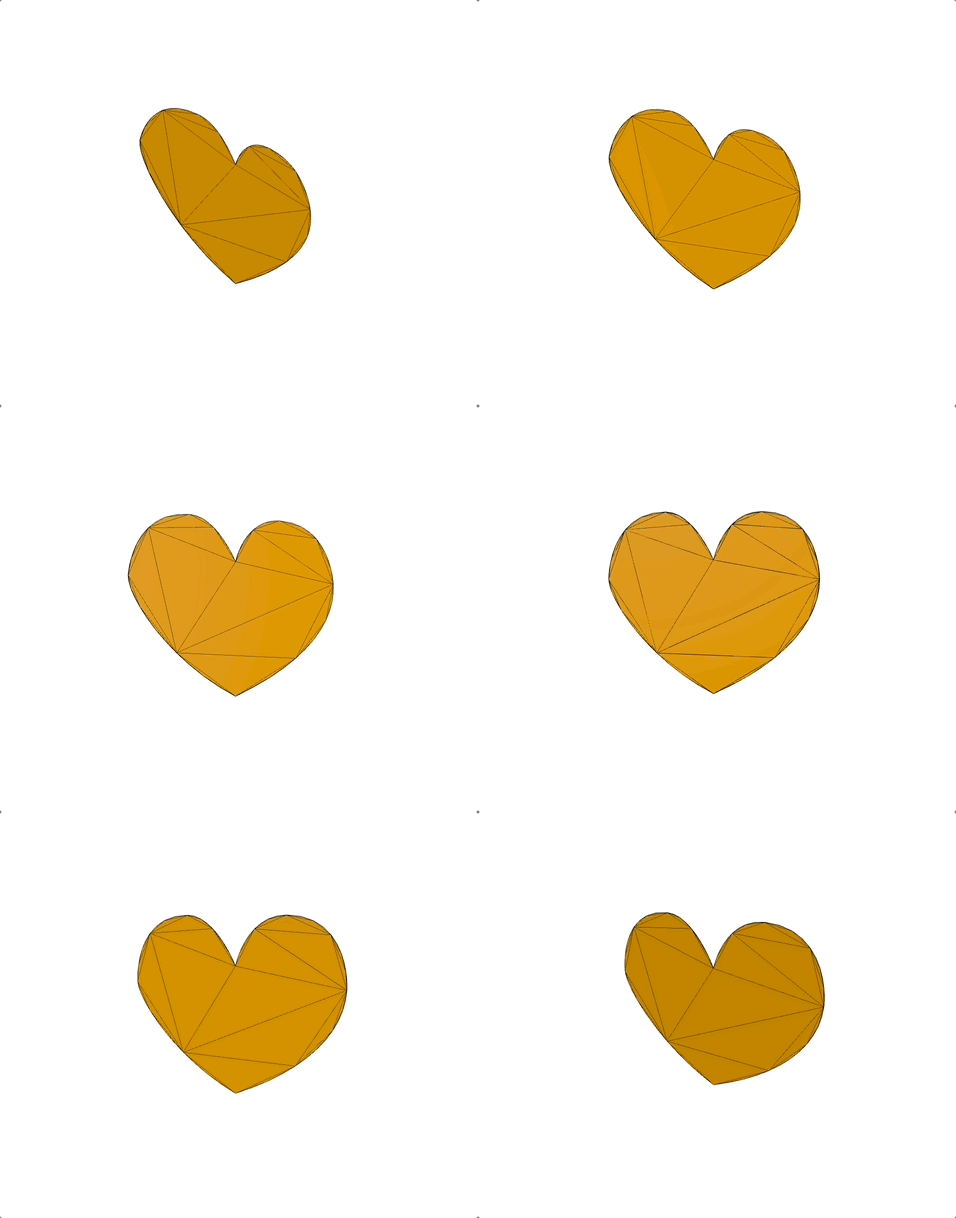
形状缓冲几何体(ShapeGeometry)
从一个或多个路径形状中创建一个单面多边形几何体。

const shape = new THREE.Shape();
const x = -2.5;
const y = -5;
shape.moveTo(x + 2.5, y + 2.5);
shape.bezierCurveTo(x + 2.5, y + 2.5, x + 2, y, x, y);
shape.bezierCurveTo(x - 3, y, x - 3, y + 3.5, x - 3, y + 3.5);
shape.bezierCurveTo(x - 3, y + 5.5, x - 1.5, y + 7.7, x + 2.5, y + 9.5);
shape.bezierCurveTo(x + 6, y + 7.7, x + 8, y + 4.5, x + 8, y + 3.5);
shape.bezierCurveTo(x + 8, y + 3.5, x + 8, y, x + 5, y);
shape.bezierCurveTo(x + 3.5, y, x + 2.5, y + 2.5, x + 2.5, y + 2.5);
const geometry = new THREE.ShapeGeometry(shape);
球缓冲几何体(SphereGeometry)
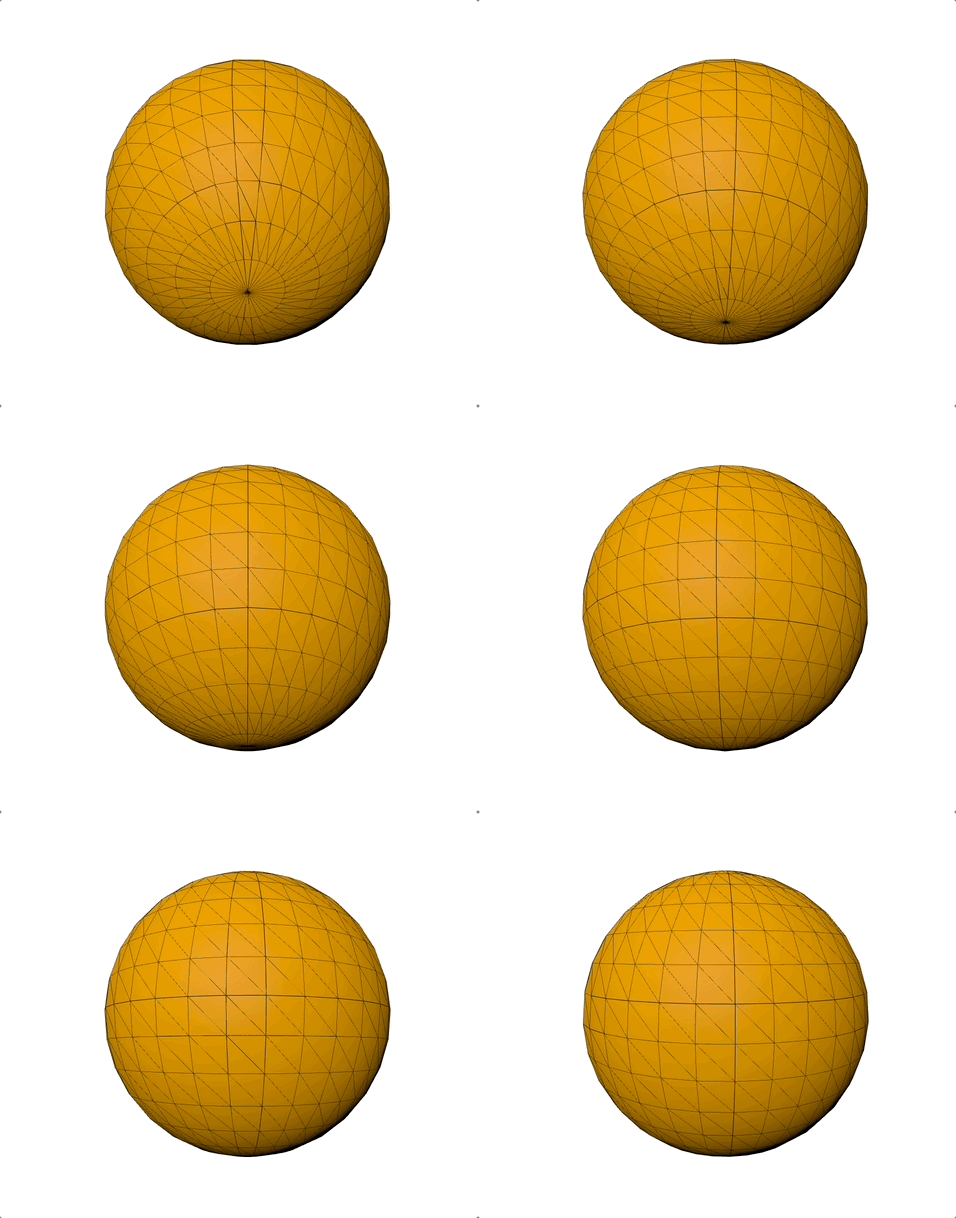
一个用于生成球体的类。
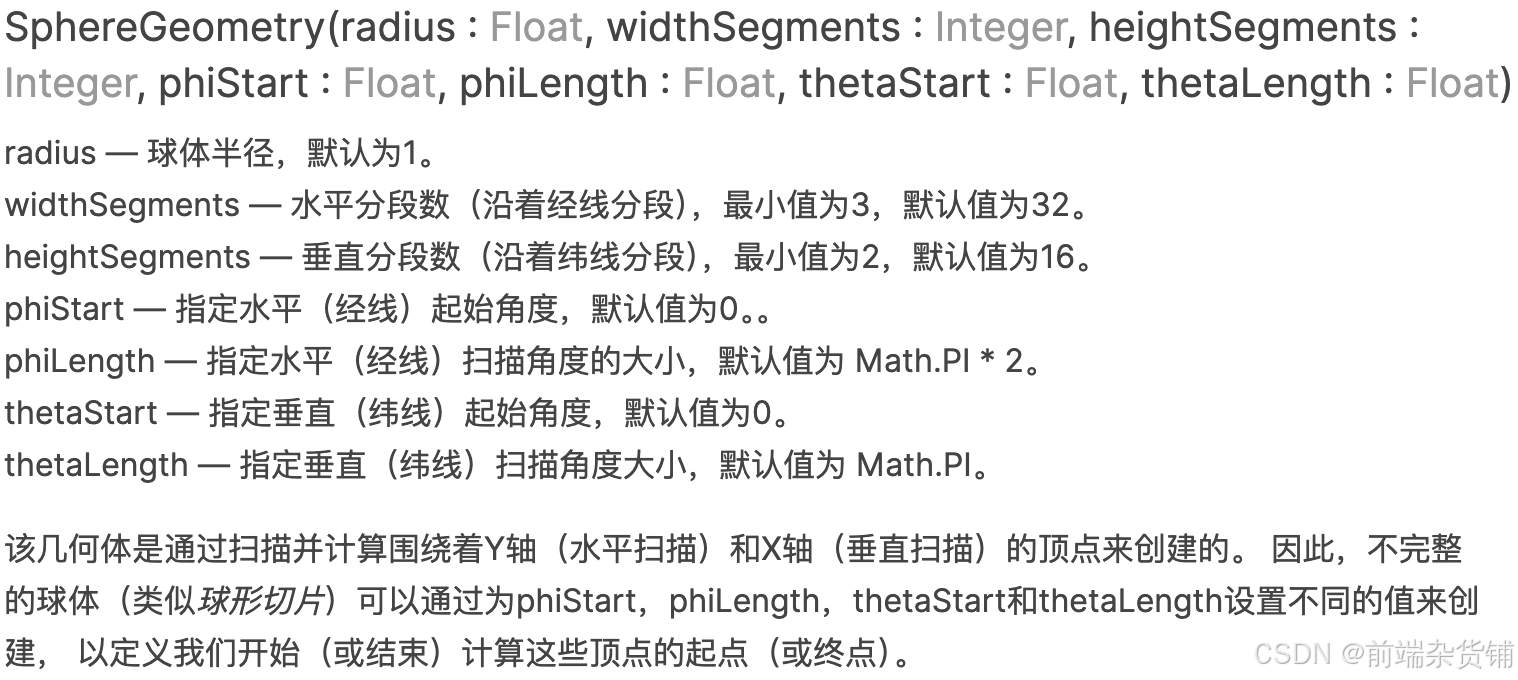
const geometry = new THREE.SphereGeometry(7, 32, 16);
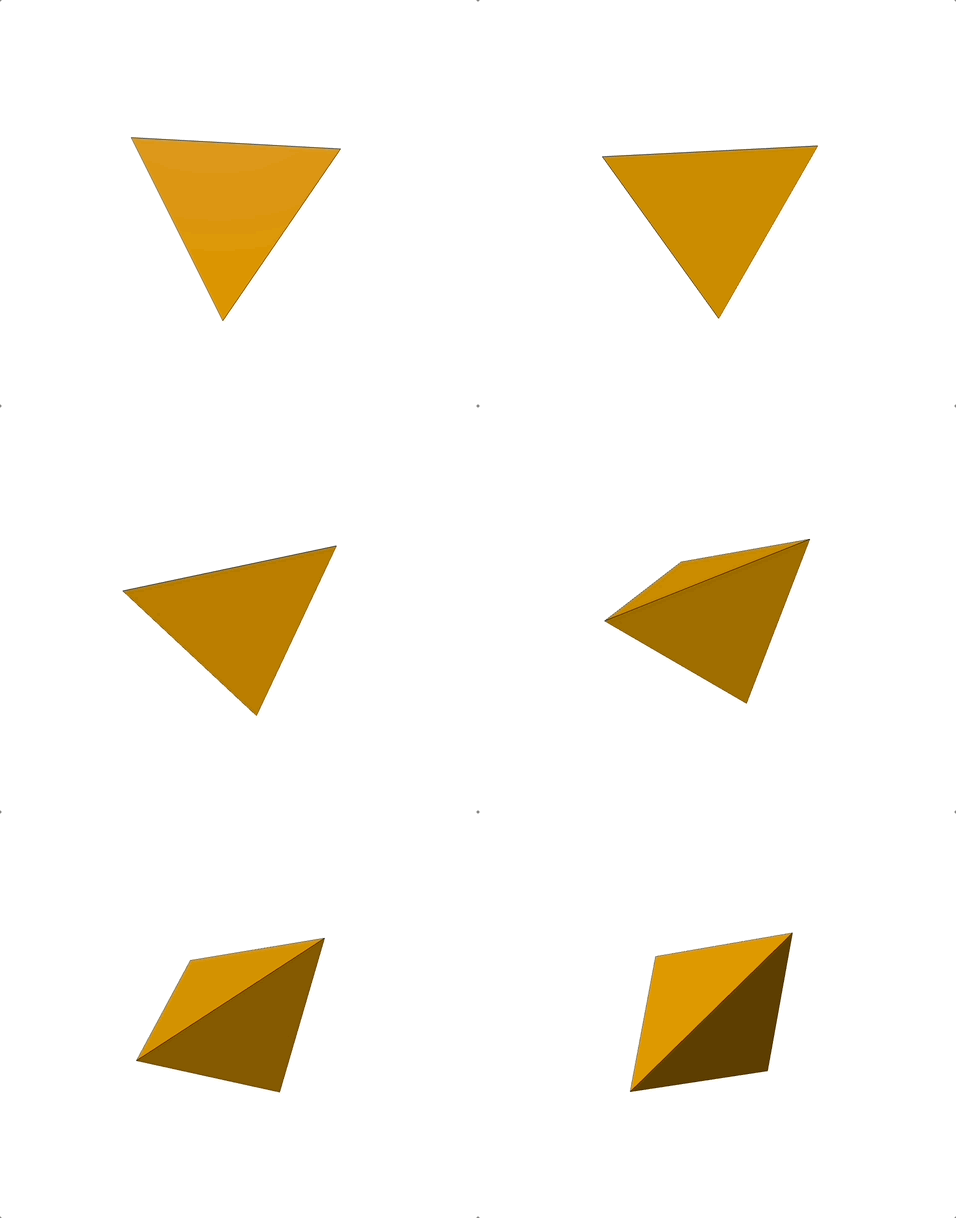
四面缓冲几何体(TetrahedronGeometry)
一个用于生成四面几何体的类。

const geometry = new THREE.TetrahedronGeometry(6, 0);
文本缓冲几何体(TextGeometry)
一个用于将文本生成为单一的几何体的类。 它是由一串给定的文本,以及由加载的font(字体)和该几何体ExtrudeGeometry父类中的设置所组成的参数来构造的。
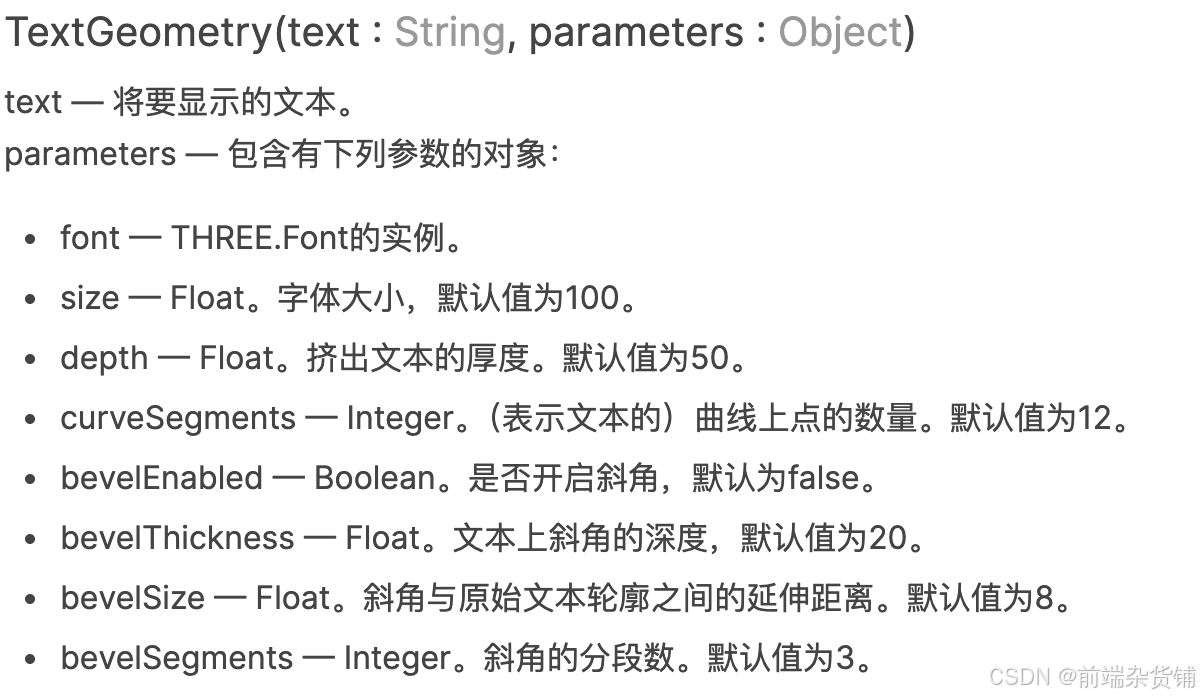
const loader = new THREE.FontLoader();

loader.load('../resources/threejs/fonts/helvetiker_regular.typeface.json', (font) => {
  const text = 'three.js';
three.js
  const geometry = new THREE.TextGeometry(text, {
    font: font,
    size: 3,
    depth: 0.2,
    curveSegments: 12,
    bevelEnabled: true,
    bevelThickness: 0.15,
    bevelSize: 0.3,
    bevelSegments: 5,
  });
  ...
});

圆环缓冲几何体(TorusGeometry)
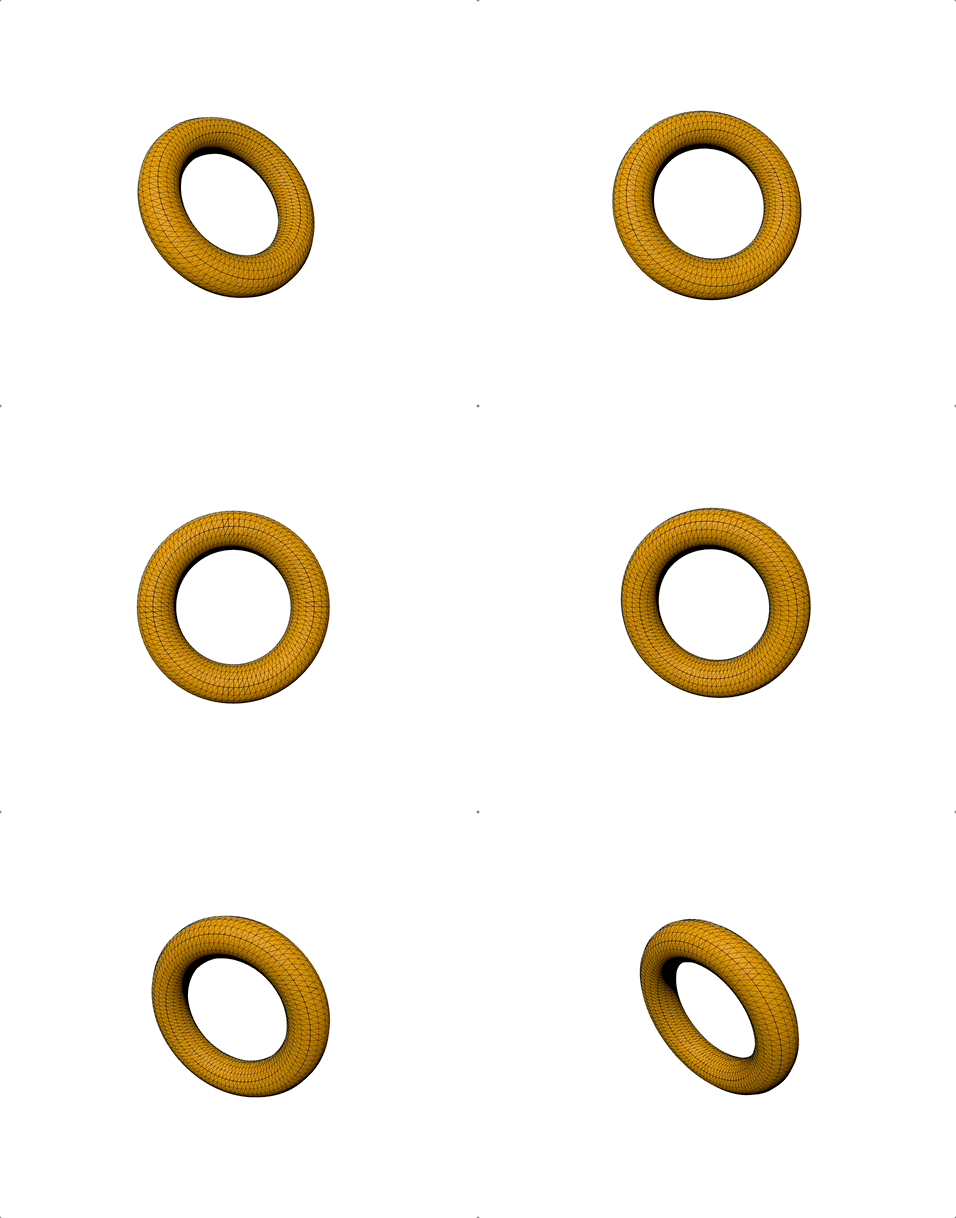
一个用于生成圆环几何体的类。
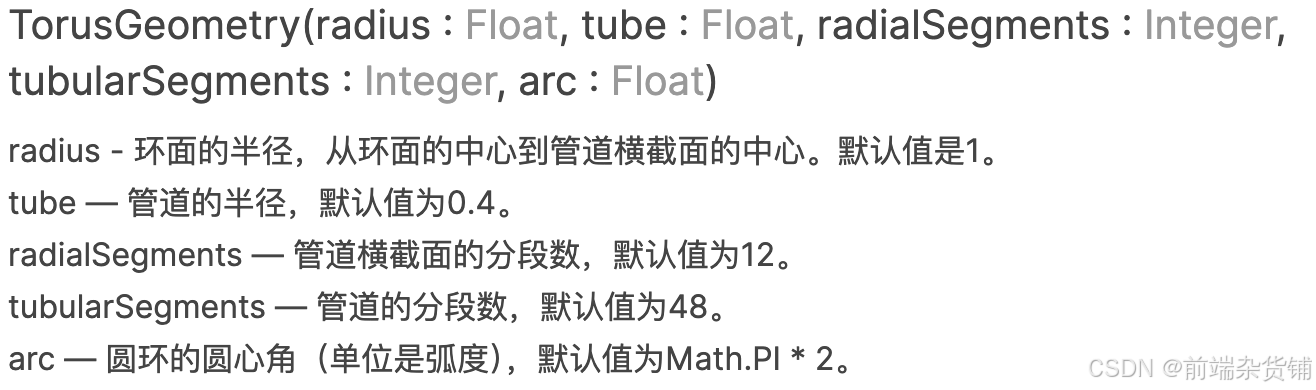
const geometry = new THREE.TorusGeometry(4, 1, 16, 100);
圆环缓冲扭结几何体(TorusKnotGeometry)
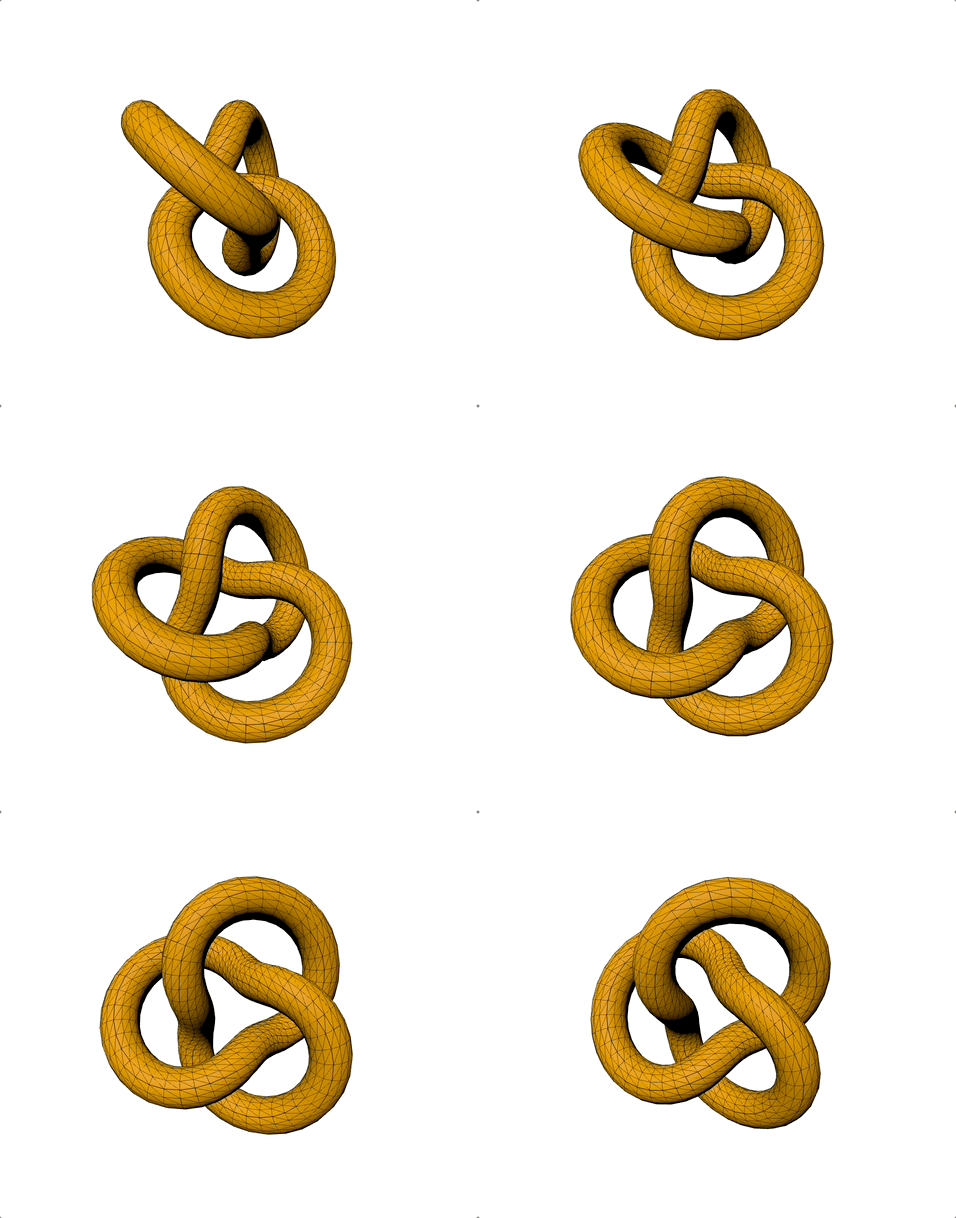
创建一个圆环扭结,其特殊形状由一对互质的整数,p和q所定义。如果p和q不互质,创建出来的几何体将是一个环面链接。
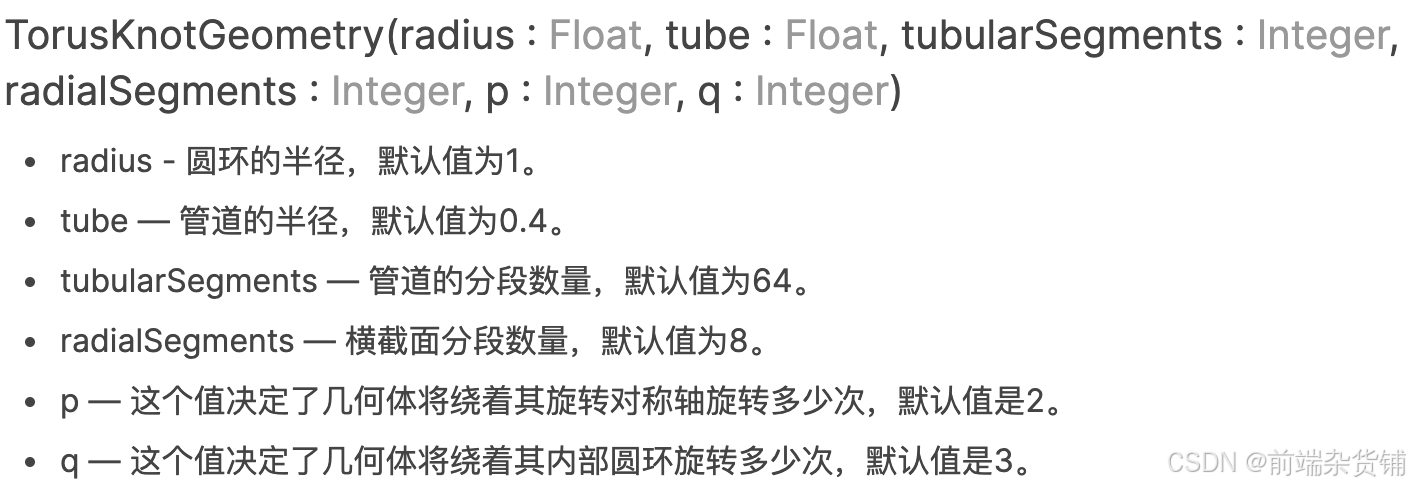
const geometry = new THREE.TorusKnotGeometry(4, 1, 100, 16);
管道缓冲几何体(TubeGeometry)
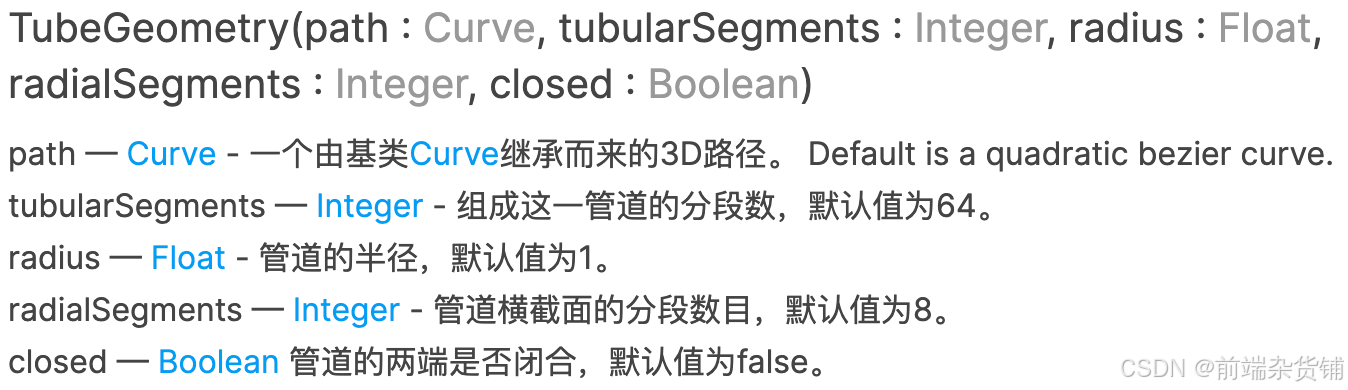
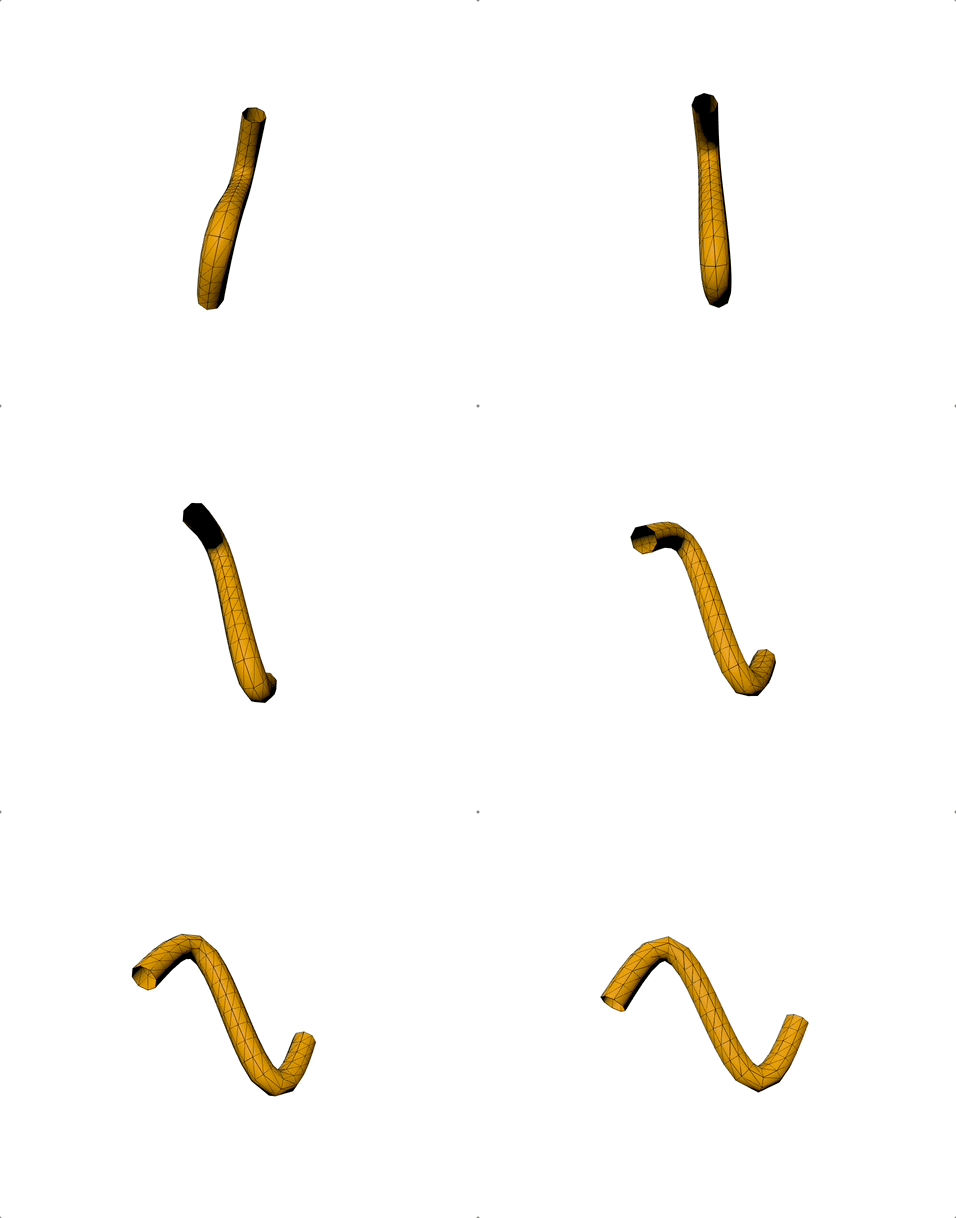
创建一个沿着三维曲线延伸的管道。
class CustomSinCurve extends THREE.Curve {
  constructor(scale = 1) {
    super();

    this.scale = scale;
  }

  getPoint(t, optionalTarget = new THREE.Vector3()) {
    const tx = t * 3 - 1.5;
    const ty = Math.sin(2 * Math.PI * t);
    const tz = 0;

    return optionalTarget.set(tx, ty, tz).multiplyScalar(this.scale);
  }
}

...

const path = new CustomSinCurve(10);
const geometry = new THREE.TubeGeometry(path, 20, 2, 8, false);
边缘几何体(EdgesGeometry)
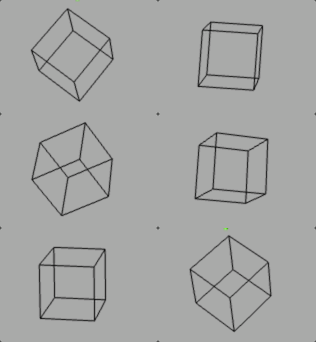
这可以作为一个辅助对象来查看geometry的边缘。

const boxGeometry = new THREE.BoxGeometry(8, 8, 8, 4, 4, 4);
const geometry = new THREE.EdgesGeometry(boxGeometry);
网格几何体(WireframeGeometry)
这个类可以被用作一个辅助物体,来对一个geometry以线框的形式进行查看。

const geometry = new THREE.BoxGeometry(8, 8, 8, 2, 2, 2);

const wireframe = new THREE.WireframeGeometry( geometry );

const line = new THREE.LineSegments( wireframe );
line.material.depthTest = false;
line.material.opacity = 0.25;
line.material.transparent = true;

scene.add(line);
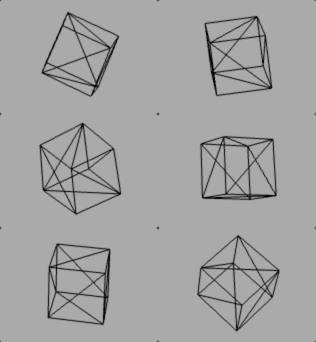
Geometry VS BufferGeometry
基于 BufferGeometry 的图元是面向性能的类型。 几何体的顶点是直接生成为一个高效的类型数组形式,可以被上传到 GPU 进行渲染。 这意味着它们能更快的启动,占用更少的内存。但如果想修改数据,就需要复杂的编程。
基于 Geometry 的图元更灵活、更易修改。 它们根据 JavaScript 的类而来,像 Vector3 是 3D 的点,Face3 是三角形。 它们需要更多的内存,在能够被渲染前,Three.js 会将它们转换成相应的 BufferGeometry 表现形式。
好啦,本篇文章到这里就要和大家说再见啦,祝你这篇文章阅读愉快,你下篇文章的阅读愉快留着我下篇文章再祝!
参考资料:
- 百度 · 百科
- Three.js · 官方文档
- Three.js 权威指南
- VS Code · Copilot

北京人形旗下天工造物具身智能开源社区,聚焦具身天工与慧思开物两大平台
更多推荐
 17
17 0
0- 0


 已为社区贡献5条内容

所有评论(0)