sentinel 微服务流量治理工具,使用初步
·
官网入口 introduction | Sentinel 这是阿里巴巴的服务,中文支持很好
maven 配置入口 https://mvnrepository.com/artifact/com.alibaba.csp/sentinel-core
<dependency>
    <groupId>com.alibaba.csp</groupId>
    <artifactId>sentinel-core</artifactId>
    <version>1.8.6</version>
</dependency>
sentinel 控制台需要引入的依赖
<dependency>
    <groupId>com.alibaba.csp</groupId>
    <artifactId>sentinel-transport-simple-http</artifactId>
    <version>1.8.6</version>
</dependency>
这是 sentinel 公网演示包:
本地安装和启动

// 需要将 sentinel-dashboard.jar 包放在当前目录下
java -Dserver.port=8090 -Dcsp.sentinel.dashboard.server=localhost:8090 -Dproject.name=sentinel-dashboard -jar sentinel-dashboard.jar
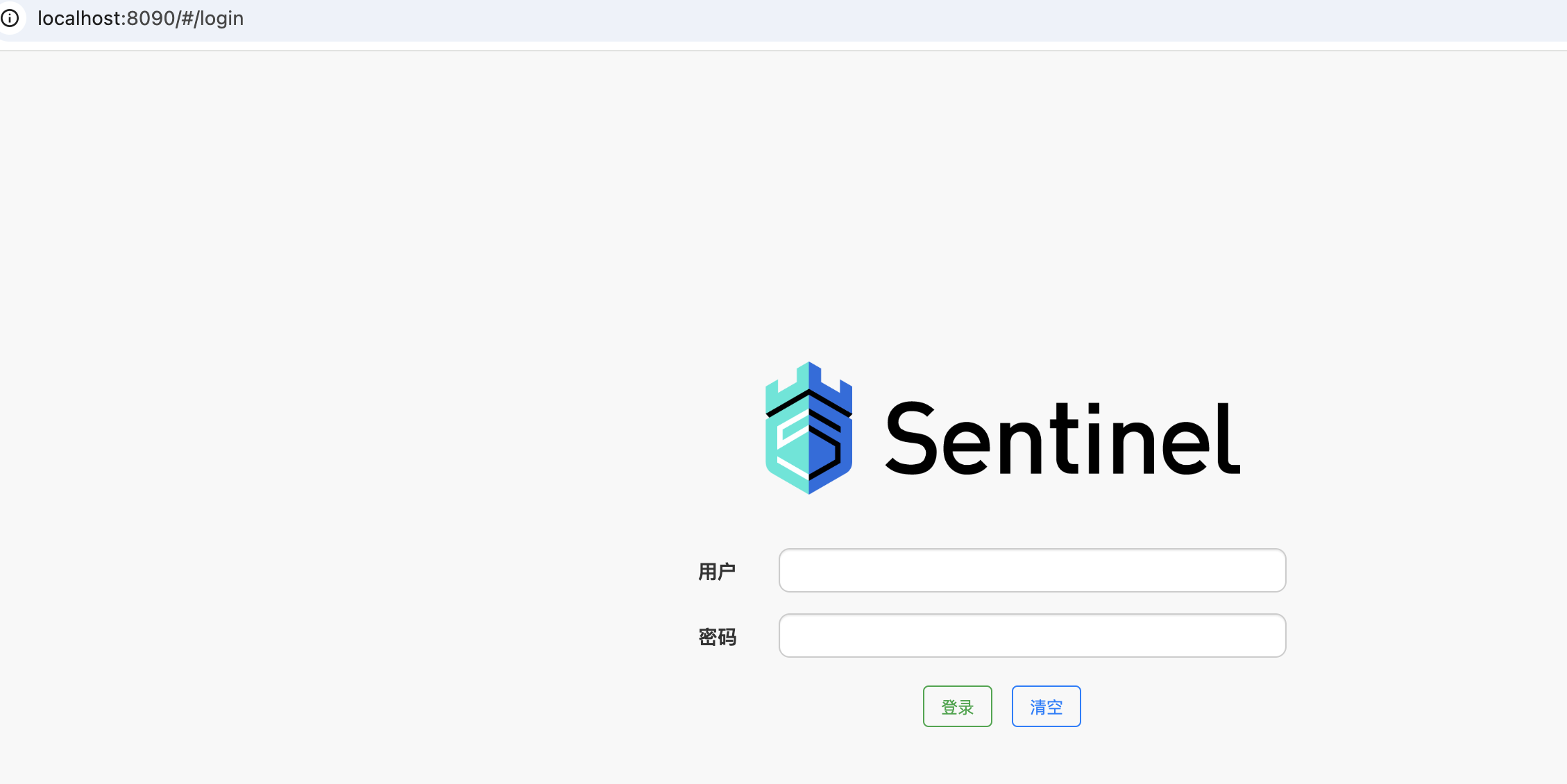
用户名: sentinel
密码: sentinel
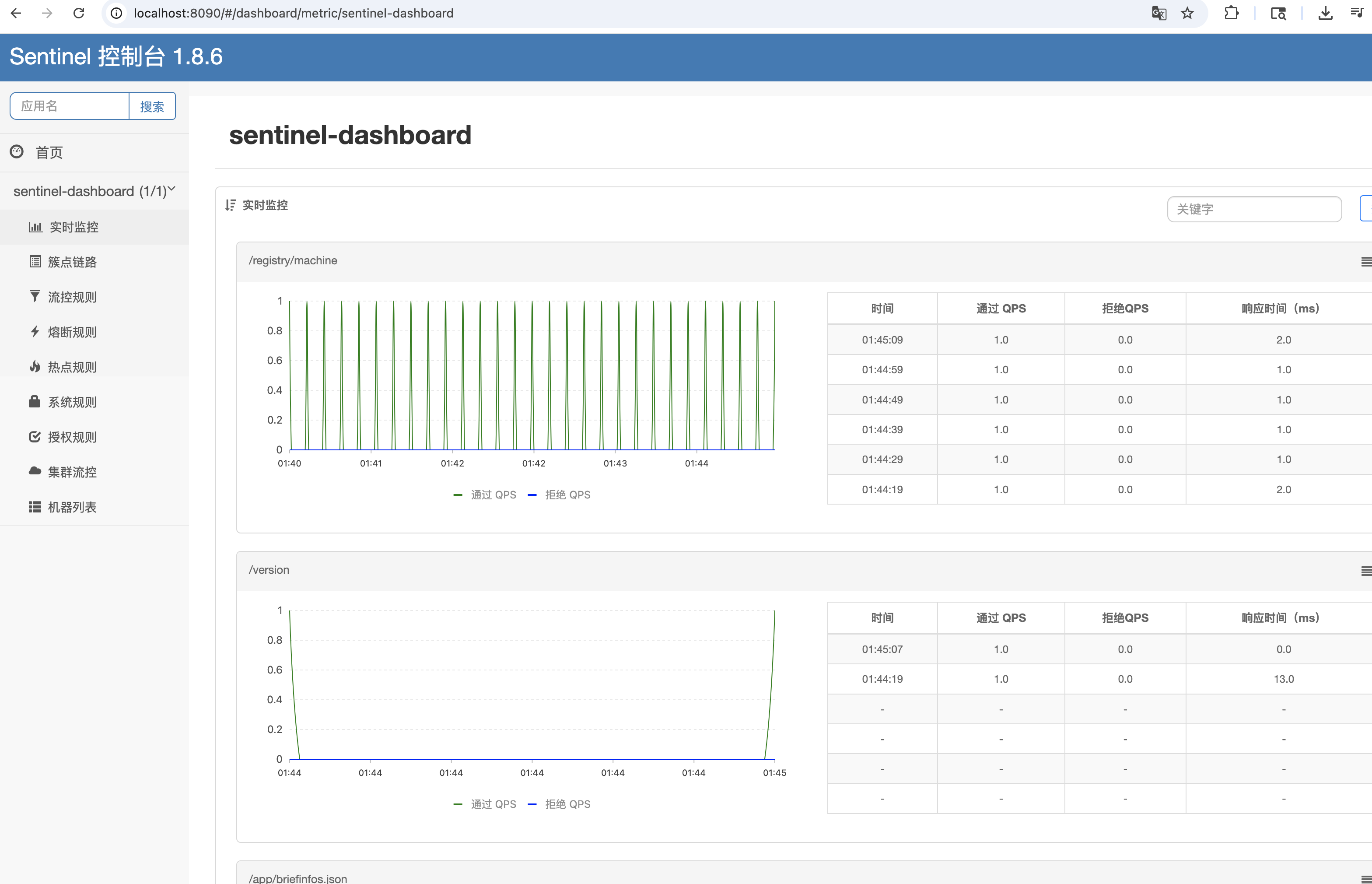
本地等路后的页面。
在微服务,没有和 sentinel 么有建立联系之前,监控的数据就是 sentinel 自己的服务。
在 pom 文件引入依赖
<dependency>
  <groupId>com.alibaba.cloud</groupId>
  <artifactId>spring-cloud-starter-alibaba-sentinel</artifactId>
</dependency>
之后,在 application.yaml 文件增加控制面板配置
spring:
  cloud:
    sentinel:
      transport:
        dashboard:  localhost:8090    # sentinel 控制面板的入口
⚠️ : 8090 端口根据个人配置调整
访问对应的微服务即可在控制台看到微服务的启动情况。

北京人形旗下天工造物具身智能开源社区,聚焦具身天工与慧思开物两大平台
更多推荐
 15
15 0
0- 0


 已为社区贡献6条内容

所有评论(0)