解决Error Get “https://registry-1.docker.io/v2/“:环境报错问题
·
最近在使用ubuntu 20.04部署docker等程序服务 发现 使用docker 拉取镜像时环境报错 mysql Error Get "https://registry-1.docker.io/v2/":环境报错问题 找了很多贴子
有人说之前的资源地址被墙了,可以使用更换成国内镜像源 和 添加代理地址的方式
经过我的不断尝试 找到此问题的解决方案
通过添加国内镜像代理 成功解决 已下是解决方案
1、进入 Docker 配置文件,通常位于 /etc/docker/daemon.json
sudo vi /etc/docker/daemon.json
添加已下内容
{
  "registry-mirrors":
    [
      "https://docker.m.daocloud.io/",
      "https://huecker.io/",
      "https://dockerhub.timeweb.cloud",
      "https://noohub.ru/",
      "https://dockerproxy.com",
      "https://docker.mirrors.ustc.edu.cn",
      "https://docker.nju.edu.cn",
      "https://xx4bwyg2.mirror.aliyuncs.com",
      "http://f1361db2.m.daocloud.io",
      "https://registry.docker-cn.com",
      "http://hub-mirror.c.163.com",
      "https://docker.mirrors.ustc.edu.cn"
    ]
}
修改完成后,重启 Docker 服务:
sudo systemctl restart docker
这个镜像有些环境下可能在重新加载时,有报配置文件错误的情况,这种情况下,不要慌使用2分法 对以上镜像 分块加入到环境中,测试(我一同事就只添加了上面一半的镜像就解决了问题)
2、增加请求超时时间:可以尝试增加 Docker 的默认超时时间。例如在 WSL 的 Ubuntu 环境下,可以增加 Docker 的客户端超时时间:
export DOCKER_CLIENT_TIMEOUT=120
export COMPOSE_HTTP_TIMEOUT=120
3、有时候 DNS 配置可能会导致网络请求超时。可以尝试修改 /etc/resolv.conf 文件,将 DNS 服务器改为公共 DNS,比如
sudo vi /etc/resolv.conf
删掉默认的nameserver地址在后面增加
nameserver 8.8.8.8
nameserver 8.8.4.4
从新加载
systemctl restart systemd-resolved.service
4、重新安装或更新 Docker:可能是由 Docker 的安装版本引起的。可以尝试更新 Docker
sudo apt update sudo apt install docker-ce docker-ce-cli containerd.io最后大功告成
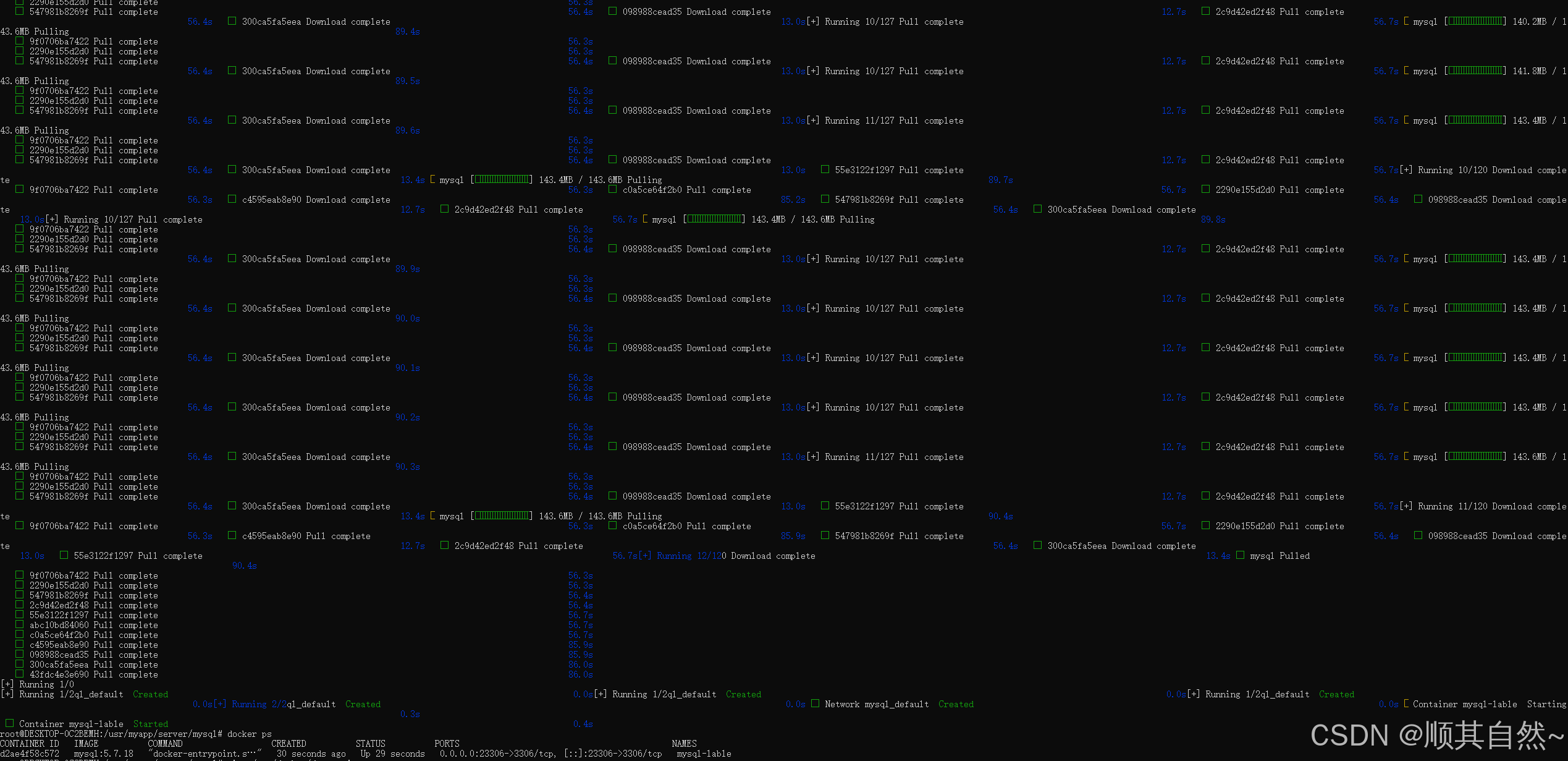
后续我这边在服务器上装了GPU支持,然后配置文件有所变化如下,格式是这样哈
{
    "dns": ["8.8.8.8", "8.8.4.4"],
    "registry-mirrors": [
        "https://docker.m.daocloud.io/",
        "https://huecker.io/",
        "https://dockerhub.timeweb.cloud",
        "https://noohub.ru/",
        "https://dockerproxy.com",
        "https://docker.mirrors.ustc.edu.cn",
        "https://docker.nju.edu.cn",
        "https://xx4bwyg2.mirror.aliyuncs.com",
        "http://f1361db2.m.daocloud.io",
        "https://registry.docker-cn.com",
        "http://hub-mirror.c.163.com"
    ],
    "runtimes": {
        "nvidia": {
            "path": "nvidia-container-runtime",
            "runtimeArgs": []
        }
    }
}
完了之后 配置重新加载
sudo systemctl daemon-reloaddocker 重新启动
sudo systemctl restart docker参考帖子:
https://gist.github.com/y0ngb1n/7e8f16af3242c7815e7ca2f0833d3ea6
转自:解决Error Get "https://registry-1.docker.io/v2/":环境报错问题 - 白码一号 - 博客园

北京人形旗下天工造物具身智能开源社区,聚焦具身天工与慧思开物两大平台
更多推荐
 0
0 0
0- 0


 已为社区贡献65条内容

所有评论(0)