springboot链接nacos测试
·
代码资料链接:https://download.csdn.net/download/ly1h1/90881498
场景说明:本次测试是springboot项目,可以链接上ncaos,将对应命名空间下的配置信息读取出俩,然后可以在接口进行返回显示。
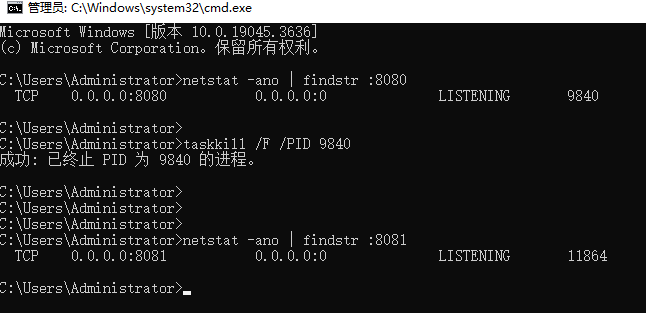
0.环境配置
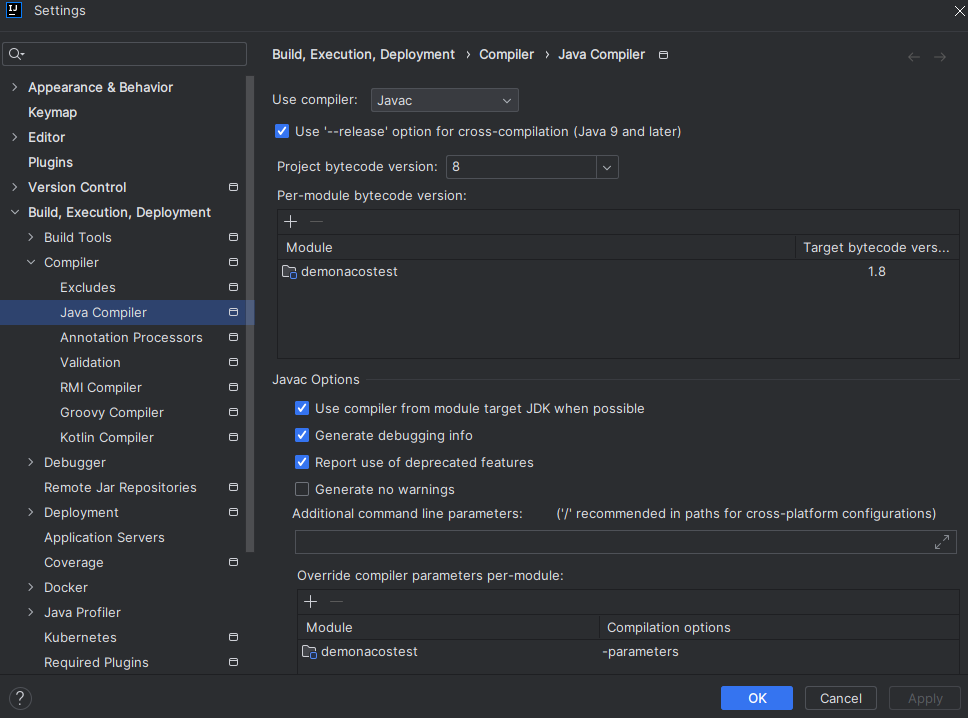
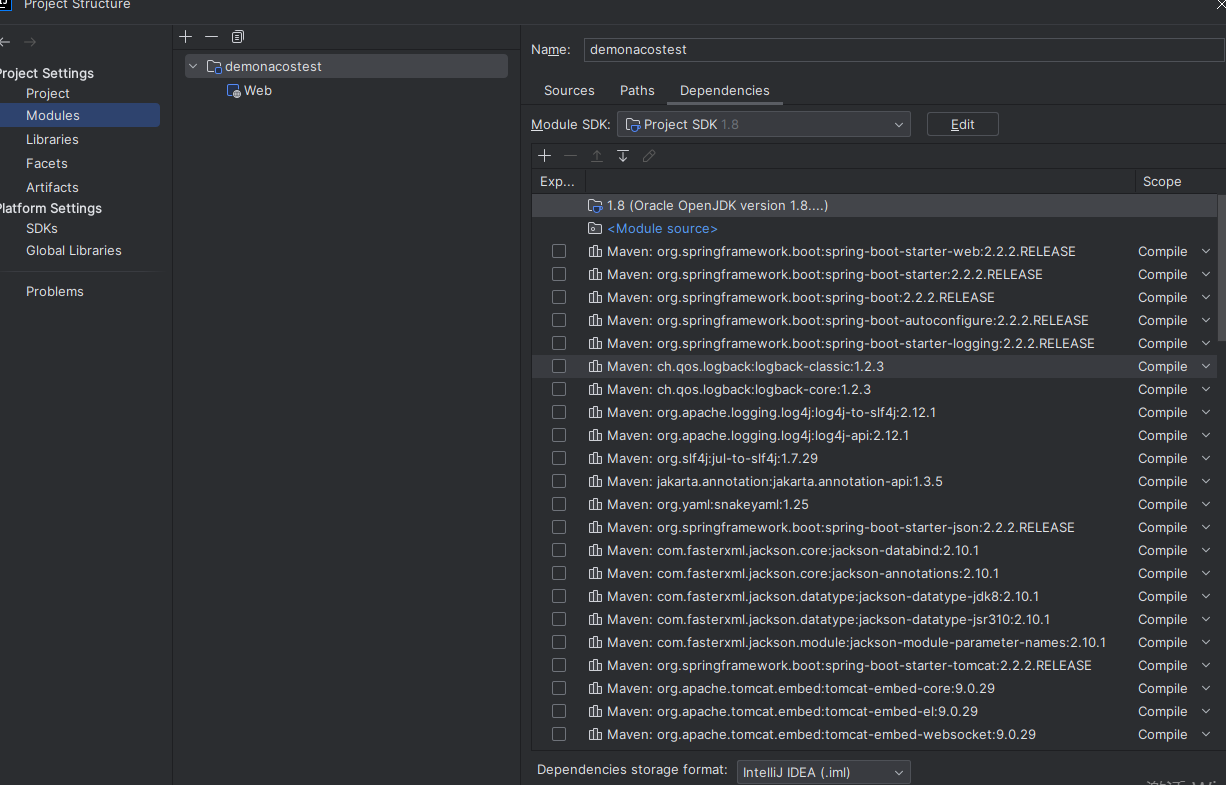
1.代码结构
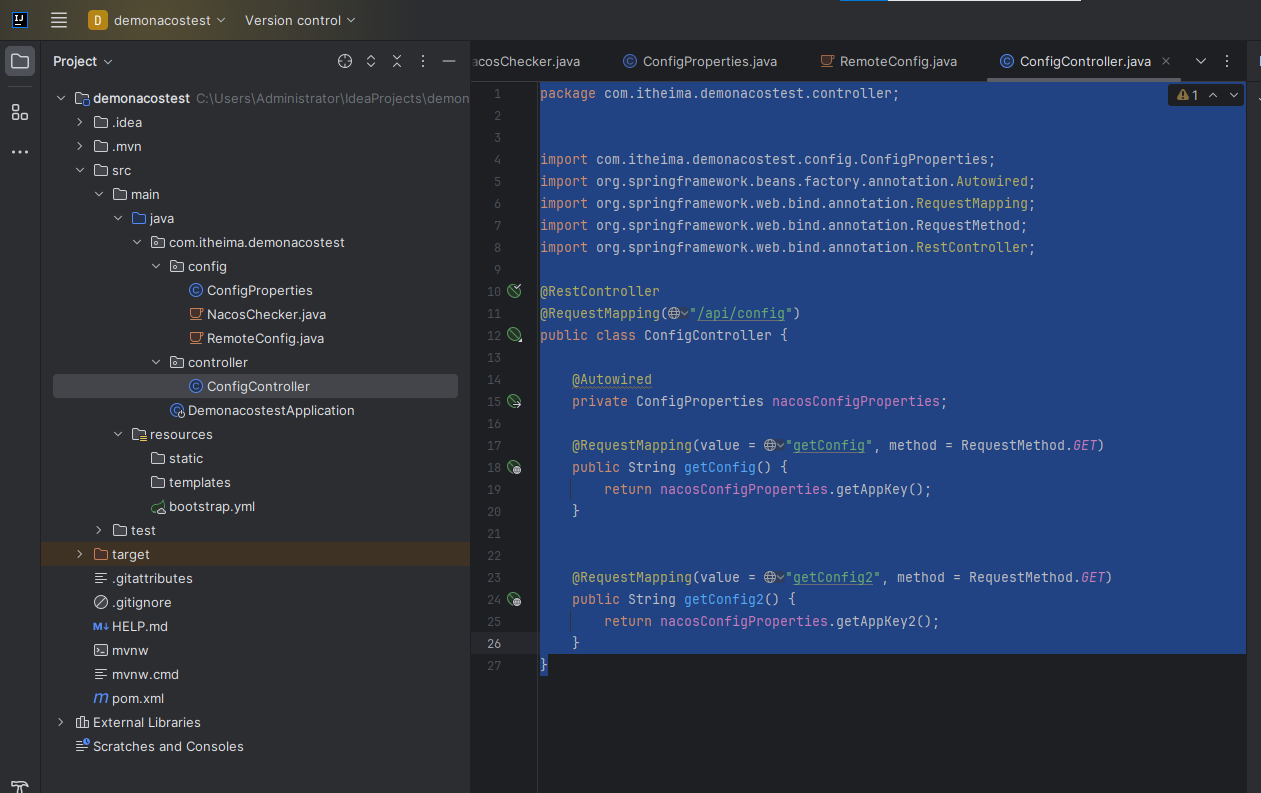
2.POM配置
<?xml version="1.0" encoding="UTF-8"?>
<project xmlns="http://maven.apache.org/POM/4.0.0" xmlns:xsi="http://www.w3.org/2001/XMLSchema-instance"
         xsi:schemaLocation="http://maven.apache.org/POM/4.0.0 https://maven.apache.org/xsd/maven-4.0.0.xsd">
    <modelVersion>4.0.0</modelVersion>
    <parent>
        <groupId>org.springframework.boot</groupId>
        <artifactId>spring-boot-starter-parent</artifactId>
        <version>2.2.2.RELEASE</version>
        <relativePath/> <!-- lookup parent from repository -->
    </parent>


    <groupId>com.itheima</groupId>
    <artifactId>demonacostest</artifactId>
    <version>0.0.1-SNAPSHOT</version>
    <name>demonacostest</name>
    <description>demonacostest</description>

    <properties>
        <java.version>8</java.version>
    </properties>


    <dependencies>
        <dependency>
            <groupId>org.springframework.boot</groupId>
            <artifactId>spring-boot-starter-web</artifactId>
        </dependency>

        <dependency>
            <groupId>org.springframework.boot</groupId>
            <artifactId>spring-boot-starter-test</artifactId>
            <scope>test</scope>
        </dependency>
        <dependency>
            <groupId>com.alibaba.cloud</groupId>
            <artifactId>spring-cloud-starter-alibaba-nacos-config</artifactId>
        </dependency>
        <dependency>
            <groupId>org.projectlombok</groupId>
            <artifactId>lombok</artifactId>
            <version>1.18.28</version>
        </dependency>
<!--        <dependency>-->
<!--            <groupId>org.springframework.cloud</groupId>-->
<!--            <artifactId>spring-cloud-starter-bootstrap</artifactId>-->
<!--            <version>3.0.3</version>-->
<!--        </dependency>-->
    </dependencies>

    <dependencyManagement>
        <dependencies>
            <dependency>
                <groupId>com.alibaba.cloud</groupId>
                <artifactId>spring-cloud-alibaba-dependencies</artifactId>
                <version>2.2.5.RELEASE</version>
                <type>pom</type>
                <scope>import</scope>
            </dependency>
        </dependencies>
    </dependencyManagement>


    <build>
        <plugins>
            <plugin>
                <groupId>org.springframework.boot</groupId>
                <artifactId>spring-boot-maven-plugin</artifactId>
            </plugin>
        </plugins>
    </build>

</project>
3.bootstrap.yml如下,不需要application.yml
spring:
  application:
    name: nacos-test
  cloud:
    nacos:
      config:
        server-addr: 43.162.118.209:8848
        username: nacos
        password: nacos
        namespace: f90776be-d19e-41c4-b55f-4cdcae33fa57
        file-extension: yaml
# 本地配置示例
app:
  local-config: 这是本地配置
4.配置属性模型
ConfigProperties
package com.itheima.demonacostest.config;

import lombok.Data;
import org.springframework.boot.context.properties.ConfigurationProperties;
import org.springframework.cloud.context.config.annotation.RefreshScope;
import org.springframework.stereotype.Component;

import java.io.Serializable;

@Data
@Component
@RefreshScope
@ConfigurationProperties(prefix = "base.config")
public class ConfigProperties implements Serializable {


    private String appKey;

    private String appKey2;
}
5.接口如下
package com.itheima.demonacostest.controller;


import com.itheima.demonacostest.config.ConfigProperties;
import org.springframework.beans.factory.annotation.Autowired;
import org.springframework.web.bind.annotation.RequestMapping;
import org.springframework.web.bind.annotation.RequestMethod;
import org.springframework.web.bind.annotation.RestController;

@RestController
@RequestMapping("/api/config")
public class ConfigController {

    @Autowired
    private ConfigProperties nacosConfigProperties;

    @RequestMapping(value = "getConfig", method = RequestMethod.GET)
    public String getConfig() {
        return nacosConfigProperties.getAppKey();
    }


    @RequestMapping(value = "getConfig2", method = RequestMethod.GET)
    public String getConfig2() {
        return nacosConfigProperties.getAppKey2();
    }
}
6.nacos配置如下
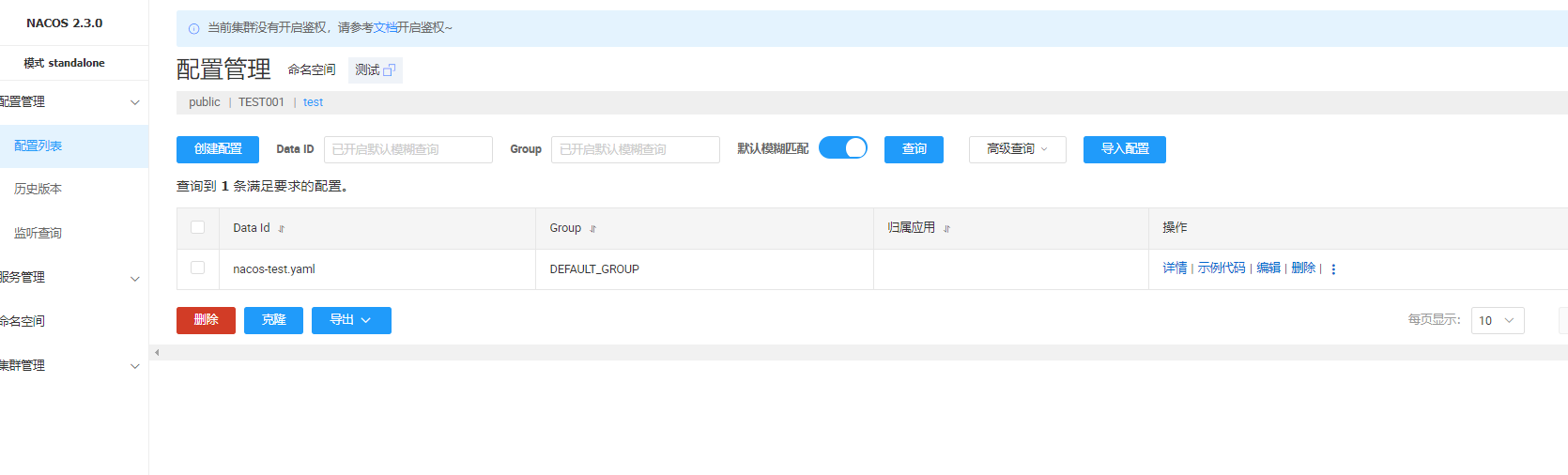
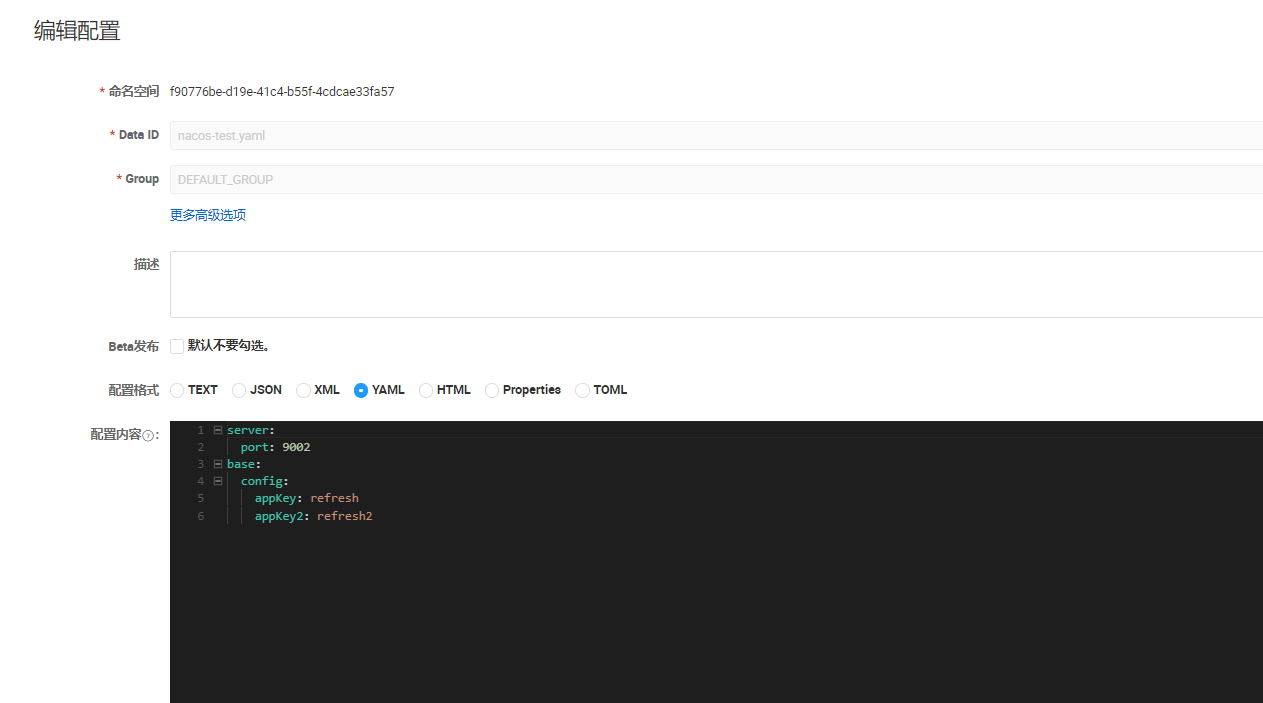
7.效果
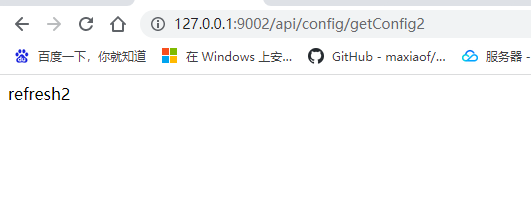
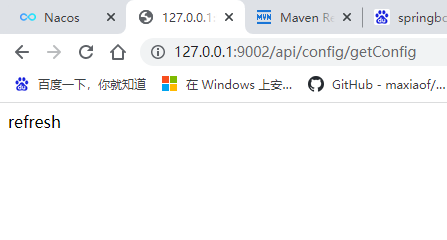

北京人形旗下天工造物具身智能开源社区,聚焦具身天工与慧思开物两大平台
更多推荐
 12
12 0
0- 0


 已为社区贡献6条内容

所有评论(0)