【无标题】[!]Oh no, an error occurred.NoMethodError - undefined method ‘name‘ for an instance of Xcodepr
### Error```
NoMethodError - undefined method 'name' for an instance of Xcodeproj::Project::Object::PBXSourcesBuildPhase
[!] Oh no, an error occurred.
Search for existing GitHub issues similar to yours:
[!] Smart quotes were detected and ignored in your Podfile. To avoid issues in the future, you should not use TextEdit for editing it. If you are not using TextEdit, you should turn off smart quotes in your editor of choice.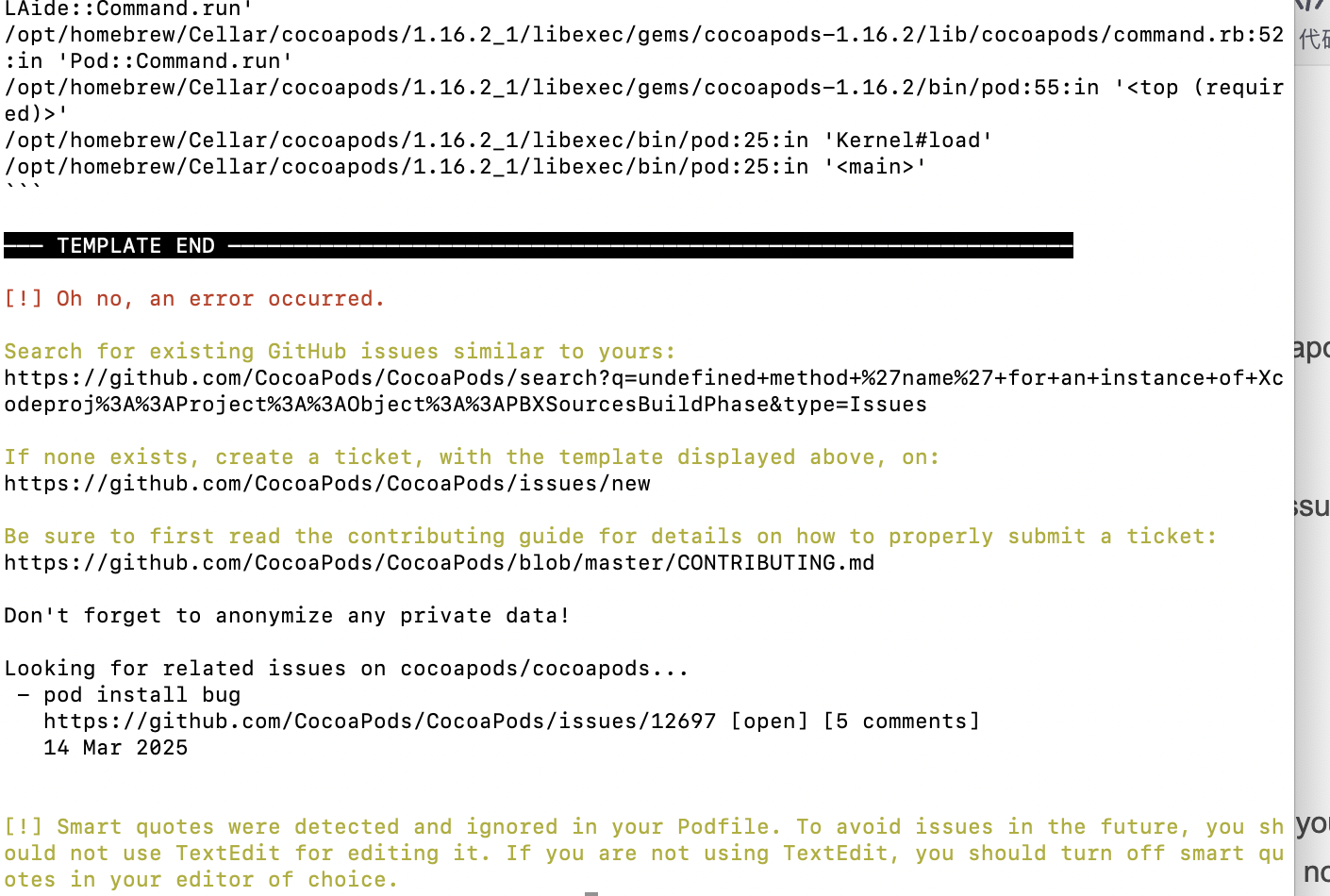
跟着AI修复问题
我的是pod install后,总是报错,且没有生成podfile.lock文件(我先把pod文件和podfile.lock文件和.xcworkspace文件删除了,为了避免之前的缓存影响。因为总是提示The sandbox is not insync with the Podfile.lock.运行“pod install”或更新您的 CocoaPods 安装的错误。(没有问题不用这样删除哈,或者删除前最好备份或者提交到git上,免得有问题无法回退)。)
请尝试以下步骤:
-
确认你的 PATH 环境变量:
-
打开你的终端。
-
复制并粘贴以下命令,然后执行:
Bashsed -i '' -e 's/build_phase.name/build_phase.display_name/g' "/opt/homebrew/Cellar/cocoapods/1.16.2_1/libexec/gems/xcodeproj-1.27.0/lib/xcodeproj/project/object/file_system_synchronized_exception_set.rb"- 解释:这个命令直接告诉
sed去修改上面那个确切路径的文件。 -i '':在 macOS 上,-i选项(表示直接修改文件)通常需要一个备份文件的后缀。给一个空字符串''表示不创建备份文件,直接修改原文件。
- 解释:这个命令直接告诉
-
检查命令是否成功:如果这个命令执行后没有任何错误输出(比如 "No such file or directory"),那么它很可能成功修改了文件。
-
再次运行
Bashpod install:cd 到你的代码路径 pod install --verbose -
这个方法绕过了动态查找 gem 路径的复杂性,直接定位到 Cocoapods 出错时引用的那个文件。这应该能成功应用 GitHub issue 上提到的修复。
-
我的执行后OK了。成功后长这样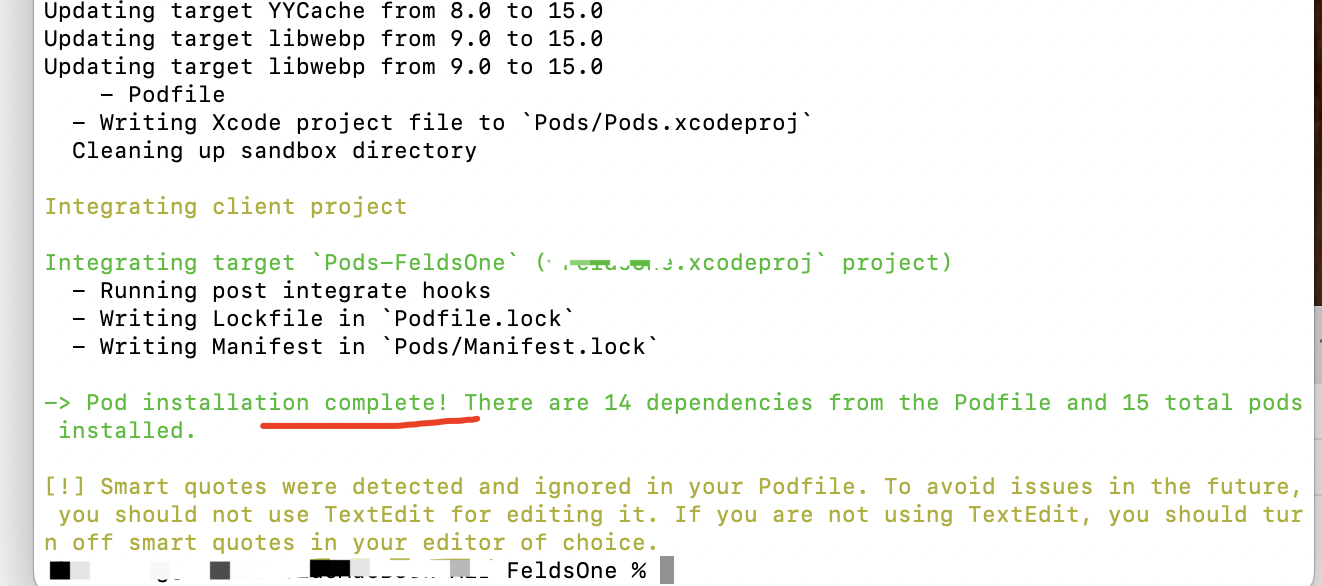

北京人形旗下天工造物具身智能开源社区,聚焦具身天工与慧思开物两大平台
更多推荐
 4
4 0
0- 0


 已为社区贡献3条内容

所有评论(0)