playwright 自动测试及网页抓取
一、新建项目TestProject3
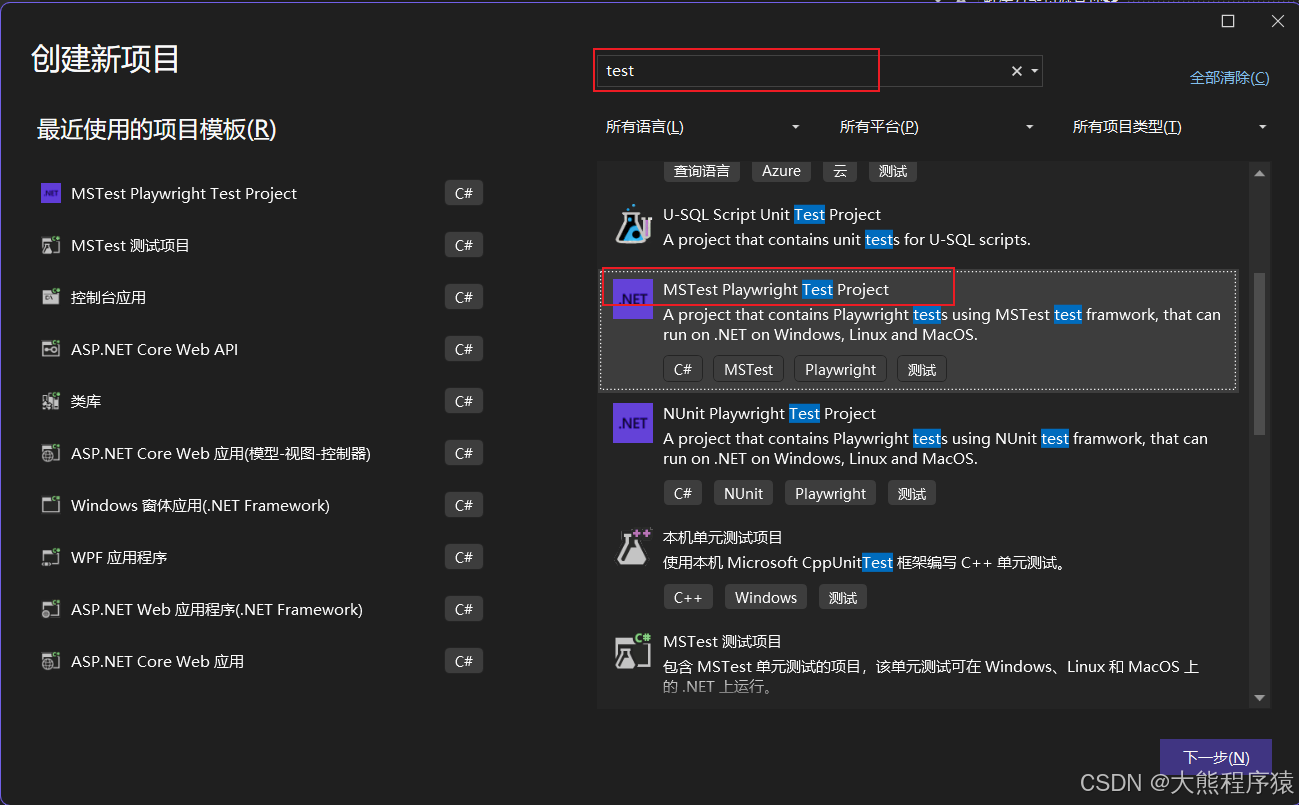
UnitTest1.cs
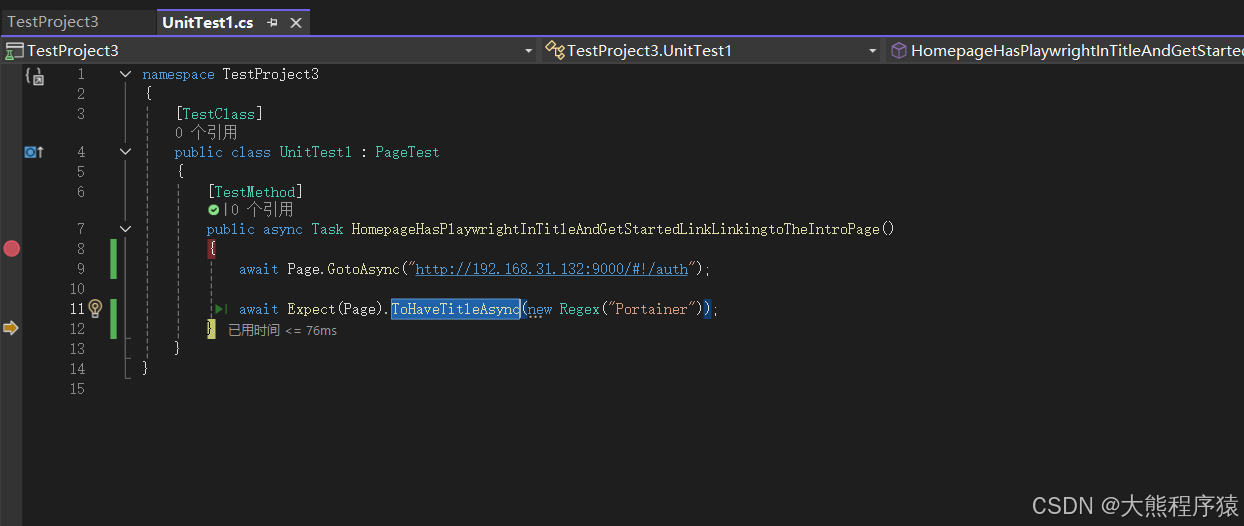
namespace TestProject3
{
    [TestClass]
    public class UnitTest1 : PageTest
    {
        [TestMethod]
        public async Task HomepageHasPlaywrightInTitleAndGetStartedLinkLinkingtoTheIntroPage()
        {
            await Page.GotoAsync("http://192.168.31.132:9000/#!/auth");

            await Expect(Page).ToHaveTitleAsync(new Regex("Portainer"));
        }
    }
}
调式单元测试报错:
HomepageHasPlaywrightInTitleAndGetStartedLinkLinkingtoTheIntroPage
持续时间: 6.5 秒消息:
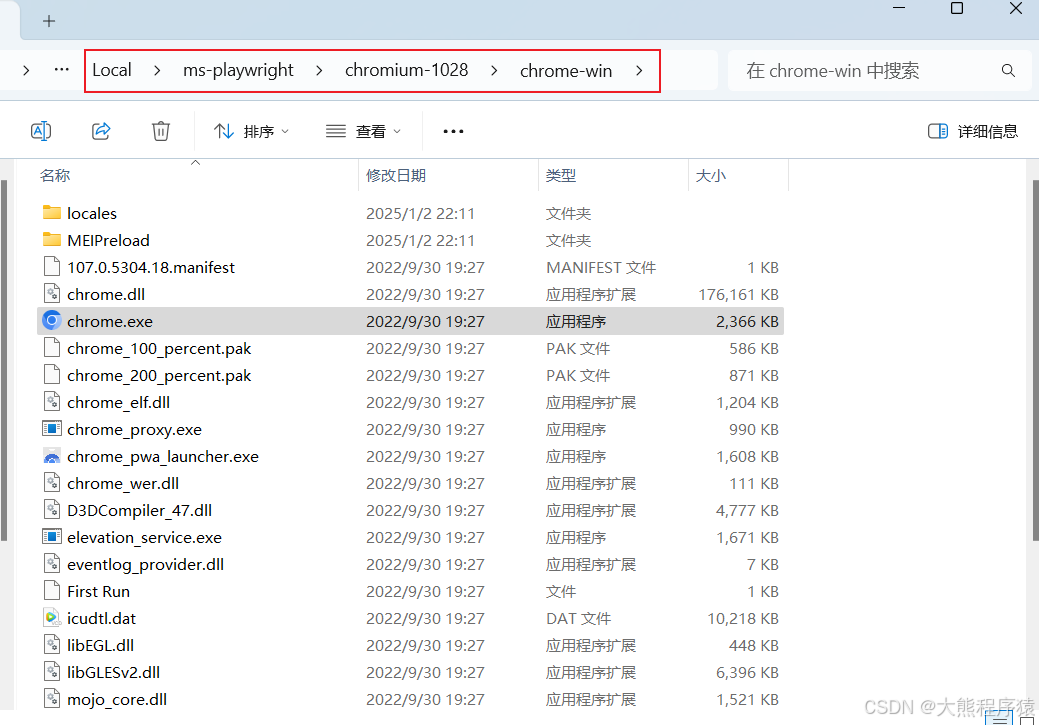
Initialization method TestProject3.UnitTest1.BrowserSetup threw exception. Microsoft.Playwright.PlaywrightException: Executable doesn't exist at C:\Users\xxx\AppData\Local\ms-playwright\chromium-1028\chrome-win\chrome.exe
╔════════════════════════════════════════════════════════════╗
║ Looks like Playwright was just installed or updated. ║
║ Please run the following command to download new browsers: ║
║ ║
║ pwsh bin/Debug/netX/playwright.ps1 install ║
║ ║
║ <3 Playwright Team ║
╚════════════════════════════════════════════════════════════╝.堆栈跟踪:
Connection.InnerSendMessageToServerAsync[T](String guid, String method, Object args) 行 163
Connection.WrapApiCallAsync[T](Func`1 action, Boolean isInternal) 行 482
BrowserType.LaunchAsync(BrowserTypeLaunchOptions options) 行 61
BrowserService.BuildAsync(PlaywrightTest parentTest) 行 40
PlaywrightTest.GetService[T](Func`1 factory) 行 108
BrowserTest.BrowserSetup() 行 48
解决:
cd D:\工作空间\练习空间\VS2022Projects\TestProject3\TestProject3
dotnet build
pwsh bin/Debug/net8.0/playwright.ps1 install

#安装Microsoft.PowerShell,否则pwsh无效
https://learn.microsoft.com/zh-cn/powershell/scripting/install/installing-powershell-on-windows?view=powershell-7.4

#下载https://playwright.azureedge.net/builds/chromium/1028/chromium-win64.zip失败,转手动下载
#解压到目录:C:\Users\xxx\AppData\Local\ms-playwright\chromium-1028\chrome-win\chrome.exe
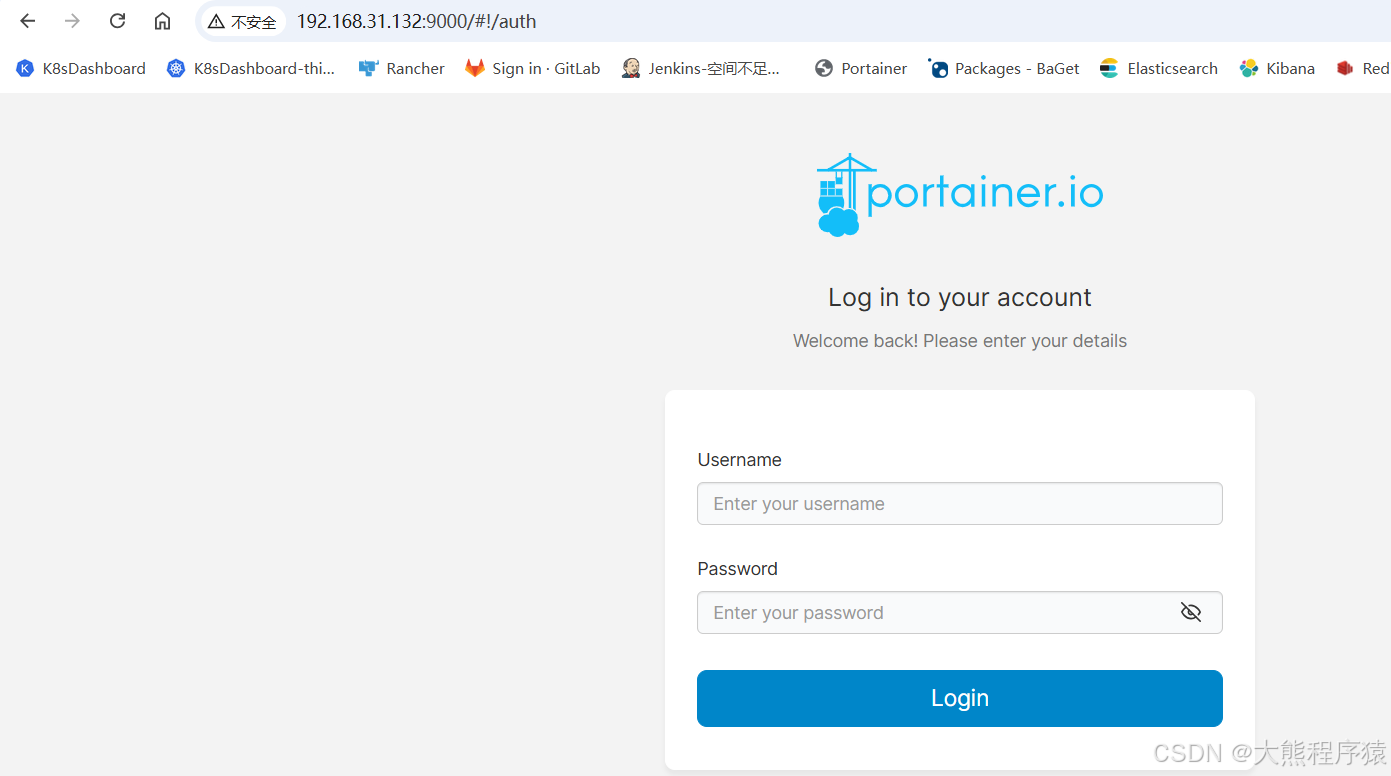
准备的页面:
再调式一把: 通过

北京人形旗下天工造物具身智能开源社区,聚焦具身天工与慧思开物两大平台
更多推荐
 11
11 0
0- 0


 已为社区贡献21条内容

所有评论(0)