fo-dicom在unity中显示dicom图像基本方法
·
导入包
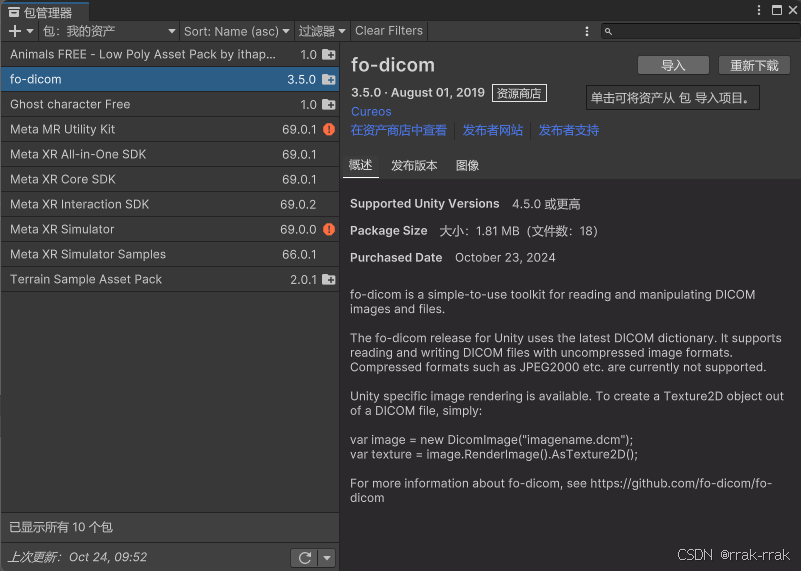
包中提供了一些示例程序和.dcm图像,可以先阅读
我们要把要用的资源文件(要展示的.dcm文件)放在StreamingAssets 文件夹中。
Unity 项目中,StreamingAssets 文件夹用于存放一些不希望被压缩或修改的文件,通常是应用程序运行时需要直接访问的原始文件。与 Resources 文件夹不同,StreamingAssets中的文件在打包后会保持原样,特别适用于多平台开发中需要加载的多媒体资源或外部数据文件。
- 在 PC/Mac/Linux 平台上,StreamingAssets 文件可以直接通过文件路径访问。
- 在 Android 上,StreamingAssets 中的文件会被打包到 APK 中,需要通过 Unity 的 UnityWebRequest 或类似的 API 进行访问。
- 在 iOS 上,StreamingAssets 中的文件可以直接通过路径访问。
因此在Assets目录下新建StreamingAssets文件夹,把需要的文件放入。
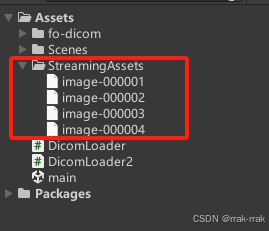
新建脚本,比如命名为DicomLoader2.cs
using System.Collections;
using System.Collections.Generic;
using UnityEngine;
using UnityEngine.Networking;
using Dicom.Imaging;
using Dicom;
using System.IO;


public class DicomLoader2 : MonoBehaviour
{
    public string dicomFileName;
    private Texture2D dicomTexture;

    // Start is called before the first frame update
    void Start()
    {
        StartCoroutine(LoadDicomImage());
    }

    // Update is called once per frame
    void Update()
    {

    }

    IEnumerator LoadDicomImage()
    {
        string dicomFilePath = System.IO.Path.Combine(Application.streamingAssetsPath, dicomFileName);

        // 用UnityWebRequest加载DICOM文件
        UnityWebRequest request = UnityWebRequest.Get(dicomFilePath);
        yield return request.SendWebRequest();

        if (request.result != UnityWebRequest.Result.Success)
        {
            Debug.LogError("Error loading DICOM file: " + request.error);
            yield break;
        }

        byte[] dicomBytes = request.downloadHandler.data;

        using (MemoryStream dicomStream = new MemoryStream(dicomBytes))
        {
            // 用fo-dicom加载DICOM文件
            DicomFile dicomFile = DicomFile.Open(dicomStream);
            var dicomImage = new DicomImage(dicomFile.Dataset);
            dicomTexture = dicomImage.RenderImage().AsTexture2D();

            // Texture2D应用到材质上
            Renderer renderer = GetComponent<Renderer>();
            if (renderer != null && dicomTexture != null)
            {
                renderer.material.mainTexture = dicomTexture;
            }
        }
    }
}
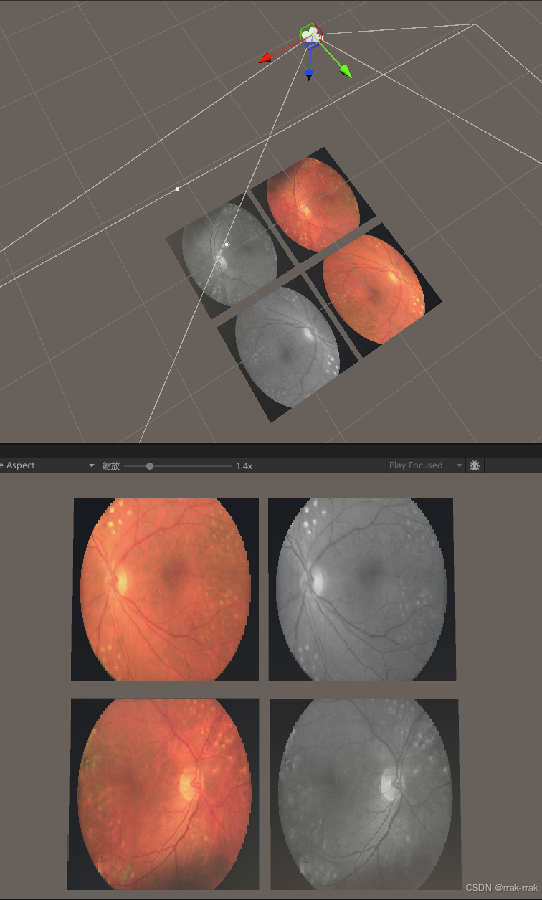
新建平面或其他物体,将DicomLoader2.cs脚本挂载上,在其Dicom Loader Path中写StreamingAssets文件夹中的文件相对路径
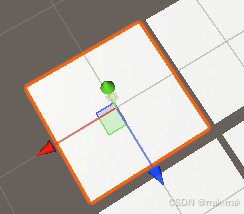
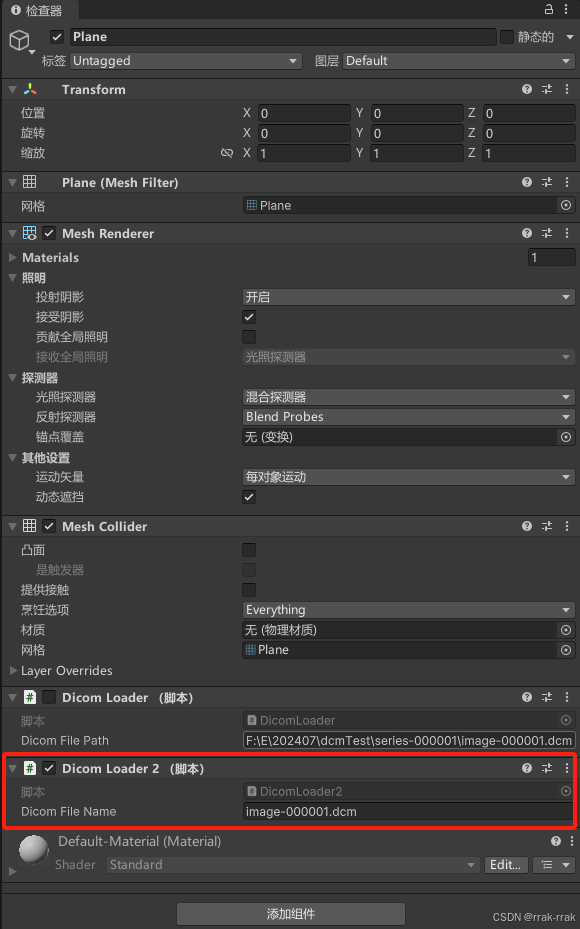
可以将这个平面作为预制体,制作许多个展示器。
运行效果:

北京人形旗下天工造物具身智能开源社区,聚焦具身天工与慧思开物两大平台
更多推荐
 5
5 0
0- 0


 已为社区贡献2条内容

所有评论(0)