压力测试_abs,2024年最新字节面试官
-c 并发数,模拟请求的用户数
-n 请求总数
-p 发送post请求的数据文件,文件中内容以key=value&key1=value1形式拼接参数
-T 设置content-type发送post请求时必须设置,application/x-www-form-urlencoded
更多参数参考以下:
$ ./abs.exe
D:\wamp\bin\apache\apache2.4.35\bin\abs.exe: wrong number of arguments
Usage: D:\wamp\bin\apache\apache2.4.35\bin\abs.exe [options] [http[s]😕/]hostname[:port]/path
Options are:
-n requests Number of requests to perform
-c concurrency Number of multiple requests to make at a time
-t timelimit Seconds to max. to spend on benchmarking
This implies -n 50000
-s timeout Seconds to max. wait for each response
Default is 30 seconds
-b windowsize Size of TCP send/receive buffer, in bytes
-B address Address to bind to when making outgoing connections
-p postfile File containing data to POST. Remember also to set -T
-u putfile File containing data to PUT. Remember also to set -T
-T content-type Content-type header to use for POST/PUT data, eg.
‘application/x-www-form-urlencoded’
Default is ‘text/plain’
-v verbosity How much troubleshooting info to print
-w Print out results in HTML tables
-i Use HEAD instead of GET
-x attributes String to insert as table attributes
-y attributes String to insert as tr attributes
-z attributes String to insert as td or th attributes
-C attribute Add cookie, eg. ‘Apache=1234’. (repeatable)
-H attribute Add Arbitrary header line, eg. ‘Accept-Encoding: gzip’
Inserted after all normal header lines. (repeatable)
-A attribute Add Basic WWW Authentication, the attributes
are a colon separated username and password.
-P attribute Add Basic Proxy Authentication, the attributes
are a colon separated username and password.
-X proxy:port Proxyserver and port number to use
-V Print version number and exit
-k Use HTTP KeepAlive feature
-d Do not show percentiles served table.
-S Do not show confidence estimators and warnings.
-q Do not show progress when doing more than 150 requests
-l Accept variable document length (use this for dynamic pages)
-g filename Output collected data to gnuplot format file.
-e filename Output CSV file with percentages served
-r Don’t exit on socket receive errors.
-m method Method name
-h Display usage information (this message)
-I Disable TLS Server Name Indication (SNI) extension
-Z ciphersuite Specify SSL/TLS cipher suite (See openssl ciphers)
-f protocol Specify SSL/TLS protocol
(SSL2, TLS1, TLS1.1, TLS1.2 or ALL)
测试示例
GET请求
./abs.exe -c 100 -n 1000 https://www.baidu.com/
POST请求
./abs.exe -c 100 -n 1000 -p “/home/post.txt” -T “application/x-www-form-urlencoded” https://www.baidu.com/
注意:如果只是一个域名后面没有任何参数,则需要在最后面加/,如请求接口地址是https://wwww.baidu.com,则发送请求时需要https://www.baidu.com/
测试结果
$ ./abs.exe -c 10 -n 100 https://www.baidu.com/
This is ApacheBench, Version 2.3 <$Revision: 1826891 $>
Copyright 1996 Adam Twiss, Zeus Technology Ltd, http://www.zeustech.net/
Licensed to The Apache Software Foundation, http://www.apache.org/
Benchmarking www.baidu.com (be patient)…done
Server Software: BWS/1.1
Server Hostname: www.baidu.com
Server Port: 443
SSL/TLS Protocol: TLSv1.2,ECDHE-RSA-AES128-GCM-SHA256,2048,128
TLS Server Name: www.baidu.com
Document Path: /
Document Length: 227 bytes
Concurrency Level: 10
Time taken for tests: 0.736 seconds // 请求总时间
Complete requests: 100 // 完成请求数
Failed requests: 0 // 失败请求数
Total transferred: 89300 bytes
HTML transferred: 22700 bytes
Requests per second: 135.92 [#/sec] (mean) // 每秒的请求数即QPS
Time per request: 73.572 [ms] (mean)
Time per request: 7.357 [ms] (mean, across all concurrent requests)
Transfer rate: 118.53 [Kbytes/sec] received
Connection Times (ms)
min mean[+/-sd] median max
Connect: 11 24 8.8 21 56
Processing: 4 40 41.0 16 127
Waiting: 4 38 41.5 11 126
Total: 18 64 42.0 40 155
Percentage of the requests served within a certain time (ms)
50% 40
66% 71
75% 110
80% 114
90% 132
95% 137
98% 145
99% 155
100% 155 (longest request)
2.jmeter测试
自我介绍一下,小编13年上海交大毕业,曾经在小公司待过,也去过华为、OPPO等大厂,18年进入阿里一直到现在。
深知大多数软件测试工程师,想要提升技能,往往是自己摸索成长或者是报班学习,但对于培训机构动则几千的学费,着实压力不小。自己不成体系的自学效果低效又漫长,而且极易碰到天花板技术停滞不前!
因此收集整理了一份《2024年软件测试全套学习资料》,初衷也很简单,就是希望能够帮助到想自学提升又不知道该从何学起的朋友,同时减轻大家的负担。

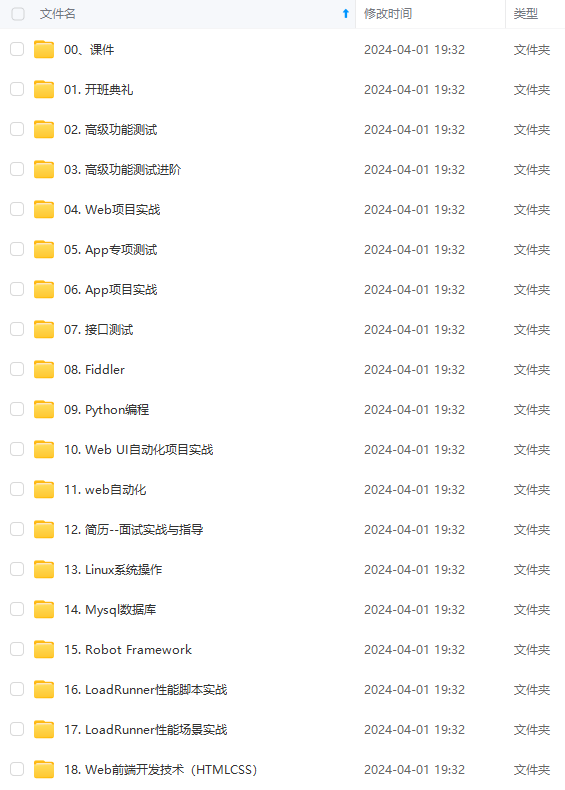
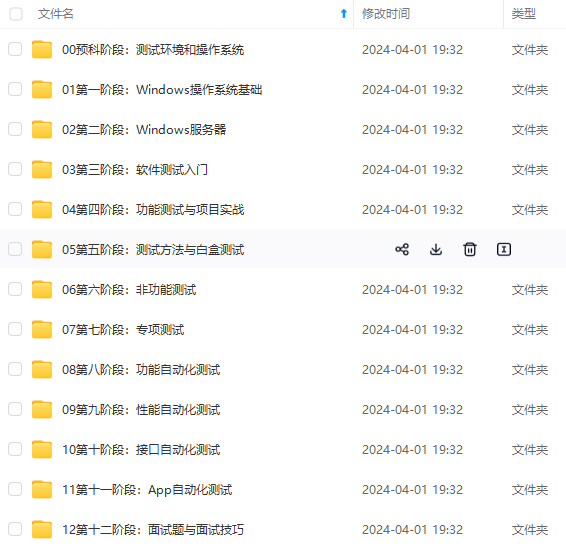
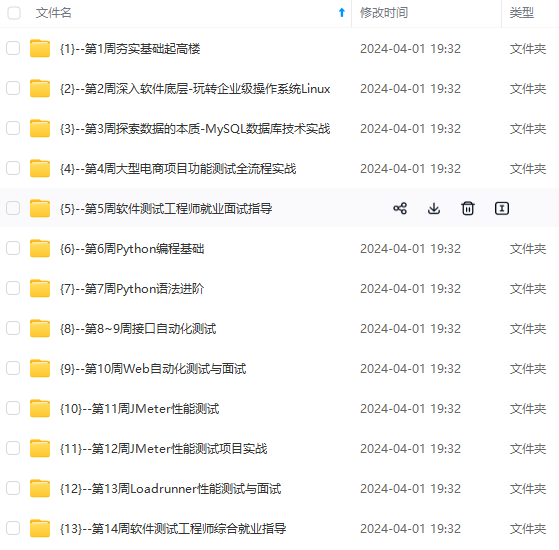
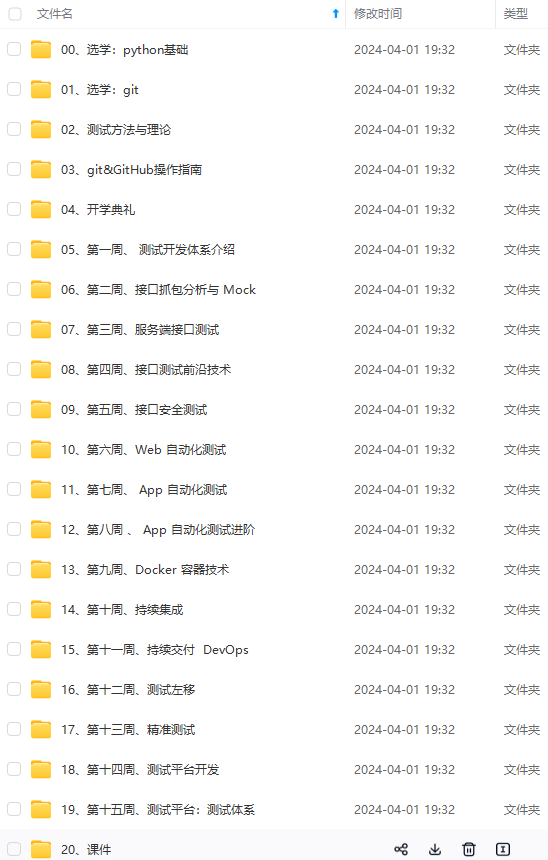
既有适合小白学习的零基础资料,也有适合3年以上经验的小伙伴深入学习提升的进阶课程,基本涵盖了95%以上软件测试开发知识点,真正体系化!
由于文件比较大,这里只是将部分目录大纲截图出来,每个节点里面都包含大厂面经、学习笔记、源码讲义、实战项目、讲解视频,并且后续会持续更新
如果你觉得这些内容对你有帮助,可以添加V获取:vip1024b (备注软件测试)

一个人可以走的很快,但一群人才能走的更远。不论你是正从事IT行业的老鸟或是对IT行业感兴趣的新人,都欢迎扫码加入我们的的圈子(技术交流、学习资源、职场吐槽、大厂内推、面试辅导),让我们一起学习成长!
ip1024b (备注软件测试)**
[外链图片转存中…(img-k5zkcmKo-1713019165483)]
一个人可以走的很快,但一群人才能走的更远。不论你是正从事IT行业的老鸟或是对IT行业感兴趣的新人,都欢迎扫码加入我们的的圈子(技术交流、学习资源、职场吐槽、大厂内推、面试辅导),让我们一起学习成长!

北京人形旗下天工造物具身智能开源社区,聚焦具身天工与慧思开物两大平台
更多推荐
 12
12 0
0- 0


 已为社区贡献3条内容

所有评论(0)