nacos配置启动---奔溃到无语,吐槽官网~
·
1.环境:
本机环境为:
- Windows 64bit
- JDK 1.8+
- Maven 3.8.1
2.下载Nacos
下载的两种方式,我选择第二种。别问我为什么,问就是第一种方式试过了,乱的很。
方式一,从Github上下载源码方式:
git clone https://github.com/alibaba/nacos.git
cd nacos/
mvn -Prelease-nacos -Dmaven.test.skip=true clean install -U
ls -al distribution/target/

// change the $version to your actual path
cd distribution/target/nacos-server-$version/nacos/bin
方式二,下载编译后压缩包方式:
https://github.com/alibaba/nacos/releases
下载这个呦
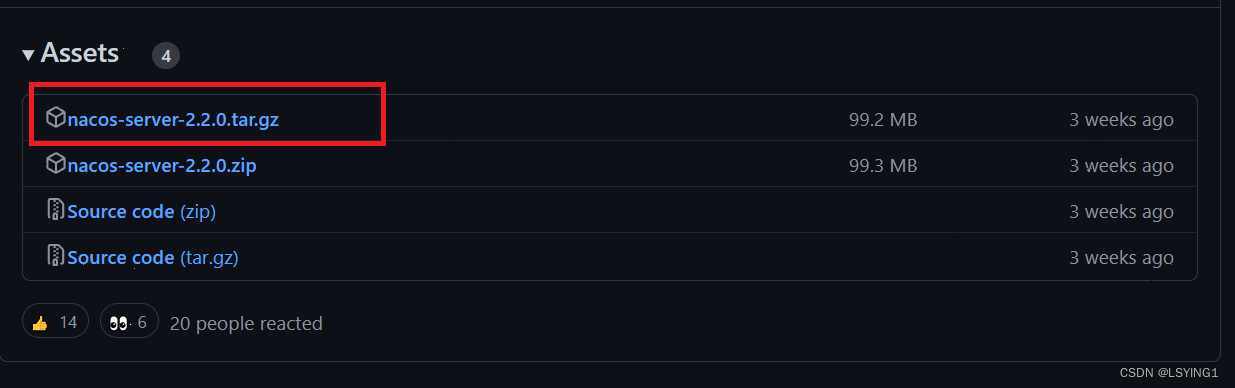
解压:
 unzip nacos-server-$version.zip 或者 tar -xvf nacos-server-$version.tar.gz
  cd nacos/bin
3.启动:
1.打开cmd命令框:
2.进入nacos/bin文件夹
3.输入startup.cmd -m standalone

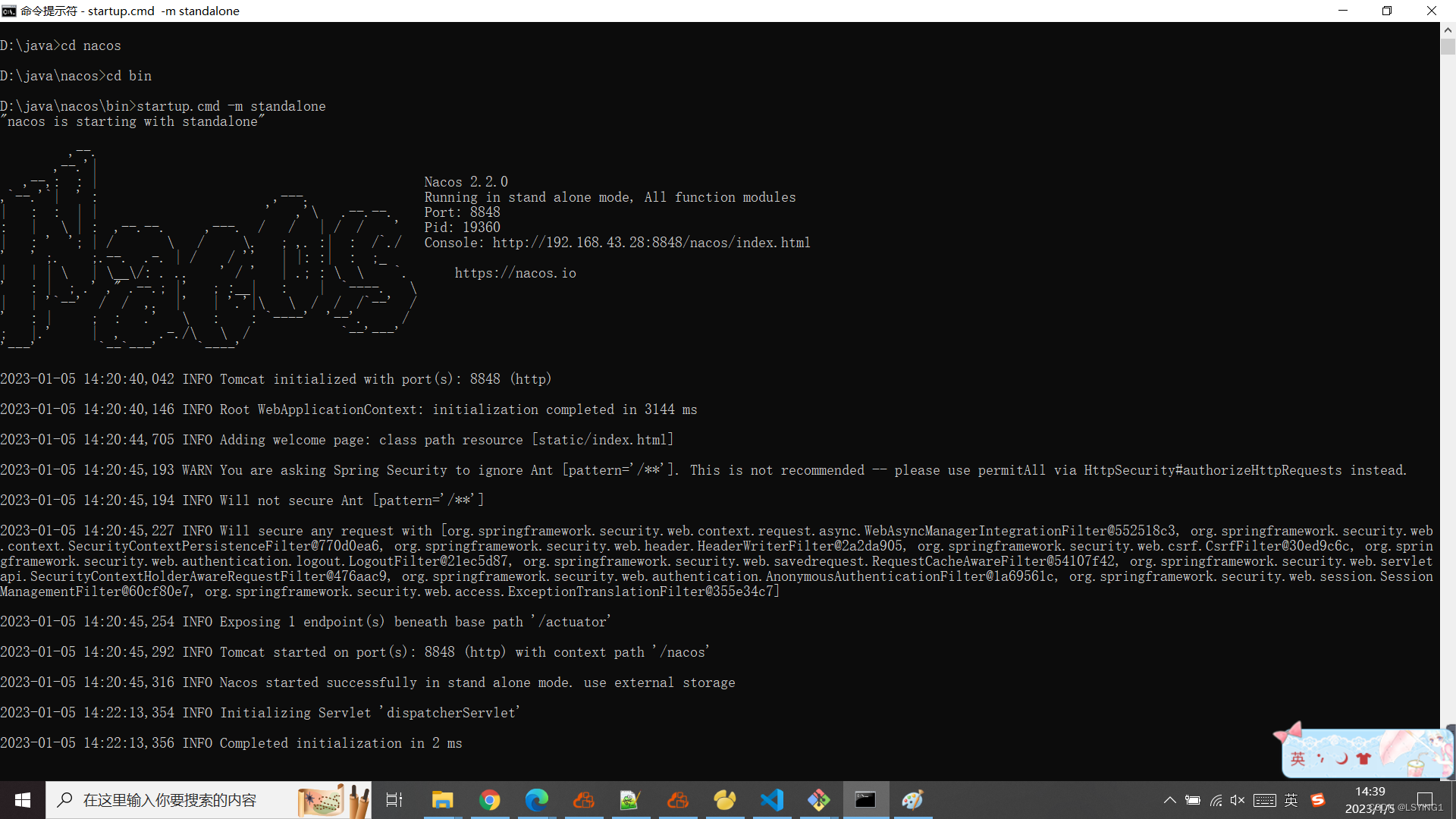
OK!
数据库配置:
点击查看数据库配置步骤

北京人形旗下天工造物具身智能开源社区,聚焦具身天工与慧思开物两大平台
更多推荐
 0
0 0
0- 0


 已为社区贡献2条内容

所有评论(0)