Android使用kotlin实现Button的监听事件
·
Android使用kotlin实现Button的监听事件
Android结合kotlin实现按钮的监听事件小案例
代码如下:
package com.example.myapplication

import androidx.appcompat.app.AppCompatActivity
import android.os.Bundle
import android.widget.Button
import android.widget.TextView

class MainActivity : AppCompatActivity() {
    private var isClick = false
    override fun onCreate(savedInstanceState: Bundle?) {
        super.onCreate(savedInstanceState)
        setContentView(R.layout.activity_main)
        val button: Button = findViewById<Button>(R.id.button1)
        var text: TextView = findViewById<TextView>(R.id.text_button)
        /**
         * 第一种实现方式
         */
//        button.setOnClickListener {
//            if (isClick){
//                text.text = "HELLO"
//               isClick = false
//            }else{
//                text.text = "点击了按钮"
//                isClick = true
//            }
//        }
        /**
         * 第二种实现方式
         * 在这里也可以使用run
         */
        button.setOnClickListener {
            text.apply {
                if (isClick) {
                    this.text = "你好"
                    isClick = false
                } else {
                    this.text = "你点击了按钮"
                    isClick = true
                }
            }
        }
    }

}

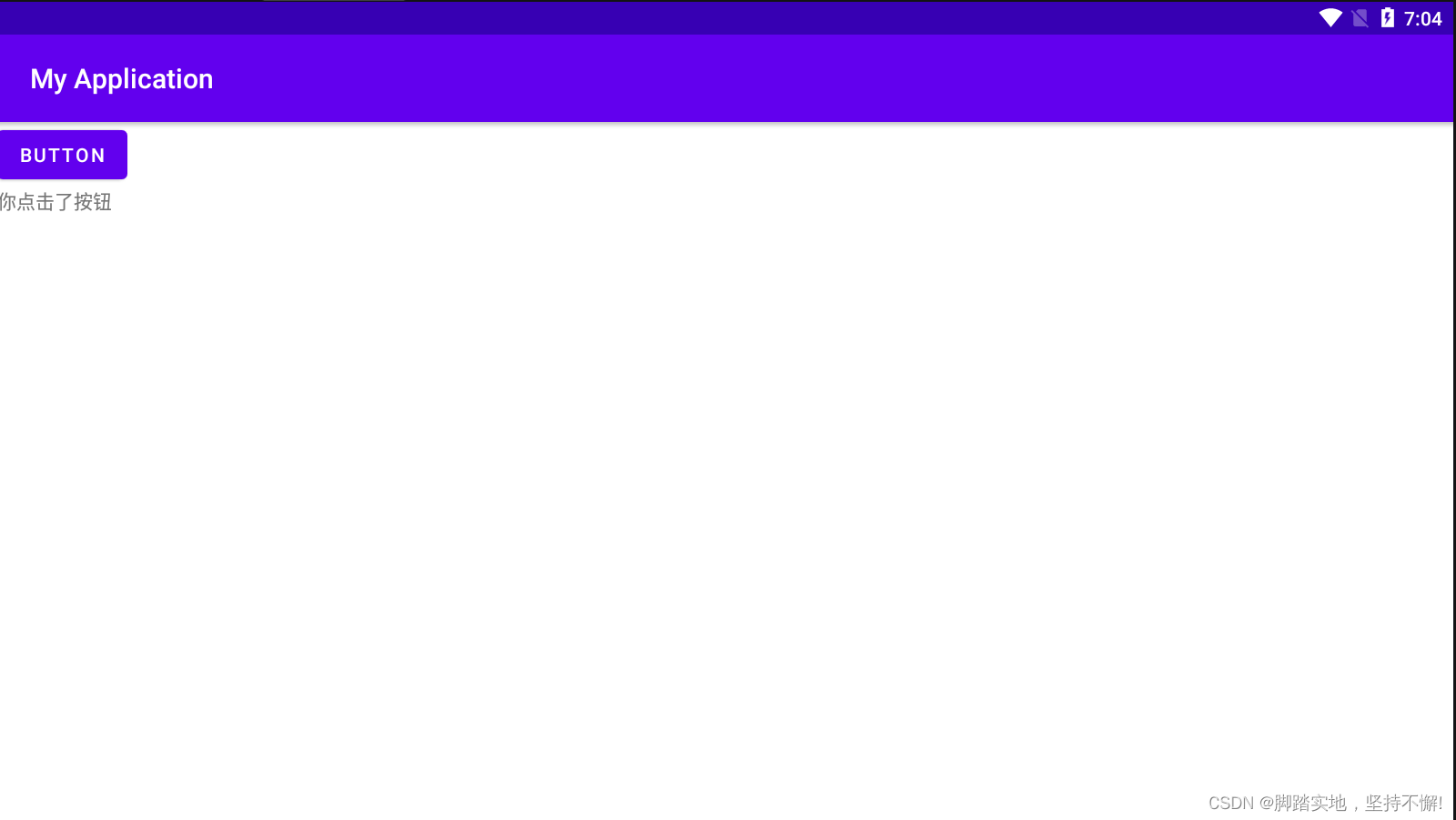
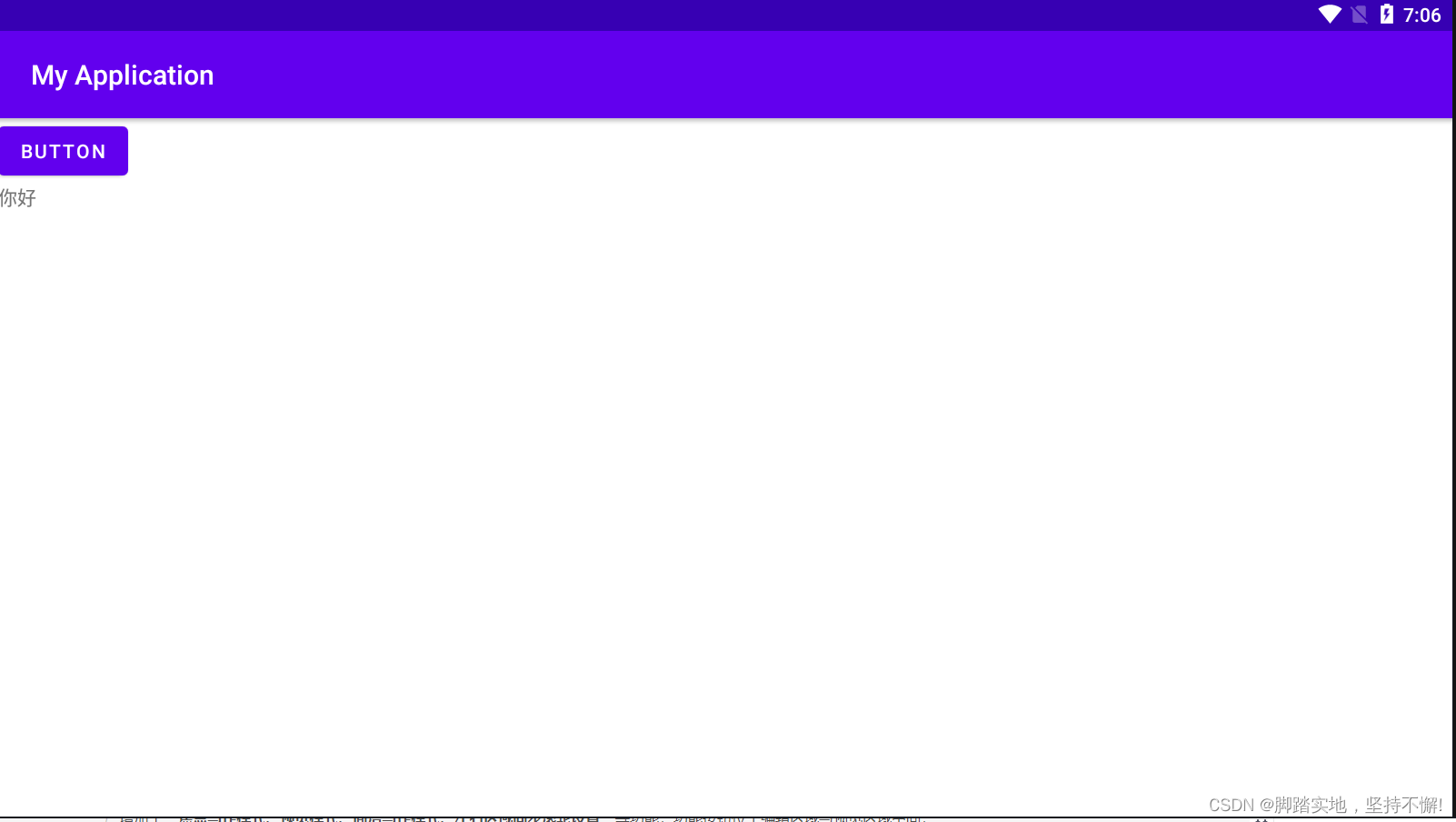
注意:apply函数扩展了所有的泛型对象,在闭包范围内可以任意调用该对象的任意方法,并在最后返回该对象.是可以用来简化初始化对象的功能.这里apply可以看作一个配置函数,你可以传入一个接收者,然后调用一些系列函数来配置完成它,并且返回配置好后的接收者。
下面是xml代码:
<?xml version="1.0" encoding="utf-8"?>
<LinearLayout
    xmlns:android="http://schemas.android.com/apk/res/android"
    xmlns:tools="http://schemas.android.com/tools"
    android:layout_width="match_parent"
    android:layout_height="match_parent"
    tools:context=".MainActivity"
    android:orientation="vertical">
    <Button
        android:id="@+id/button1"
        android:layout_width="wrap_content"
        android:layout_height="wrap_content"
        android:text="Button" />

    <TextView
        android:id="@+id/text_button"
        android:layout_width="wrap_content"
        android:layout_height="wrap_content"
        android:text="Hello World!" />
</LinearLayout>

北京人形旗下天工造物具身智能开源社区,聚焦具身天工与慧思开物两大平台
更多推荐
 5
5 0
0- 0


 已为社区贡献2条内容

所有评论(0)