【错误记录】Ubuntu 编译 ffmpeg 报错 ( nasm/yasm not found or too old. Use --disable-x86asm for a crippled bu )
·
一、报错信息
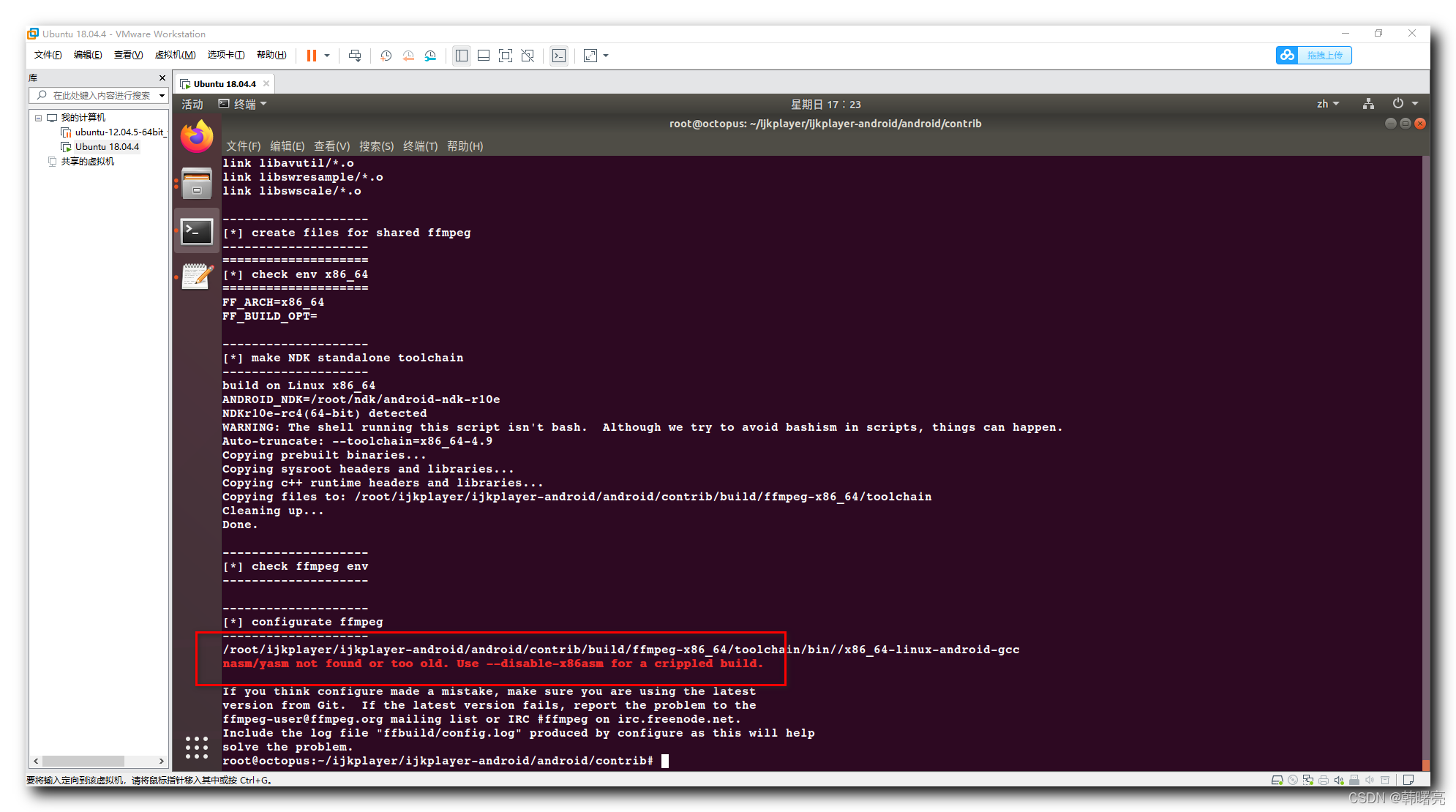
在 Ubuntu 中编译 FFmpeg 时 , 报错 ;
核心报错信息 :
nasm/yasm not found or too old. Use --disable-x86asm for a crippled build.
完整报错信息 :
--------------------
[*] check ffmpeg env
--------------------

--------------------
[*] configurate ffmpeg
--------------------
/root/ijkplayer/ijkplayer-android/android/contrib/build/ffmpeg-x86_64/toolchain/bin//x86_64-linux-android-gcc
nasm/yasm not found or too old. Use --disable-x86asm for a crippled build.

If you think configure made a mistake, make sure you are using the latest
version from Git.  If the latest version fails, report the problem to the
ffmpeg-user@ffmpeg.org mailing list or IRC #ffmpeg on irc.freenode.net.
Include the log file "ffbuild/config.log" produced by configure as this will help
solve the problem.
二、解决方案
运行
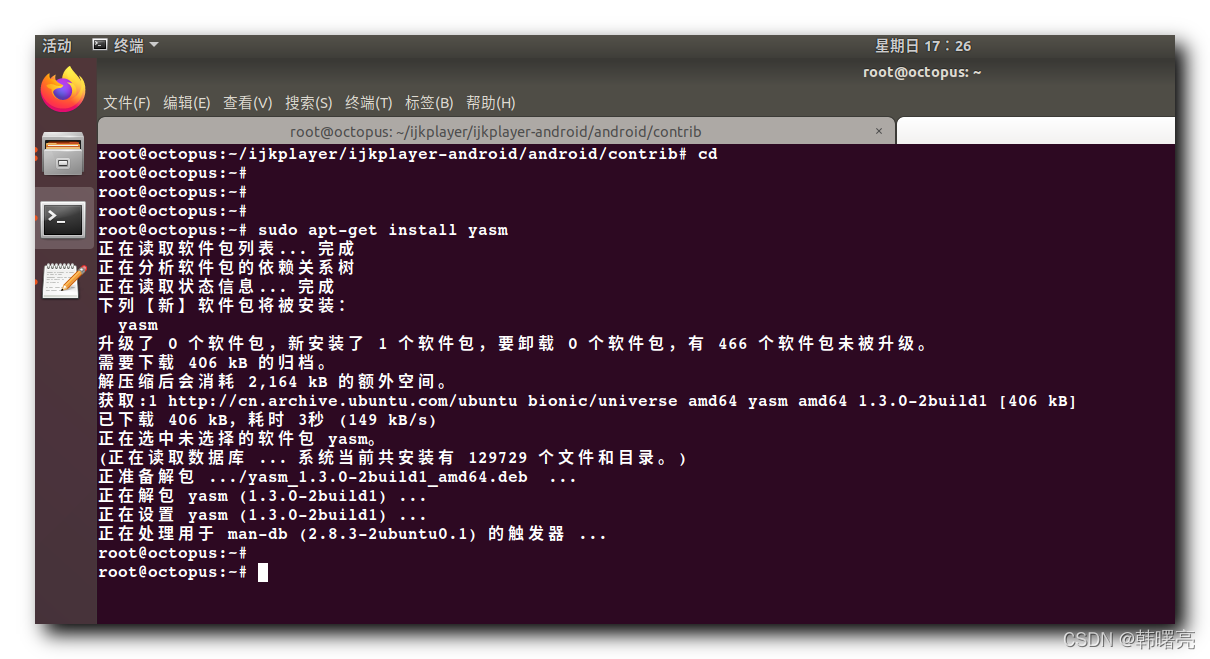
sudo apt-get install yasm
命令 , 安装 yasm 汇编编译器 ;
安装过程如下 :
root@octopus:~# sudo apt-get install yasm
正在读取软件包列表... 完成
正在分析软件包的依赖关系树
正在读取状态信息... 完成
下列【新】软件包将被安装:
  yasm
升级了 0 个软件包,新安装了 1 个软件包,要卸载 0 个软件包,有 466 个软件包未被升级。
需要下载 406 kB 的归档。
解压缩后会消耗 2,164 kB 的额外空间。
获取:1 http://cn.archive.ubuntu.com/ubuntu bionic/universe amd64 yasm amd64 1.3.0-2build1 [406 kB]
已下载 406 kB,耗时 3秒 (149 kB/s)
正在选中未选择的软件包 yasm。
(正在读取数据库 ... 系统当前共安装有 129729 个文件和目录。)
正准备解包 .../yasm_1.3.0-2build1_amd64.deb  ...
正在解包 yasm (1.3.0-2build1) ...
正在设置 yasm (1.3.0-2build1) ...
正在处理用于 man-db (2.8.3-2ubuntu0.1) 的触发器 ...
root@octopus:~#
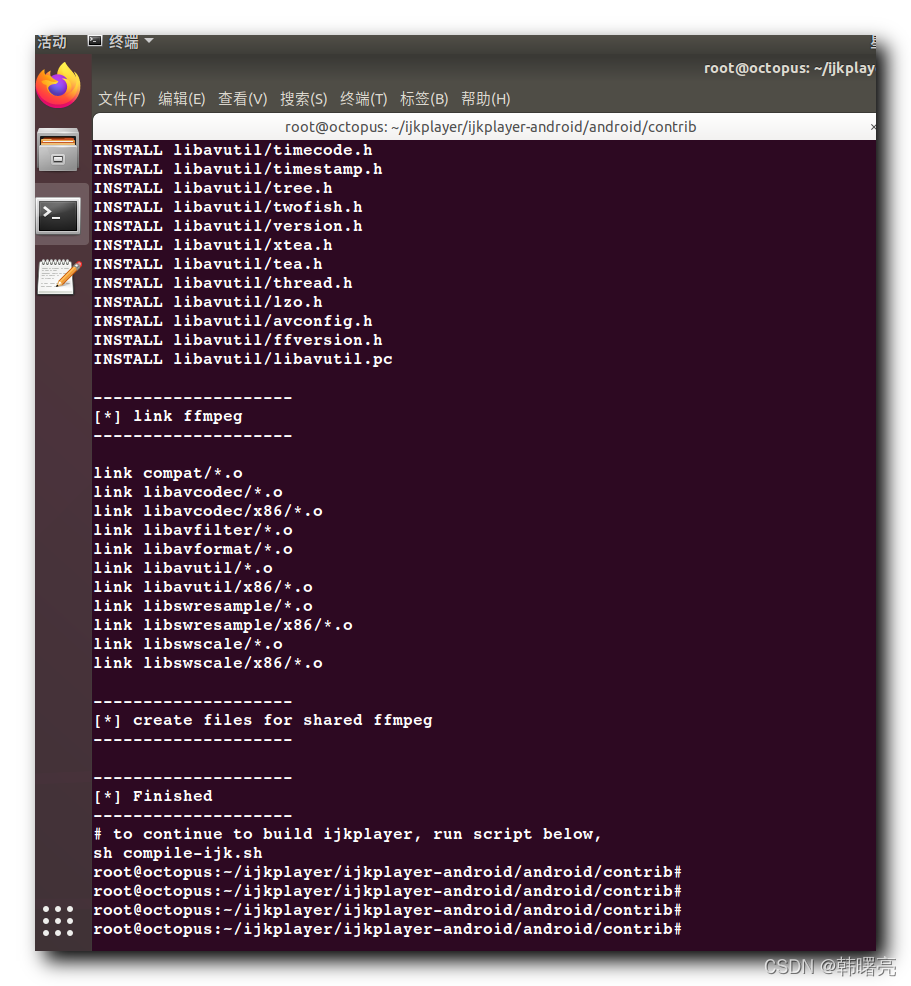
这次编译 FFmpeg 完成 , 没有报错 ;

北京人形旗下天工造物具身智能开源社区,聚焦具身天工与慧思开物两大平台
更多推荐
 4
4 0
0- 0


 已为社区贡献42条内容

所有评论(0)