helm的安装与使用
·
启用harbor的Chart仓库服务
# ./install.sh --with-chartmuseum
启用后,默认创建的项目就带有helm charts功能了。
//helm 的安装
wget https://get.helm.sh/helm-v3.7.1-linux-amd64.tar.gz

tar -zxvf helm-v3.7.1-linux-amd64.tar.gz

mv linux-amd64/helm /usr/local/bin/helm

helm version
//helm push在线安装
yum install -y git
helm plugin install https://github.com/chartmuseum/helm-push
//离线安装helm push 解压到对应用户的环境目录下
/root/.local/share/helm/plugins/helm-push/
wget https://github.com/chartmuseum/helm-push/releases/download/v0.10.1/helm-push_0.10.1_linux_amd64.tar.gz
cp helm-push_0.10.1_linux_amd64.tar.gz /root/.local/share/helm/plugins/helm-push/
cd /root/.local/share/helm/plugins/helm-push/
tar -xvf helm-push_0.10.1_linux_amd64.tar.gz
//helm cm-push
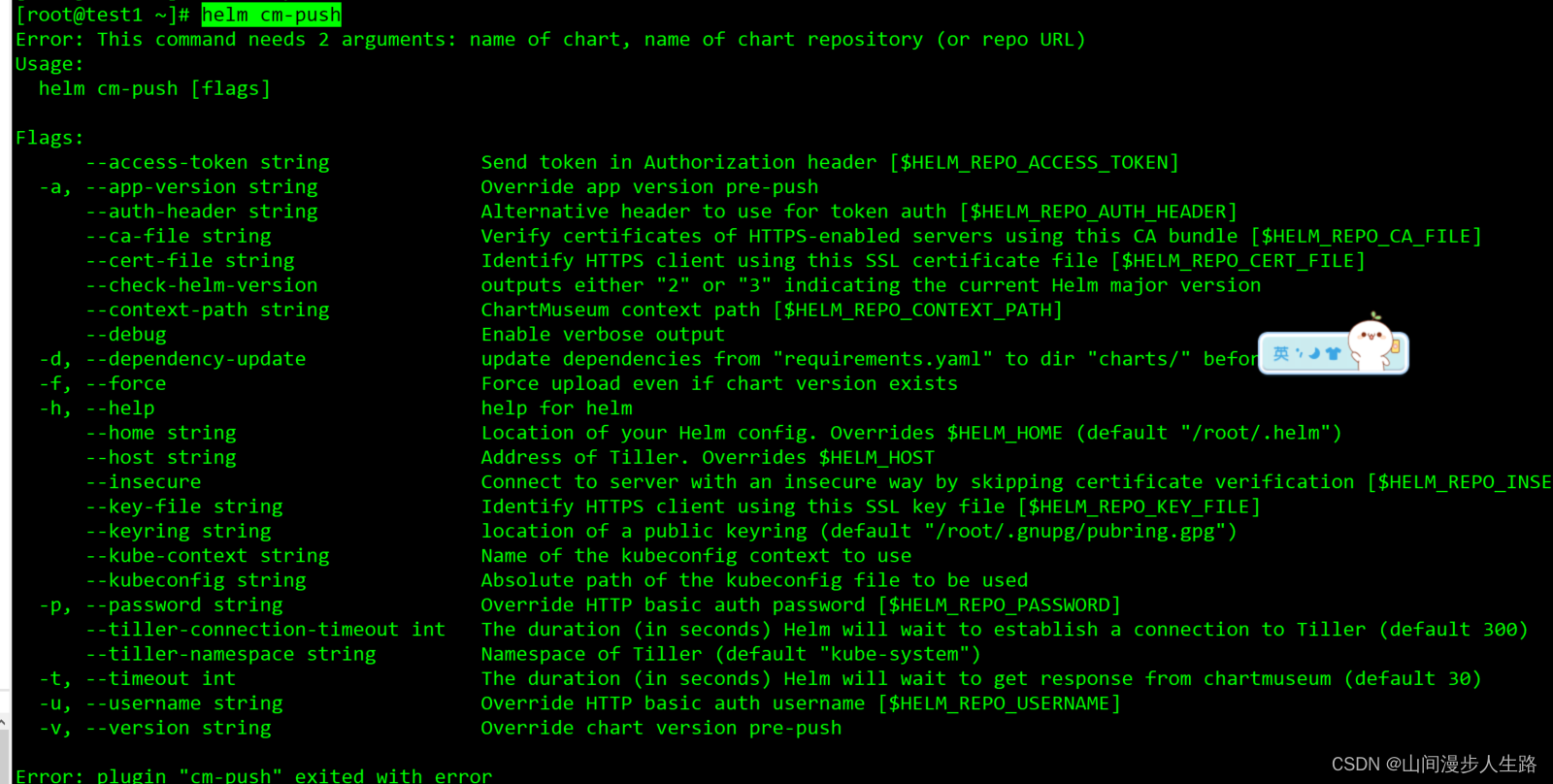
//添加harbor repo
helm repo add --username admin --password 123456 harbor http://192.168.111.85:5000/chartrepo/library
//helm repo list

//向harbor仓库推送文件夹
helm cm-push mysql harbor
//向harbor仓库推送压缩包
helm cm-push mysql harbor
//验证
helm search repo mysql


北京人形旗下天工造物具身智能开源社区,聚焦具身天工与慧思开物两大平台
更多推荐
 0
0 0
0- 0


 已为社区贡献7条内容

所有评论(0)