微信小程序界面布局
·
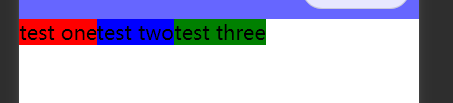
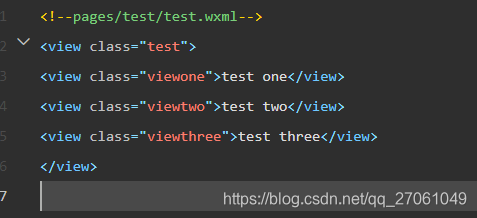
1.组件横向排列
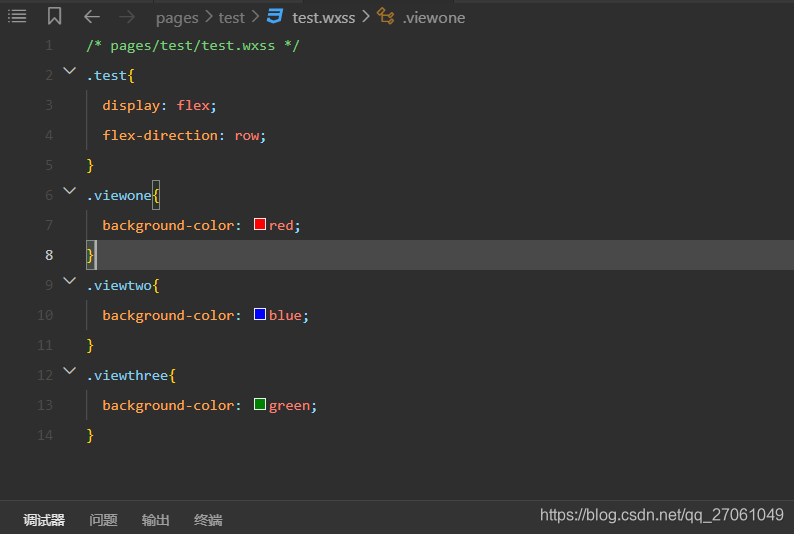
父组件设置属性:
display: flex; //弹性布局
flex-direction: row; //布局方向 横向
父组件设置
2.组件纵向排列
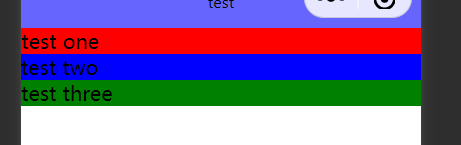
父组件设置属性:
display: flex; //弹性布局
flex-direction: row; //布局方向 纵向
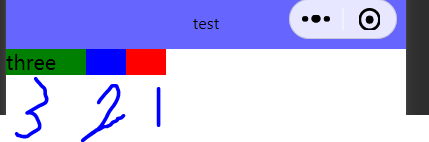
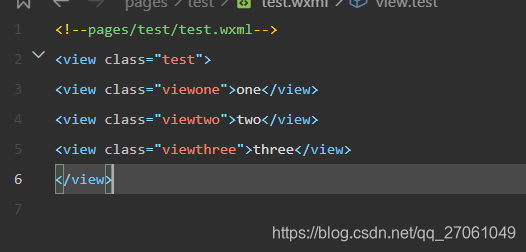
3.组件重叠排列
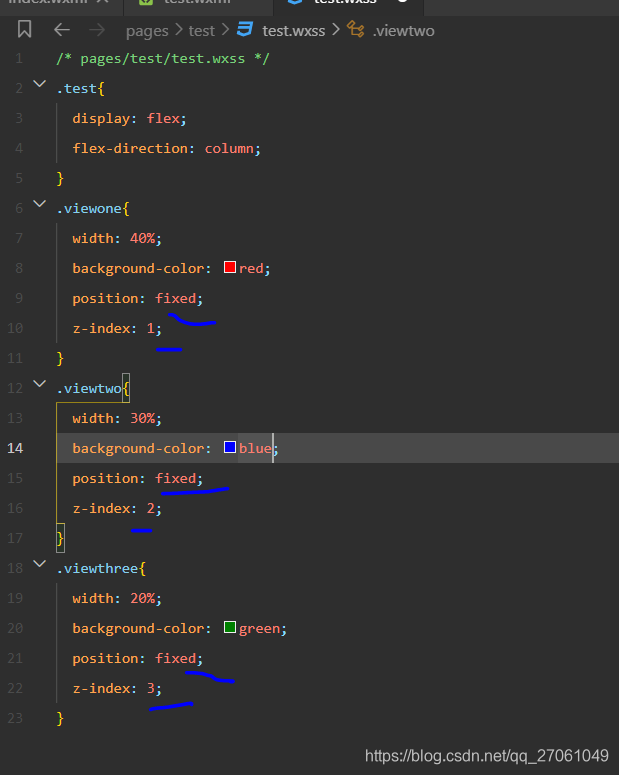
子组件都使用 z-index 和 position 配合
z-index 越小越在下面
position 属性 可以采用 fixed 或者 absolute 来固定位置
4、组件居左、居中 、居右
<view class="test">
<view class="viewone">one</view>
<view class="viewtwo">two</view>
<view class="viewthree">three</view>
</view>
父组件:
.test{
width: 100%;
height: 100%;
display: flex;
flex-direction: row;
}
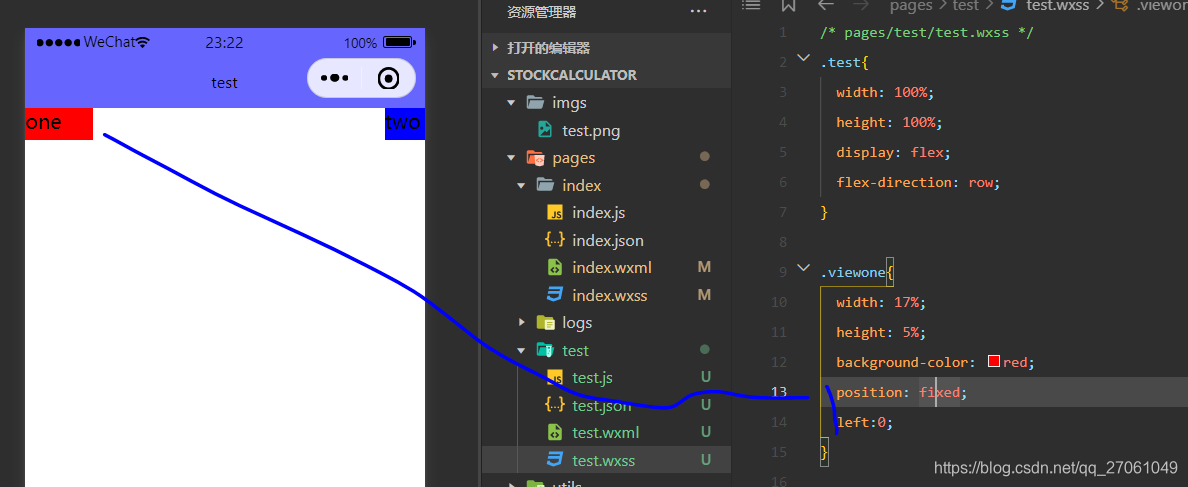
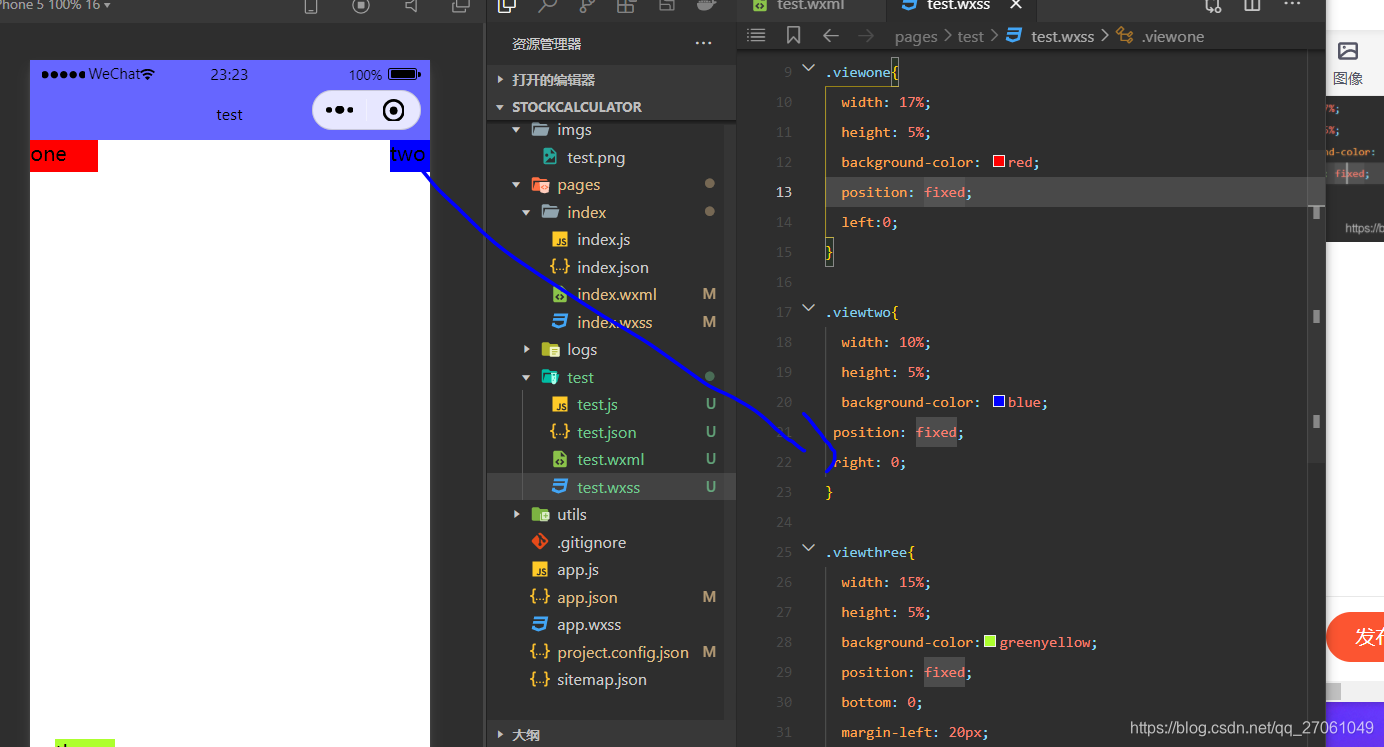
1.居左
子组件 设置 :
position: fixed;
left: 0;
2. 居右
子组件 设置:
position: fixed;
right: 0;
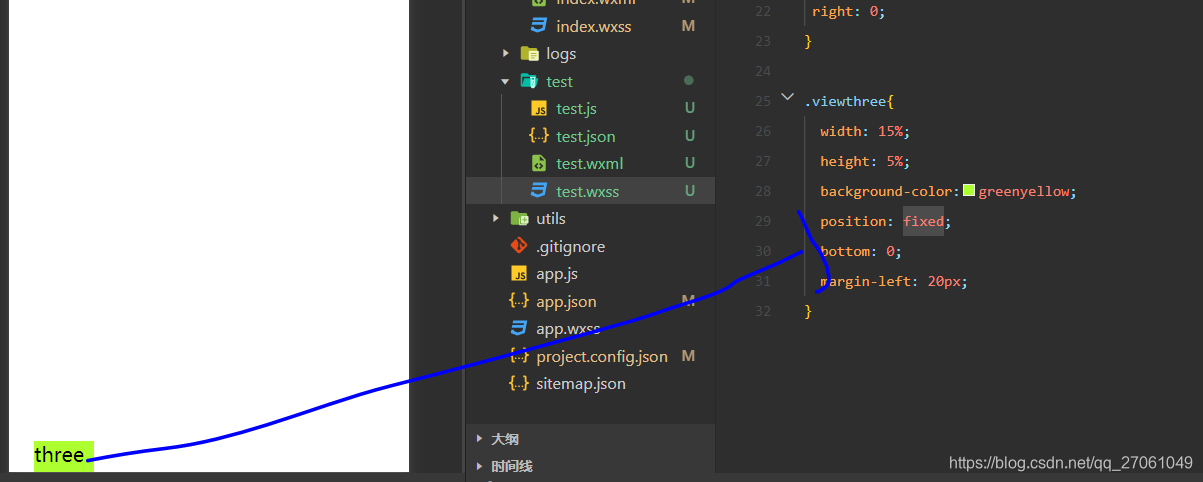
3.居下
子组件 设置:
position: fixed;
bottom: 0;
4、居中:
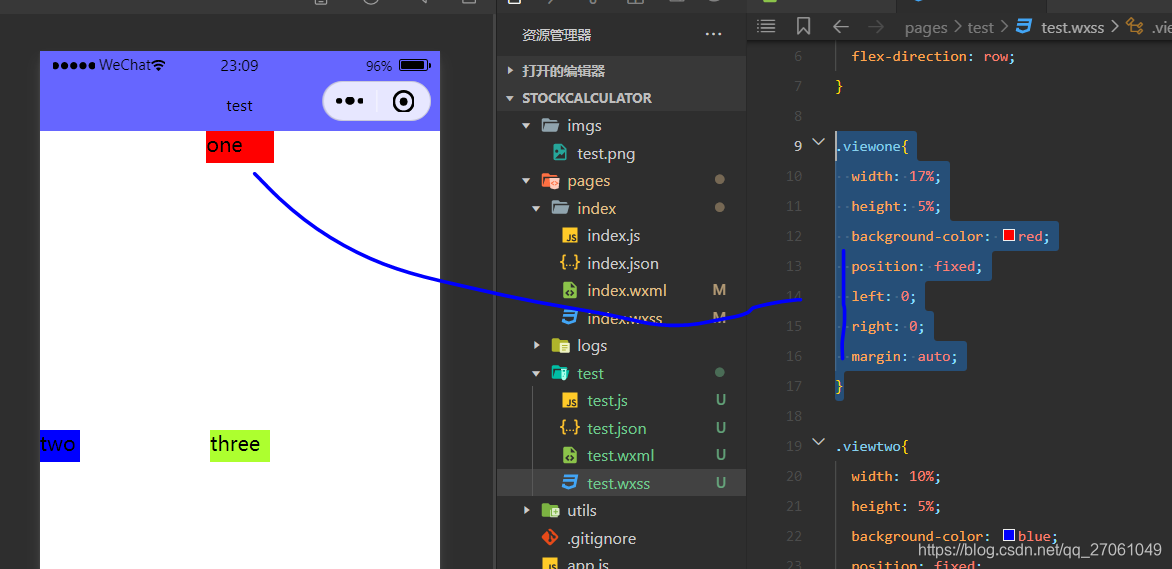
1)子组件 左右居中:
子组件设置
position: fixed;
left: 0;
right: 0;
margin: auto;
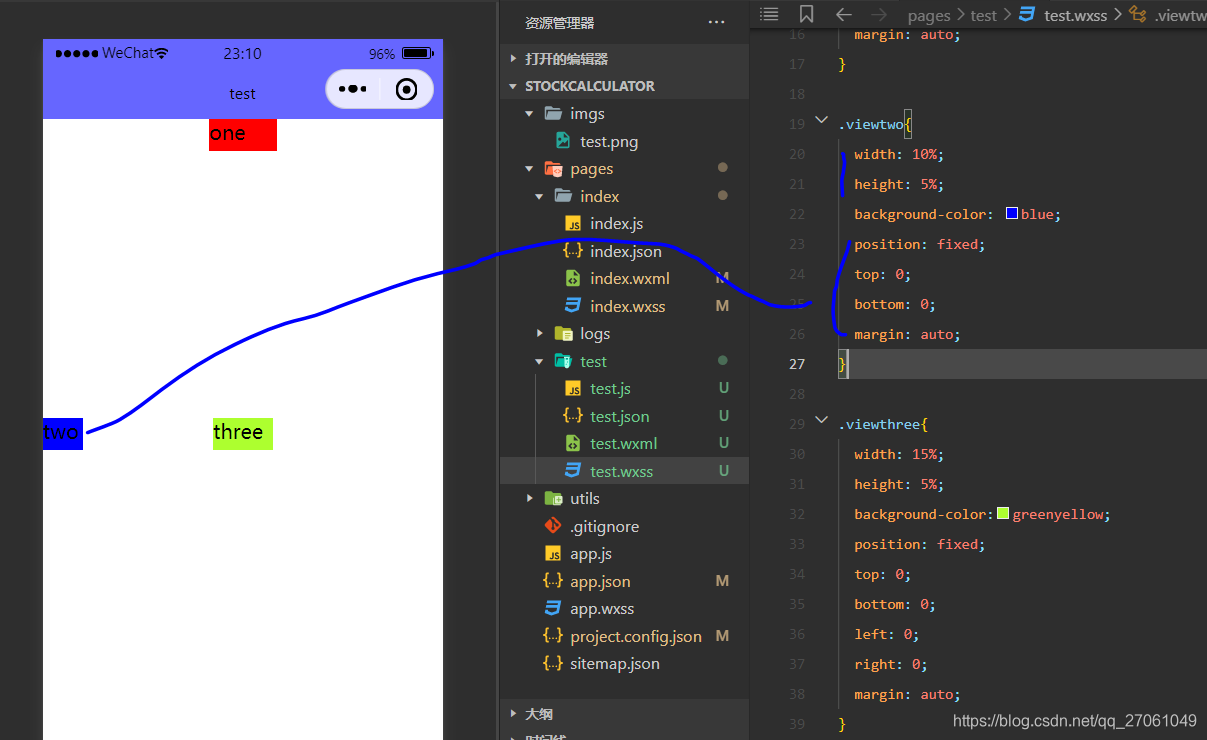
2)子组件 上下居中:
子组件设置
position: fixed;
top: 0;
bottom: 0;
margin: auto;
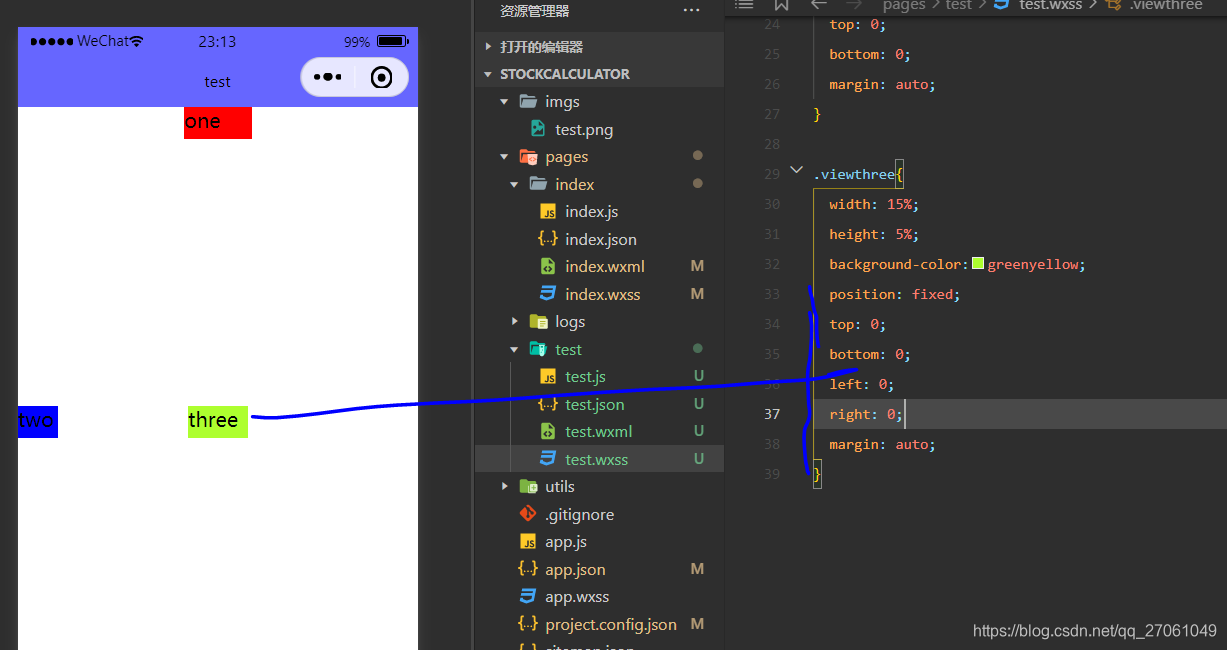
3)、子组件上下左右居中
子组件设置

北京人形旗下天工造物具身智能开源社区,聚焦具身天工与慧思开物两大平台
更多推荐
 2
2 0
0- 0


 已为社区贡献14条内容

所有评论(0)