postman接口测试&断言
·
一、接口测试
举例:天气预报
网址:www.apishop.net
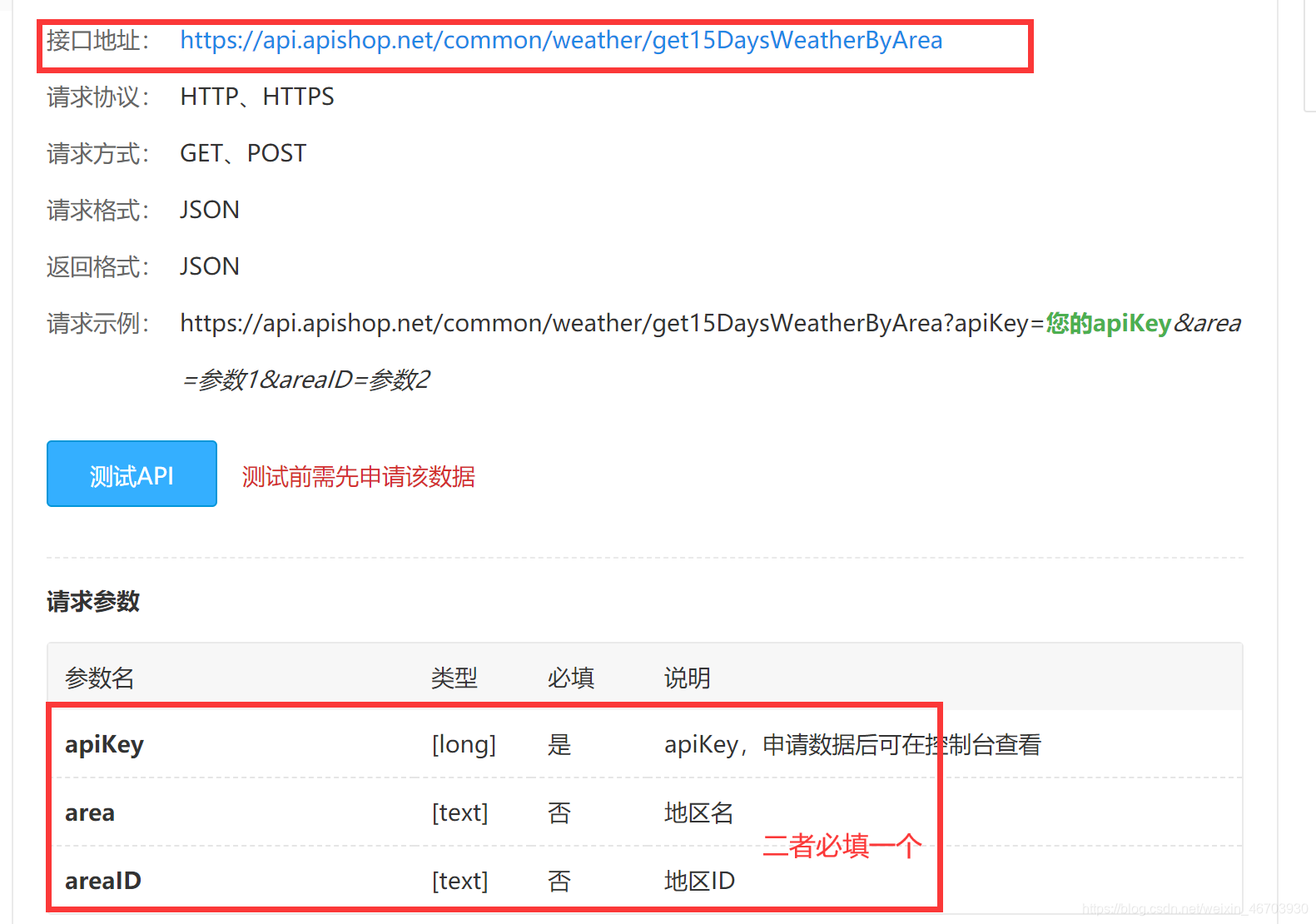
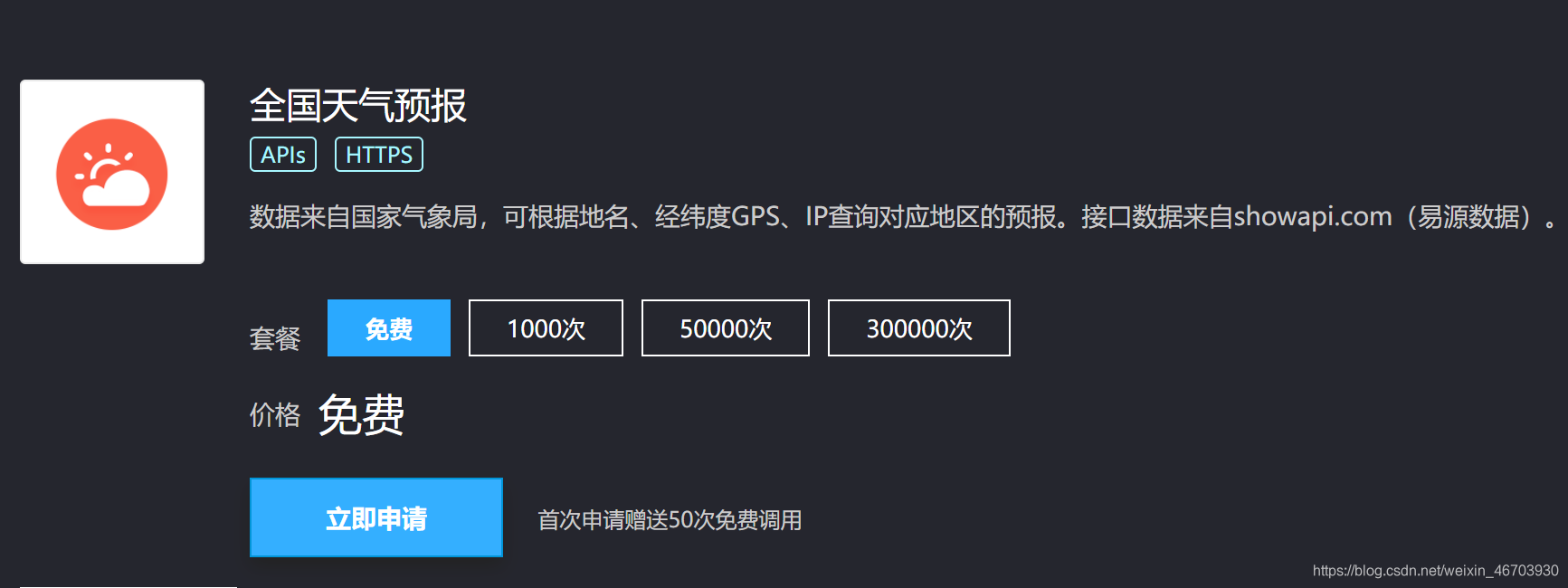
apiKey可以免费申请,我已经有了就不申请了
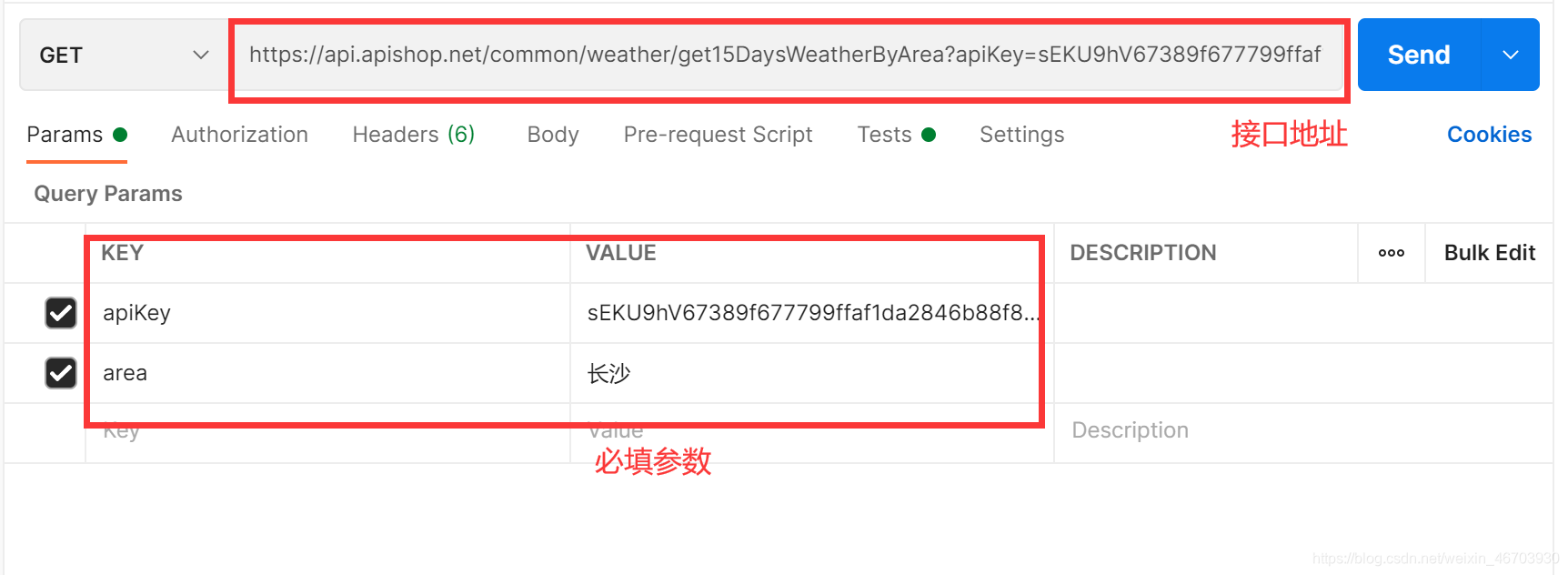
输入参数
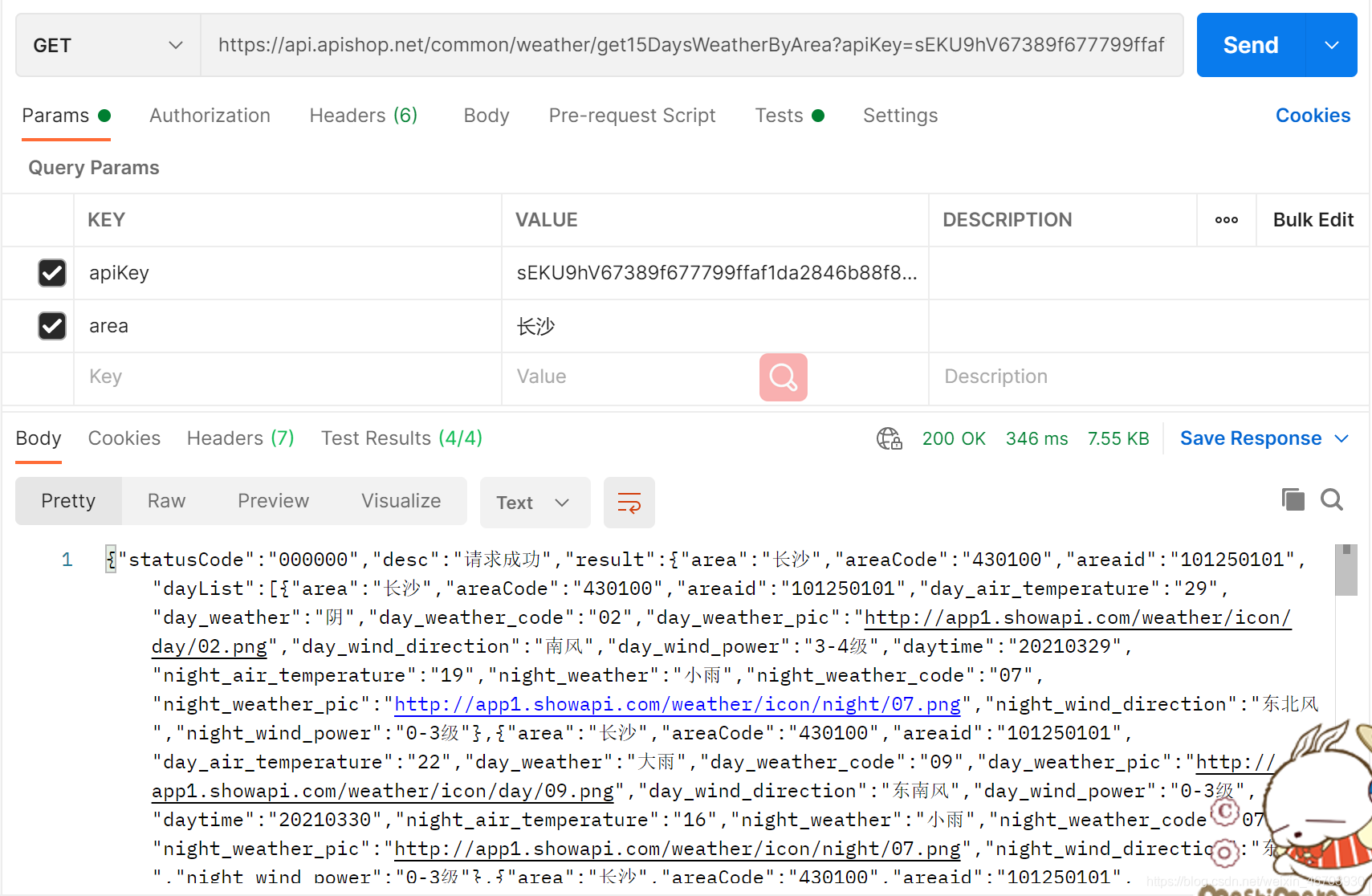
请求成功
二、断言
断言和沙盒
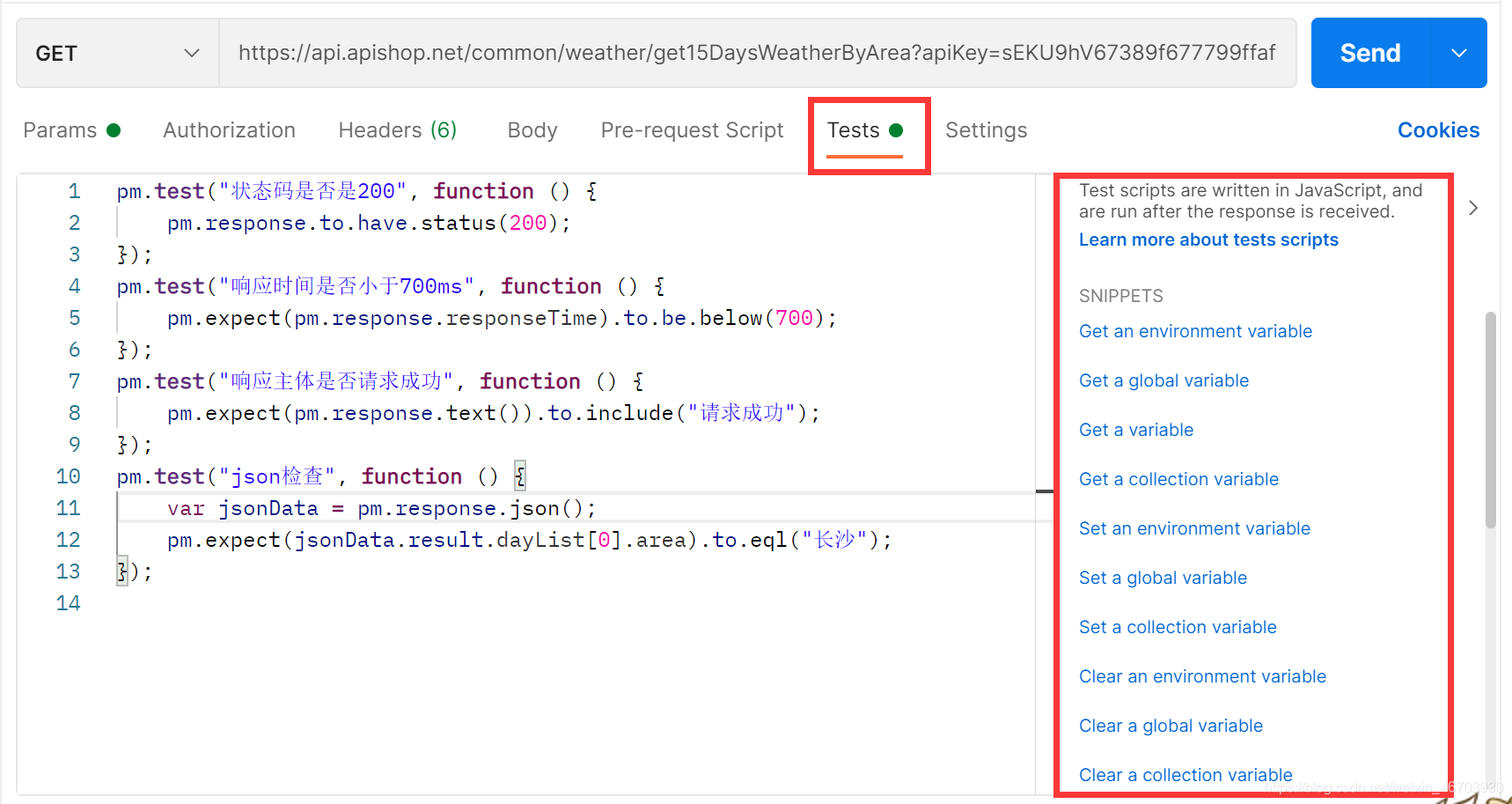
1.Status code:Code is 200   响应状态码是否是200
		pm.test("Status code is 200", function () {
			pm.response.to.have.status(200);
		});
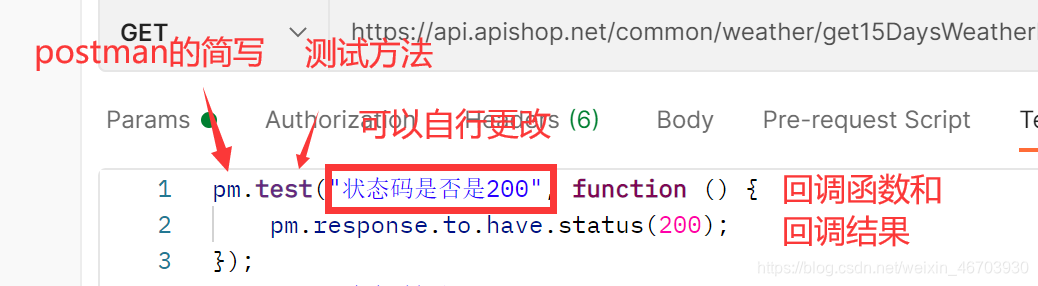
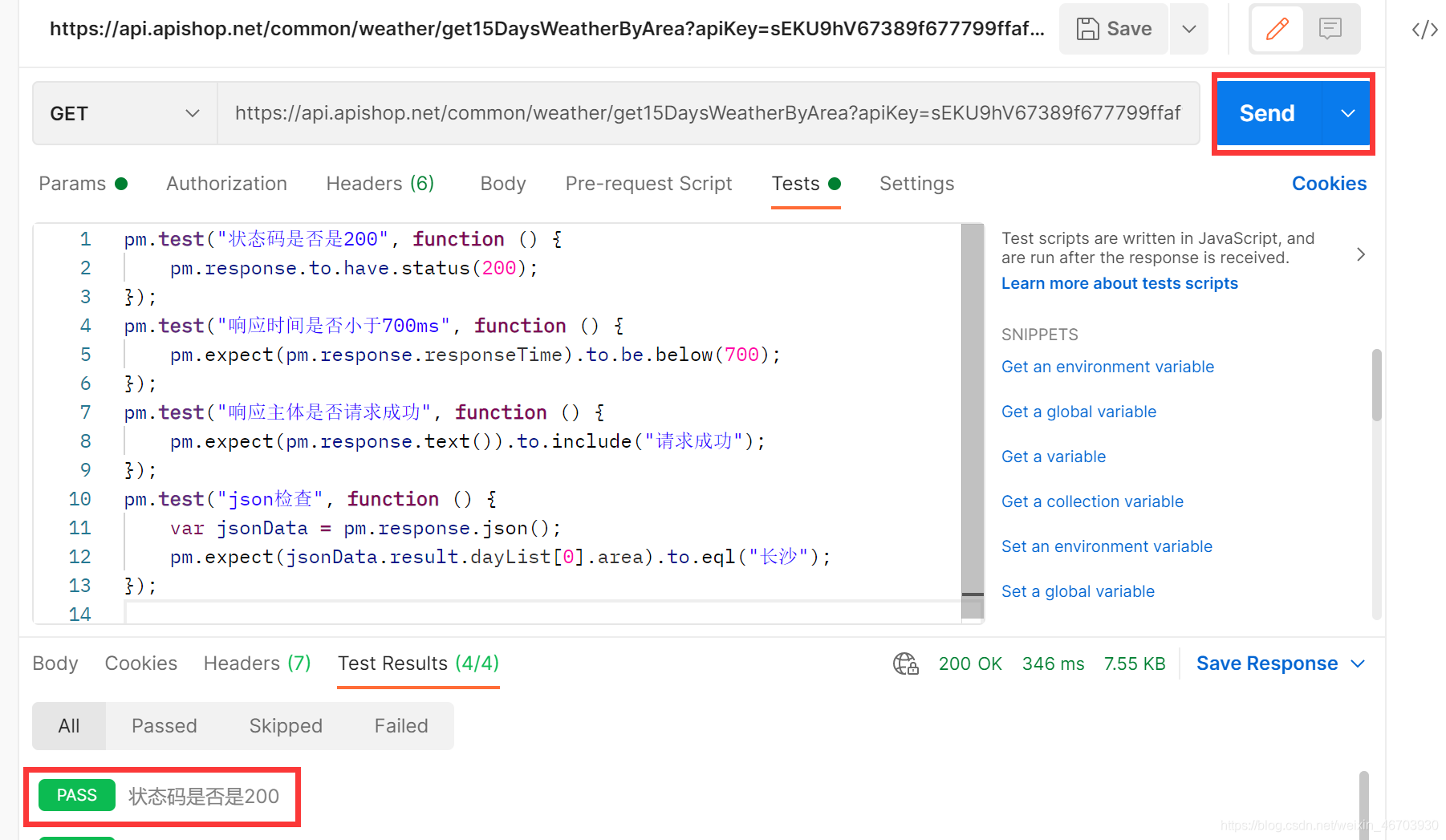
然后点击send,查看结果
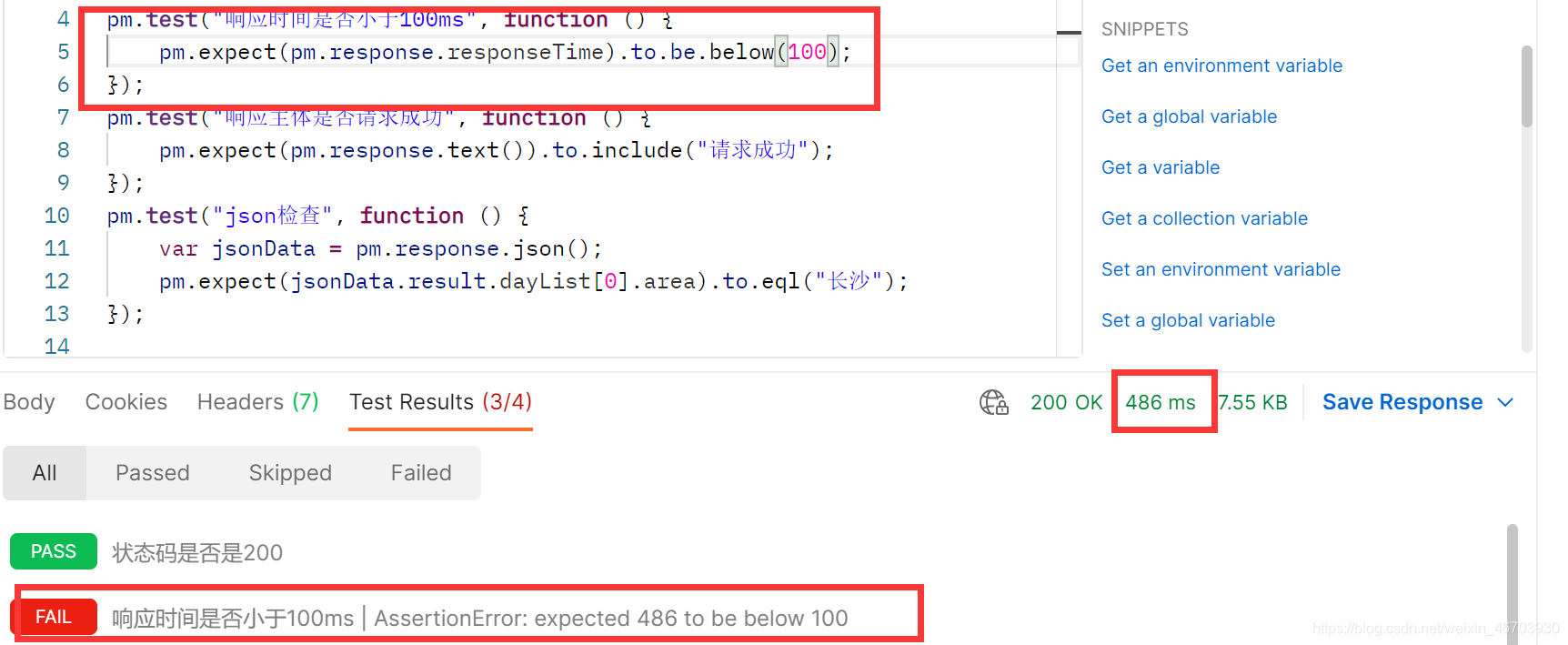
2.Response time is less then 200ms   响应时间是否低于200ms
		pm.test("Response time is less than 200ms", function () {
			pm.expect(pm.response.responseTime).to.be.below(200);
		});
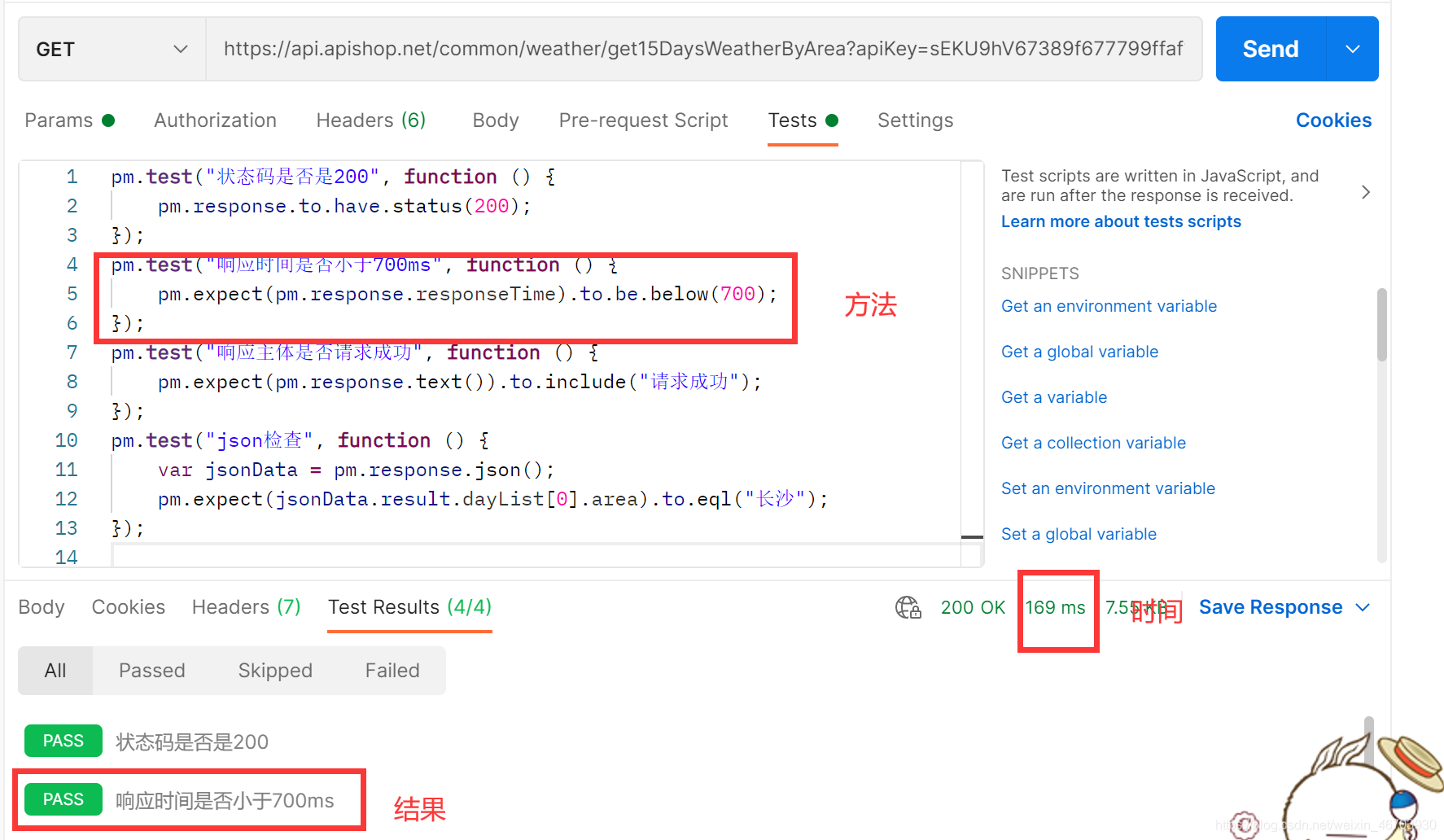
大于看好里的数字则是错误的
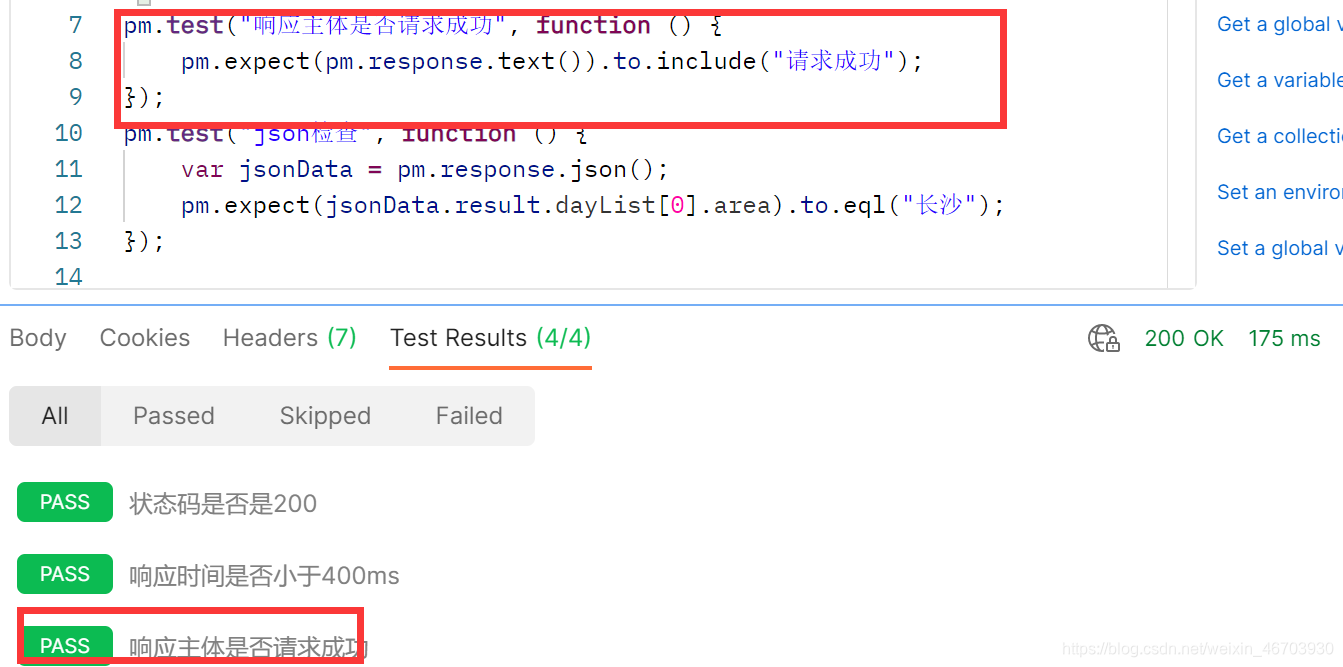
3.Response body: Contains string  响应包含某个字符串
		pm.test("Body matches string", function () {
			pm.expect(pm.response.text()).to.include("string_you_want_to_search");
		});
我的响应里有“请求成功”
4.Response body is equal to a string 响应主体等于某个值
	pm.test("Body is correct", function () {
		pm.response.to.have.body("response_body_string");
	});
我的响应太多了,所有不做例子了
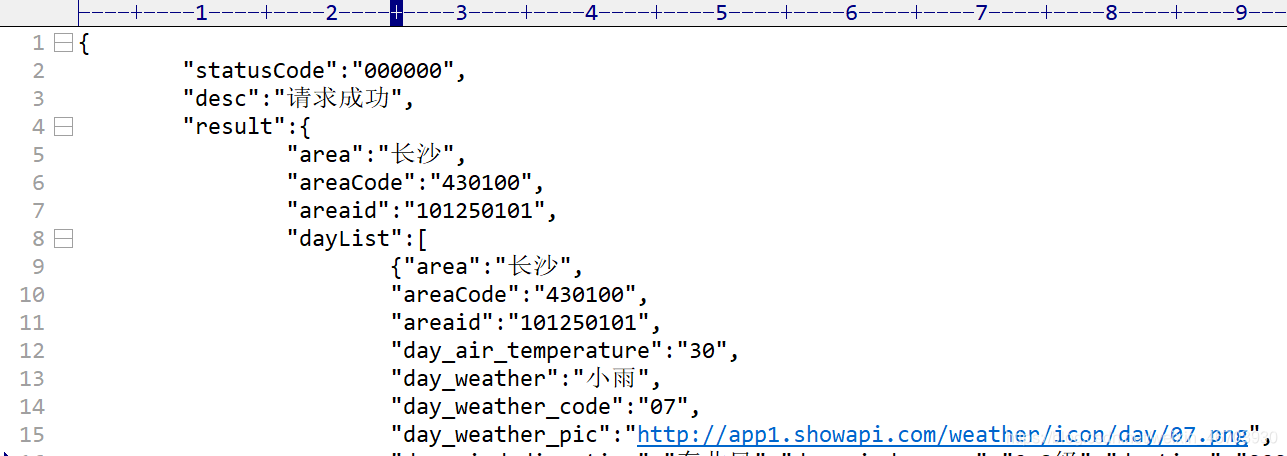
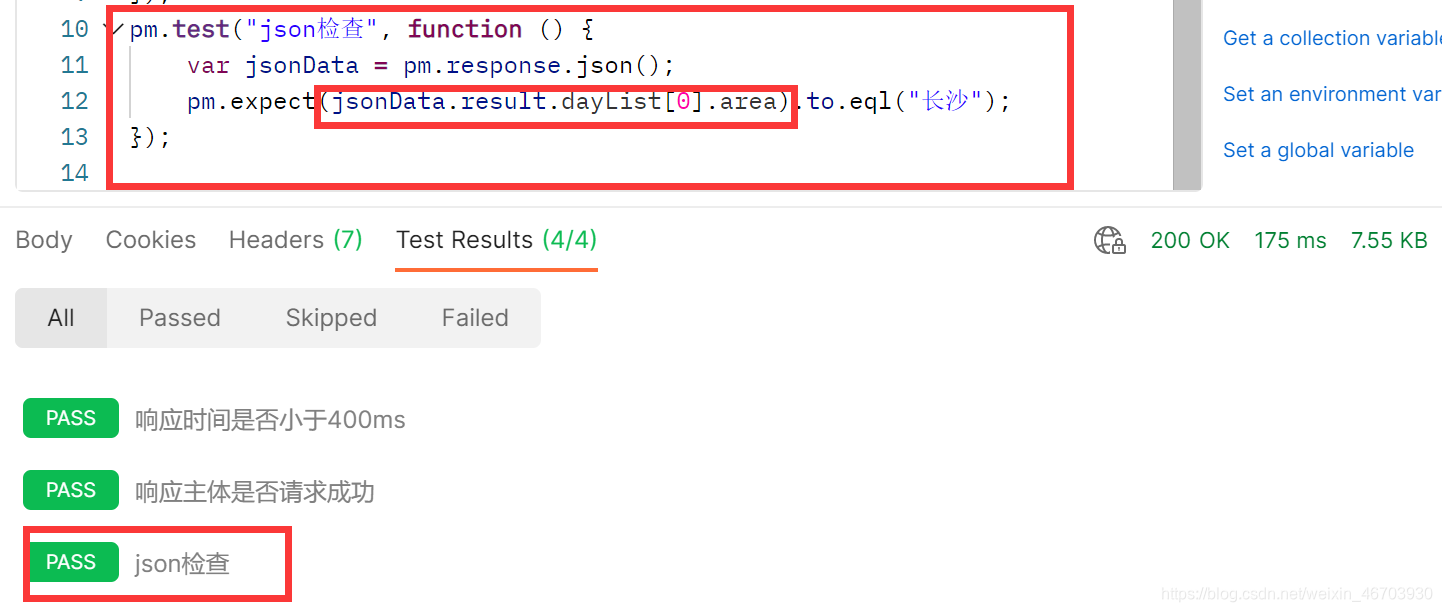
	5.Response body:JSON value check  响应主体中的某个json键的值是否等于某个值(常用:重点)
		pm.test("Your test name", function () {
			var jsonData = pm.response.json();
			pm.expect(jsonData.value).to.eql(100);
		});

北京人形旗下天工造物具身智能开源社区,聚焦具身天工与慧思开物两大平台
更多推荐
 1
1 0
0- 0


 已为社区贡献1条内容

所有评论(0)