微信小程序onShareAppMessage异步请求接口之后根据请求过来的数据设置return的数据,onShareAppMessage支持异步数据示例
·
先看效果:
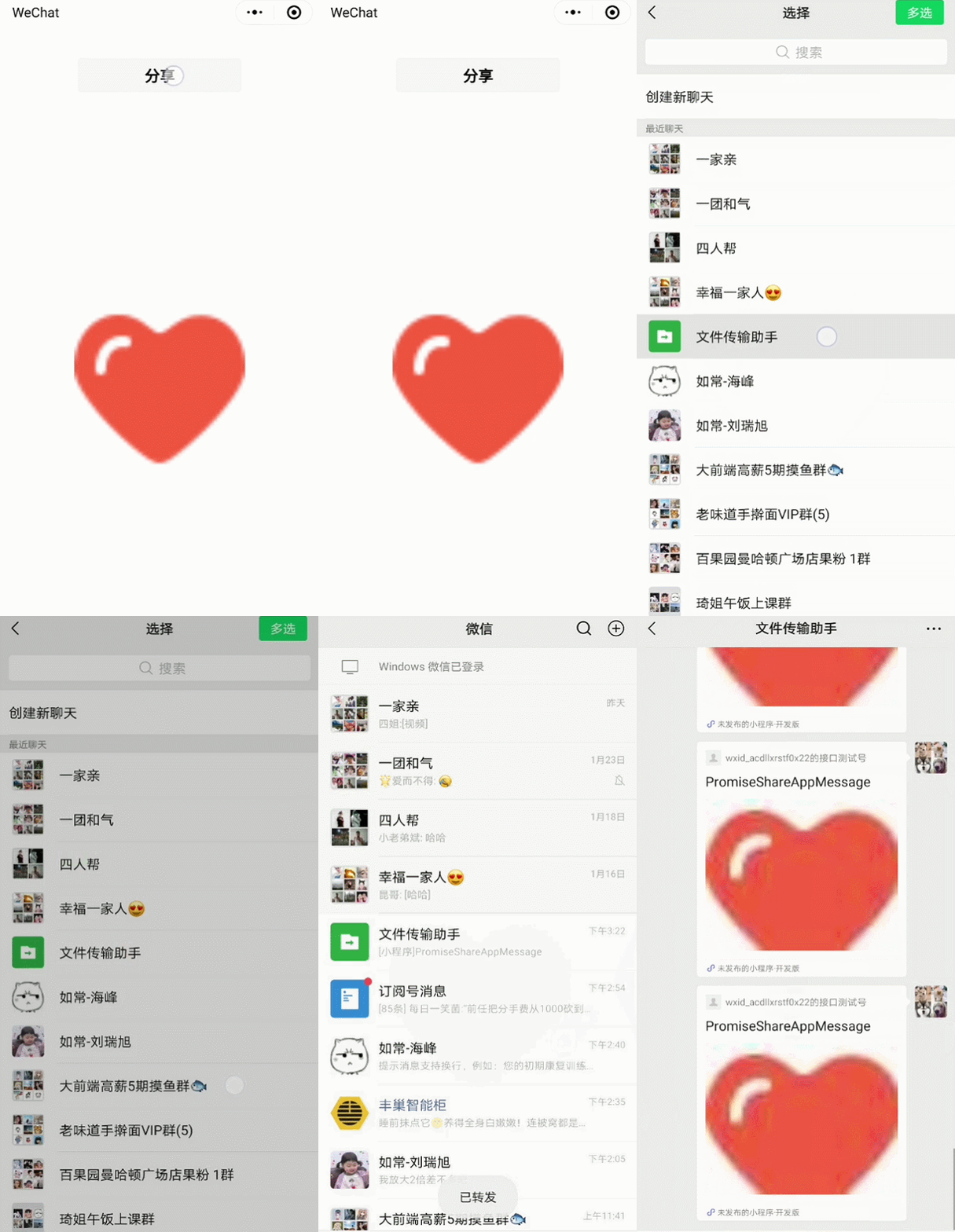
直接上代码:
提示: 在开发者工具上貌似真的不行,不过运行在手机上是可以的,亲测
const app = getApp()

Page({
  data: {
    imgUrl:'https://www.xxxx.com/images/xxx.jpg'
  },
  onShareAppMessage(e){
    return new Promise((resolve,reject)=>{
      wx.showLoading({
        title: '正在请求分享数据...',
        icon: 'none'
      })
      setTimeout(()=>{ // 模拟异步请求的动作,1秒之后返回数据
        wx.hideLoading()
        resolve({
          title:'PromiseShareAppMessage',
          path:'/index/index', // 分享出去之后要进入的页面路径
          imageUrl:this.data.imgUrl
        })
      },1000)
    })
  }
})
<view class="box">
  <button open-type="share" style="margin-bottom:500rpx;">分享</button>
  <image src="{{imgUrl}}" mode="aspectFit" style="width:400rpx;height:400rpx;"></image>
</view>
.box {
  margin: 30px;
  text-align: center;
}

北京人形旗下天工造物具身智能开源社区,聚焦具身天工与慧思开物两大平台
更多推荐
 12
12 0
0- 0


 已为社区贡献13条内容

所有评论(0)