卜若的代码笔记-unity系列-unity功能篇-打AB包与加载
·
1.打包工具的创建
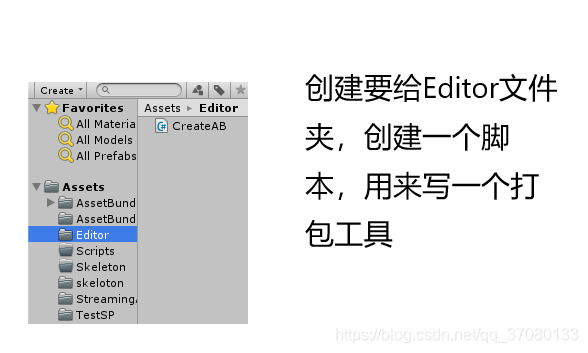
CreateAB代码:
using System.Collections;
using System.Collections.Generic;
using System.IO;
using UnityEditor;
using UnityEngine;

public class CreateAB : Editor
{
    [MenuItem("Assets/Build AssetBundles")]
    static void BuildAllAssetBundles()
    {
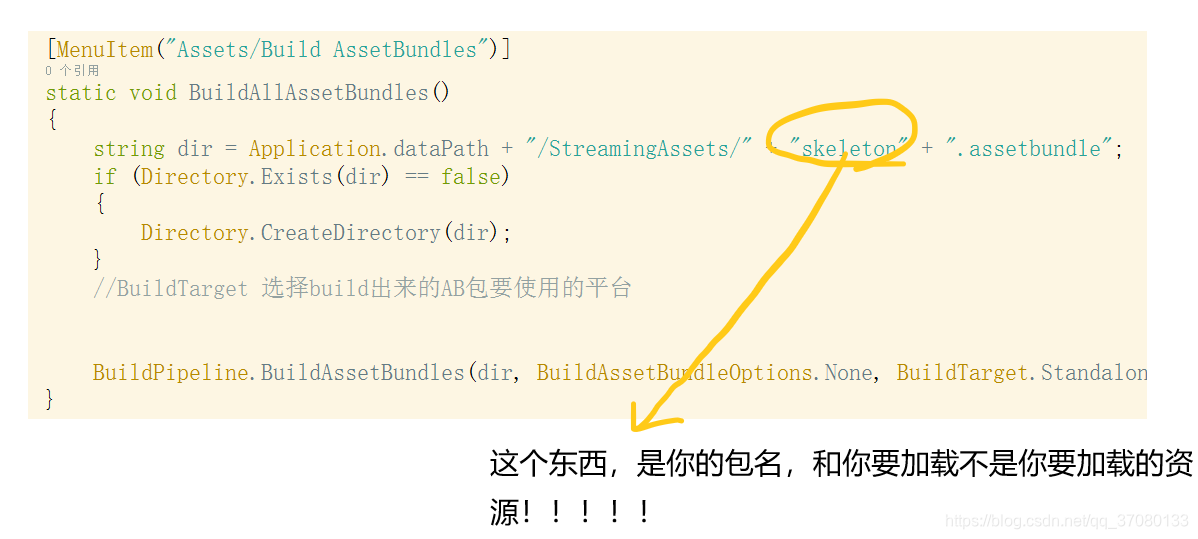
        string dir = Application.dataPath + "/StreamingAssets/" + "skeleton" + ".assetbundle";
        if (Directory.Exists(dir) == false)
        {
            Directory.CreateDirectory(dir);
        }
        //BuildTarget 选择build出来的AB包要使用的平台


        BuildPipeline.BuildAssetBundles(dir, BuildAssetBundleOptions.None, BuildTarget.StandaloneWindows64);
    }


}
写完之后,刷新一下,回到编辑器:
在Assets->下面有一个Build AssetBundles的按钮,那个就是你的打包工具,点击它就能实现打包
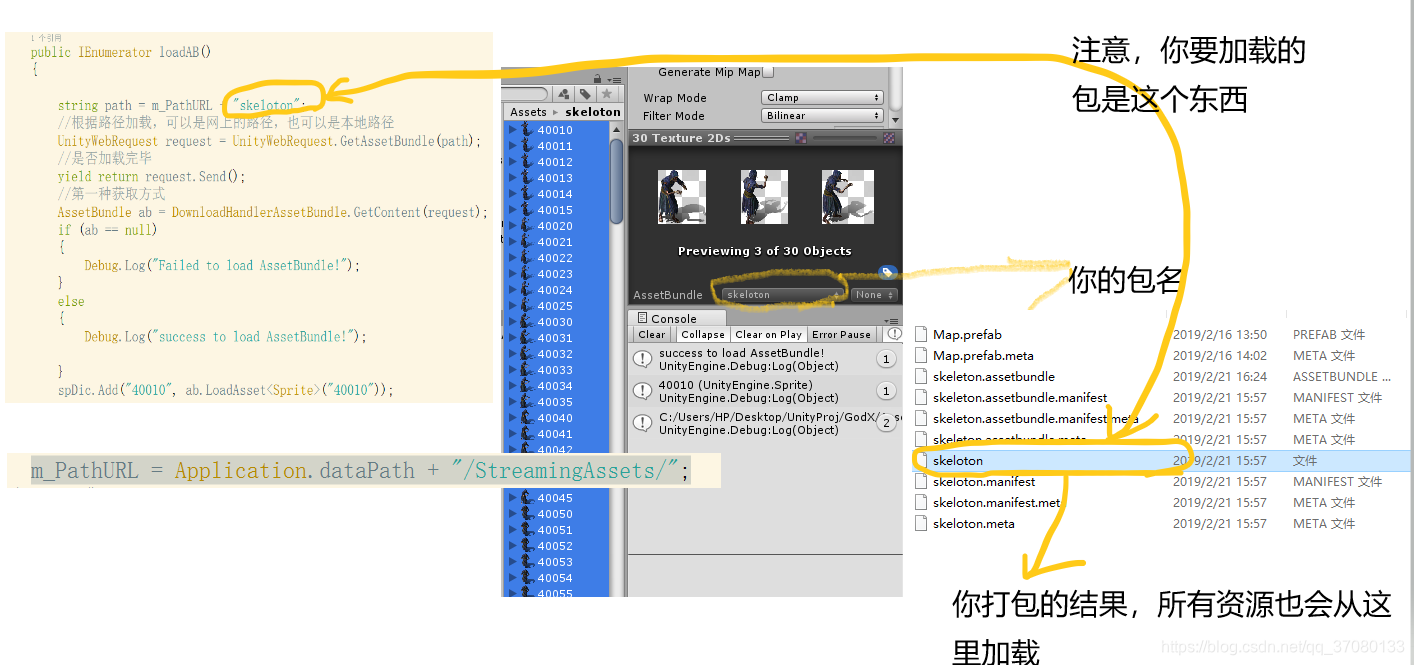
2.加载资源的代码:
    public IEnumerator loadAB()
    {

        string path = m_PathURL + "skeloton";
        //根据路径加载,可以是网上的路径,也可以是本地路径
        UnityWebRequest request = UnityWebRequest.GetAssetBundle(path);
        //是否加载完毕
        yield return request.Send();
        //第一种获取方式
        AssetBundle ab = DownloadHandlerAssetBundle.GetContent(request);
        if (ab == null)
        {
            Debug.Log("Failed to load AssetBundle!");
        }
        else
        {
            Debug.Log("success to load AssetBundle!");

        }
        spDic.Add("40010", ab.LoadAsset<Sprite>("40010"));


    }
注意1:spDic是我写的一个全局字典,用来管理资源
注意2:这是一个携程,需要使用startcroxxxxx来调用

北京人形旗下天工造物具身智能开源社区,聚焦具身天工与慧思开物两大平台
更多推荐
 0
0 0
0- 0


 已为社区贡献9条内容

所有评论(0)