vscode 远程ssh连接Linux调试makefile工程
·
主要参考自以下youtube视频
步骤
- 在vscode远程连接到Linux后。在vscode中安装以下的插件。
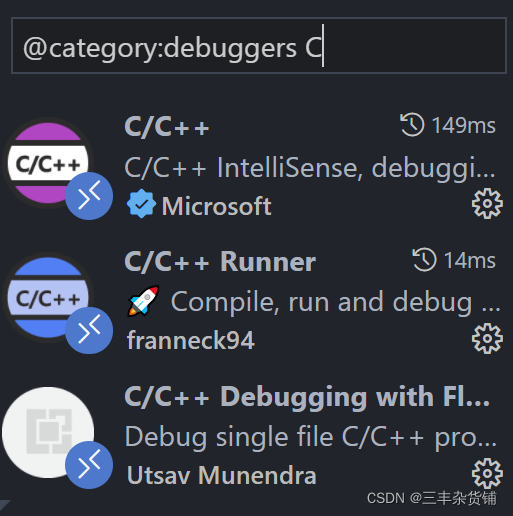
- 在debug界面,选择创建一个launch.json,或者是打开现有的json。
- 主要更改args和program这两个键值对
可参考的json:
{
    // Use IntelliSense to learn about possible attributes.
    // Hover to view descriptions of existing attributes.
    // For more information, visit: https://go.microsoft.com/fwlink/?linkid=830387
    "version": "0.2.0",
    "configurations": [
        {
            "name": "(gdb) Launch",
            "type": "cppdbg",
            "request": "launch",
            "program": "${workspaceFolder}/lab12/sorting",
            "args": ["spreadsheet.txt"],
            "stopAtEntry": false,
            "cwd": "${fileDirname}",
            "environment": [],
            "externalConsole": false,
            "MIMode": "gdb",
            "setupCommands": [
                {
                    "description": "Enable pretty-printing for gdb",
                    "text": "-enable-pretty-printing",
                    "ignoreFailures": true
                }
            ]
        }
    ]
}

北京人形旗下天工造物具身智能开源社区,聚焦具身天工与慧思开物两大平台
更多推荐
 0
0 0
0- 0


 已为社区贡献3条内容

所有评论(0)