谷歌cookie_editor安装教程
·
1.下载cookie_editor
Cookie-Editor - Crx4Chrome插件下载 http://www.crx4.com/18460.html
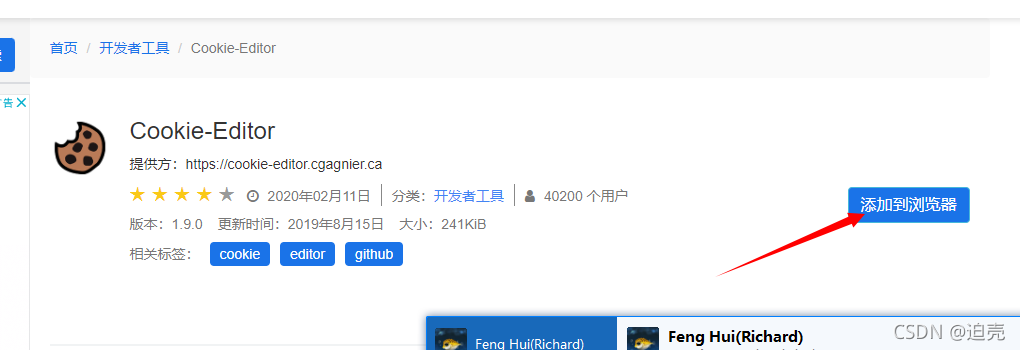
2.此时便会得到一个rar包

3.解压得到一个文件夹中
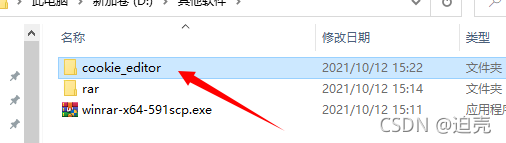
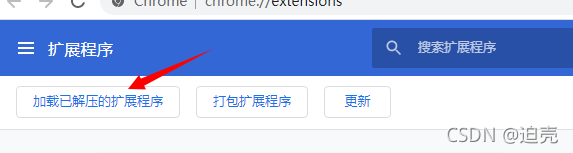
4.打开谷歌, 更多工具-》扩展程序-》打开开发者模式,点击加载已解压的扩展程序选中刚刚的文件夹即可
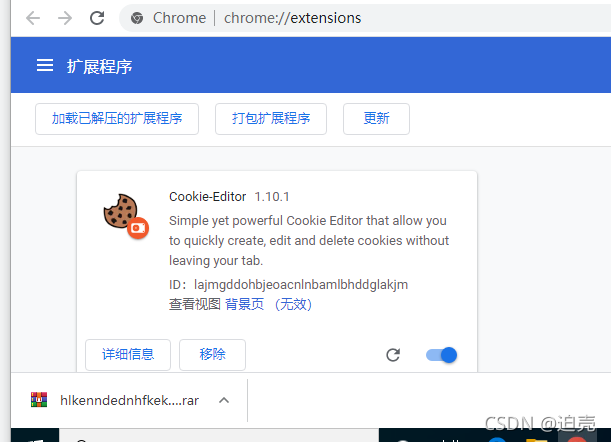
5.我们想要的东西就出现了

北京人形旗下天工造物具身智能开源社区,聚焦具身天工与慧思开物两大平台
更多推荐
 4
4 0
0- 0


 已为社区贡献1条内容

所有评论(0)