windows环境下安装redis并启动以及可视化工具redisDeskManager
·
下载redis
登录redis官网https://redis.io/download下载对应windows版本的redis,我本次下载安装的是windows 64位版本的。
或者到gitHub上获取 https://github.com/ServiceStack/redis-windows
安装redis
我的redis安装在D盘
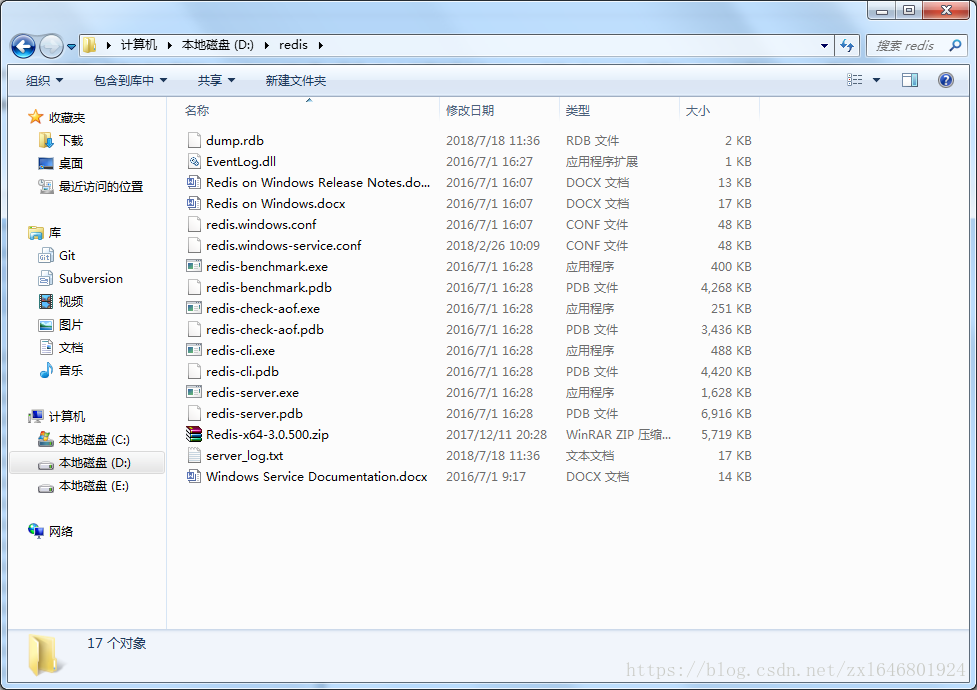
其中各个文件的作用
| 文件名 | 简要 |
| redis-benchmark.exe | 基准测试 |
| redis-check-aof.exe | aof |
| redischeck-dump.exe | dump |
| redis-cli.exe | 客户端 |
| redis-server.exe | 服务器 |
| redis.windows.conf | 配置文件 |
到此redis就安装好了,只是这样每次我们启动redis都需要打开运行窗口,window可以把启动服务添加到我的电脑
首先还是要启动redis服务器端,然后在运行redis客户端,然后通过Windows的service-install命令,输入
redis-server --service-install redis.windows.conf --loglevel verbose 下载redis desktop manager管理工具
官网下载:https://redisdesktop.com/download
github地址:https://github.com/uglide/RedisDesktopManager/releases
下载安装后很简单,只要下一步就好了
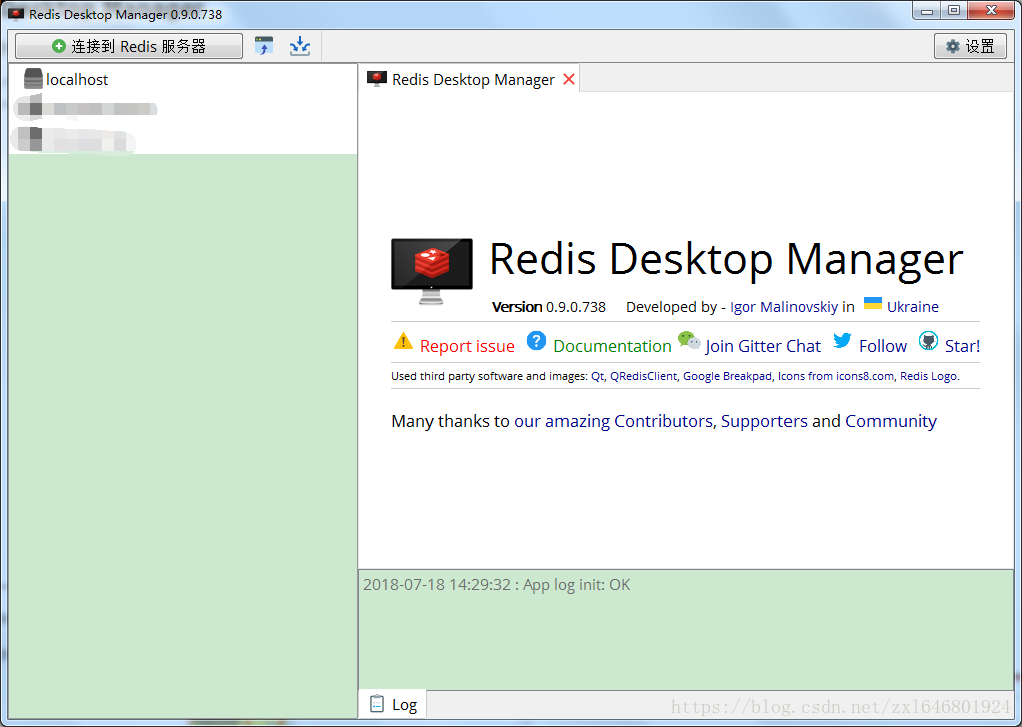
进来后点击连接redis就可以了,操作起来也很简单。
启动redis服务:redis-server.exe redis.windows.conf
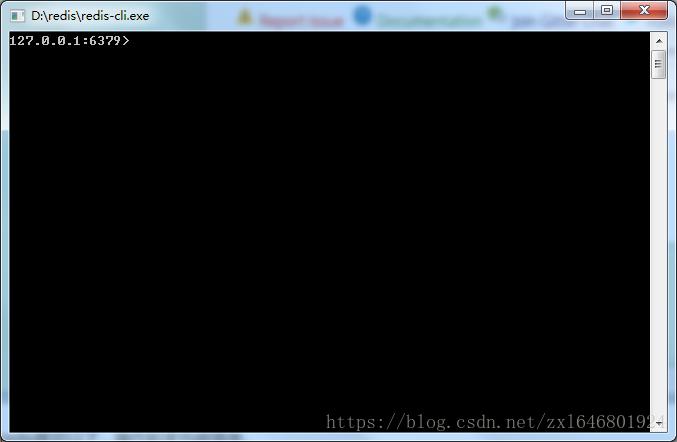
启用客户端:redis-cli.exe
双击 redis-cli.exe 运行一个客户端,运行后可以看到redis 127.0.0.1:6379
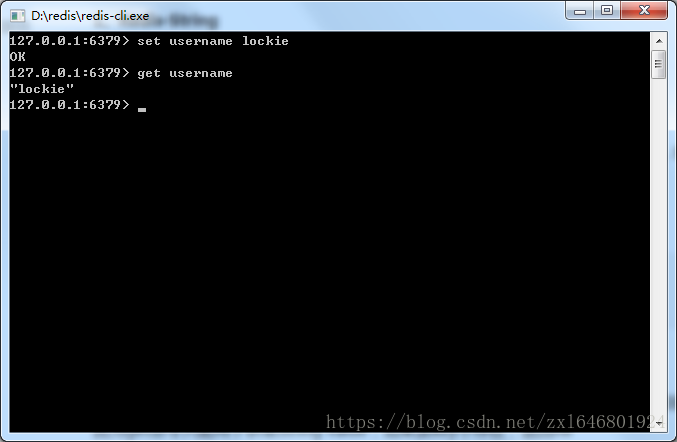
使用命令 set和get 命令操作

北京人形旗下天工造物具身智能开源社区,聚焦具身天工与慧思开物两大平台
更多推荐
 0
0 0
0- 0


 已为社区贡献6条内容

所有评论(0)