Win10 windows hello闪退该怎么办 windows
·
一些朋友在windows10系统中使用windows hello准备设置时,发现windows hello出现了闪退的情况,再次打开还是闪退,该怎么办呢?遇到同样问题的用户,不妨一起随小编往下看看吧!
原因分析:
其实,该问题是内置应用出错导致的。
解决方法:我们只需要将hello重置一下就可以了
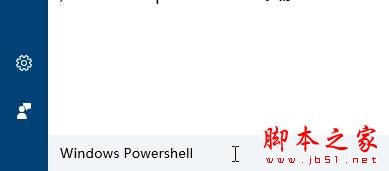
1、打开小娜,在搜索框中搜索“Windows Powershell”;
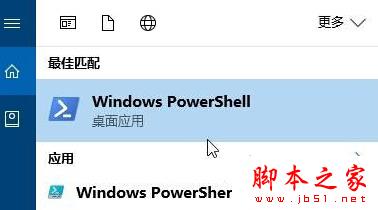
2、在“Windows Powershell”上单击右键,选择“以管理员身份运行”;
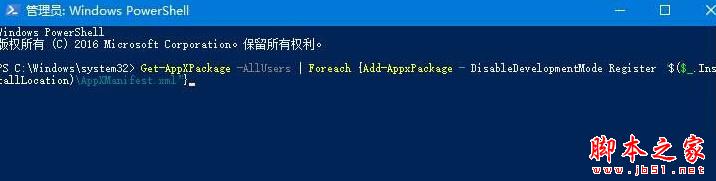
3、在弹出的框中输入:Get-AppXPackage -AllUsers | Foreach {Add-AppxPackage -DisableDevelopmentMode -Register "$($_.InstallLocation)\AppXManifest.xml"} 按下回车键,等待系统自动修复,完成后重启计算机即可解决!

北京人形旗下天工造物具身智能开源社区,聚焦具身天工与慧思开物两大平台
更多推荐
 1
1 0
0- 0


 已为社区贡献1条内容

所有评论(0)