影刀RPA并发与多任务执行:让机器人同时干多件事
·
影刀RPA并发与多任务执行:让机器人同时干多件事
默认情况下,影刀RPA是"一个流程从头跑到尾"的串行执行模式。但实际工作中,很多场景需要同时处理多个任务——比如同时监控多个网站、同时处理多份报表、同时操作多个系统。本文教你用影刀RPA实现并发与多任务执行,让你的机器人效率翻倍。
作者:林焱
为什么要并发执行
用一个简单对比说明:
| 场景 | 串行耗时 | 并发耗时 | 提速比 |
|---|---|---|---|
| 采集10个网站数据 | 50分钟 | 10分钟 | 5x |
| 处理20个Excel文件 | 40分钟 | 8分钟 | 5x |
| 监控5个系统状态 | 25分钟 | 5分钟 | 5x |
| 发送100封邮件 | 50分钟 | 10分钟 | 5x |
串行执行时,大部分时间都在等待——等待网页加载、等待API响应、等待文件读取。并发执行的核心思路:让等待的时间去做别的事。
一、影刀RPA并发方案总览
影刀RPA提供了3种并发方案:
方案1:多流程并行(推荐)
在影刀RPA客户端中同时运行多个独立流程,每个流程处理一个任务。
适用场景:任务之间完全独立,无共享数据。
方案2:Python多线程
在单个流程中使用Python的threading模块实现并发。
适用场景:任务之间有少量共享数据,需要线程间通信。
方案3:Python多进程
拼多多店群自动化上架方案
使用multiprocessing模块,绕过GIL限制实现真正的并行计算。
适用场景:CPU密集型任务(数据处理、图像处理等)。
二、多流程并行——影刀RPA原生方案
2.1 通过命令行启动多流程
# 影刀RPA支持命令行启动流程
# 格式:ydclient.exe run <流程路径>

import subprocess
import os

# 定义要并行运行的流程
flows = [
    r"D:\RPA项目\采集京东数据.yd",
    r"D:\RPA项目\采集淘宝数据.yd",
    r"D:\RPA项目\采集拼多多数据.yd",
]

# 并行启动
processes = []
for flow in flows:
    # 使用subprocess启动独立进程
    proc = subprocess.Popen(
        ["ydclient.exe", "run", flow],
        stdout=subprocess.PIPE,
        stderr=subprocess.PIPE
    )
    processes.append(proc)
    print(f"✅ 已启动流程:{os.path.basename(flow)}")

# 等待所有流程完成
for proc in processes:
    proc.wait()

print("✅ 所有流程执行完成")
2.2 多流程数据汇总
多流程并行执行后,通常需要汇总结果。
# 约定:每个流程将结果写入同一个共享目录
# 流程1 → D:\共享目录\result_1.json
# 流程2 → D:\共享目录\result_2.json
# 流程3 → D:\共享目录\result_3.json

import json
import glob
import pandas as pd

def merge_results(result_dir="D:\\共享目录\\"):
    """汇总多流程的结果"""
    all_data = []

    for file in glob.glob(os.path.join(result_dir, "result_*.json")):
        with open(file, "r", encoding="utf-8") as f:
            data = json.load(f)
            all_data.extend(data)
        print(f"✅ 已加载:{os.path.basename(file)}")

    # 合并并去重
    df = pd.DataFrame(all_data)
    df = df.drop_duplicates()

    # 输出汇总
    output_path = os.path.join(result_dir, "汇总结果.xlsx")
    df.to_excel(output_path, index=False)
    print(f"✅ 汇总完成,共{len(df)}条数据,保存到:{output_path}")

    return output_path

# 执行汇总
merge_results()
2.3 流程间通信——文件锁机制
多个流程同时写同一个文件会出问题,需要文件锁。
import fcntl  # Linux
# Windows用msvcrt

class FileLock:
    """跨进程文件锁(Windows版本)"""
    def __init__(self, lock_file):
        self.lock_file = lock_file
        self.handle = None

    def acquire(self):
        """获取锁"""
        import msvcrt
        self.handle = open(self.lock_file, 'w')
        msvcrt.locking(self.handle.fileno(), msvcrt.LK_NBLCK, 1)

    def release(self):
        """释放锁"""
        import msvcrt
        msvcrt.locking(self.handle.fileno(), msvcrt.LK_UNLCK, 1)
        self.handle.close()

    def __enter__(self):
        self.acquire()
        return self

    def __exit__(self, *args):
        self.release()


# 使用:安全写入共享文件
def safe_write_json(filepath, data):
    """线程安全的JSON写入"""
    lock_path = filepath + ".lock"
    with FileLock(lock_path):
        # 读取已有数据
        existing = []
        if os.path.exists(filepath):
            with open(filepath, "r", encoding="utf-8") as f:
                existing = json.load(f)

        # 追加新数据
        existing.extend(data)

        # 写回文件
        with open(filepath, "w", encoding="utf-8") as f:
            json.dump(existing, f, ensure_ascii=False, indent=2)
三、Python多线程并发
3.1 基础多线程
import threading
from concurrent.futures import ThreadPoolExecutor, as_completed

# 场景:并发请求多个API
def fetch_api_data(url):
    """请求单个API"""
    import requests
    try:
        response = requests.get(url, timeout=30)
        return {"url": url, "status": response.status_code, "data": response.json()}
    except Exception as e:
        return {"url": url, "status": "error", "error": str(e)}

# 定义API列表
api_urls = [
    "https://api.example.com/orders?page=1",
    "https://api.example.com/orders?page=2",
    "https://api.example.com/orders?page=3",
    "https://api.example.com/orders?page=4",
    "https://api.example.com/orders?page=5",
]

# 使用线程池并发请求
results = []
with ThreadPoolExecutor(max_workers=5) as executor:
    future_to_url = {executor.submit(fetch_api_data, url): url for url in api_urls}

    for future in as_completed(future_to_url):
        result = future.result()
        results.append(result)
        print(f"✅ 完成:{result['url']}(状态:{result['status']})")

print(f"\n全部完成,共{len(results)}个请求")
3.2 并发采集多个网站
# 影刀RPA + 多线程并发采集

class ConcurrentScraper:
    def __init__(self, max_workers=3):
        self.max_workers = max_workers
        self.results = []
        self.lock = threading.Lock()

    def scrape_single_site(self, site_config):
        """采集单个网站"""
        try:
            # 每个线程使用独立的浏览器实例
            web.open(site_config["url"])
            web.wait_page_load()

            items = []
            elements = web.find_elements(site_config["item_selector"])

            for elem in elements:
                item = {
                    "来源": site_config["name"],
                    "标题": web.get_text(site_config["title_selector"], elem),
                    "价格": web.get_text(site_config["price_selector"], elem),
                    "链接": web.get_attribute("href", site_config["link_selector"], elem),
                }
                items.append(item)

            # 线程安全地添加结果
            with self.lock:
                self.results.extend(items)

            return {"site": site_config["name"], "count": len(items), "status": "success"}

        except Exception as e:
            return {"site": site_config["name"], "count": 0, "status": "error", "error": str(e)}

    def run(self, sites):
        """并发采集所有网站"""
        with ThreadPoolExecutor(max_workers=self.max_workers) as executor:
            futures = {
                executor.submit(self.scrape_single_site, site): site
                for site in sites
            }

            for future in as_completed(futures):
                result = future.result()
                status = "✅" if result["status"] == "success" else "❌"
                print(f"{status} {result['site']}:{result['count']}条数据")

        return self.results


# 使用
scraper = ConcurrentScraper(max_workers=3)
sites = [
    {
        "name": "京东",
        "url": "https://search.jd.com/Search?keyword=手机",
        "item_selector": ".gl-item",
        "title_selector": ".p-name em",
        "price_selector": ".p-price strong i",
        "link_selector": ".p-name a",
    },
    {
        "name": "淘宝",
        "url": "https://s.taobao.com/search?q=手机",
        "item_selector": ".items .item",
        "title_selector": ".title",
        "price_selector": ".price",
        "link_selector": ".title a",
    },
]

results = scraper.run(sites)
3.3 带进度追踪的并发
# 进度条 + 并发执行
from concurrent.futures import ThreadPoolExecutor, as_completed
import time

def process_with_progress(tasks, worker_func, max_workers=5, desc="处理中"):
    """带进度追踪的并发执行"""
    total = len(tasks)
    completed = 0
    results = []

    with ThreadPoolExecutor(max_workers=max_workers) as executor:
        futures = {executor.submit(worker_func, task): task for task in tasks}

        for future in as_completed(futures):
            result = future.result()
            results.append(result)
            completed += 1

            # 显示进度
            progress = completed / total * 100
            bar = "█" * int(progress / 2) + "░" * (50 - int(progress / 2))
            print(f"\r{desc} |{bar}| {progress:.1f}% ({completed}/{total})", end="")

    print()  # 换行
    return results


# 使用
def process_file(filepath):
    """处理单个文件"""
    import pandas as pd
    df = pd.read_excel(filepath)
    # ... 处理逻辑
    time.sleep(1)  # 模拟处理时间
    return {"file": filepath, "rows": len(df)}

files = [f"D:\\数据\\file_{i}.xlsx" for i in range(1, 21)]
results = process_with_progress(files, process_file, max_workers=5, desc="处理Excel文件")
四、Python多进程并发
4.1 CPU密集型任务用多进程
Python的GIL(全局解释器锁)导致多线程无法利用多核CPU。对于CPU密集型任务(数据处理、图像处理等),必须用多进程。
from multiprocessing import Pool, cpu_count
import pandas as pd

def process_chunk(args):
    """处理数据分块(在子进程中执行)"""
    chunk_data, chunk_id = args

    # CPU密集型操作
    df = pd.DataFrame(chunk_data)

    # 复杂计算
    df["计算列"] = df["金额"] * df["税率"]
    df["分类"] = df["金额"].apply(lambda x: "大额" if x > 10000 else "小额")
    summary = df.groupby("分类").agg({"计算列": ["sum", "mean", "count"]})

    return {"chunk_id": chunk_id, "result": summary.to_dict()}

# 将大数据分成多个块并行处理
def parallel_data_process(data, num_processes=None):
    """多进程并行数据处理"""
    if num_processes is None:
        num_processes = cpu_count()

    # 分块
    chunk_size = len(data) // num_processes + 1
    chunks = [(data[i:i+chunk_size], i) for i in range(0, len(data), chunk_size)]

    print(f"📊 数据量:{len(data)}条,分{len(chunks)}块,使用{num_processes}个进程")

    # 并行处理
    with Pool(processes=num_processes) as pool:
        results = pool.map(process_chunk, chunks)

    return results

# 使用
import numpy as np
big_data = [{"金额": np.random.randint(100, 50000), "税率": 0.06} for _ in range(100000)]
results = parallel_data_process(big_data)
五、实战:多账号并发操作
场景描述
需要用多个账号同时登录系统执行操作(如多店铺管理、多账号数据采集)。
# 多账号并发操作方案

class MultiAccountExecutor:
    def __init__(self, accounts, max_workers=3):
        self.accounts = accounts
        self.max_workers = max_workers
        self.results = []

    def execute_for_account(self, account):
        """单个账号的操作流程"""
        try:
            # 步骤1:打开登录页
            web.open(account["login_url"])

            # 步骤2:登录
            web.input("#username", account["username"])
            web.input("#password", account["password"])
            web.click("#login-btn")
            web.wait_page_load()

            # 步骤3:执行业务操作
            # ... 根据具体需求定制
            data = self._fetch_account_data(account)

            return {
                "account": account["name"],
                "status": "success",
                "data": data
            }

        except Exception as e:
            return {
                "account": account["name"],
                "status": "error",
                "error": str(e)
            }

    def _fetch_account_data(self, account):
        """获取账号相关数据"""
        web.open(account["data_url"])
        web.wait_page_load()

        table_data = web.get_table_data("#data-table")
        return table_data

    def run(self):
        """并发执行所有账号操作"""
        with ThreadPoolExecutor(max_workers=self.max_workers) as executor:
            futures = {
                executor.submit(self.execute_for_account, account): account
                for account in self.accounts
            }

            for future in as_completed(futures):
                result = future.result()
                self.results.append(result)
                status = "✅" if result["status"] == "success" else "❌"
                print(f"{status} {result['account']}")

        return self.results


# 配置多账号
accounts = [
    {"name": "店铺A", "username": "shop_a", "password": "xxx", "login_url": "https://admin.shop.com/login", "data_url": "https://admin.shop.com/data"},
    {"name": "店铺B", "username": "shop_b", "password": "xxx", "login_url": "https://admin.shop.com/login", "data_url": "https://admin.shop.com/data"},
    {"name": "店铺C", "username": "shop_c", "password": "xxx", "login_url": "https://admin.shop.com/login", "data_url": "https://admin.shop.com/data"},
]

executor = MultiAccountExecutor(accounts, max_workers=3)
results = executor.run()
六、并发安全与注意事项
6.1 线程安全的数据结构
import threading
from queue import Queue

# 使用Queue实现线程安全的数据交换
task_queue = Queue()
result_queue = Queue()

# 生产者:向队列添加任务
def producer(tasks):
    for task in tasks:
        task_queue.put(task)
    # 添加结束信号
    for _ in range(WORKER_COUNT):
        task_queue.put(None)

# 消费者:从队列取任务执行
def worker(worker_id):
    while True:
        task = task_queue.get()
        if task is None:
            break

        result = process_task(task)
        result_queue.put(result)
        task_queue.task_done()

# 启动
WORKER_COUNT = 5
threads = [threading.Thread(target=worker, args=(i,)) for i in range(WORKER_COUNT)]
for t in threads:
    t.start()

producer(all_tasks)
for t in threads:
    t.join()

# 收集结果
results = []
while not result_queue.empty():
    results.append(result_queue.get())
6.2 限流与速率控制
TEMU店群如何管理运营?
import time
import threading

class RateLimiter:
    """速率限制器——防止并发过快导致被封"""
    def __init__(self, max_requests_per_second=5):
        self.interval = 1.0 / max_requests_per_second
        self.lock = threading.Lock()
        self.last_request_time = 0

    def wait(self):
        with self.lock:
            now = time.time()
            elapsed = now - self.last_request_time
            if elapsed < self.interval:
                time.sleep(self.interval - elapsed)
            self.last_request_time = time.time()

# 使用
limiter = RateLimiter(max_requests_per_second=3)

for url in urls:
    limiter.wait()  # 控制请求频率
    response = requests.get(url)
6.3 异常隔离
# 每个线程的异常不应影响其他线程
def safe_execute(func, *args, **kwargs):
    """安全的执行包装器"""
    try:
        return {"status": "success", "result": func(*args, **kwargs)}
    except Exception as e:
        return {"status": "error", "error": str(e), "func": func.__name__}

# 在并发中使用
with ThreadPoolExecutor(max_workers=5) as executor:
    futures = [executor.submit(safe_execute, process_item, item) for item in items]

    for future in as_completed(futures):
        result = future.result()
        if result["status"] == "error":
            log_error(f"任务失败:{result['func']},原因:{result['error']}")
        else:
            process_result(result["result"])
常见问题
Q:多线程操作浏览器会冲突吗?
会的。多线程共享同一个浏览器实例会导致操作冲突。解决方案: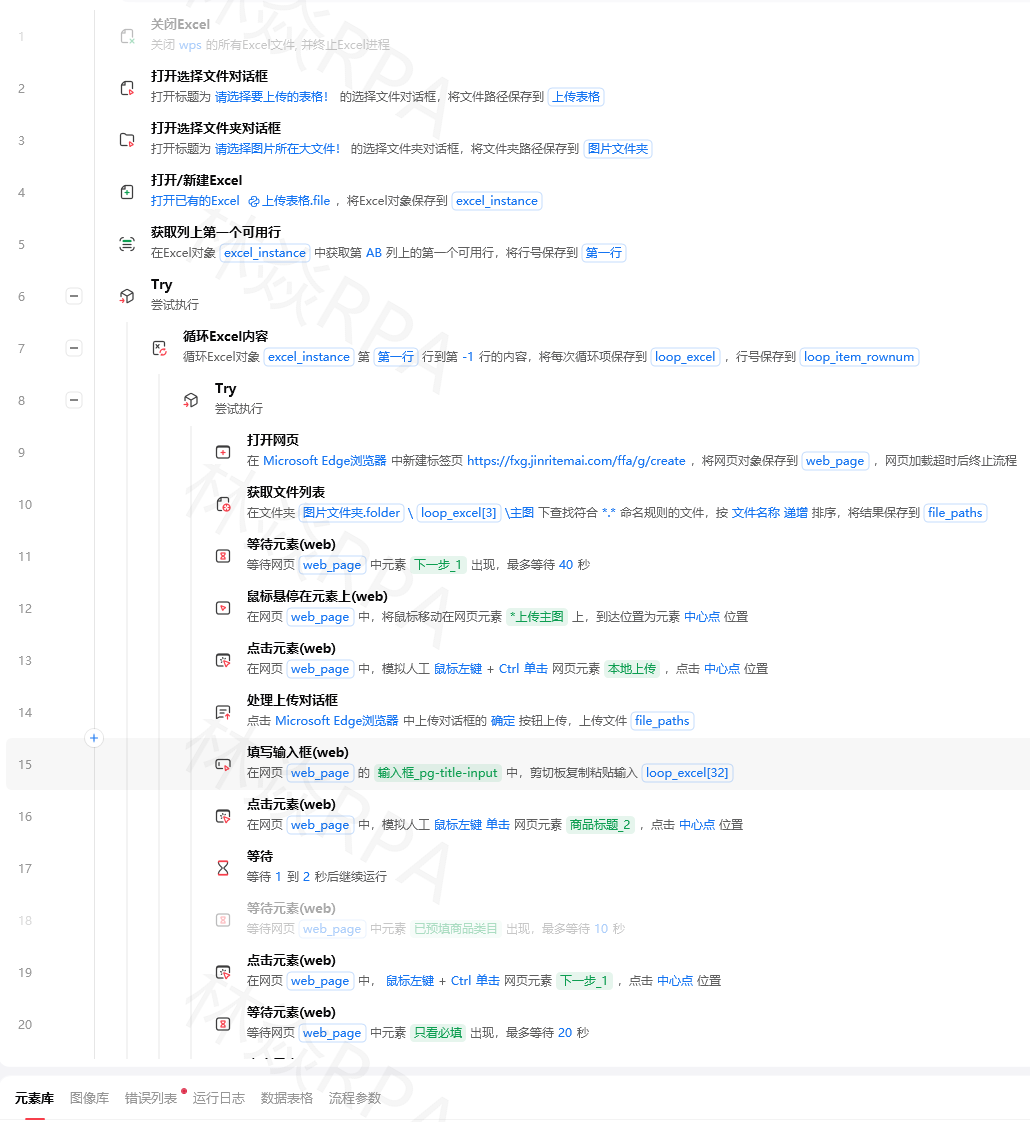
- 每个线程使用独立的浏览器实例(推荐)
- 使用线程锁串行化浏览器操作
- 使用影刀RPA的多流程并行方案,每个流程独立运行
Q:并发数设置多少合适?
取决于任务类型:
- 网络IO密集(API请求、网页采集):5-10个线程
- 文件IO密集(读写Excel):3-5个线程
- CPU密集(数据处理):等于CPU核心数
- 浏览器操作:2-3个线程(浏览器本身比较重)
Q:并发导致数据错乱怎么办?
确保:
- 共享数据使用线程锁保护
- 写文件使用文件锁
- 每个线程操作独立的数据集
- 结果汇总在所有线程完成后统一进行
总结
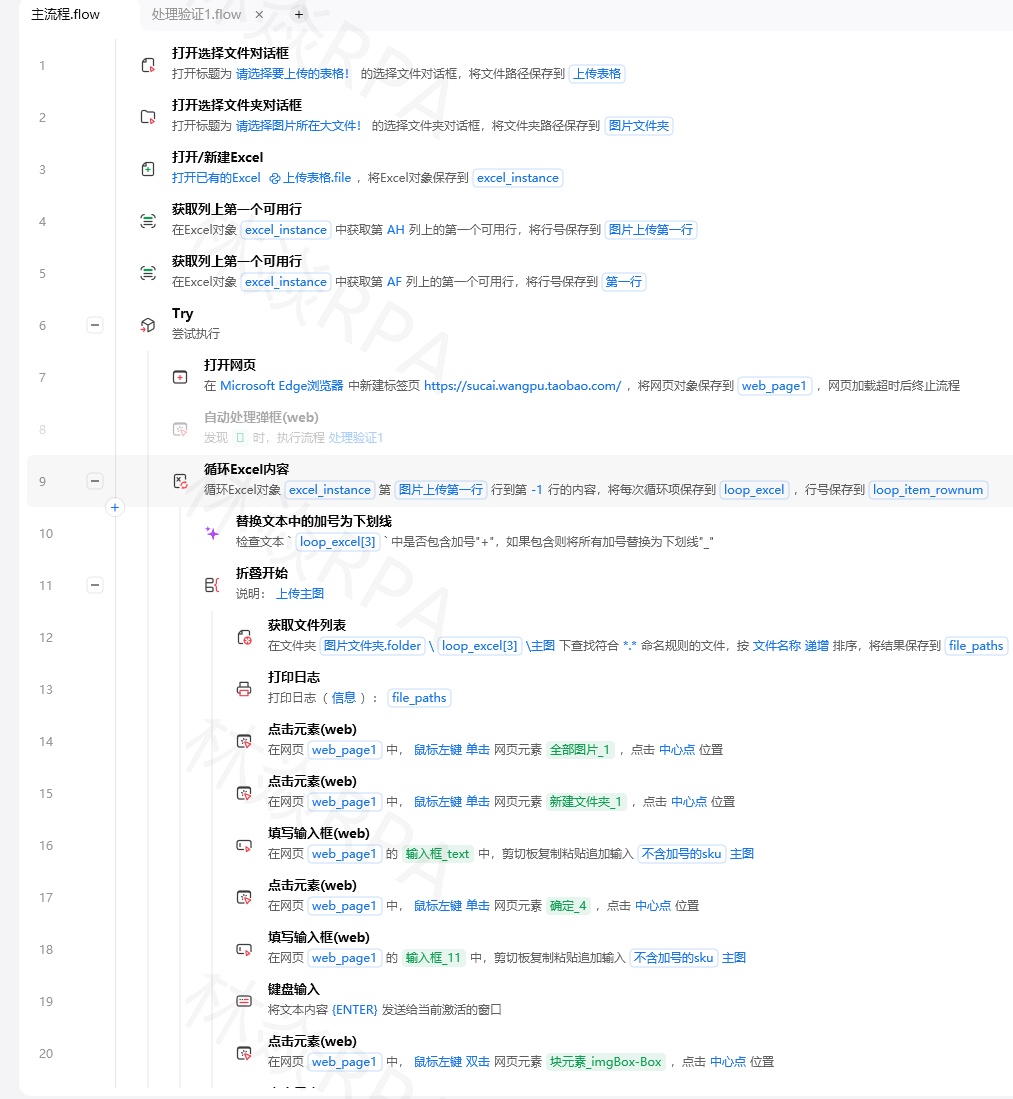
影刀RPA的并发能力让你的机器人从"单线程打工人"变成"多线程管理者":
- 多流程并行:最简单的方案,适合独立任务
- 多线程:适合网络IO密集型任务,一个流程内并发
- 多进程:适合CPU密集型任务,绕过GIL限制
- 安全机制:文件锁、速率限制、异常隔离
选择建议:优先用影刀RPA的多流程并行方案;需要线程间通信时用多线程;CPU密集计算用多进程。
作者:林焱 | 如果这篇文章对你有帮助,欢迎点赞收藏,关注我获取更多RPA自动化教程

北京人形旗下天工造物具身智能开源社区,聚焦具身天工与慧思开物两大平台
更多推荐
 11
11 0
0- 0


 已为社区贡献3条内容

所有评论(0)