[已解决]Details: An error occurred while executing command: ‘host-status --ide-path=/root/.cache/JetBra
·
背景:
作者用 IDEA 远程连接 虚拟机 CentOS7 一直报如下错误,
但是用 CentOS8 连接却能正常连接,
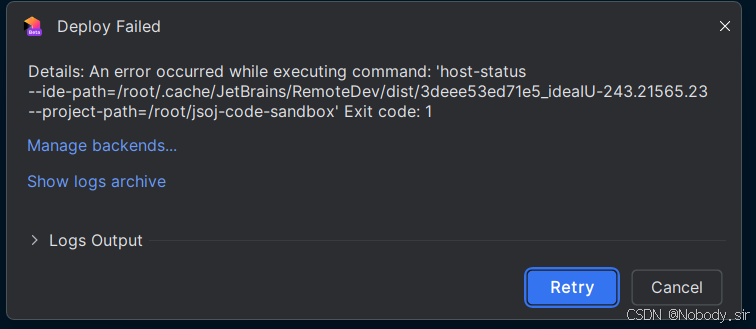
试了很多方法:
1. 删除.tmp文件
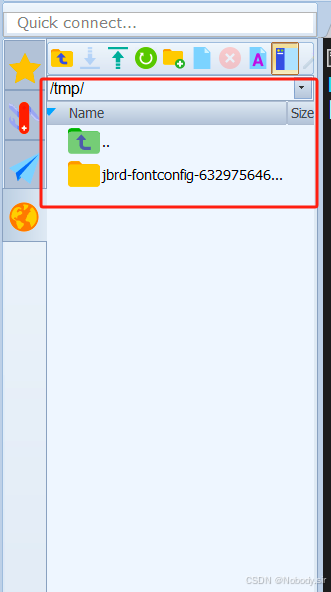
按照上述博客的方式,发现解决不了。
2. 删除.cache文件
Details: An error occurred while executing command: ‘host-status --ide-path=/root/.cache/JetBrains/R-CSDN博客 https://blog.csdn.net/baidu_41553551/article/details/134819135找到了 root/.cache 文件, 里面能看到 JetBrains 这个目录,
然后在IDEA中重新连接:
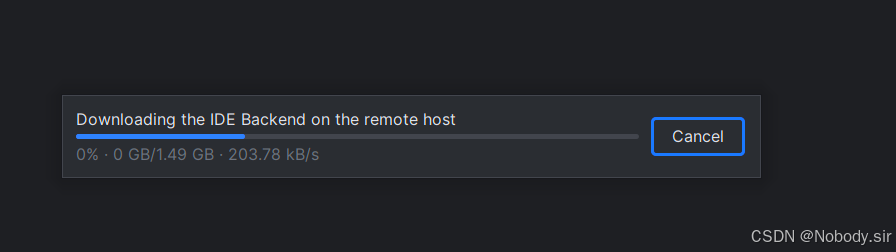
还是会产生同样的问题
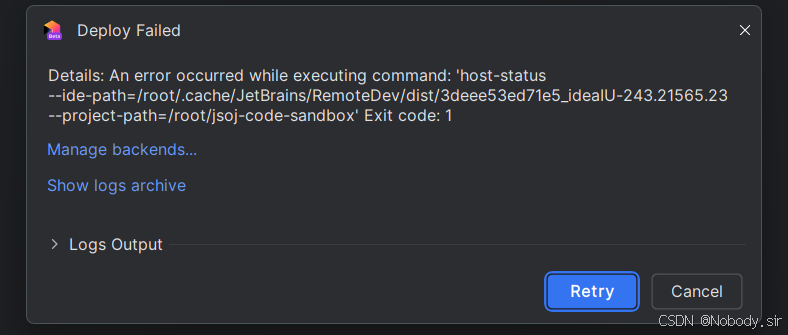
后续解决方法:
换成Ubuntu22就不会发生这个问题
欢迎大佬在评论区教学解决方法

北京人形旗下天工造物具身智能开源社区,聚焦具身天工与慧思开物两大平台
更多推荐
 4
4 0
0- 0


 已为社区贡献3条内容

所有评论(0)