python 打包成可执行的exe文件
·
1.下载 pyinstaller
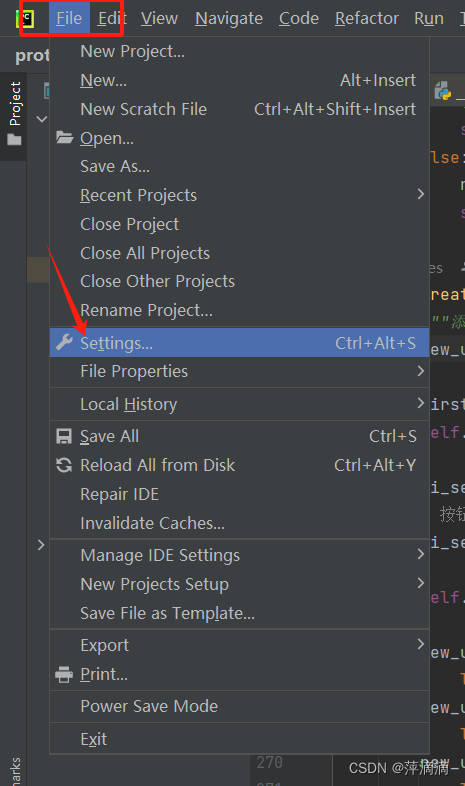
2. 点击加号下载
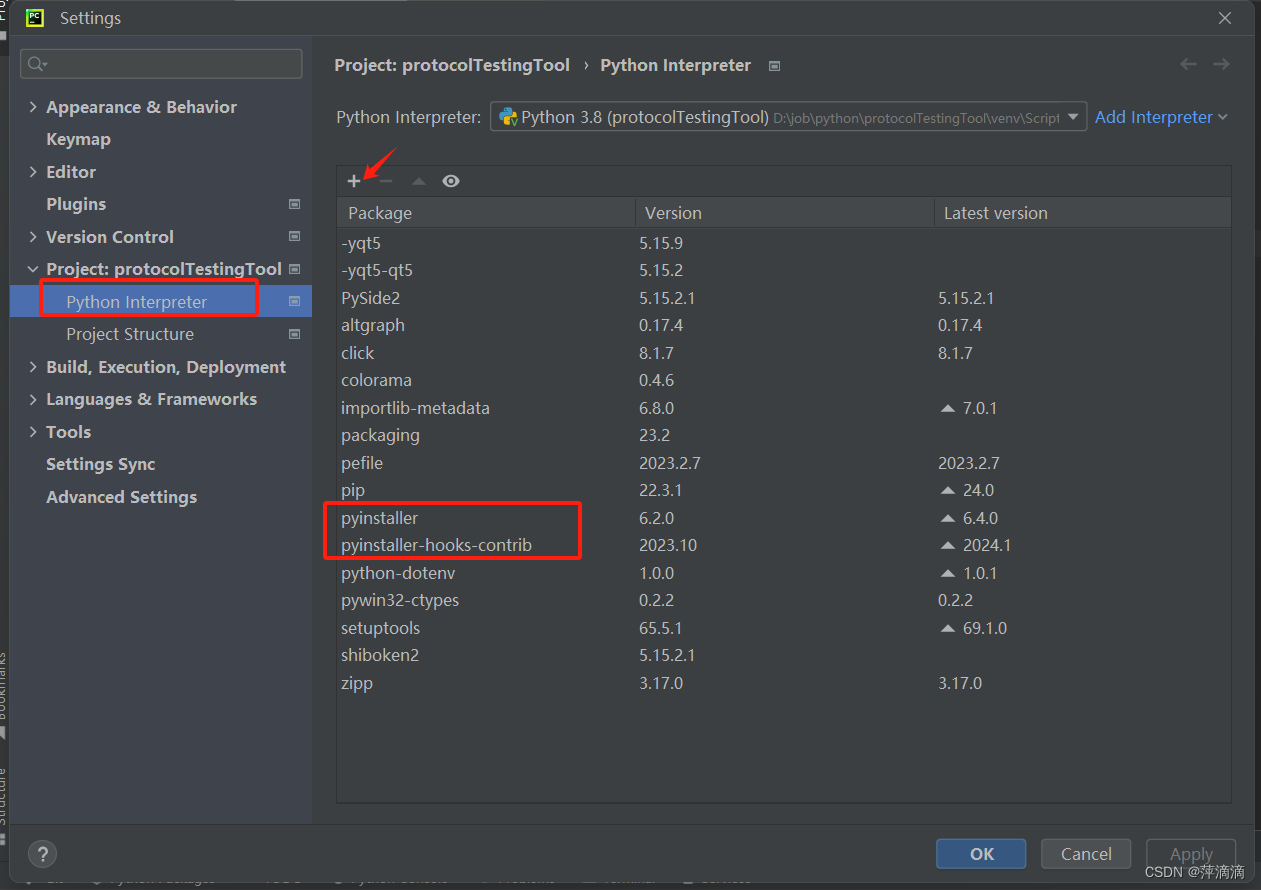
3. 或在Terminal 中 用pip下载 “pip install pyinstaller ”,或 “pip install pyinstaller -i 地址”
4.打包(main.py 为需要打包的python文件)
- 指定输出目录:`pyinstaller -distpath path/output your_script.py`
- 设置图标:`pyinstaller -iconpath icon.ico your_script.py`
- 打包为单个可执行文件:`pyinstaller -onefile your_script.py`
- 隐藏控制台窗口(仅适用于Windows):`pyinstaller -noconsole your_script.py`
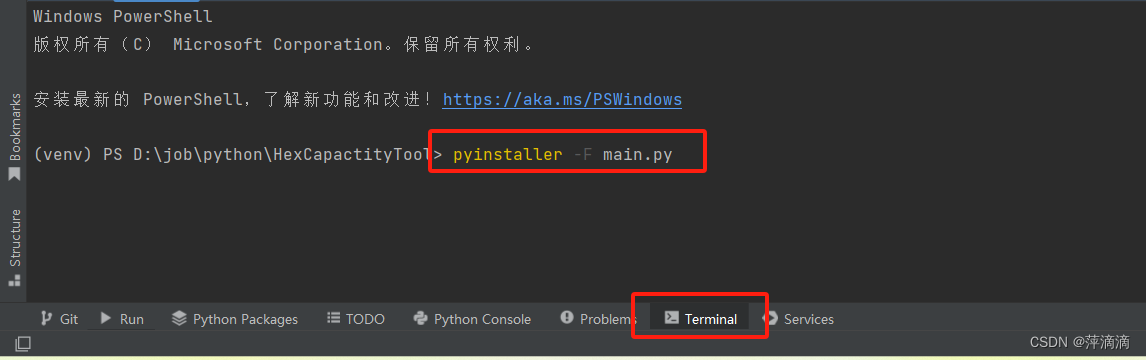
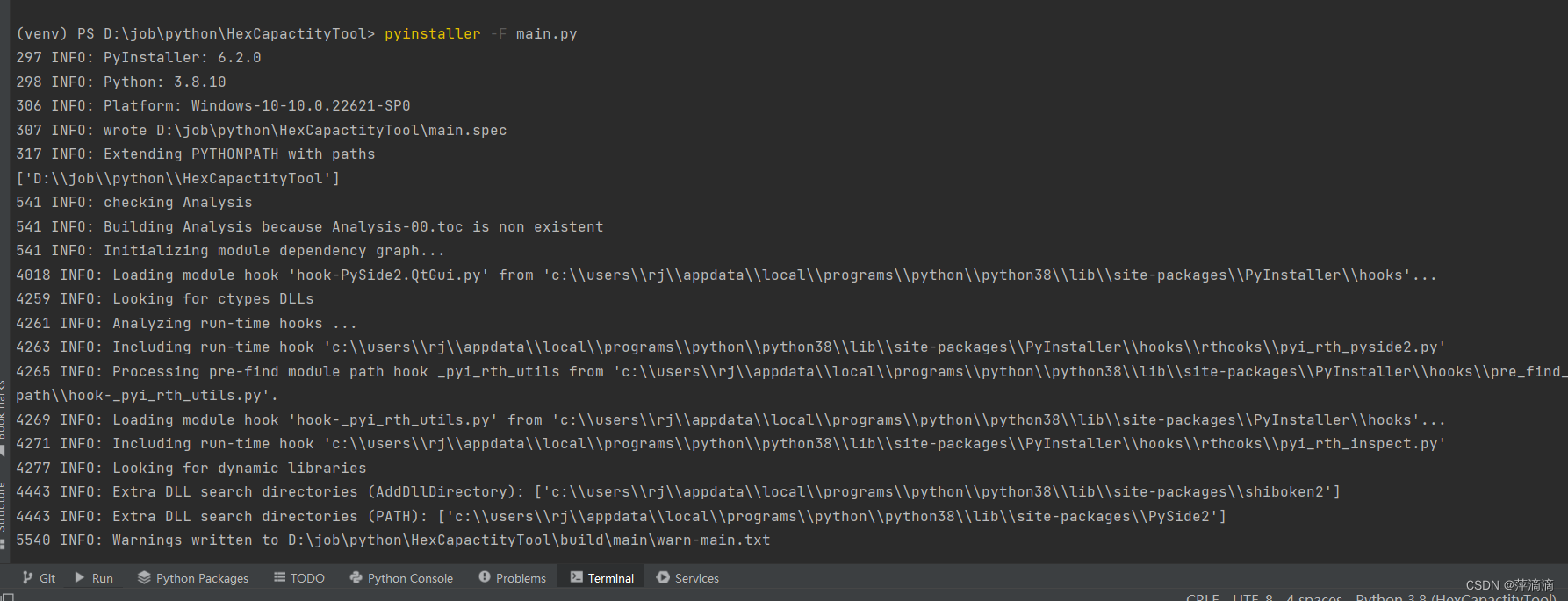
5. 打包完成后,生成 两个文件夹和一个.spec文件
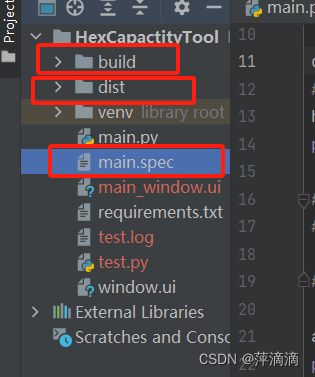
6. dist文件中有一个exe文件,这只是打包了python文件,项目中用到的其它文件,需要将其复制当进来
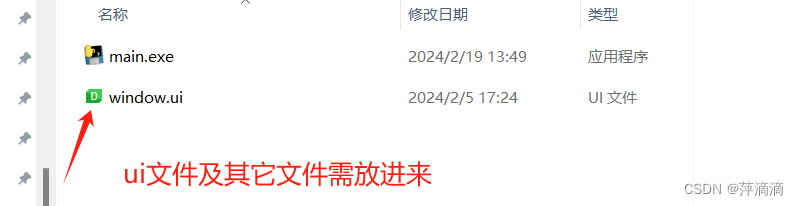
7.双击exe

就完成了

北京人形旗下天工造物具身智能开源社区,聚焦具身天工与慧思开物两大平台
更多推荐
 14
14 0
0- 0


 已为社区贡献1条内容

所有评论(0)