大数据MR---倒排索引
·
1、准备数据文件
- 启动hadoop服务
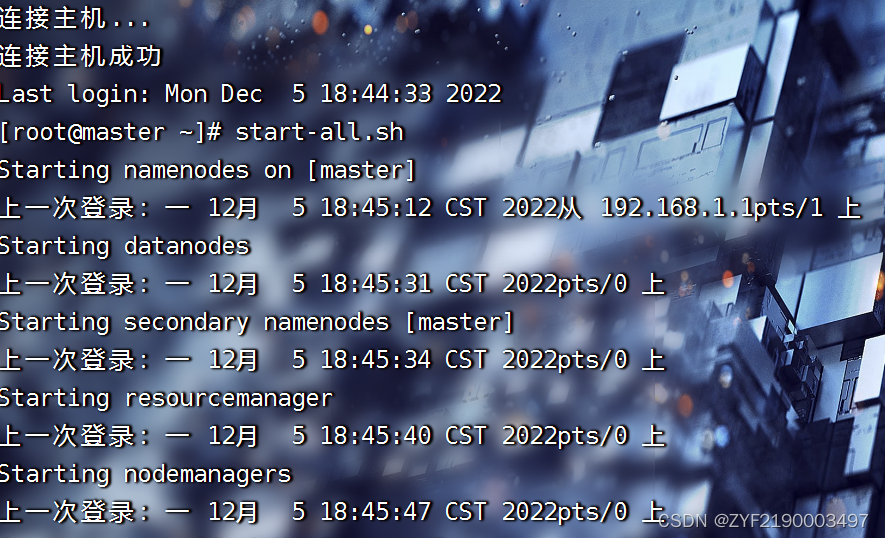
(1)在虚拟机上创建文本文件
- 创建
InvertedIndex目录,在里面创建三个文本文件 -file1.txt、file2.txt、file3.txt

(2)上传文件到HDFS指定目录
- 创建
/InvertedIndex/input目录,执行命令:hdfs dfs -mkdir -p /InvertedIndex/input
- 将三个文本文件
file1.txt、file2.txt、file3.txt,上传到HDFS的/InvertedIndex/input目录
2、Map阶段实现
- 首先,使用IntelliJ开发工具创建Maven项目InvertedIndex,并且新创建net.hw.mr包,在该路径下编写自定义Mapper类InvertedIndexMapper,主要用于将文本中的单词按照空格进行切割,并以冒号拼接,“单词:文档名称”作为key,单词次数作为value,都以文本方式输出至Combine阶段。
(1)创建Maven项目
- Maven项目 - InvertedIndex
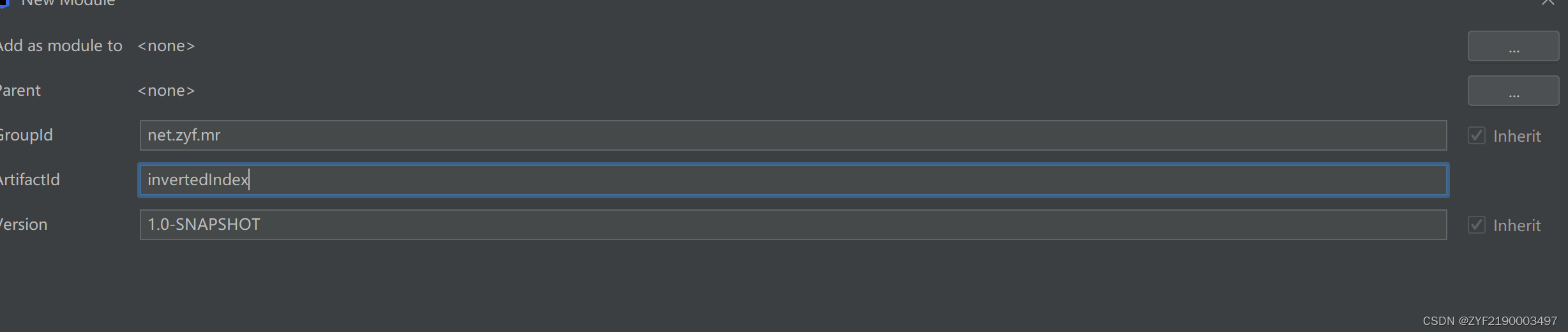
- 单击【Finish】按钮
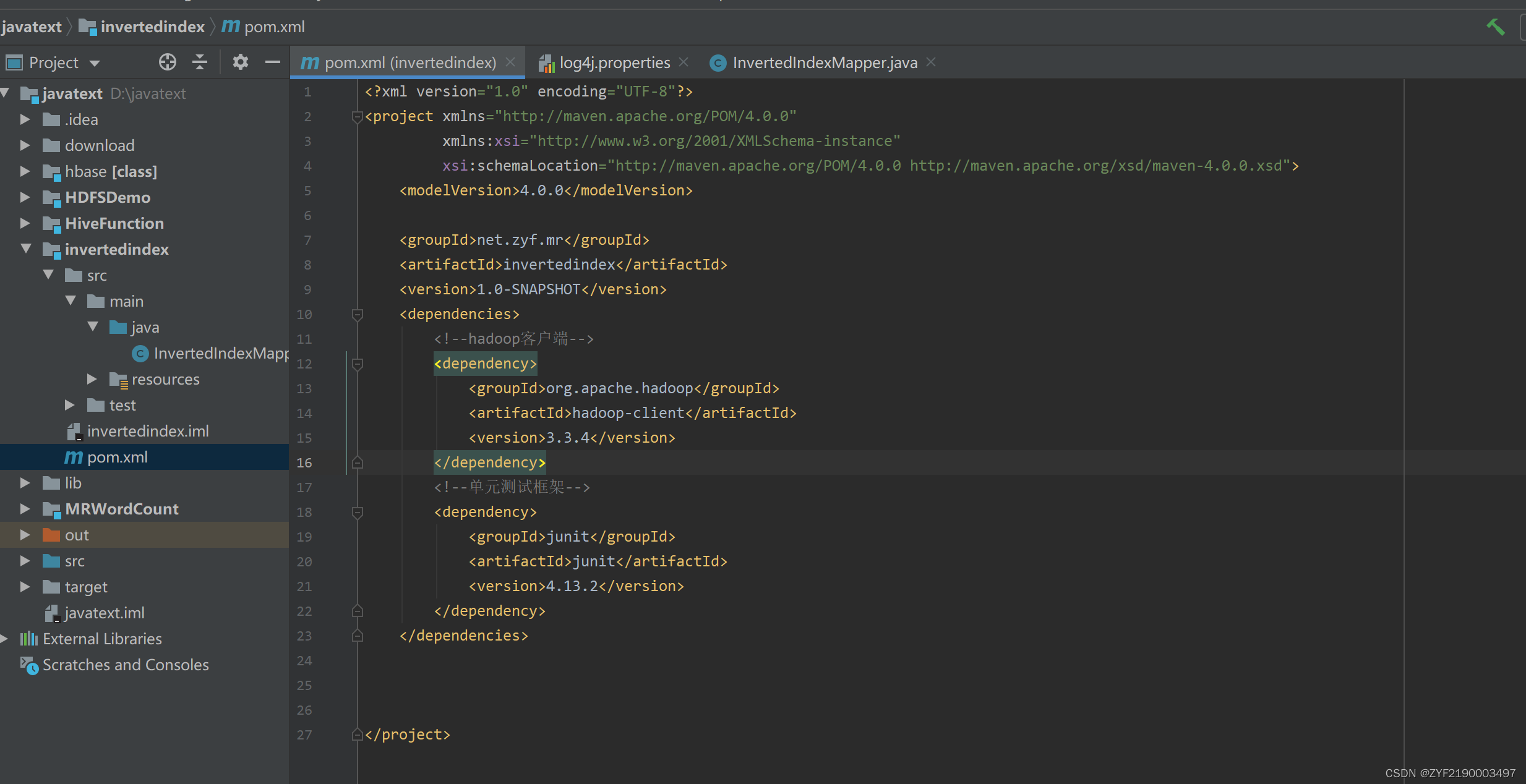
(2)添加相关依赖
- 在
pom.xml文件里添加hadoop和junit依赖
<dependencies>
    <!--hadoop客户端-->
    <dependency>
        <groupId>org.apache.hadoop</groupId>
        <artifactId>hadoop-client</artifactId>
        <version>3.3.4</version>
    </dependency>
    <!--单元测试框架-->
    <dependency>
        <groupId>junit</groupId>
        <artifactId>junit</artifactId>
        <version>4.13.2</version>
    </dependency>
</dependencies>
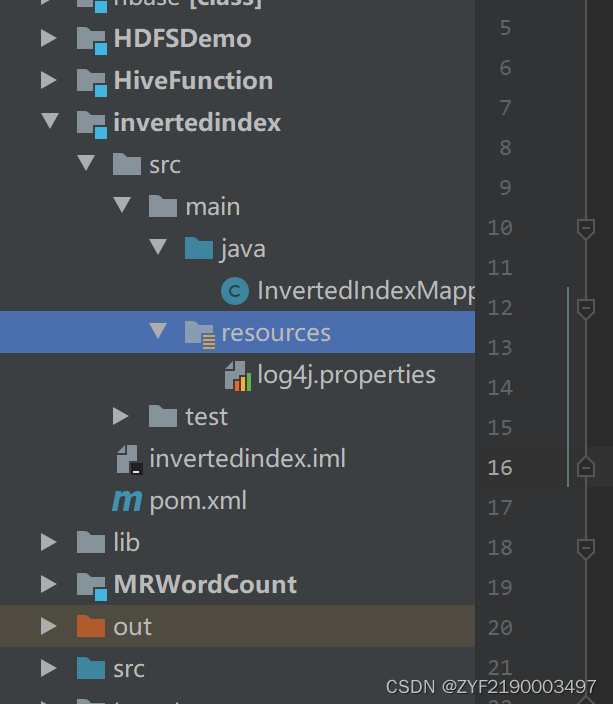
(3)创建日志属性文件
- 在
resources目录里创建log4j.properties文件
log4j.rootLogger=INFO, stdout, logfile
log4j.appender.stdout=org.apache.log4j.ConsoleAppender
log4j.appender.stdout.layout=org.apache.log4j.PatternLayout
log4j.appender.stdout.layout.ConversionPattern=%d %p [%c] - %m%n
log4j.appender.logfile=org.apache.log4j.FileAppender
log4j.appender.logfile.File=target/invertedindex.log
log4j.appender.logfile.layout=org.apache.log4j.PatternLayout
log4j.appender.logfile.layout.ConversionPattern=%d %p [%c] - %m%n
(4)创建倒排索引映射器类
- 创建
net.hw.mr包,在包里创建InvertedIndexMapper类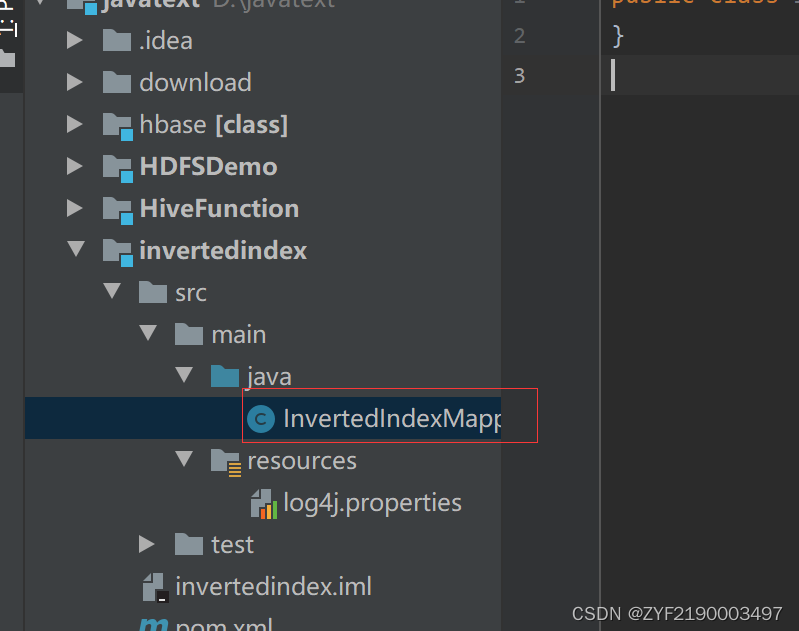
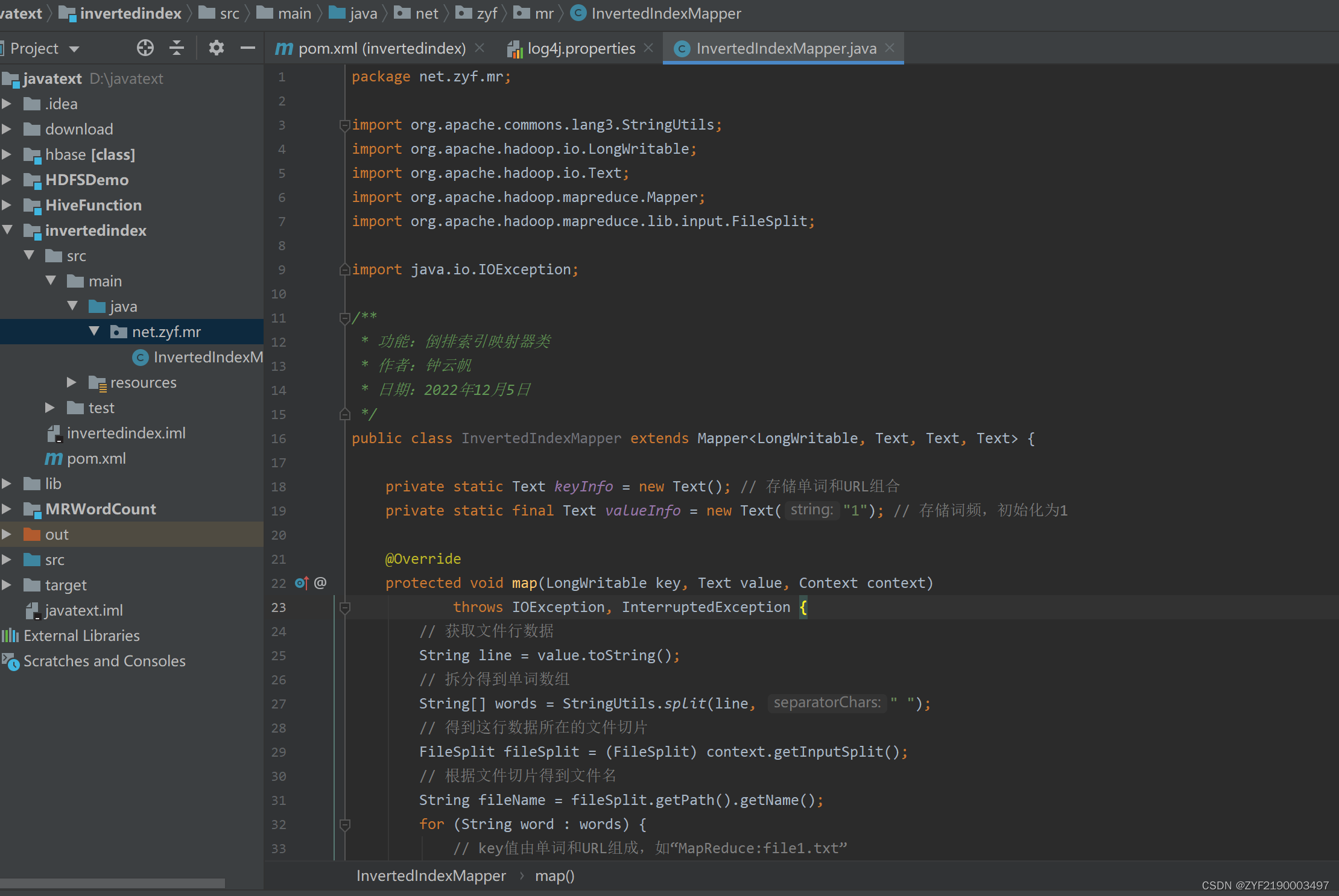
package net.zyf.mr;

import org.apache.commons.lang3.StringUtils;
import org.apache.hadoop.io.LongWritable;
import org.apache.hadoop.io.Text;
import org.apache.hadoop.mapreduce.Mapper;
import org.apache.hadoop.mapreduce.lib.input.FileSplit;

import java.io.IOException;

/**
 * 功能:倒排索引映射器类
 * 作者:钟云帆
 * 日期:2022年12月5日
 */
public class InvertedIndexMapper extends Mapper<LongWritable, Text, Text, Text> {

    private static Text keyInfo = new Text(); // 存储单词和URL组合
    private static final Text valueInfo = new Text("1"); // 存储词频,初始化为1

    @Override
    protected void map(LongWritable key, Text value, Context context)
            throws IOException, InterruptedException {
        // 获取文件行数据
        String line = value.toString();
        // 拆分得到单词数组
        String[] words = StringUtils.split(line, " ");
        // 得到这行数据所在的文件切片
        FileSplit fileSplit = (FileSplit) context.getInputSplit();
        // 根据文件切片得到文件名
        String fileName = fileSplit.getPath().getName();
        for (String word : words) {
            // key值由单词和URL组成,如“MapReduce:file1.txt”
            keyInfo.set(word + ":" + fileName);
            // 将键值对数据传入下一个阶段
            context.write(keyInfo, valueInfo);
        }
    }
}
3、Combine阶段实现
- 根据Map阶段的输出结果形式,在net.hw.mr包下,自定义实现Combine阶段的类InvertedIndexCombiner,对每个文档的单词进行词频统计。
创建倒排索引合并器类
- 在net.hw.mr包里创建InvertedIndexCombiner类
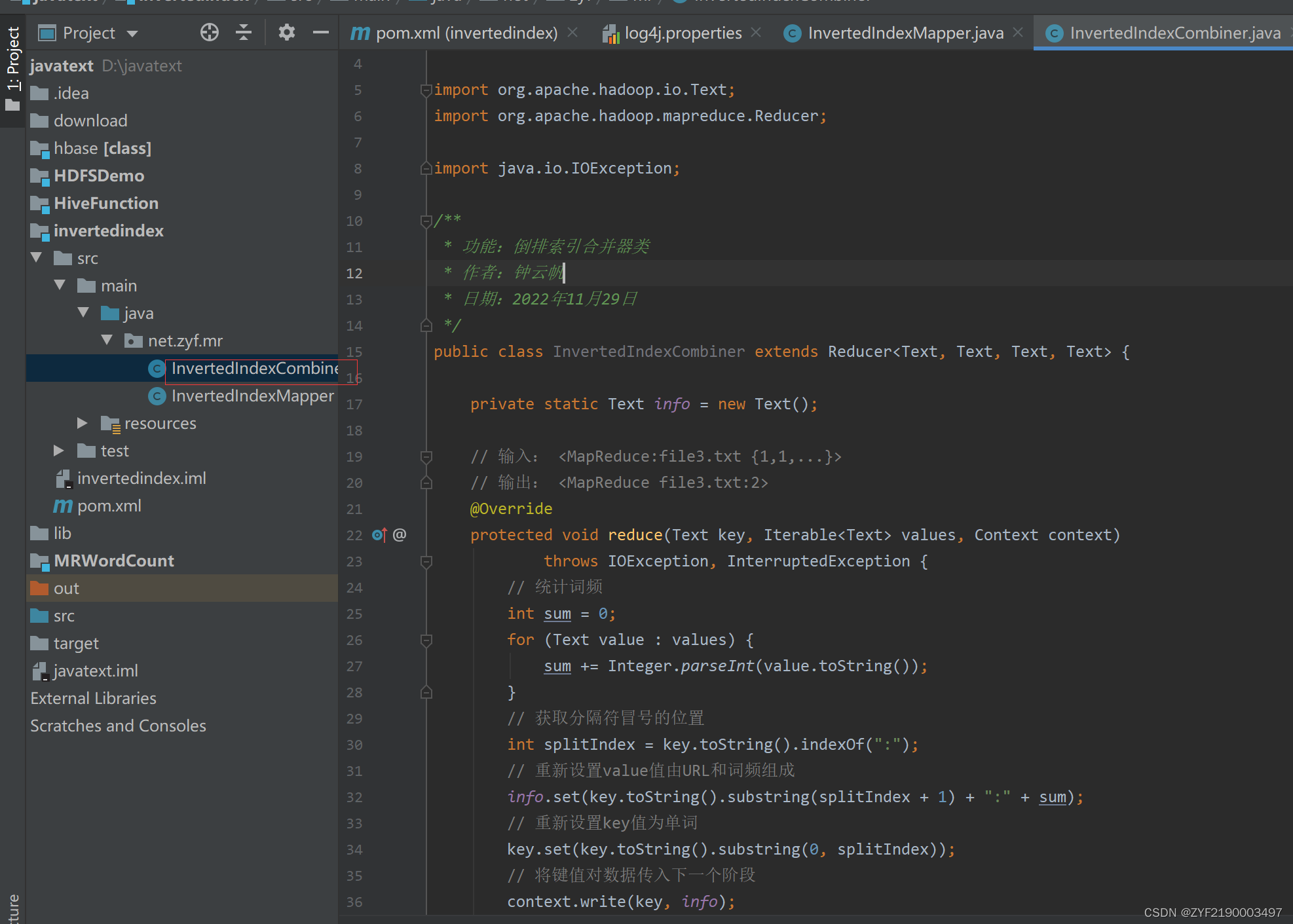
package net.zyf.mr;


import org.apache.hadoop.io.Text;
import org.apache.hadoop.mapreduce.Reducer;

import java.io.IOException;

/**
 * 功能:倒排索引合并器类
 * 作者:钟云帆
 * 日期:2022年11月29日
 */
public class InvertedIndexCombiner extends Reducer<Text, Text, Text, Text> {

    private static Text info = new Text();

    // 输入: <MapReduce:file3.txt {1,1,...}>
    // 输出: <MapReduce file3.txt:2>
    @Override
    protected void reduce(Text key, Iterable<Text> values, Context context)
            throws IOException, InterruptedException {
        // 统计词频
        int sum = 0;
        for (Text value : values) {
            sum += Integer.parseInt(value.toString());
        }
        // 获取分隔符冒号的位置
        int splitIndex = key.toString().indexOf(":");
        // 重新设置value值由URL和词频组成
        info.set(key.toString().substring(splitIndex + 1) + ":" + sum);
        // 重新设置key值为单词
        key.set(key.toString().substring(0, splitIndex));
        // 将键值对数据传入下一个阶段
        context.write(key, info);
    }
}
4、Reduce阶段实现
- 根据Combine阶段的输出结果形式,同样在net.hw.mr包下,自定义Reducer类InvertedIndexMapper,主要用于接收Combine阶段输出的数据,并最终案例倒排索引文件需求的样式,将单词作为key,多个文档名称和词频连接作为value,输出到目标目录。
创建倒排索引归并器类
- 在net.hw.mr包里创建InvertedIndexReducer类
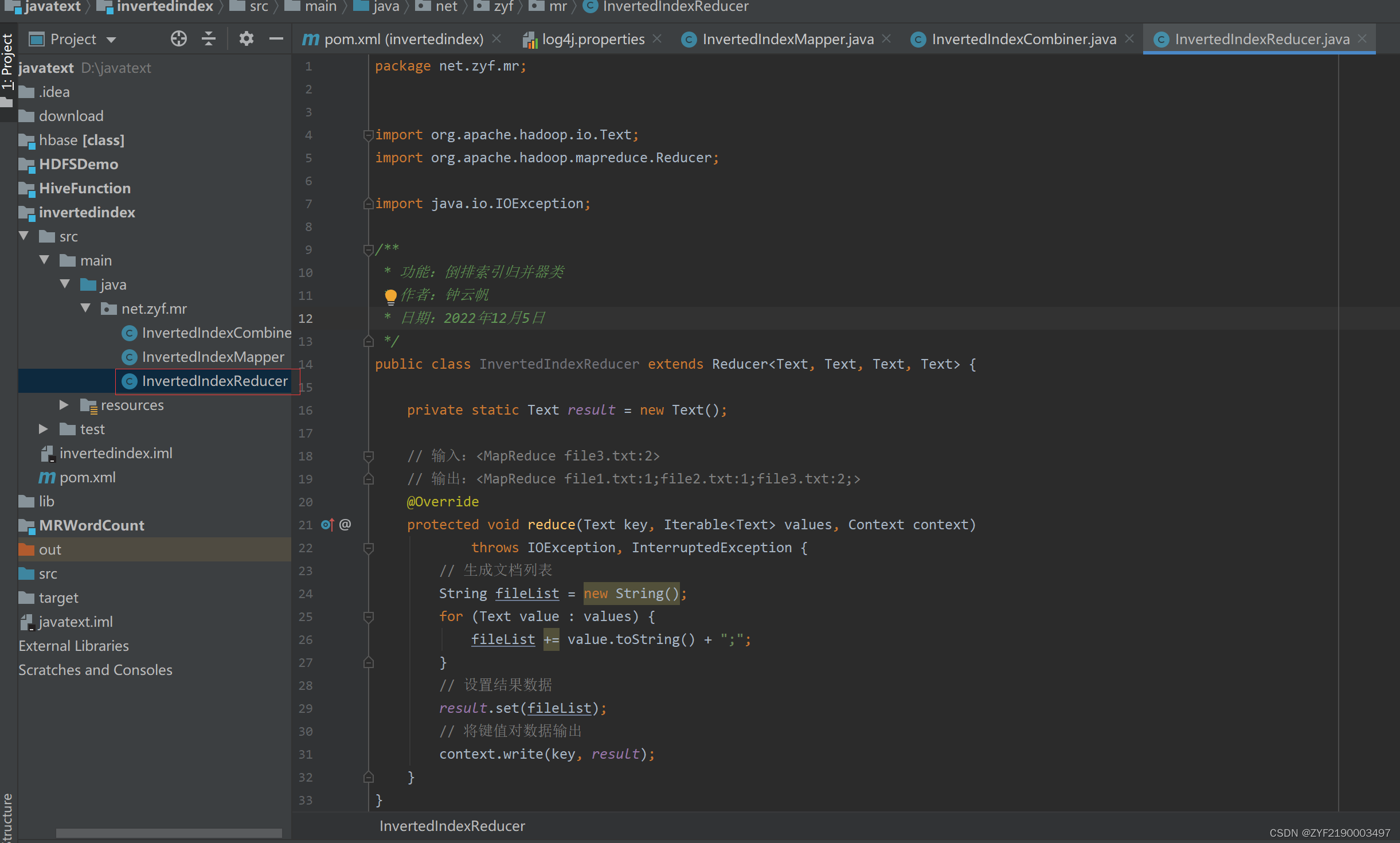
package net.zyf.mr;


import org.apache.hadoop.io.Text;
import org.apache.hadoop.mapreduce.Reducer;

import java.io.IOException;

/**
 * 功能:倒排索引归并器类
 * 作者:钟云帆
 * 日期:2022年12月5日
 */
public class InvertedIndexReducer extends Reducer<Text, Text, Text, Text> {

    private static Text result = new Text();

    // 输入:<MapReduce file3.txt:2>
    // 输出:<MapReduce file1.txt:1;file2.txt:1;file3.txt:2;>
    @Override
    protected void reduce(Text key, Iterable<Text> values, Context context)
            throws IOException, InterruptedException {
        // 生成文档列表
        String fileList = new String();
        for (Text value : values) {
            fileList += value.toString() + ";";
        }
        // 设置结果数据
        result.set(fileList);
        // 将键值对数据输出
        context.write(key, result);
    }
}
5、Driver主类实现
- 编写MapReduce程序运行主类InvertedIndexDriver,主要用于设置MapReduce工作任务的相关参数,对HDFS上/InvertedIndex/input目录下的源文件实现倒排索引,并将结果输入到HDFS的/InvertedIndex/output目录下。
创建倒排索引驱动器类
- 在net.hw.mr包里创建InvertedIndexDriver类
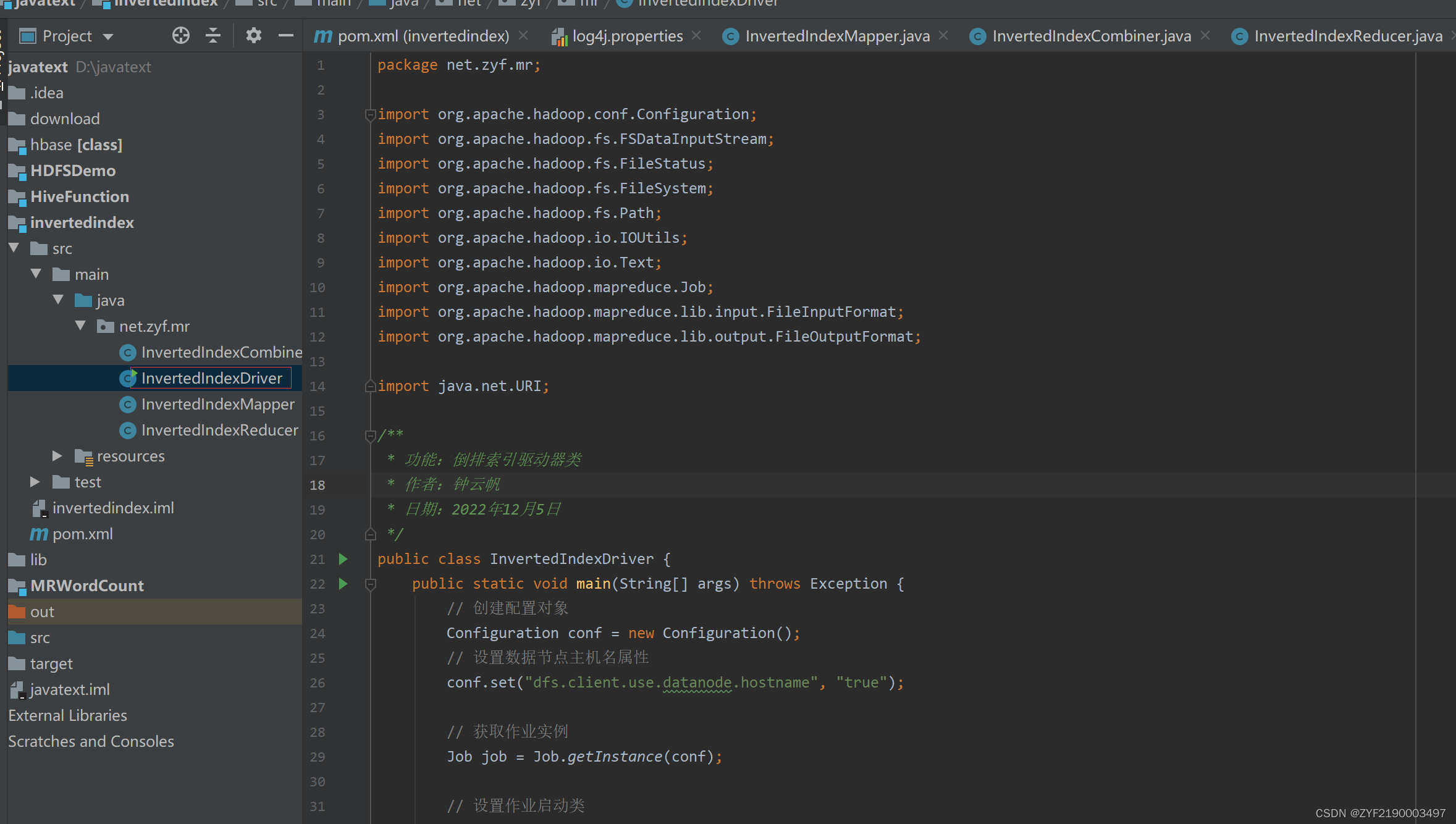
package net.zyf.mr;

import org.apache.hadoop.conf.Configuration;
import org.apache.hadoop.fs.FSDataInputStream;
import org.apache.hadoop.fs.FileStatus;
import org.apache.hadoop.fs.FileSystem;
import org.apache.hadoop.fs.Path;
import org.apache.hadoop.io.IOUtils;
import org.apache.hadoop.io.Text;
import org.apache.hadoop.mapreduce.Job;
import org.apache.hadoop.mapreduce.lib.input.FileInputFormat;
import org.apache.hadoop.mapreduce.lib.output.FileOutputFormat;

import java.net.URI;

/**
 * 功能:倒排索引驱动器类
 * 作者:钟云帆
 * 日期:2022年12月5日
 */
public class InvertedIndexDriver {
    public static void main(String[] args) throws Exception {
        // 创建配置对象
        Configuration conf = new Configuration();
        // 设置数据节点主机名属性
        conf.set("dfs.client.use.datanode.hostname", "true");

        // 获取作业实例
        Job job = Job.getInstance(conf);

        // 设置作业启动类
        job.setJarByClass(InvertedIndexDriver.class);

        // 设置Mapper类
        job.setMapperClass(InvertedIndexMapper.class);
        // 设置map任务输出键类型
        job.setMapOutputKeyClass(Text.class);
        // 设置map任务输出值类型
        job.setMapOutputValueClass(Text.class);

        // 设置Combiner类
        job.setCombinerClass(InvertedIndexCombiner.class);

        // 设置Reducer类
        job.setReducerClass(InvertedIndexReducer.class);
        // 设置reduce任务输出键类型
        job.setOutputKeyClass(Text.class);
        // 设置reduce任务输出值类型
        job.setOutputValueClass(Text.class);

        // 定义uri字符串
        String uri = "hdfs://master:9000";
        // 创建输入目录
        Path inputPath = new Path(uri + "/InvertedIndex/input");
        // 创建输出目录
        Path outputPath = new Path(uri + "/InvertedIndex/output");

        // 获取文件系统
        FileSystem fs = FileSystem.get(new URI(uri), conf);
        // 删除输出目录
        fs.delete(outputPath, true);

        // 给作业添加输入目录
        FileInputFormat.addInputPath(job, inputPath);
        // 给作业设置输出目录
        FileOutputFormat.setOutputPath(job, outputPath);

        // 等待作业完成
        job.waitForCompletion(true);

        // 输出统计结果
        System.out.println("======统计结果======");
        FileStatus[] fileStatuses = fs.listStatus(outputPath);
        for (int i = 1; i < fileStatuses.length; i++) {
            // 输出结果文件路径
            System.out.println(fileStatuses[i].getPath());
            // 获取文件输入流
            FSDataInputStream in = fs.open(fileStatuses[i].getPath());
            // 将结果文件显示在控制台
            IOUtils.copyBytes(in, System.out, 4096, false);
        }
    }
}
6、运行倒排索引驱动器类,查看结果
- 运行
InvertedIndexDriver类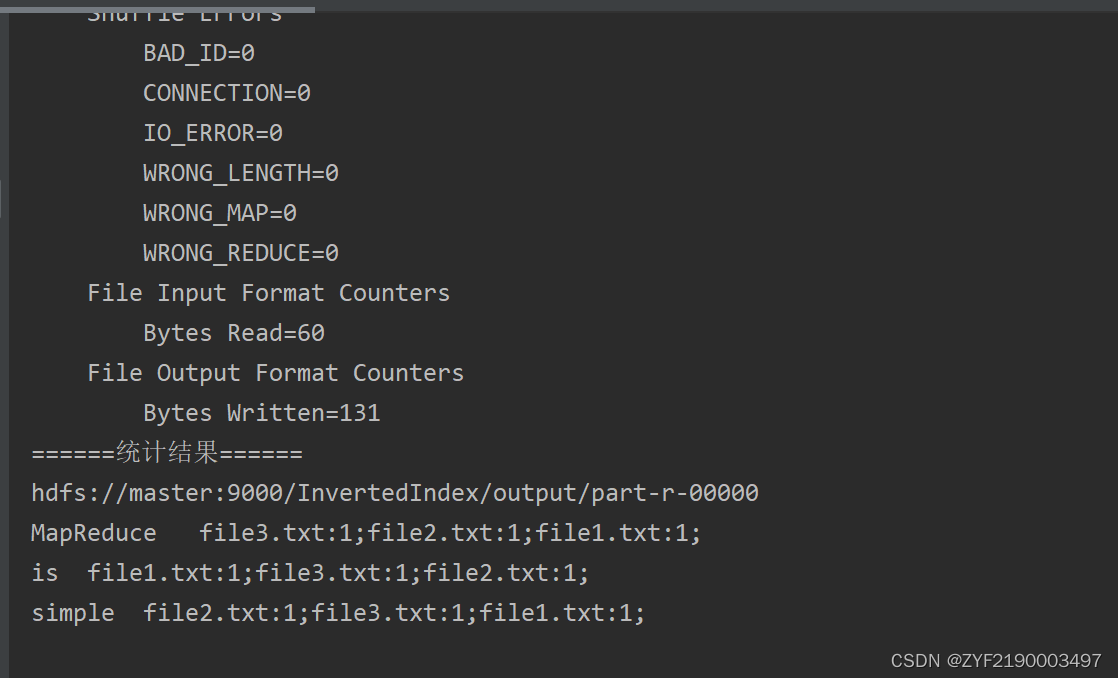
- 下载结果文件 -
part-r-00000
- 查看结果文件 -
part-r-00000

北京人形旗下天工造物具身智能开源社区,聚焦具身天工与慧思开物两大平台
更多推荐
 0
0 0
0- 0


 已为社区贡献1条内容

所有评论(0)