Android 通过okhttp + jsoup 爬虫爬取网页小说
·
Android 通过okhttp + jsoup 爬虫爬取网页小说
效果图
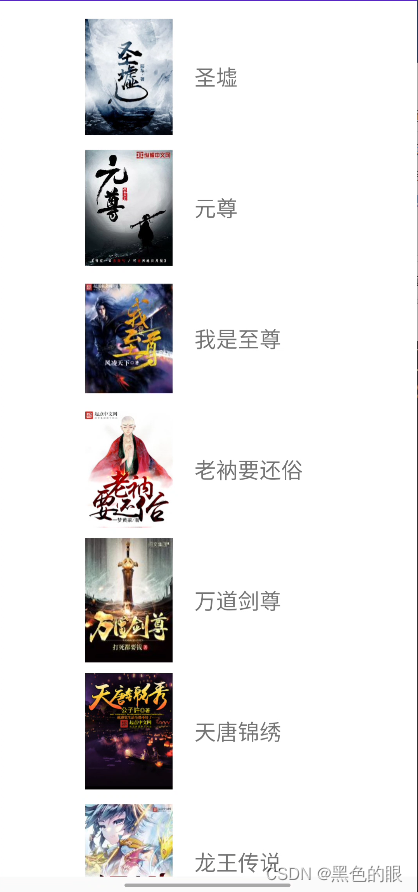
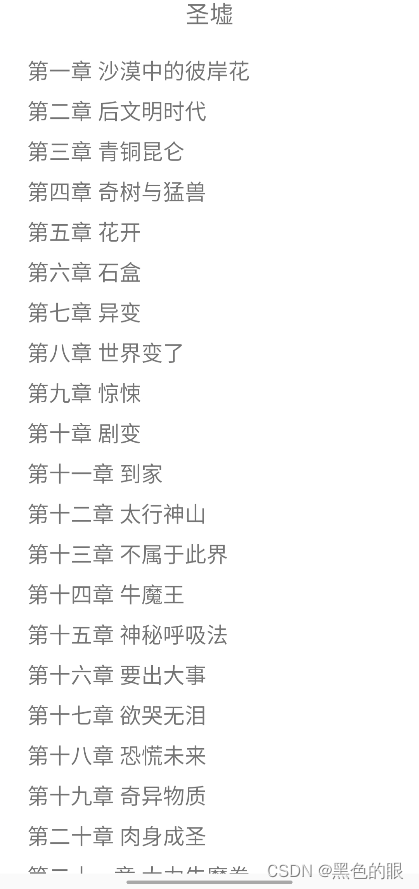
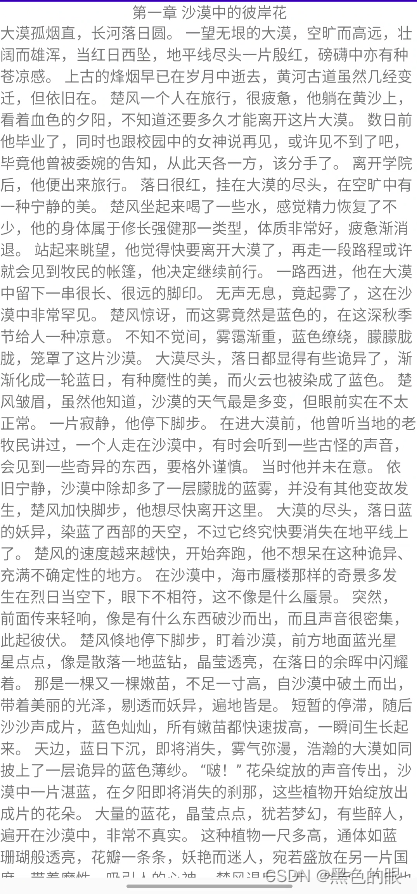
1.准备工作
测试地址:http://www.tlxs.net
第三方依赖:
implementation ‘com.squareup.okhttp3:okhttp:4.10.0’
implementation ‘org.jsoup:jsoup:1.15.3’
implementation ‘com.github.bumptech.glide:glide:4.14.2’
2.通过okhttp获取 html数据
//获取okhttp对象
OkHttpClient client = getOkHttpClient();
Request request = new Request.Builder()
		.url(address)
		.build();
//获取请求返回数据
Response response = client.newCall(request).execute();
//回调输入流
InputStream inputStream = response.body().byteStream();
3.输入流转文本
/**
 * 转换response 为 html
 * @param inputStream
 * @return html
 */
public static String parseResponse(InputStream inputStream) {

    try {
        //输入流转文本
        BufferedReader reader = new BufferedReader(new InputStreamReader(inputStream, "GBK"));
        StringBuilder response = new StringBuilder();
        String line = reader.readLine();
        while (line != null) {
            response.append(line);
            line = reader.readLine();
        }
        //获取html数据
        String html = response.toString();
        return html;
    } catch (Exception e) {
        e.printStackTrace();
    }

    return null;

}
4. 解析html,获取小说名称和图片链接
/**
 * 热门小说排行榜列表
 *
 * @param html
 * @return
 */
public static List<Book> getHotRank(String html) {

    //解析html数据
    Document doc = Jsoup.parse(html);
    //获取请求体
    Element body = doc.getElementsByTag("body").get(0);
    //获取小说列表的关键类
    Elements p10 = body.getElementsByClass("p10");
    List<Book> books = new ArrayList<>();
    //遍历对象
    for (Element li : p10) {
        Book book = new Book();
        //获取小说名称
        Element name = li.getElementsByTag("dt").first().getElementsByTag("a").first();
        //获取小说图片地址
        Element img = li.getElementsByClass("image").first().getElementsByTag("img").first();

        String text = name.text();
        String imgUrl = img.attr("src");
        String novelUrl = name.attr("href");

        book.setImgUrl(imgUrl);
        book.setName(text);
        book.setNovelUrl(novelUrl);

        books.add(book);
    }
    return books;
}
5. 通过小说地址获取小说章节内容
/**
 * 获取书本详情页 章节列表
 * @param html
 * @return
 */
public static Book getBookInfo(String html) {
    //解析html数据
    Document doc = Jsoup.parse(html);
    //获取请求体
    Element head = doc.getElementsByTag("head").get(0);
    Element body = doc.getElementsByTag("body").get(0);

    Elements metas = head.getElementsByTag("meta");
    Book book = new Book();
    for (Element meta : metas) {
        String property = meta.attr("property");
        if (property.contains("category")) {
            String content = meta.attr("content");
            book.setCategory(content);
        } else if (property.contains("author")) {
            String content = meta.attr("content");
            book.setAuthor(content);
        } else if (property.contains("book_name")) {
            String content = meta.attr("content");
            book.setName(content);
        } else if (property.contains("read_url")) {
            String content = meta.attr("content");
            book.setRead_url(content);
        } else if (property.contains("url")) {
            String content = meta.attr("content");
            book.setNovelUrl(content);
        } else if (property.contains("status")) {
            String content = meta.attr("content");
            book.setStatus(content);
        } else if (property.contains("update_time")) {
            String content = meta.attr("content");
            book.setUpdate_time(content);
        }
    }

    Element listmain = body.getElementsByClass("listmain").get(0);
    Elements dds = listmain.getElementsByTag("dd");

    List<Chapter> chapterList = new ArrayList<>();
    for (Element dd : dds) {
        Element a = dd.getElementsByTag("a").get(0);
        Chapter chapter = new Chapter();
        chapter.setUrl(a.attr("href"));
        chapter.setName(a.text());
        chapterList.add(chapter);
    }

    book.setChapterList(chapterList);

    return book;

}
6. 通过章节地址,解析小说内容
/**
 * 获取章节详情
 * @param chapter
 * @param html
 */
public static Chapter getChapterInfo(Chapter chapter, String html) {
    //解析html数据
    Document doc = Jsoup.parse(html);
    //获取请求体
    Element head = doc.getElementsByTag("head").get(0);
    Element body = doc.getElementsByTag("body").get(0);

    Element book = body.getElementById("book");
    Element content = book.getElementById("content");
    chapter.setContent(content.text());
    return chapter;
}

北京人形旗下天工造物具身智能开源社区,聚焦具身天工与慧思开物两大平台
更多推荐
 1
1 0
0- 0


 已为社区贡献1条内容

所有评论(0)