爬虫必备:centos7 安装 chromedriver
·
文章目录
说明:
作为一个爬虫攻城狮,之前老是window使用selenium,服务器上安装过也老是忘,每次都要再找各种文章,干脆趁着这次给服务器安装,记录下来,以后找自己安装过的步骤,就可以很快部署好环境了。
如果有更好的方法,欢迎指教
安装步骤:
1、安装浏览器:
- 指定yum 源
wget -O /etc/yum.repos.d/CentOS-Base.repo http://mirrors.aliyun.com/repo/Centos-7.repo
- 安装
curl https://intoli.com/install-google-chrome.sh | bash

ldd /opt/google/chrome/chrome | grep "not found"
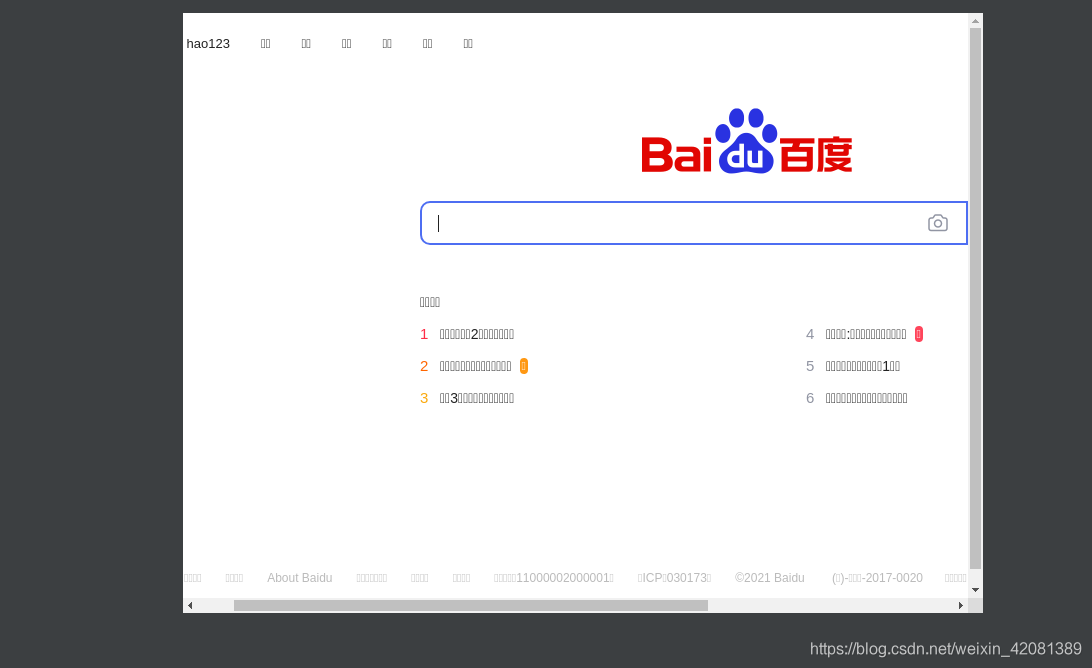
- 安装后,执行:当前目录生成一个图片。
google-chrome-stable --no-sandbox --headless --disable-gpu --screenshot https://www.baidu.com/
生成图片:

然后本地打开图片如下,说明我们安装成功。
2. 安装chromedriver
1)、查看目前的chrome浏览器版本:
[root@izbp15ydf6212vi00gpxcqz chromedriver]# google-chrome-stable --version
Google Chrome 91.0.4472.114

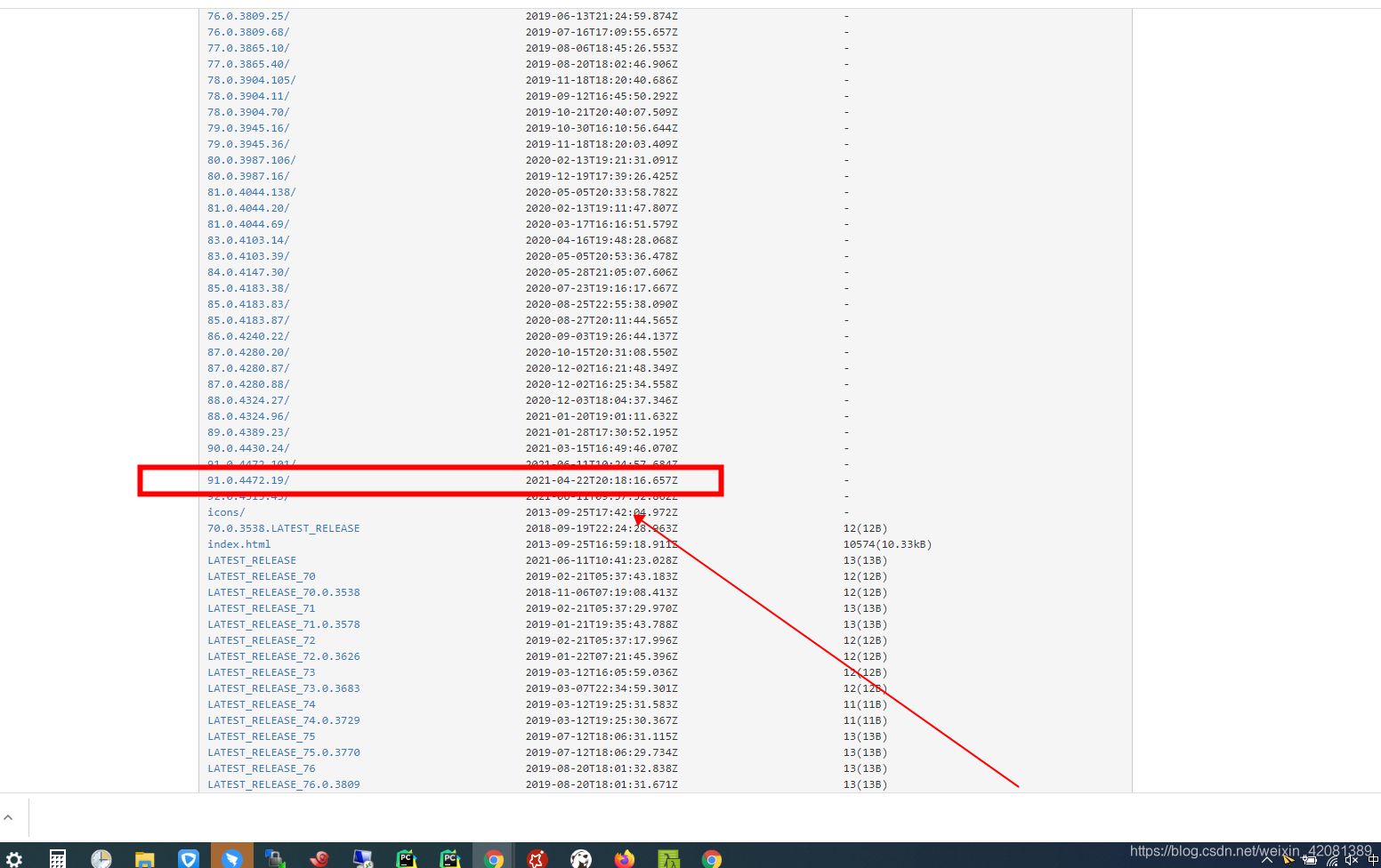
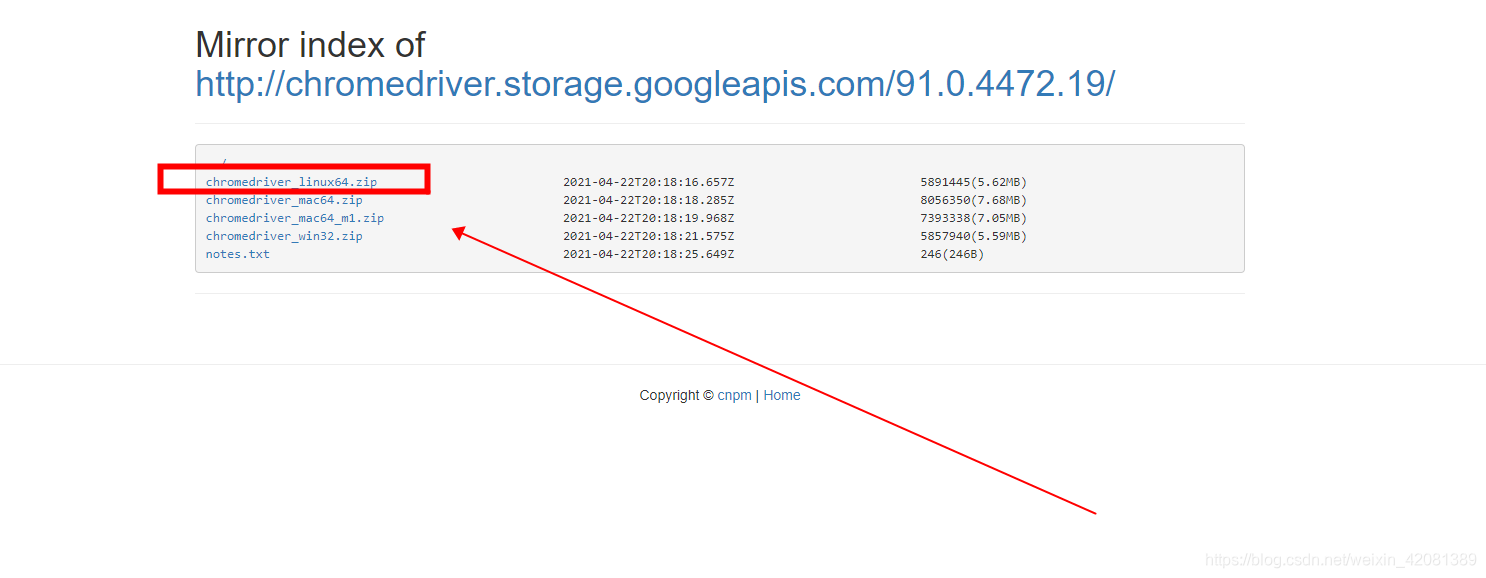
2)、然后去下载对应的chromedriver
由于版本和chromedriver要一一对应,不然无法使用。所以还是要一步一步安装。
下载地址:
3)、unzip解压
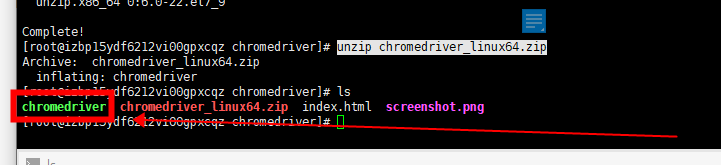
如果提示没有unzip命令,需要安装一下:
# 安装unzip
yum install unzip
# 解压
unzip chromedriver_linux64.zip
4)、建立软连接或者复制、移动过去
建立软连接:
ln -s 源地址 /usr/bin/chromedriver
我直接移动过去:
mv chromedriver /usr/bin/chromedriver
3、Python脚本测试:
原博主测试的部分代码有问题,需要改为我下面这个才能跑起来。
#coding=utf8
from selenium import webdriver
chrome_options = webdriver.ChromeOptions()
chrome_options.add_argument('--headless')
chrome_options.add_argument('--no-sandbox')
chrome_options.add_argument('--disable-gpu')
chrome_options.add_argument('--disable-dev-shm-usage')
driver = webdriver.Chrome(chrome_options=chrome_options)
#driver = webdriver.Chrome()
driver.get("https://www.baidu.com")

# print(driver.page_source)
print(driver.title)
driver.quit()
执行结果:

参考
参考:
linux—centos7 安装chromedriver
https://blog.csdn.net/blueheart20/article/details/81566903
https://www.runoob.com/linux/linux-comm-unzip.html

北京人形旗下天工造物具身智能开源社区,聚焦具身天工与慧思开物两大平台
更多推荐
 4
4 0
0- 0


 已为社区贡献6条内容

所有评论(0)