如何在Spyder中使用远程服务器的python来调试代码
·
让调试代码变得so easy
host和client都安装下:
conda install spyder-kernels
或者
pip3 install spyder-kernels
在服务上运行:
python3 -m spyder_kernels.console — matplotlib=’inline’ — ip=127.0.0.1 -f=~/remotemachine.json
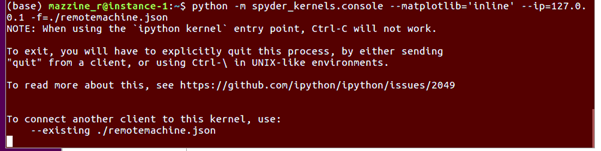
回到你的电脑,把这个remotemachine.json文件,移到你自己的电脑上。不要做任何更改。
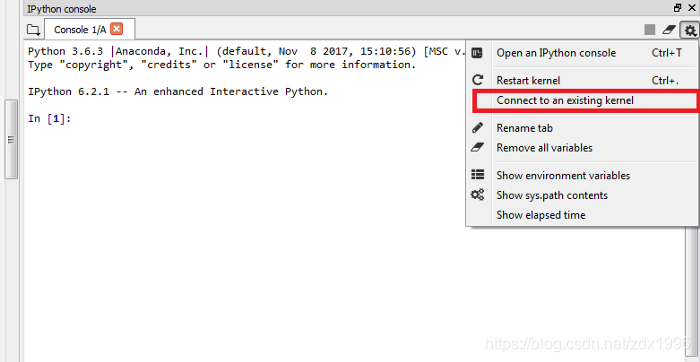
打开spyder,
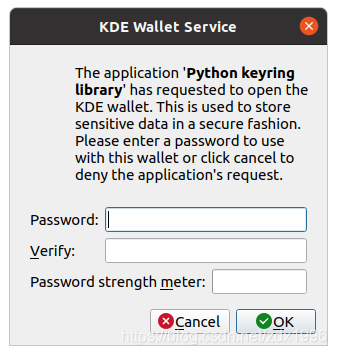
 跳出来的下面这个,直接点cancel.
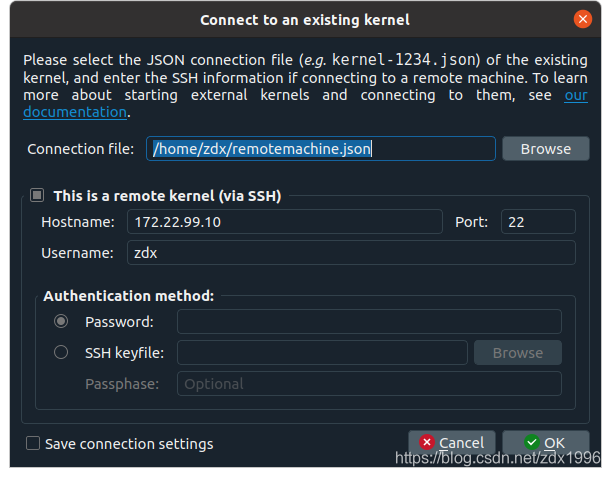
把刚才从服务器复制过来的remotemachine.json设置进去,然后下面的ssh登录服务器别忘了设置。
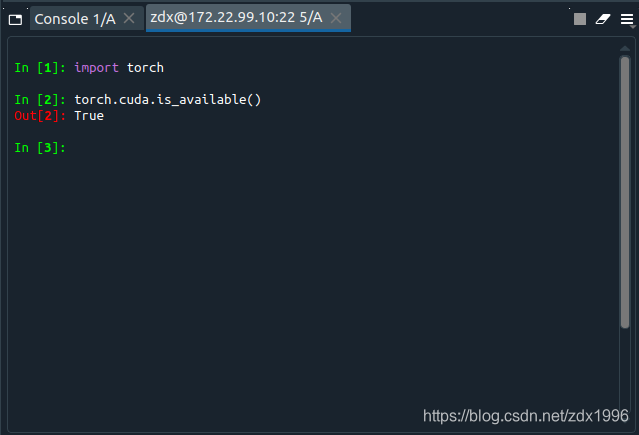
 然后就大功告成了。

北京人形旗下天工造物具身智能开源社区,聚焦具身天工与慧思开物两大平台
更多推荐
 0
0 0
0- 0


 已为社区贡献5条内容

所有评论(0)