GDI+ Graphics绘文字定位不准,显示偏差问题
·
拿来主义人员速达:
取一般的版式 TGPStringFormat 对象 使用可以达到精准定位显示效果:format.GenericTypographic()
MFC开发中需要自绘控件,使用Graphics绘文字时出现位置偏右偏下问题(显示效果如下)。版权原因,显示内容(空格+4个汉字)做模糊处理,望谅解。
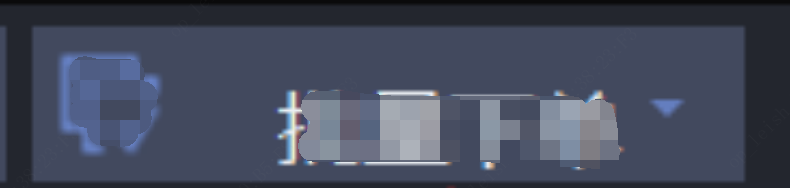
深入学(bai)习(du)后发现参数传入影响定位及绘画,遂结合参数做如下测试。矩形绘制定位及大小数据类型原因,都会强制转化成整数,所以矩形位置大小不是特别准确,但是可以做效果演示。
| 实验序号 | 测试点 | 源码 | 显示效果 |
| 1 | 取一般的版式 TGPStringFormat 对象 | //计算显示文字尺寸 RectF boundingBox; g.MeasureString(cap, cap.GetLength(), &font, RectF(rect.left + nX, rect.top, rect.Width() - nX, rect.Height()), format.GenericTypographic(), &boundingBox); nY = (rect.Height() - boundingBox.Height) / 2;//顶部空白区域 g.DrawString(cap, cap.GetLength(), &font, RectF(rect.left + nX, rect.top + nY, rect.Width() - nX, rect.Height() - nY), format.GenericTypographic(), &brush); Pen *blackPen = new Pen(color, 1); g.DrawRectangle(blackPen, Rect(rect.left + nX, rect.top + nY, boundingBox.Width, boundingBox.Height)); | 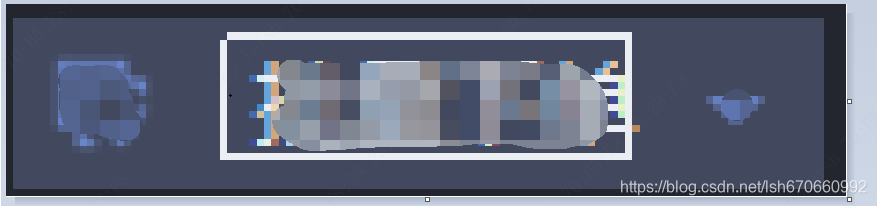 |
| 2 | //计算显示文字尺寸 RectF boundingBox; g.MeasureString(cap, cap.GetLength(), &font, RectF(rect.left + nX, rect.top, rect.Width() - nX, rect.Height()), format.GenericTypographic(), &boundingBox); nY = (rect.Height() - boundingBox.Height) / 2;//顶部空白区域 g.DrawString(cap, cap.GetLength(), &font, RectF(rect.left + nX, rect.top + nY, rect.Width() - nX, rect.Height() - nY), &format, &brush); Pen *blackPen = new Pen(color, 1); g.DrawRectangle(blackPen, Rect(rect.left + nX, rect.top + nY, boundingBox.Width, boundingBox.Height)); | 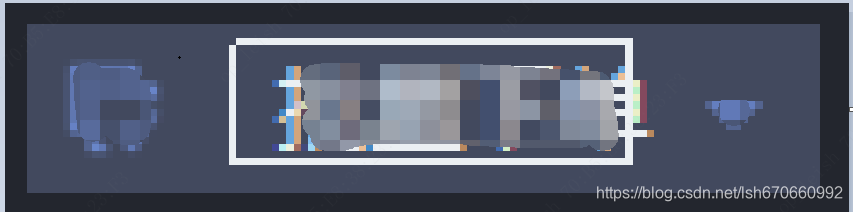 | |
| 3 | 直接赋值 | //计算显示文字尺寸 RectF boundingBox; g.MeasureString(cap, cap.GetLength(), &font, RectF(rect.left + nX, rect.top, rect.Width() - nX, rect.Height()), &format, &boundingBox); nY = (rect.Height() - boundingBox.Height) / 2;//顶部空白区域 g.DrawString(cap, cap.GetLength(), &font, RectF(rect.left + nX, rect.top + nY, rect.Width() - nX, rect.Height() - nY), &format, &brush); Pen *blackPen = new Pen(color, 1); g.DrawRectangle(blackPen, Rect(rect.left + nX, rect.top + nY, boundingBox.Width, boundingBox.Height)); | 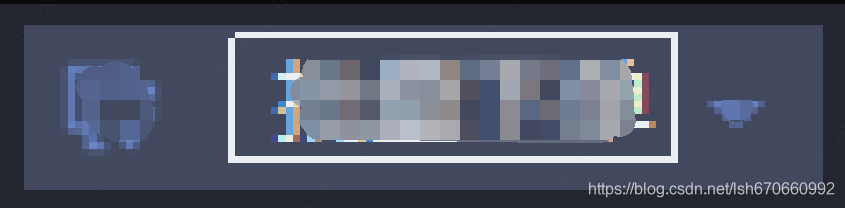 |
| 4 | //计算显示文字尺寸 RectF boundingBox; g.MeasureString(cap, cap.GetLength(), &font, RectF(rect.left + nX, rect.top, rect.Width() - nX, rect.Height()), &format, &boundingBox); nY = (rect.Height() - boundingBox.Height) / 2;//顶部空白区域 g.DrawString(cap, cap.GetLength(), &font, RectF(rect.left + nX, rect.top + nY, rect.Width() - nX, rect.Height() - nY), format.GenericTypographic(), &brush); Pen *blackPen = new Pen(color, 1); g.DrawRectangle(blackPen, Rect(rect.left + nX, rect.top + nY, boundingBox.Width, boundingBox.Height)); | 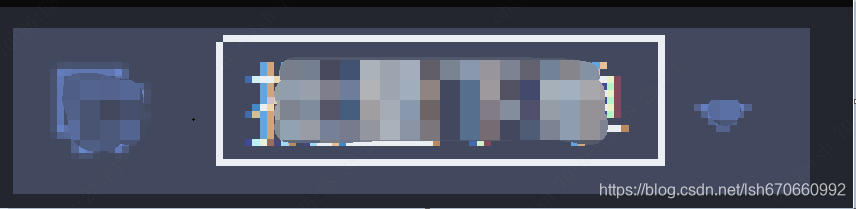 |
format直接赋值,计算尺寸和画出来的文字上下左右都有空白部分,会导致文字定位出现偏移,视觉效果就是偏下和偏右。
取一般的版式 TGPStringFormat 对象 使用可以达到精准定位显示效果,最终使用代码如下:
//计算显示文字尺寸
RectF boundingBox;
g.MeasureString(cap, cap.GetLength(), &font, RectF(rect.left + nX, rect.top, rect.Width() - nX, rect.Height()), format.GenericTypographic(), &boundingBox);
nY = (rect.Height() - boundingBox.Height) / 2;//顶部空白区域

g.DrawString(cap, cap.GetLength(), &font, RectF(rect.left + nX, rect.top + nY, rect.Width() - nX, rect.Height() - nY), format.GenericTypographic(), &brush);
显示效果如下,居中效果(主要是上下居中)是很好的:


北京人形旗下天工造物具身智能开源社区,聚焦具身天工与慧思开物两大平台
更多推荐
 1
1 0
0- 0


 已为社区贡献1条内容

所有评论(0)