毫米波雷达(AWR1864)-CLI代码解读
·
CLI代码解读
前言
CLI:命令行接口,从上位机发送的指令 command-line interface
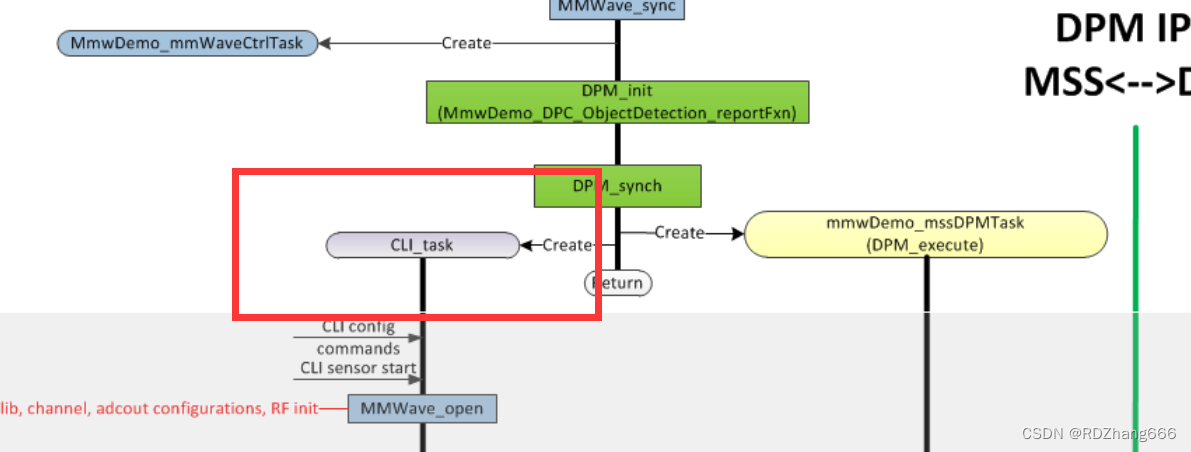
一、官方文档位于哪里?
cli.c文件和main.c文件位于同一个文件夹
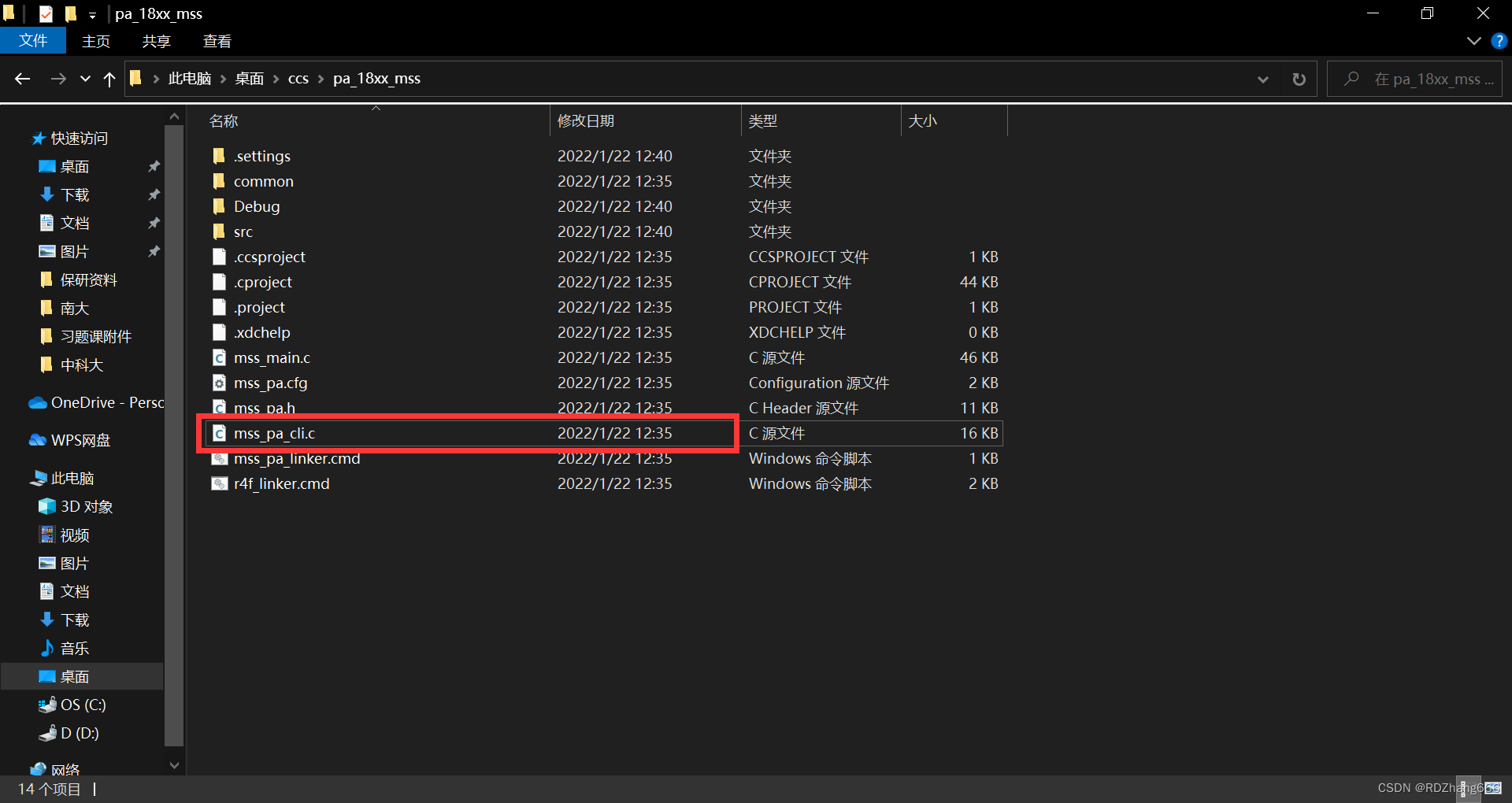
打开发现
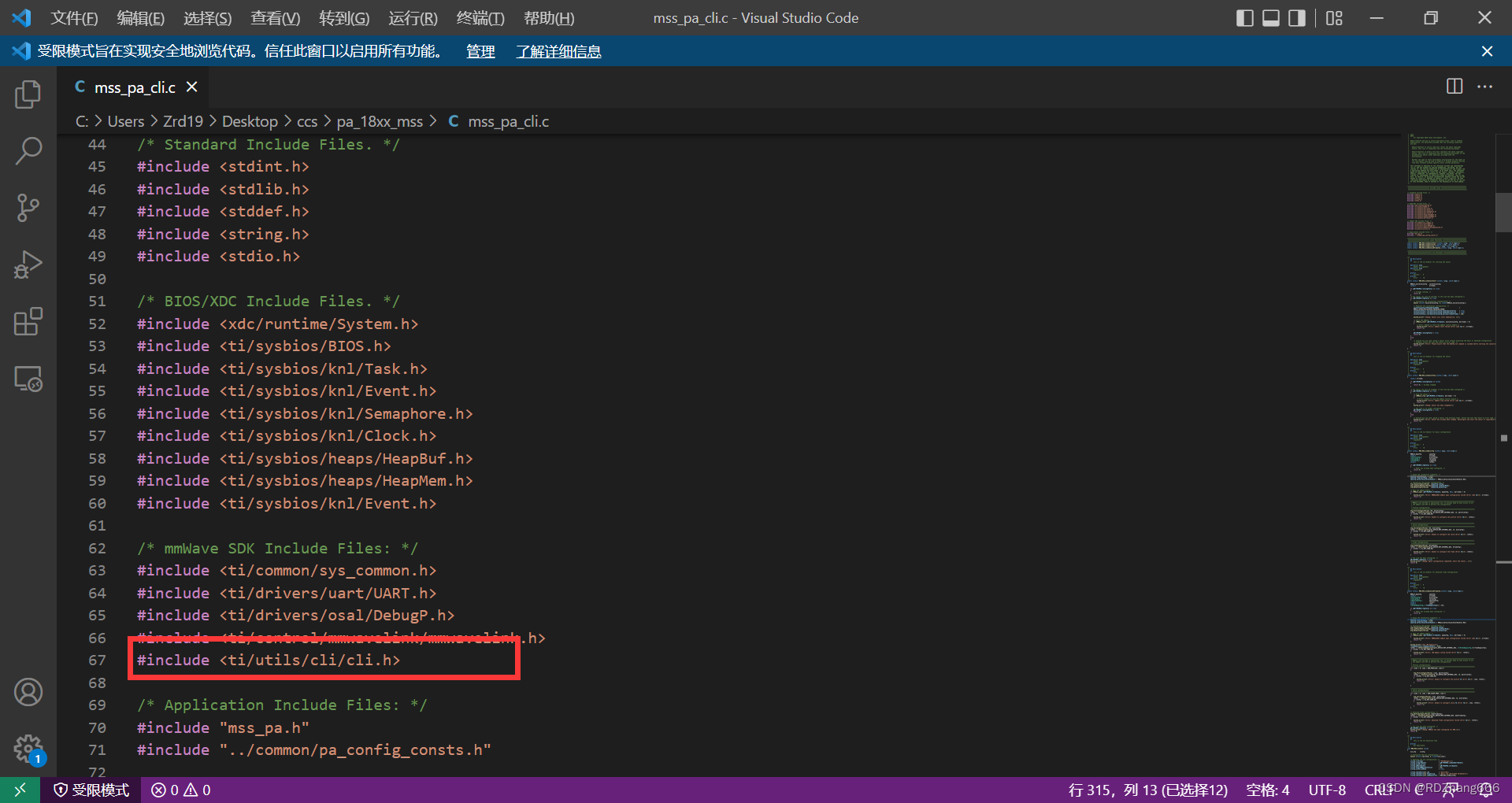
所以我们在这附近找就可以找到文档
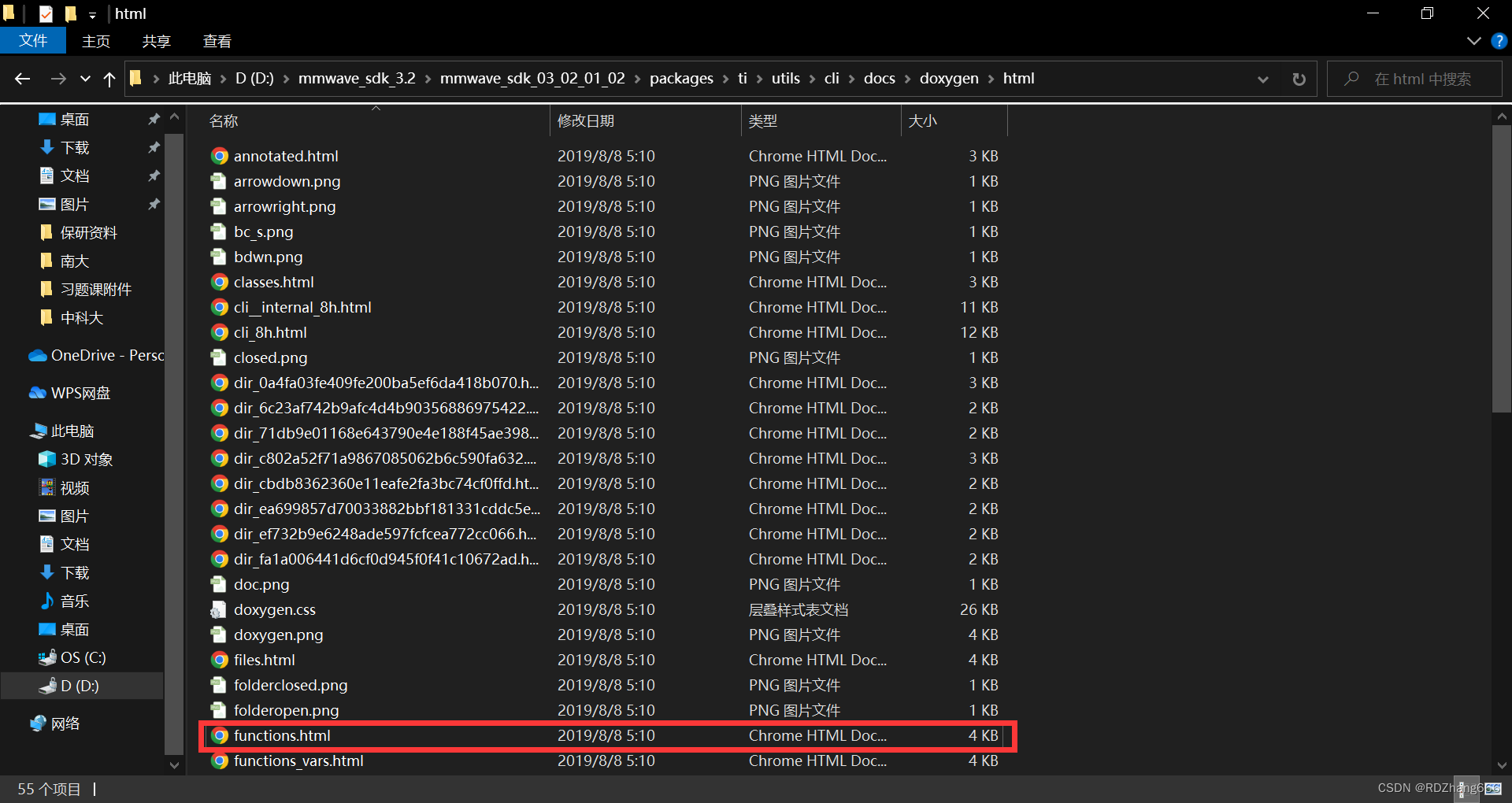
位置:mmwave_sdk_3.2所在文件夹\mmwave_sdk_03_02_01_02\packages\ti\utils\cli\docs\doxygen\html
二、代码解释
1.CLI初始化
代码如下(示例):
void MRR_MSS_CLIInit (void)
{
    CLI_Cfg     cliCfg;

    /* Initialize the CLI configuration: */
    memset ((void *)&cliCfg, 0, sizeof(CLI_Cfg));

    /* Populate the CLI configuration: */
    cliCfg.cliPrompt                    = "PaTIDesign:/>";
    cliCfg.cliUartHandle                = gMrrMSSMCB.commandUartHandle;
    cliCfg.taskPriority                 = 3;
    cliCfg.mmWaveHandle                 = gMrrMSSMCB.ctrlHandle;
    cliCfg.enableMMWaveExtension        = 0U;
    cliCfg.usePolledMode                = true;

    cliCfg.tableEntry[0].cmd            = "basicCfg";
    cliCfg.tableEntry[0].helpString     = "Basic Cfg [Hardcoded Parameters]";
    cliCfg.tableEntry[0].cmdHandlerFxn  = MRR_MSS_CLIBasicCfg;

    cliCfg.tableEntry[1].cmd            = "advFrameCfg";
    cliCfg.tableEntry[1].helpString     = "Advanced Frame Cfg [Hardcoded Parameters]";
    cliCfg.tableEntry[1].cmdHandlerFxn  = MRR_MSS_CLIAdvancedFrameCfg;

    cliCfg.tableEntry[2].cmd            = "sensorStart";
    cliCfg.tableEntry[2].helpString     = "Start the sensor; ensure that the configuration is completed";
    cliCfg.tableEntry[2].cmdHandlerFxn  = MRR_MSS_CLISensorStart;

    cliCfg.tableEntry[3].cmd            = "sensorStop";
    cliCfg.tableEntry[3].helpString     = "Stop the sensor";
    cliCfg.tableEntry[3].cmdHandlerFxn  = MRR_MSS_CLISensorStop;

    /* Open the CLI: */
    if (CLI_open (&cliCfg) < 0)
    {
        System_printf ("Error: Unable to open the CLI\n");
        return;
    }
    System_printf ("Debug: CLI is operational\n");

    /* The link is not configured. */
    gMrrMSSMCB.cfgStatus = false;
    gMrrMSSMCB.runningStatus = false;
    gMrrMSSMCB.isMMWaveOpen = false;
    return;
}
结构体定义
CLI_Cfg cliCfg
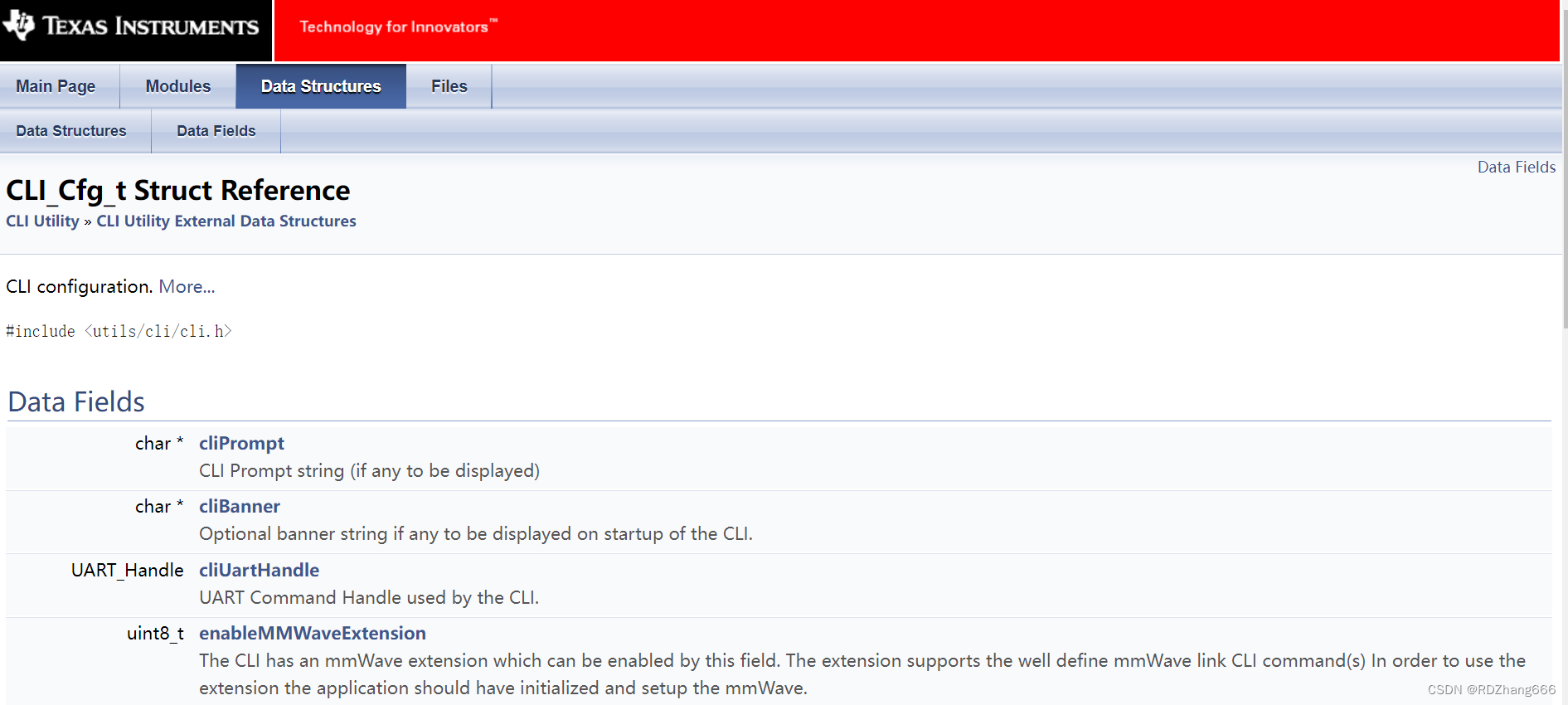
我们可以在文档上找到这些结构体的定义
cliPrompt:CLI提示字符串
cliUartHandle:CLI使用的UART命令句柄。
taskPriority:任务优先级:CLI在以该优先级执行的任务的上下文中执行。
mmWaveHandle:
The mmWave control handle which needs to be specified if the mmWave extensions are being used. The CLI Utility works only in the FULL configuration mode. If the handle is opened in MINIMAL configuration mode the CLI mmWave extension will fail.
如果正在使用mmWave扩展,则需要指定mmWave控制句柄。CLI实用程序仅在完全配置模式下工作。如果在最小配置模式下打开句柄,CLI mmWave扩展将失败。
enableMMWaveExtension:
The CLI has an mmWave extension which can be enabled by this field. The extension supports the well define mmWave link CLI command(s) In order to use the extension the application should have initialized and setup the mmWave.
CLI具有可通过此字段启用的mmWave扩展。扩展支持well define mmWave link CLI命令,为了使用扩展,应用程序应该初始化并设置mmWave。
usePolledMode:确定CLI写入是否应在轮询或阻塞模式下使用UART的标志。
tableEntry:此表指定了受支持的CLI命令。
注意:官方给出的tableEntry最大长度为32

2.打开CLI
    /* Open the CLI: */
    if (CLI_open (&cliCfg) < 0)
    {
        System_printf ("Error: Unable to open the CLI\n");
        return;
    }
    System_printf ("Debug: CLI is operational\n");
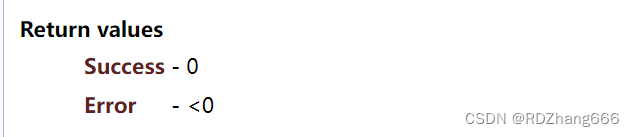
CLI_open函数定义:这是用于初始化和设置CLI的函数,返回值如下。
Link配置
由于没有配置Link,所以参数都设置成false
    /* The link is not configured. */
    gMrrMSSMCB.cfgStatus = false;
    gMrrMSSMCB.runningStatus = false;
    gMrrMSSMCB.isMMWaveOpen = false;
    return;
}
总结
这个是可以通过上位机来看的,但是由于最近比较忙,就不想把板子拿出来上电看了,等未来有时间可以再出一次通过matlab上位机程序观察串口的文章。

北京人形旗下天工造物具身智能开源社区,聚焦具身天工与慧思开物两大平台
更多推荐
 5
5 0
0- 0


 已为社区贡献5条内容

所有评论(0)