

mask rcnn实例分割
In this article, I will be creating my own trained model for detecting potholes. For detection, I will be using the instance segmentation technique using the Mask-RCNN with the help of Supervisely.
在本文中,我将创建自己的训练有素的模型来检测坑洼。 为了进行检测,我将在Supervisely的帮助下使用Mask-RCNN使用实例分割技术。
Before creating our model lets get to know what tools and techniques we are using.
在创建模型之前,让我们了解我们正在使用哪些工具和技术。
什么是实例细分? (What is Instance Segmentation?)
Instance segmentation is a technique used for detecting by masking or covering a detected object pixel to pixel. Instance segmentation is very useful in Automatic car as we get pixel to pixel result which increases the accuracy of less accidents
实例分割是一种用于通过掩蔽或覆盖检测到的对象像素到像素来进行检测的技术。 实例分割在自动驾驶汽车中非常有用,因为我们获得了像素到像素的结果,这增加了较少事故的准确性
面罩-RCNN (Mask-RCNN)
Mask-RCNN is a deep neural network aimed to solve instance segmentation problem in machine learning or computer vision. There are two stages of Mask RCNN. First, it generates proposals about the regions where there might be an object based on the input image. Second, it predicts the class of the object, refines the bounding box and generates a mask in pixel level of the object based on the first stage proposal.
Mask-RCNN是一个深度神经网络,旨在解决机器学习或计算机视觉中的实例分割问题。 Mask RCNN有两个阶段。 首先,它基于输入图像生成有关可能存在对象的区域的建议。 其次,它根据第一阶段的建议,预测对象的类别,优化边界框并在对象的像素级别生成掩码。
Mask-RCNN is actually a trained model but in this article I will be showing you how to fine tune or train the Mask-RCNN model for your own custom objects.
Mask-RCNN实际上是经过训练的模型,但是在本文中,我将向您展示如何为自己的自定义对象微调或训练Mask-RCNN模型。

什么是监督以及如何使用? (What is Supervisely and how to use it ?)
Supervisely is a web platform used for solving computer vision problem. With the help of supervisely we can annotate our images very easily and after annotating our image we can easily train our data on any deep learning model without coding.
Supervisely是用于解决计算机视觉问题的Web平台。 在监督的帮助下,我们可以非常轻松地对图像进行注释,并且在对图像进行注释之后,我们可以轻松地在任何深度学习模型上训练数据而无需进行编码 。
Yes you read it write we can do any object detection task in supervisely without coding.
是的,您读到它是写的,我们无需编码即可监督任何对象检测任务。

So we have discussed about all the tools and techniques. Let’s directly jump to the practical part.
因此,我们已经讨论了所有工具和技术。 让我们直接跳到实际部分。
如何监督使用Mask R-CNN进行目标检测? (How to Use Mask R-CNN in Supervisely for Object Detection ?)
In this practical, I will be detecting road potholes by masking the detected area.
在本练习中,我将通过遮盖检测到的区域来检测道路坑洼。
收集和注释数据集 (Collecting and Annotating the Dataset)
I have collected the datasset from Kaggle’s Pothole image dataset. You can collect the dataset from here.
我已经从Kaggle的Pothole图片数据集中收集了数据集。 您可以从此处收集数据集。
Now let’s use supervisely for annotating the images. Before annotating let’s import the data in supervisely.
现在,让我们监督使用图像批注。 在注释之前,让我们监督导入数据。
First create a workspace in supervisely
首先在监督下创建工作区
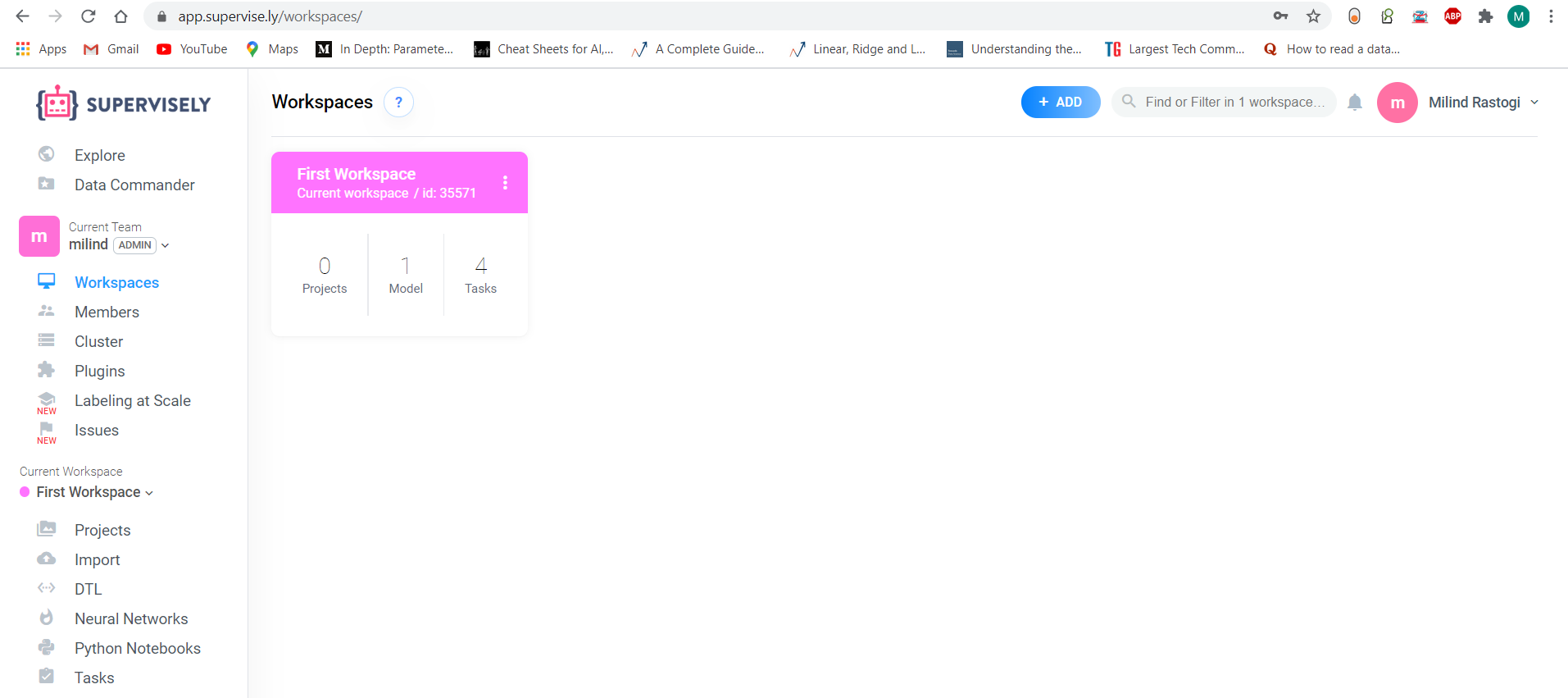
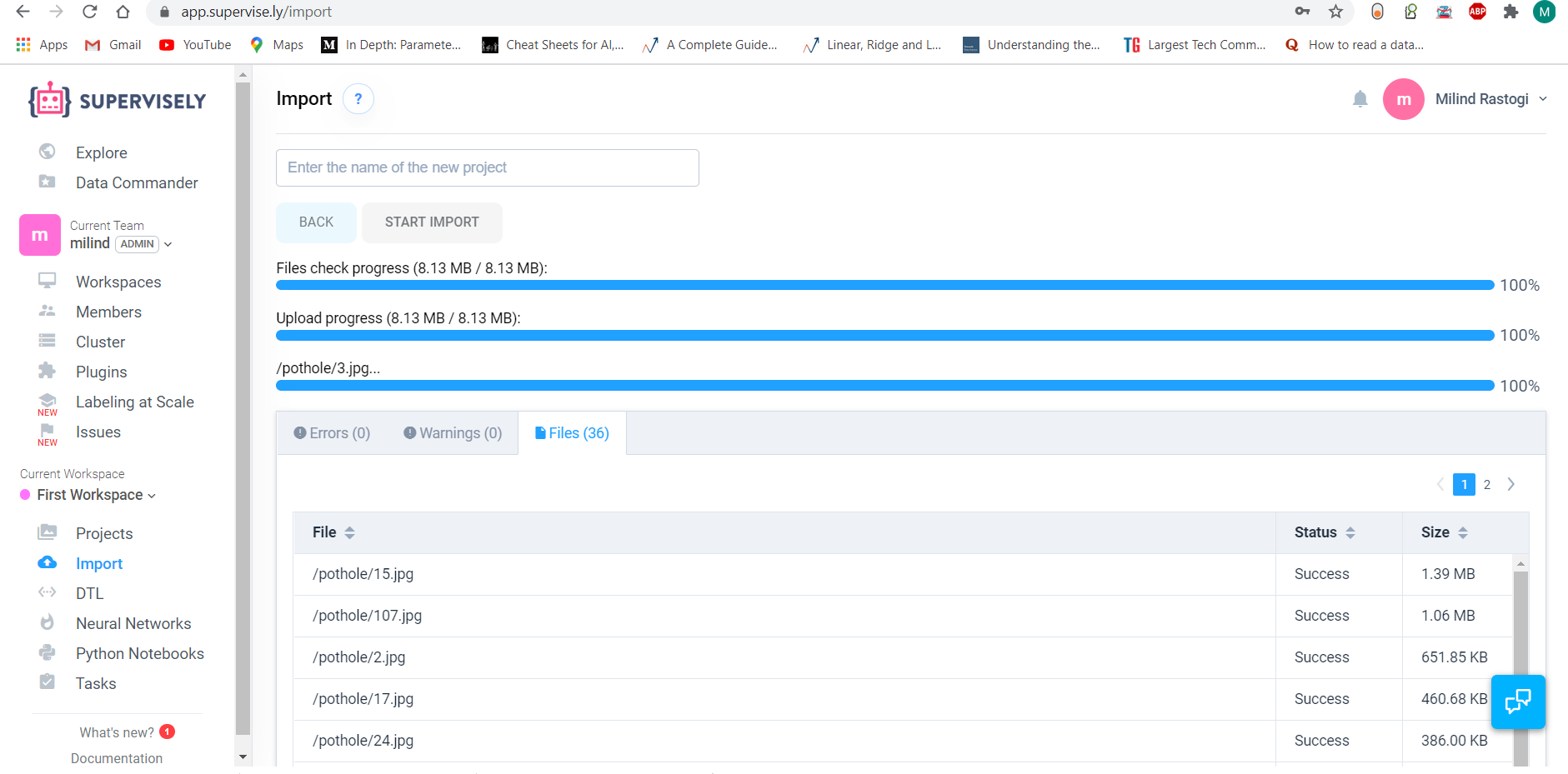
Then import the data from your pc. For importing click on the import and then click the start import button.
然后从您的电脑导入数据。 对于导入,请单击导入,然后单击开始导入按钮。
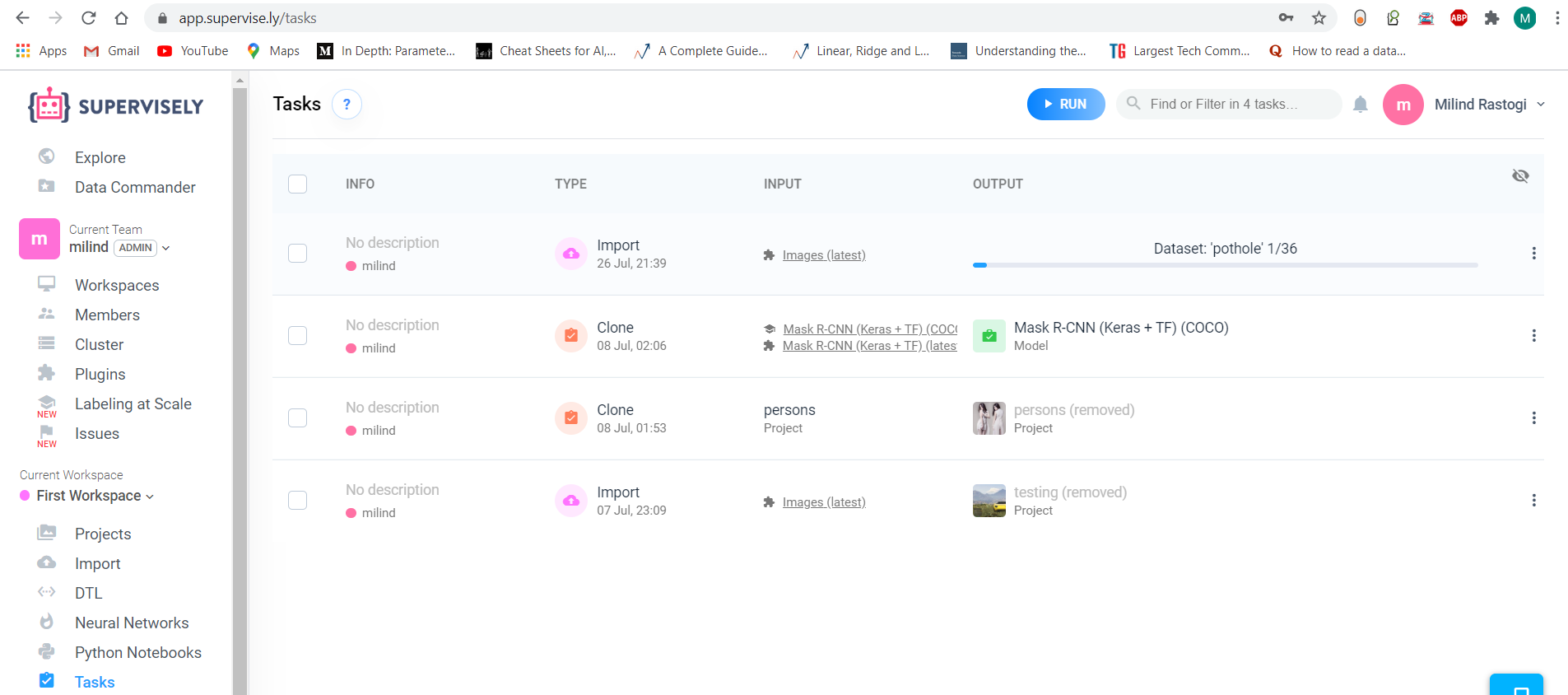
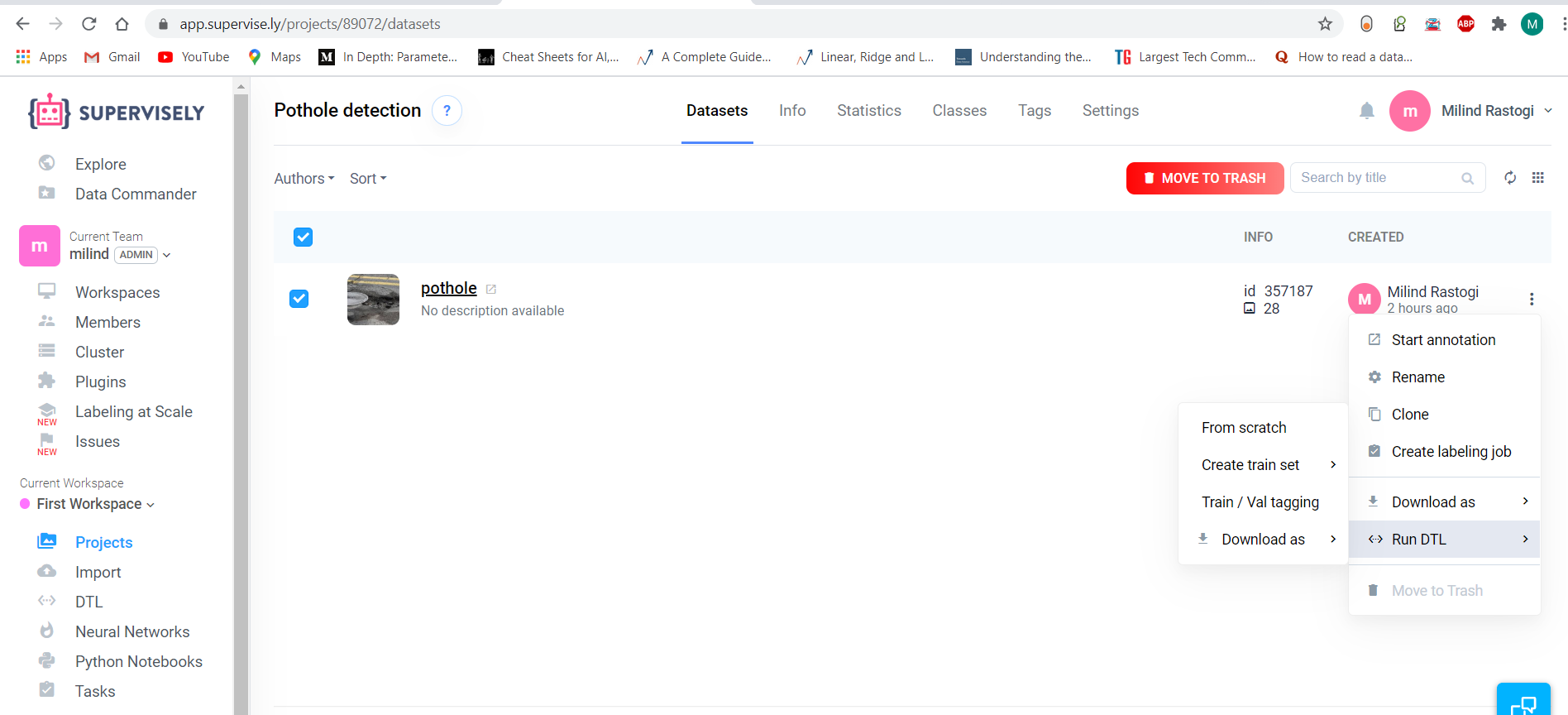
For annotating the images , click on projects >> Pothole dataset >>From the drop down menu click on Start annotation.
要为图像添加注释,请单击项目>> Pothole数据集>>从下拉菜单中单击开始注释。
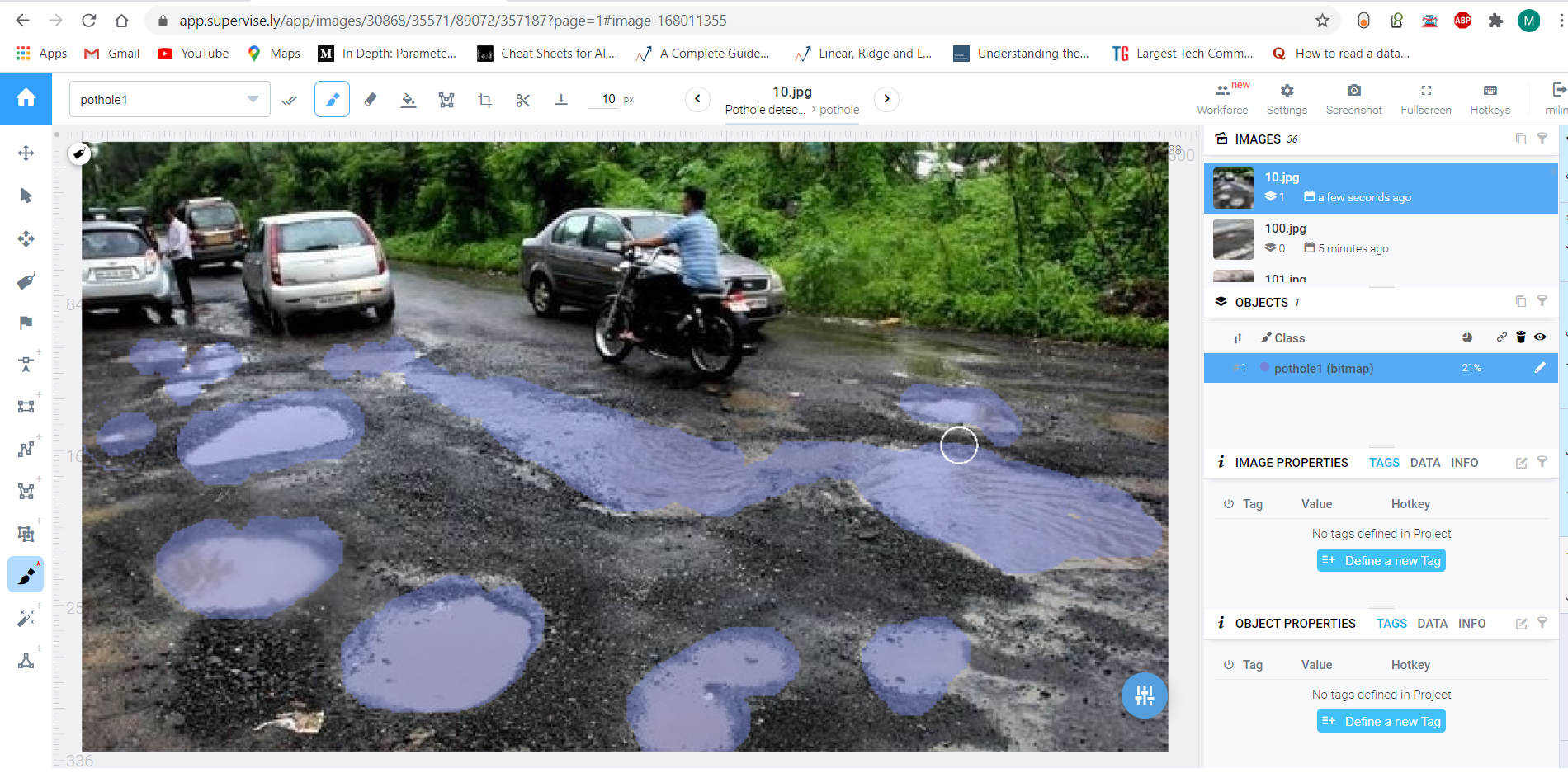
I will be using the Bitmap annotation. Now annotate only that area which you want to detect.
我将使用位图注释。 现在仅注释要检测的区域。
使用DTL进行数据扩充 (Data augmentation with DTL)
After annotating all the images it’s time to augment our data. Augmentation is a technique used for increasing the data samples by doing some small changes like horizontal flipping , vertical flipping , rotating , mirroring , shearing etc to the collected dataset.
在注释完所有图像之后,该增加数据了。 增强是一种通过对收集的数据集进行一些小的更改(如水平翻转,垂直翻转,旋转,镜像,剪切等)来增加数据样本的技术。
In supervisely , I will take help of dtl(Data transformation language) for augmenting the data. You can refer the below json code as a dtl.
在监督下,我将借助dtl(数据转换语言)来增强数据。 您可以将以下json代码称为dtl。
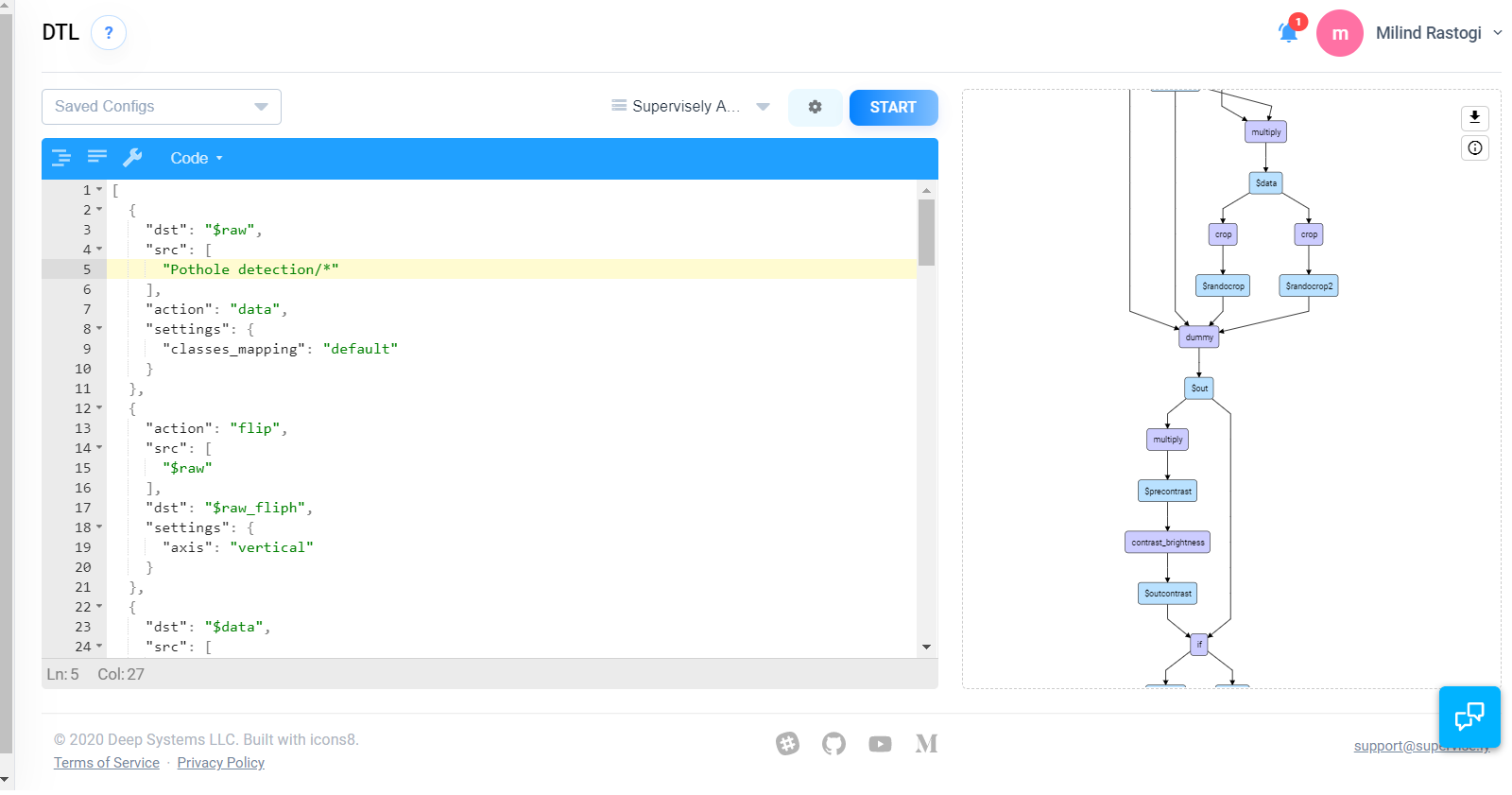
Now click the start button. After clicking we can see that a new images folder is created. So our Data augmentation part is done . Let’s move to the next part.
现在单击开始按钮。 单击后,我们可以看到创建了一个新的图像文件夹。 这样我们的数据扩充部分就完成了。 让我们进入下一部分。
带有增强数据的训练蒙版-RCNN (Training Mask-RCNN with Augmented data)
I will be using the Mask-RCNN model for training the pothole images.
我将使用Mask-RCNN模型训练坑洼图像。
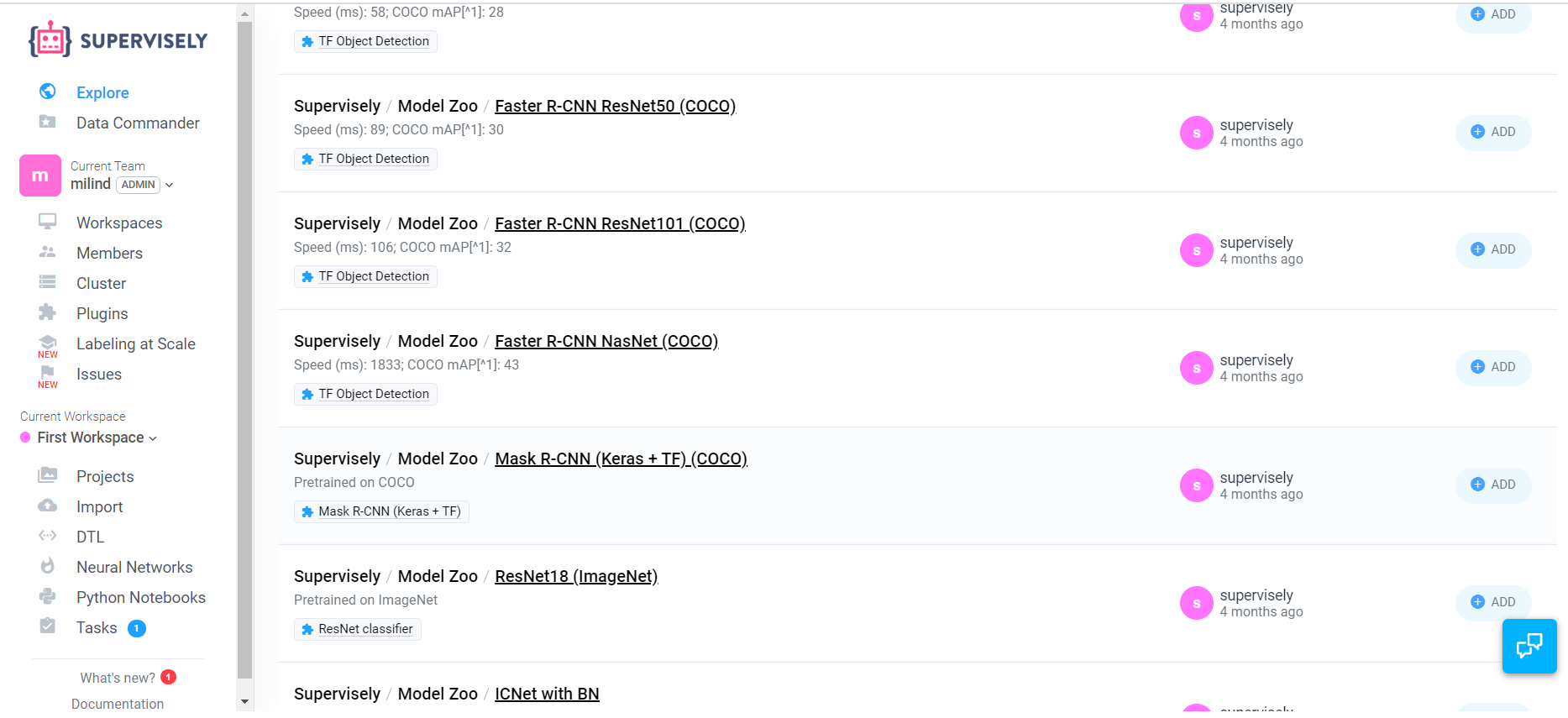
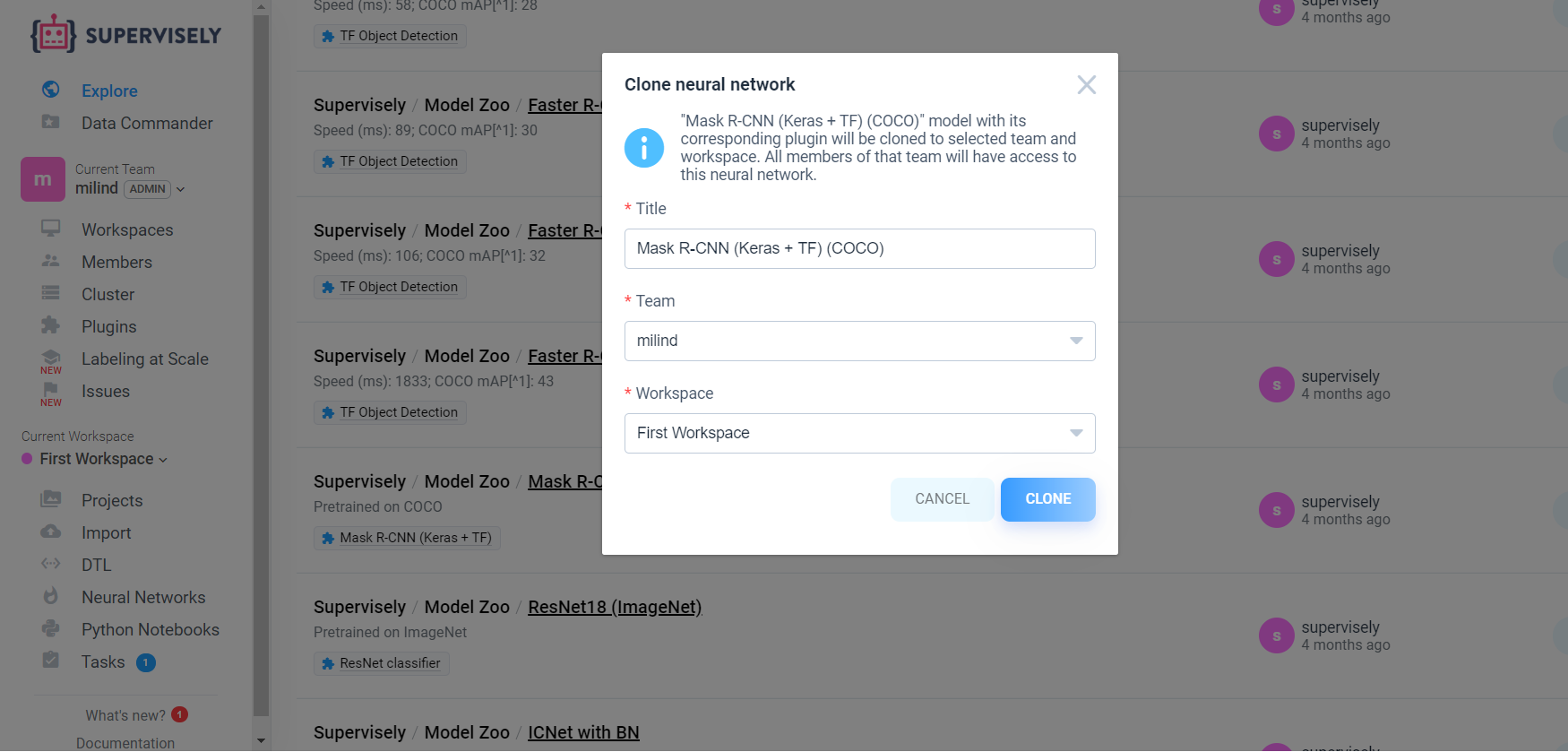
So click on the neural network option , you will see the list of neural network models . Then Add the Mask-RCNN(keras+TF)(COCO) model.
因此,单击神经网络选项,您将看到神经网络模型的列表。 然后添加Mask-RCNN(keras + TF)(COCO)模型。
Now train the neural network by clicking on Train button
现在,通过单击“训练”按钮来训练神经网络
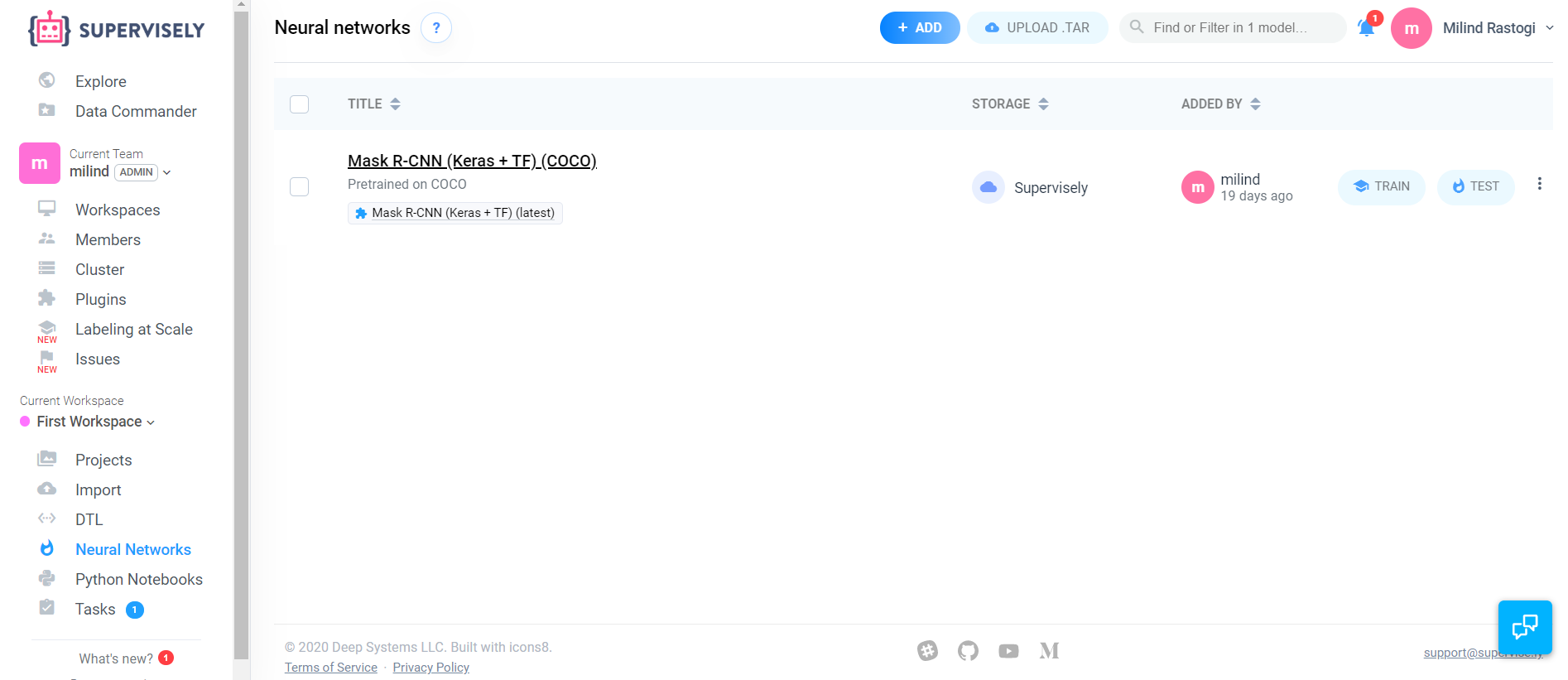
But training our NN gives us error. It gives error because we haven’t given the required agents or the resources. I will be using the aws cloud to give proper agents
但是训练我们的神经网络会给我们带来错误。 由于我们没有提供所需的代理或资源,因此产生错误。 我将使用AWS云提供适当的代理
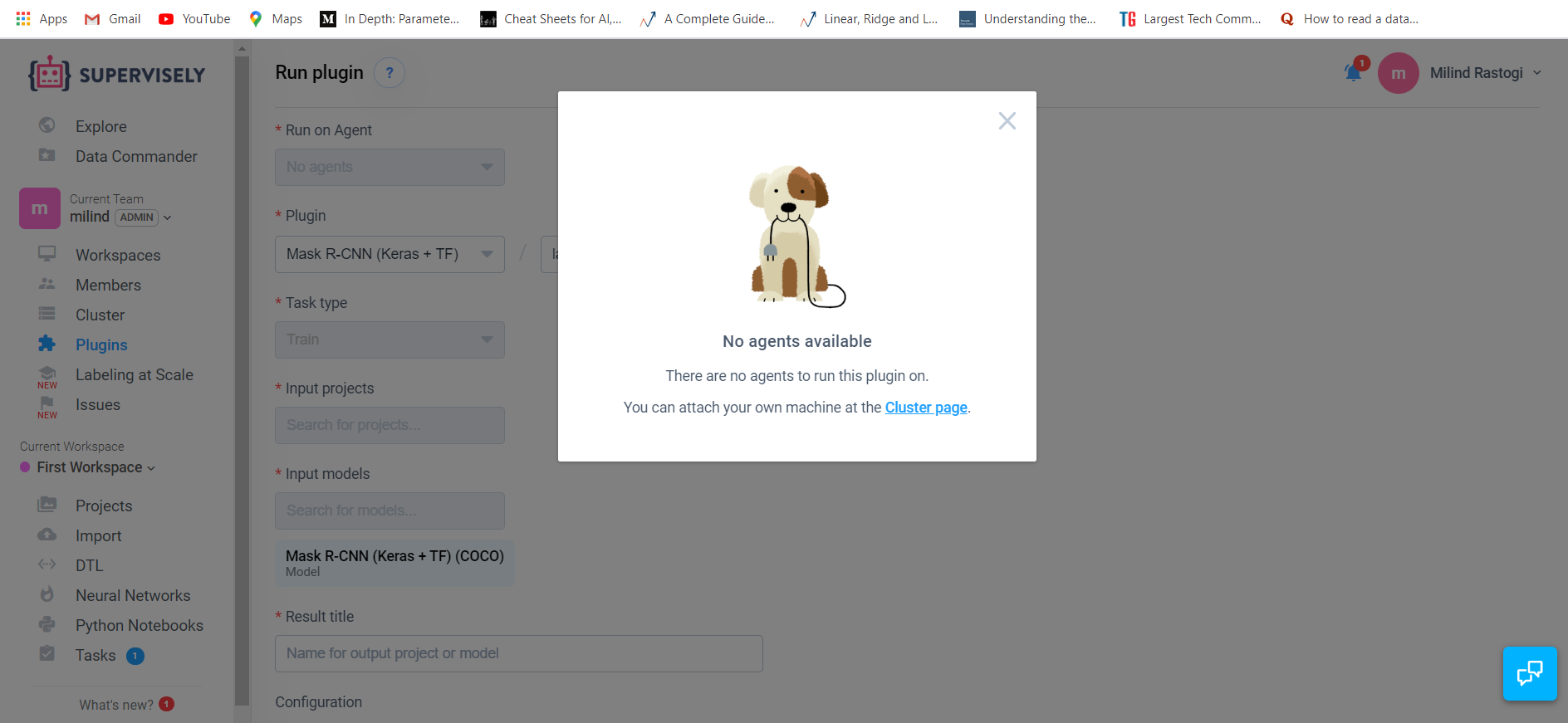
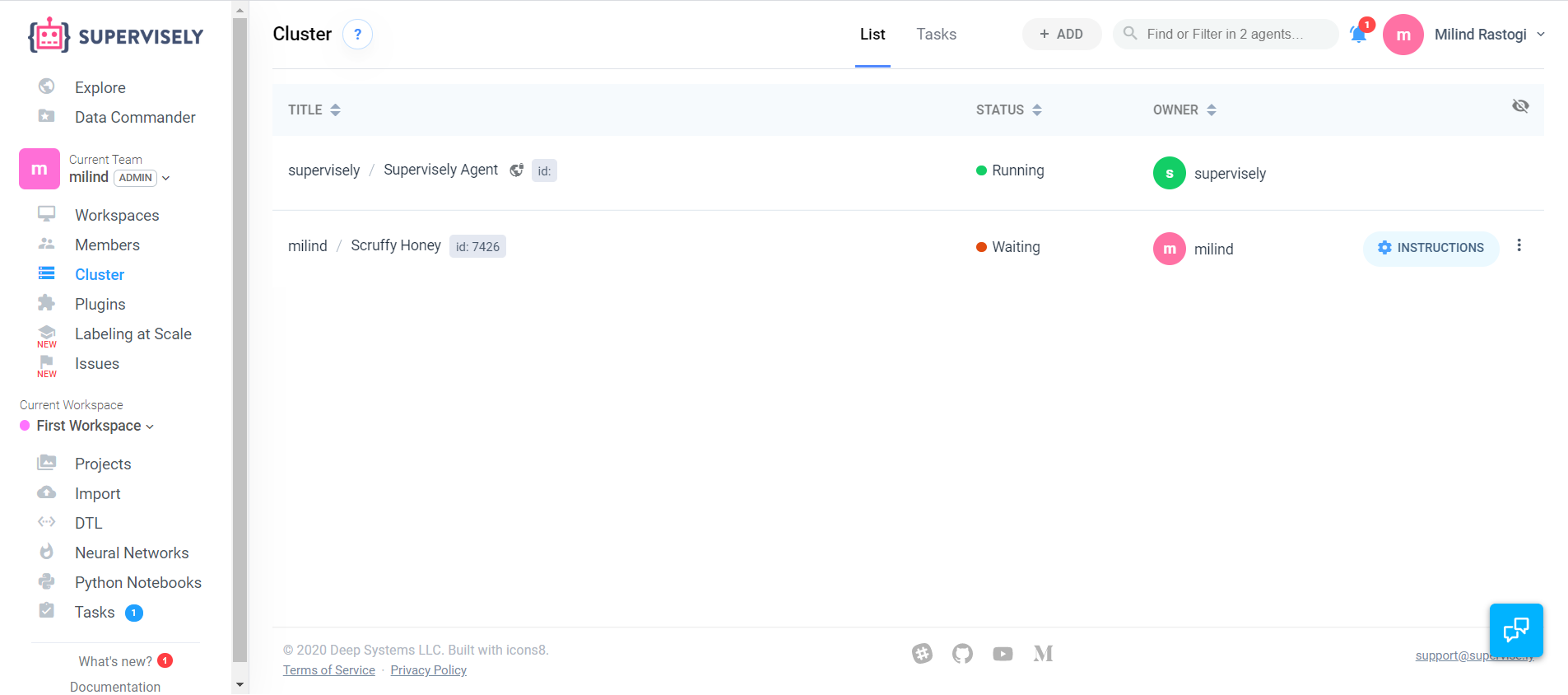
Now click on the Cluster page link for creating a cluster
现在单击“群集”页面链接以创建群集
使用AWS云实例来训练我们的模型 (Using Aws cloud instance for training our model)
For using aws services you must have an aws account.
要使用aws服务,您必须具有aws帐户。
For running an EC2 instance follow the below steps:
要运行EC2实例,请执行以下步骤:
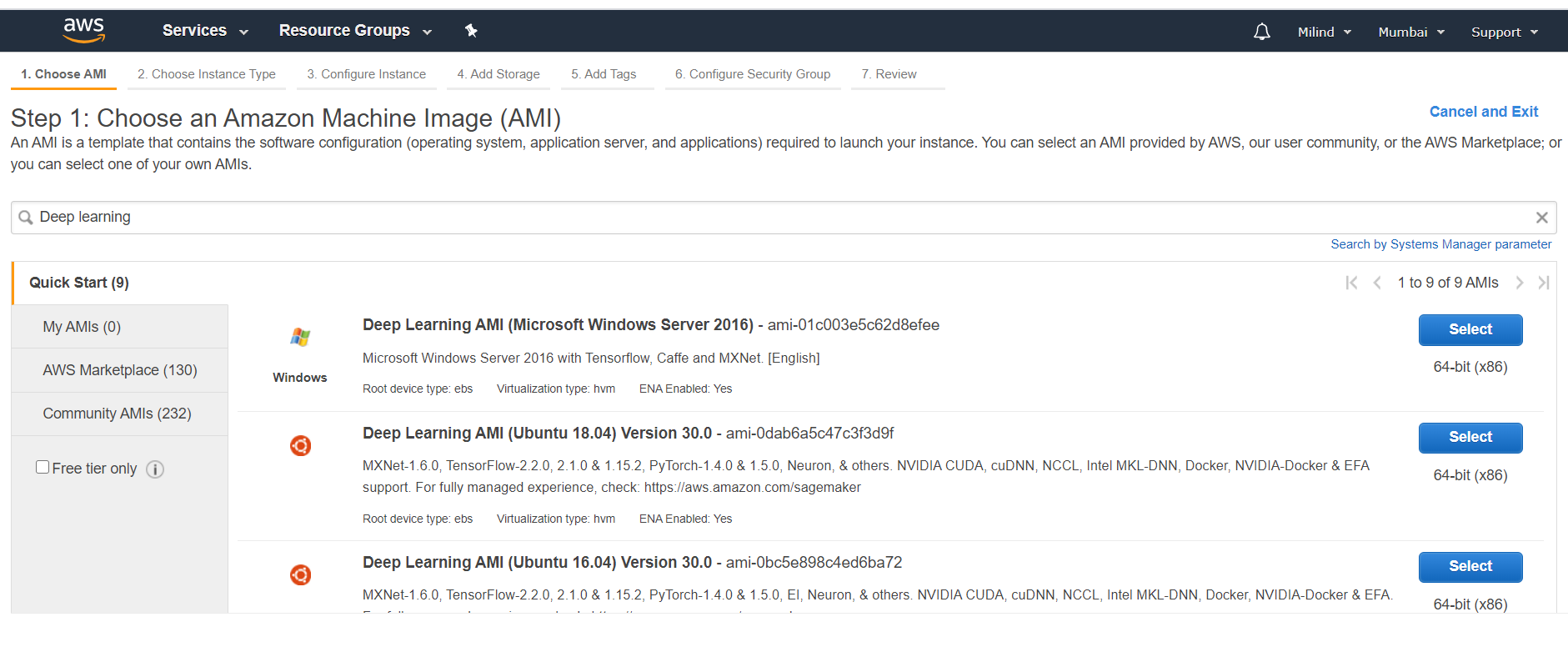
- First go to AWS EC2 service then click on Launch Instance.After that we are going to select a instance which has Linux , Docker , GPU , Nvidia-Docker. 首先进入AWS EC2服务,然后点击Launch Instance,然后选择一个具有Linux,Docker,GPU和Nvidia-Docker的实例。
- Select the Deep Learning AMI (Ubuntu 18.04) 选择深度学习AMI(Ubuntu 18.04)
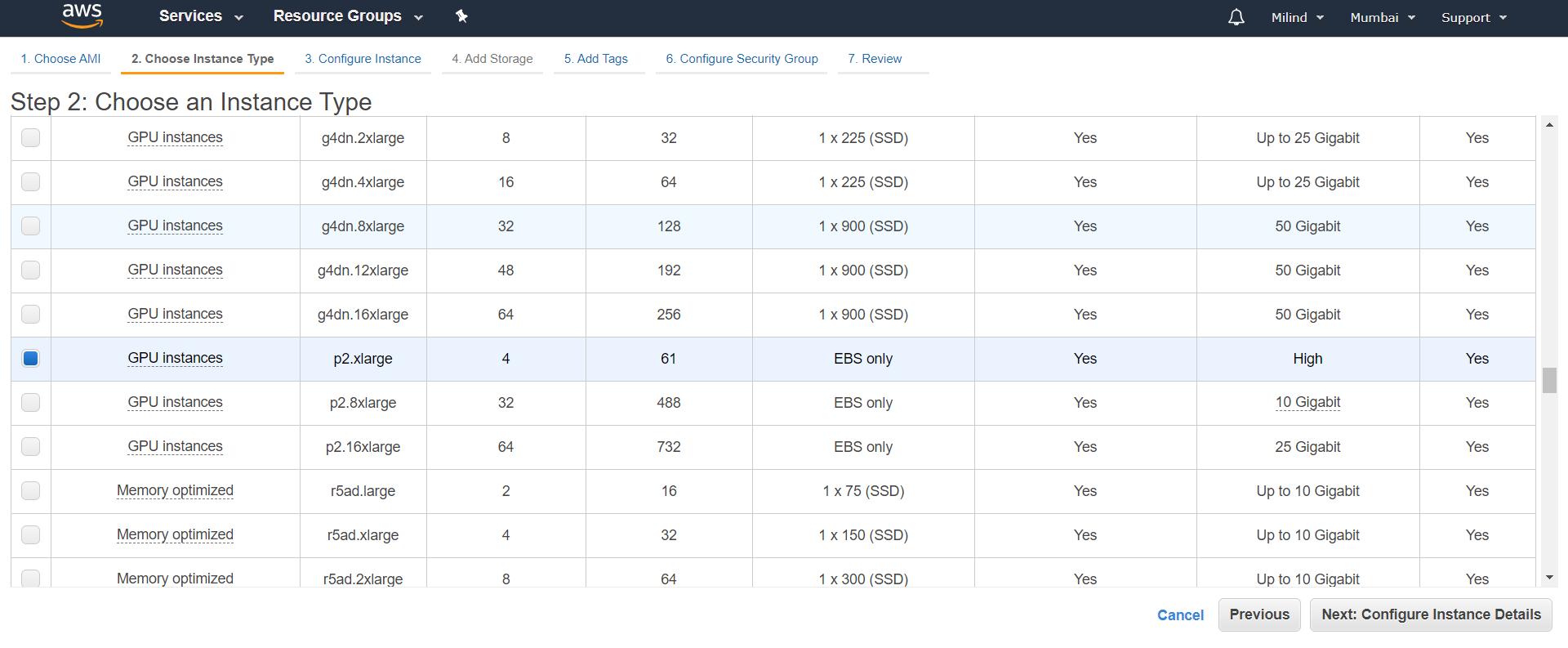
3. We are going to select the GPU instance named as p2.xlarge
3.我们将选择名为p2.xlarge的GPU实例。
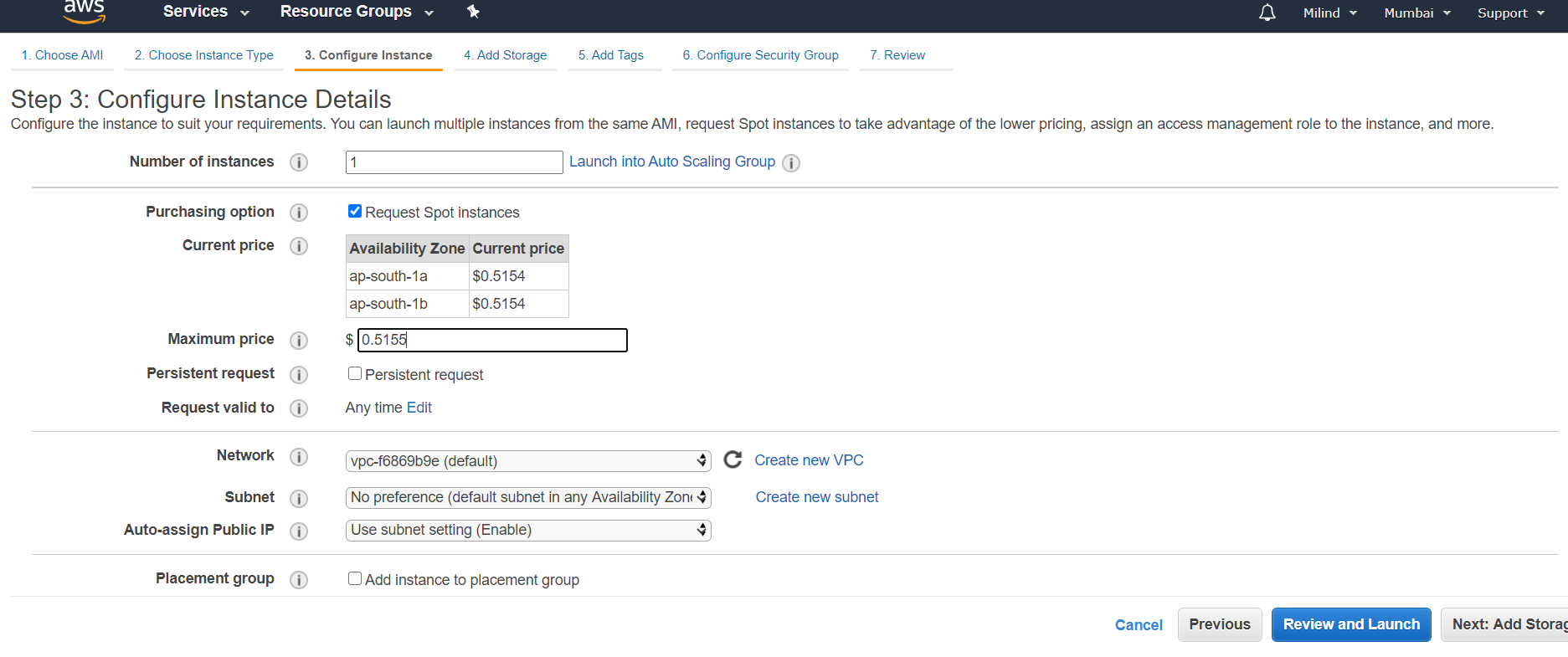
4. Now go the configure instance and do the following configurations
4.现在转到configure实例并执行以下配置
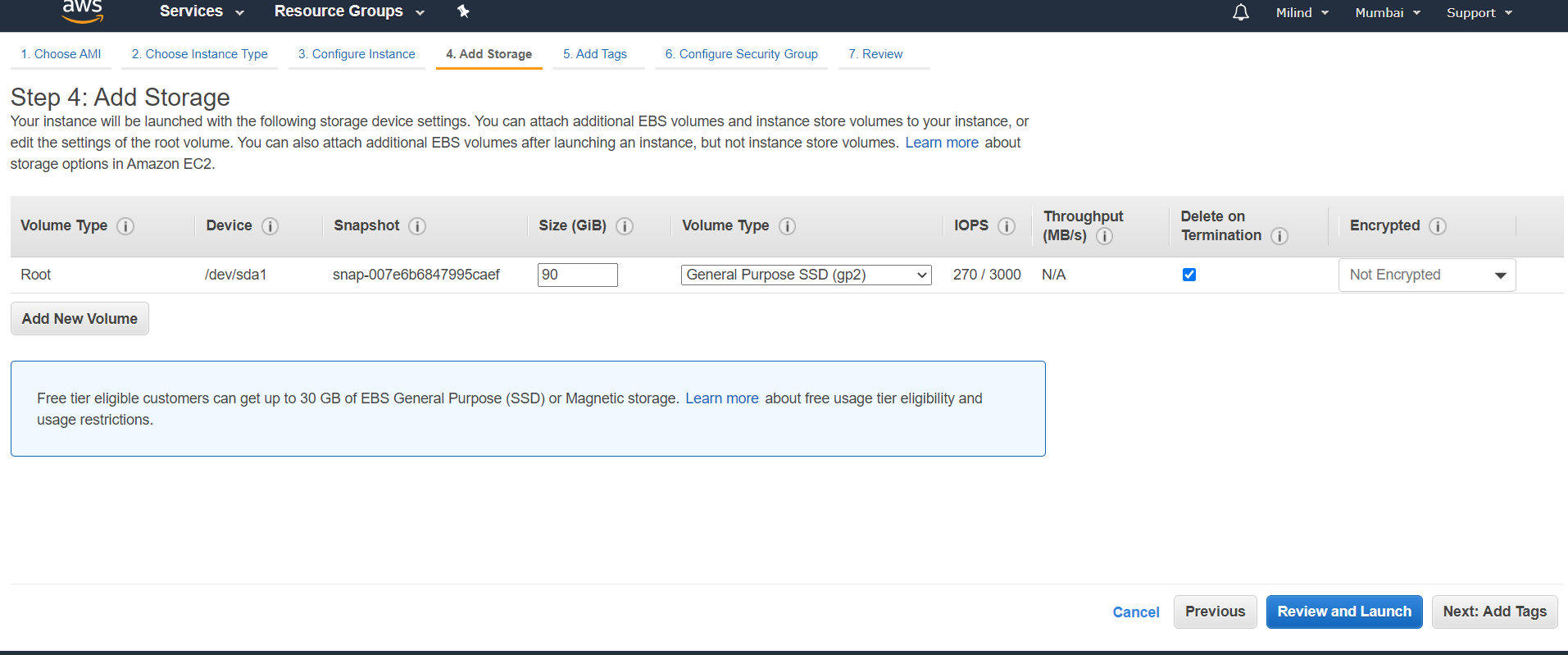
5. Give a minimum of 90Gib storage.
5.至少提供90Gib的存储空间。
6. Now after creating a key launch the instance. For logging into your instance use ssh command
6.现在,在创建密钥后启动实例。 要登录到您的实例,请使用ssh命令
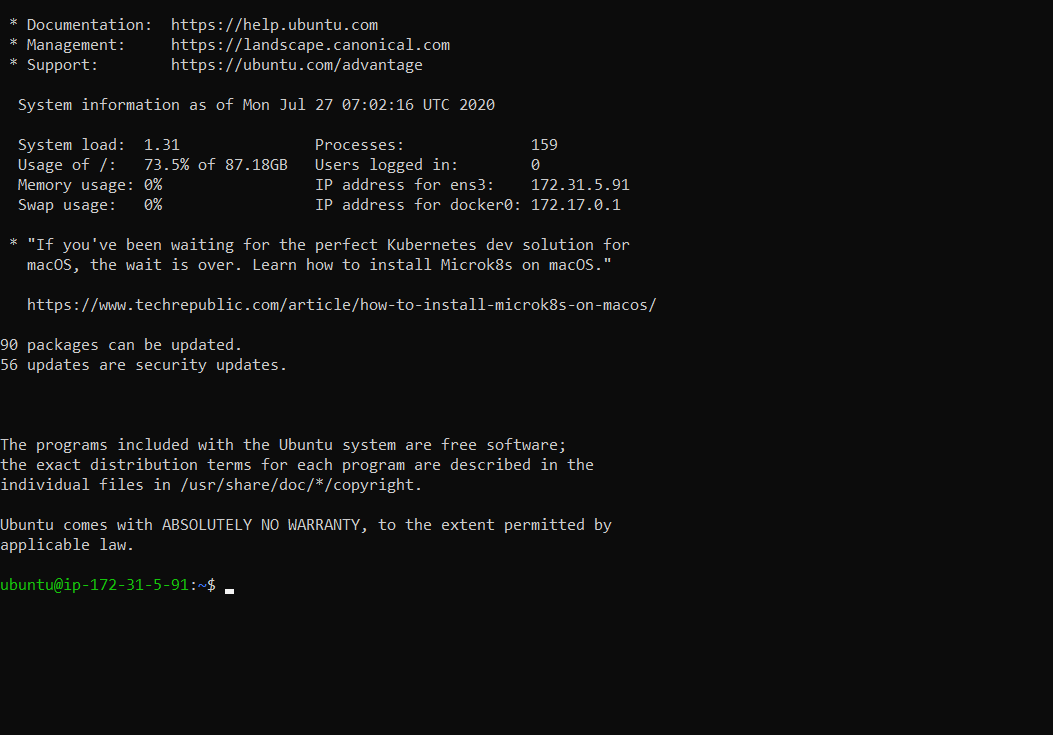
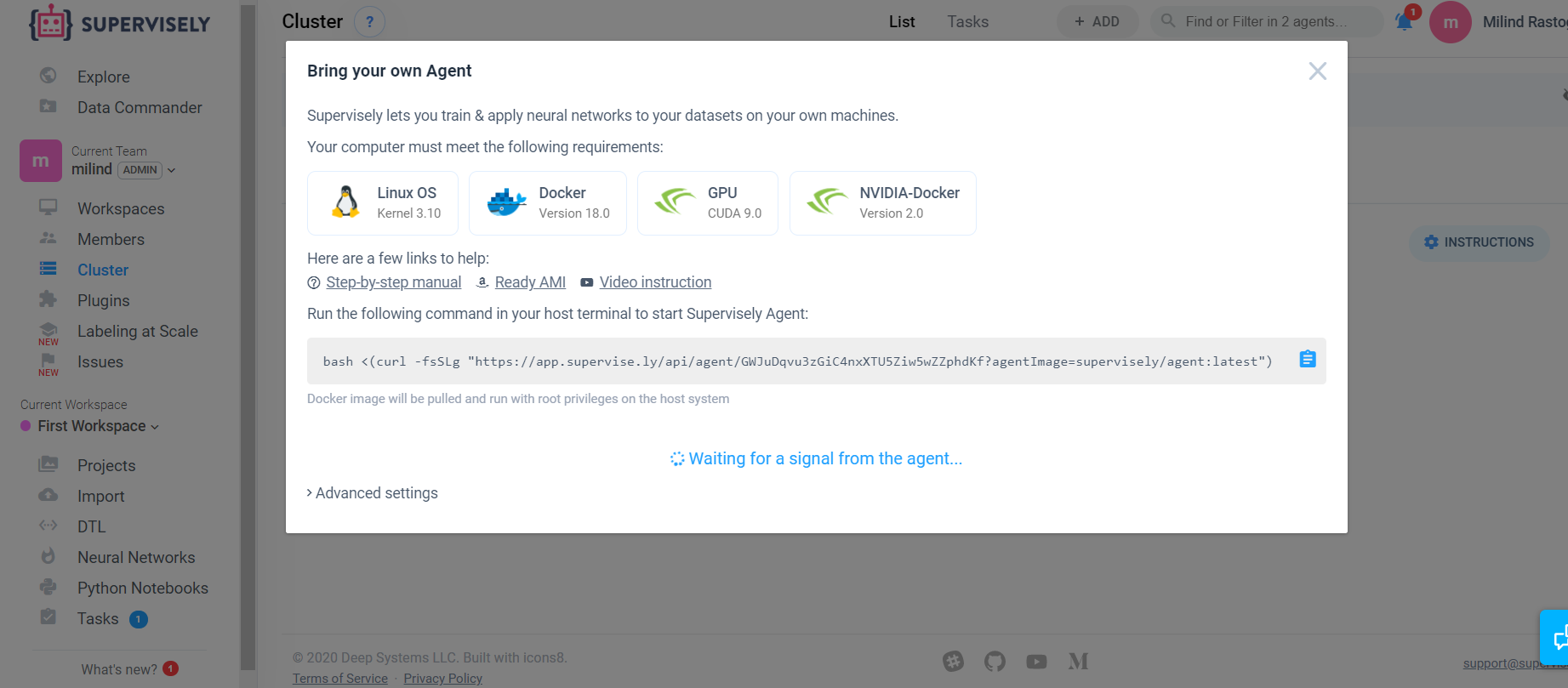
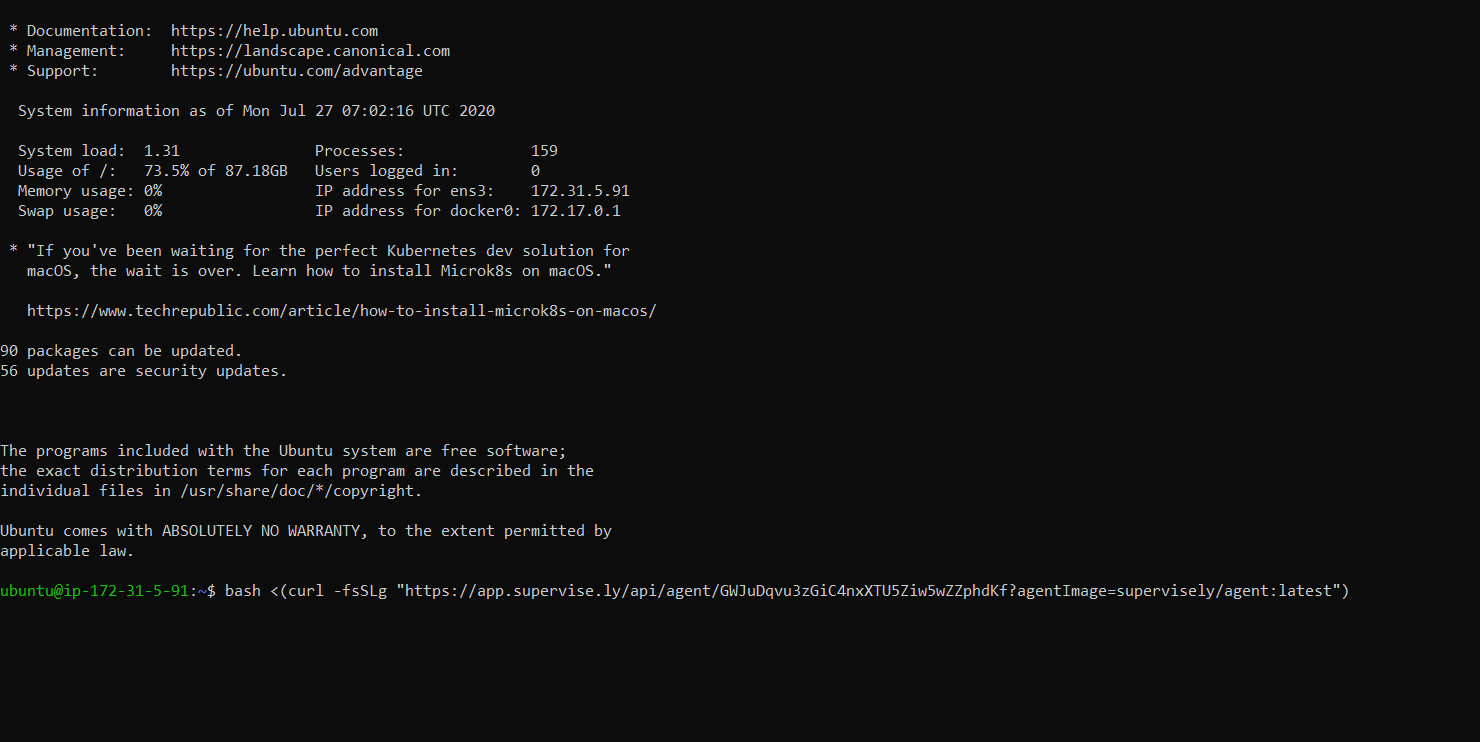
For training copy and paste the curl command from supervisely on our ec2 instance.
为了进行训练,请在ec2实例上监督复制并粘贴curl命令。
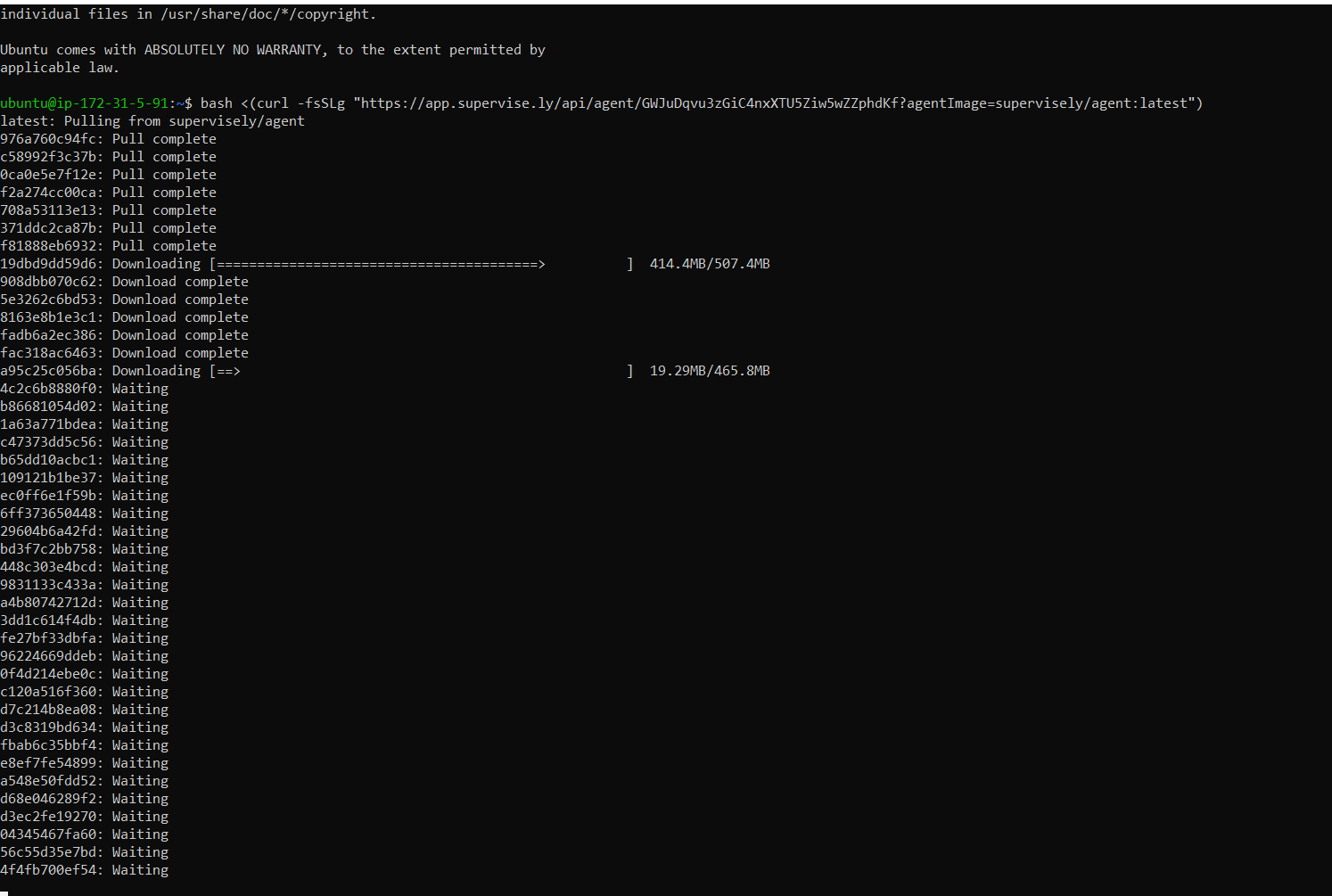
Wait for the complete setup to install
等待完整的安装程序安装
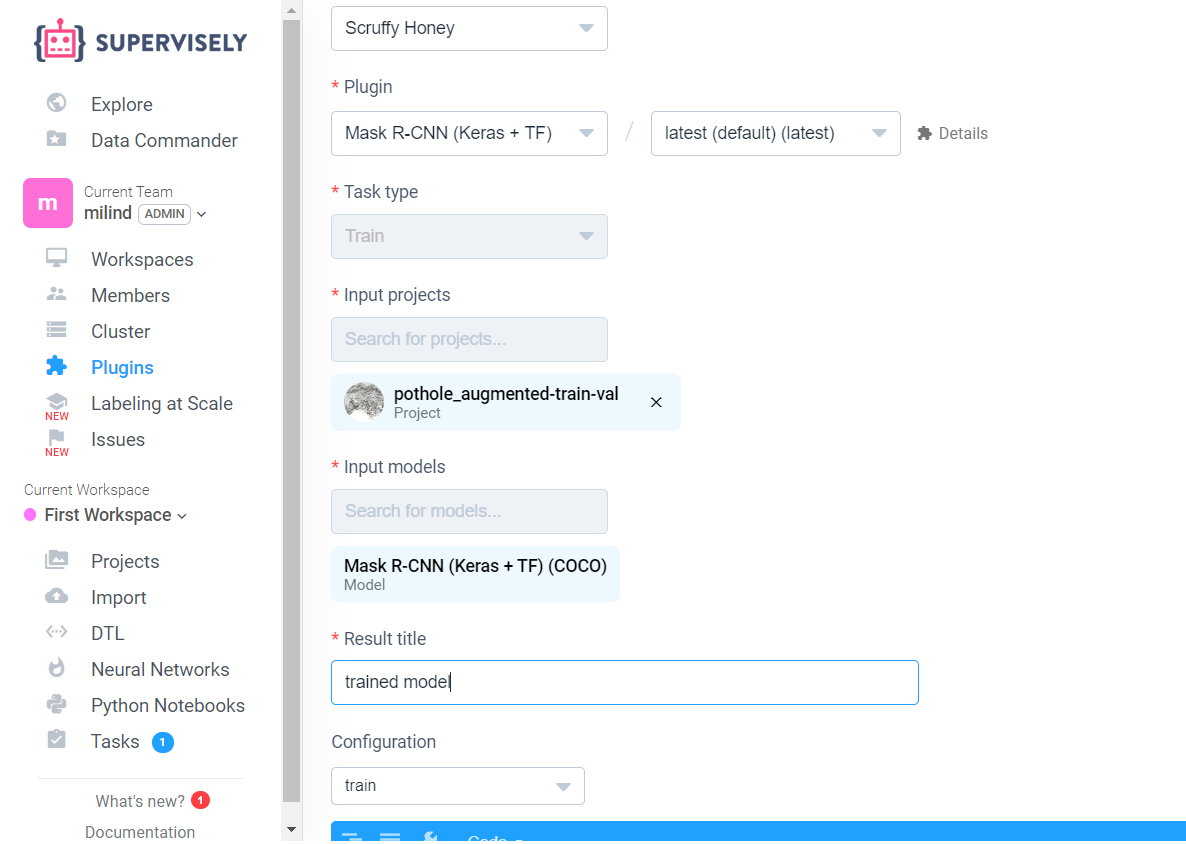
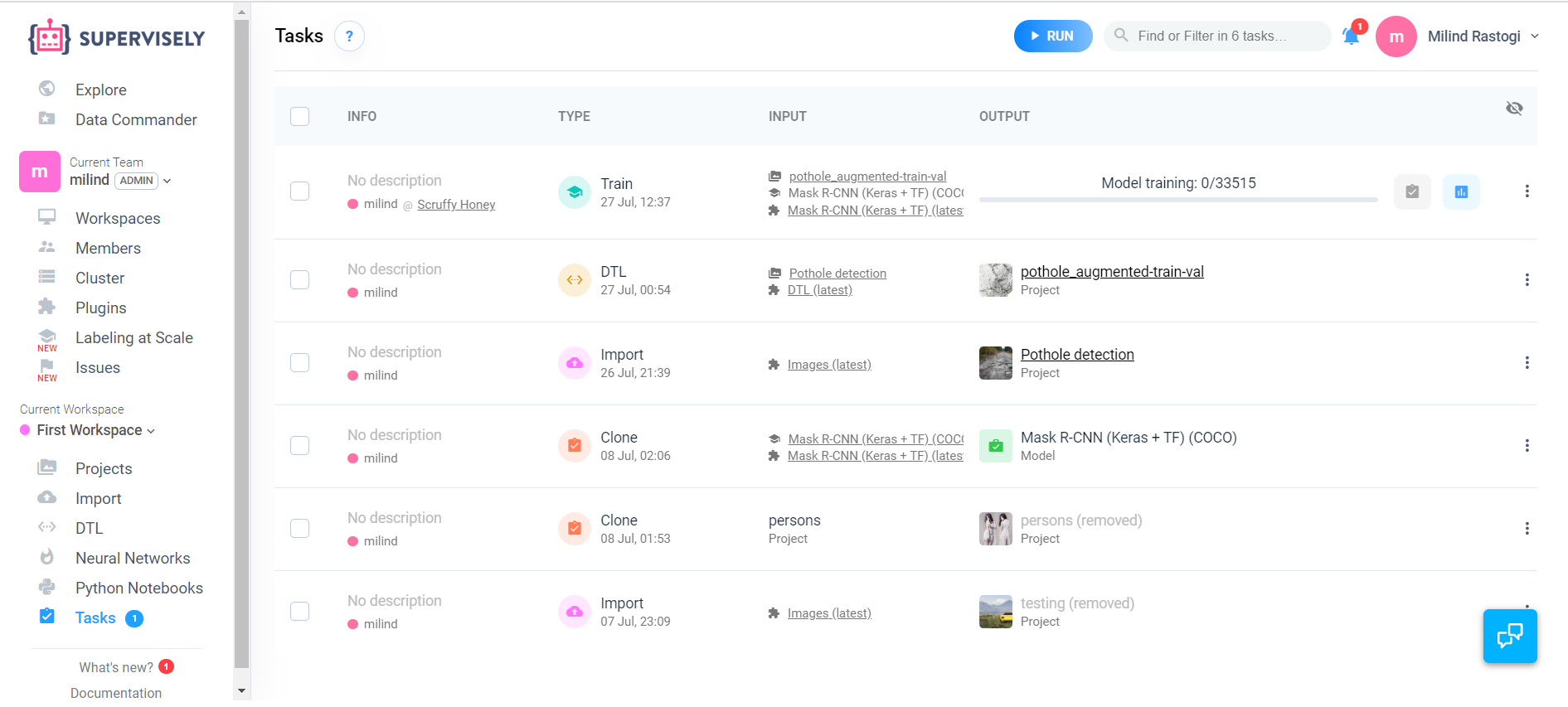
Now go to the supervisely train the Mask -RCNN model
现在去监督训练Mask -RCNN模型
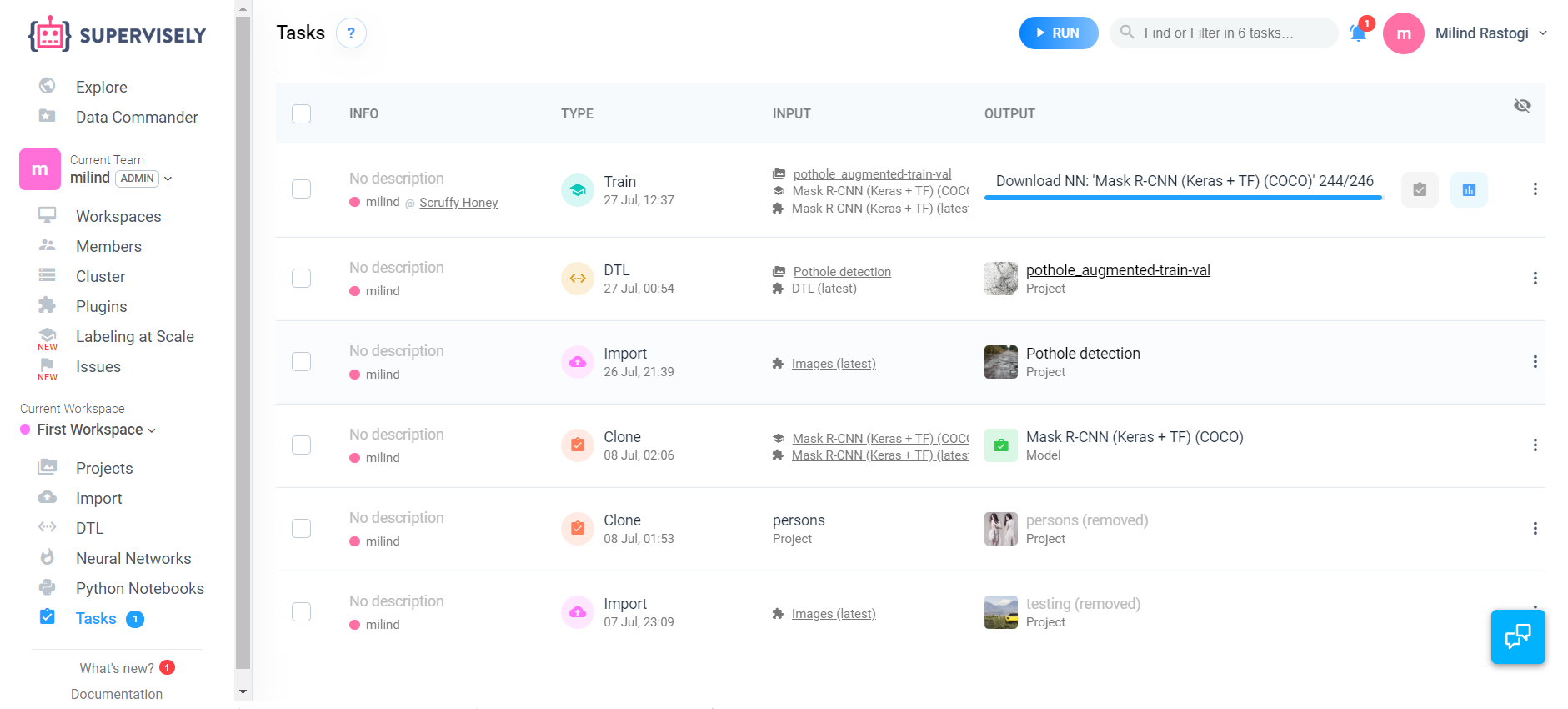
First all the images will be downloaded in our instance
首先,所有图片将在我们的实例中下载
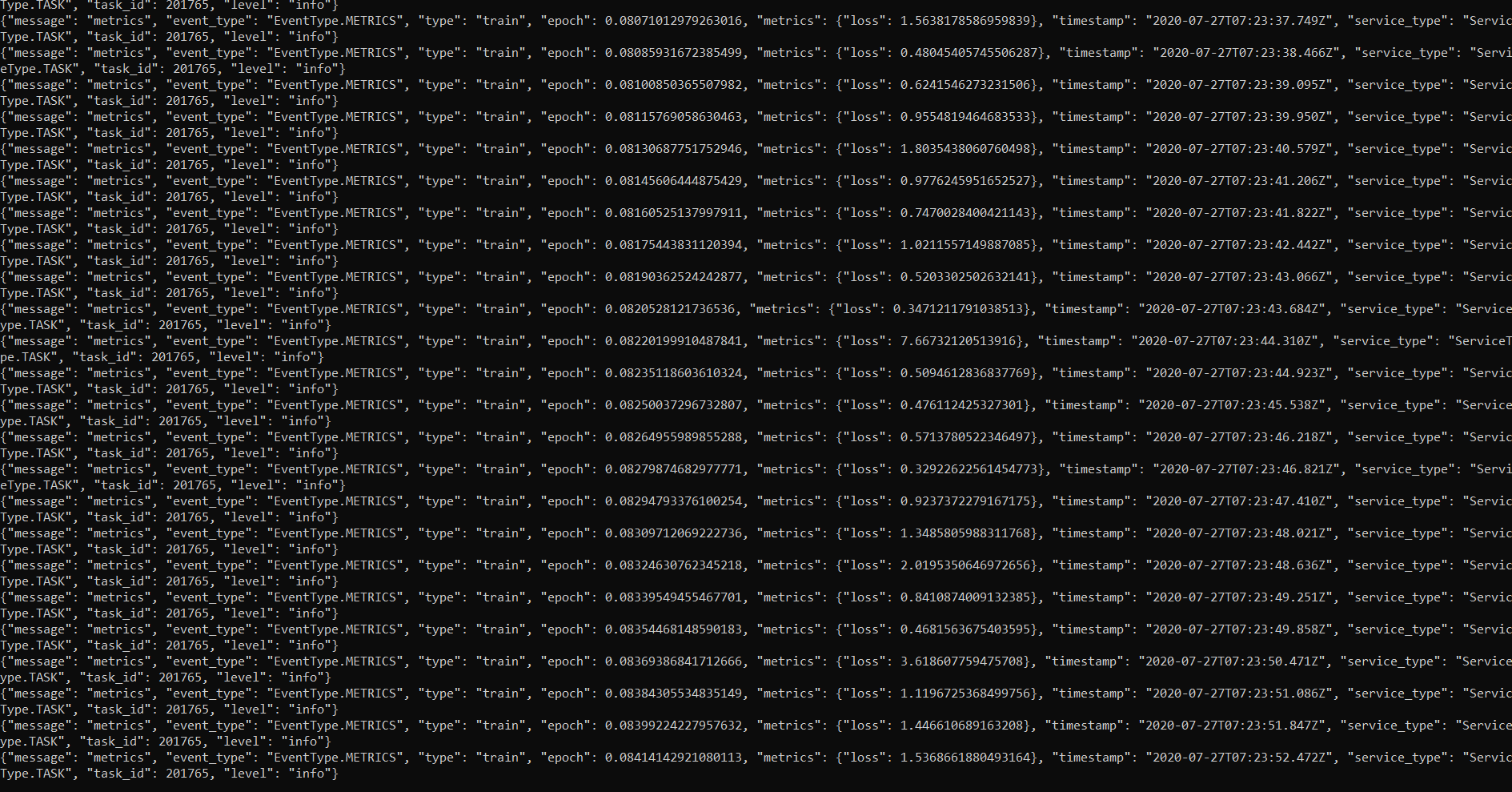
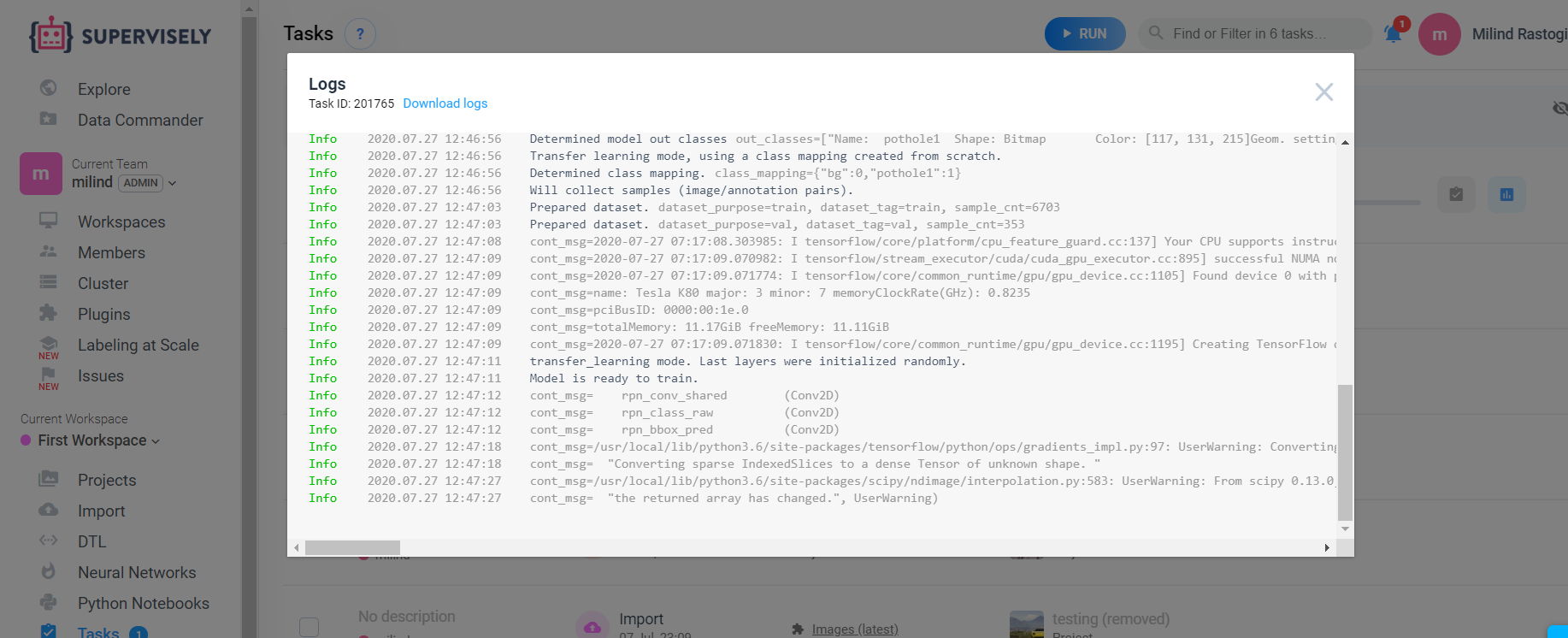
We can also see the training graph and logs of our model
我们还可以看到我们模型的训练图和日志
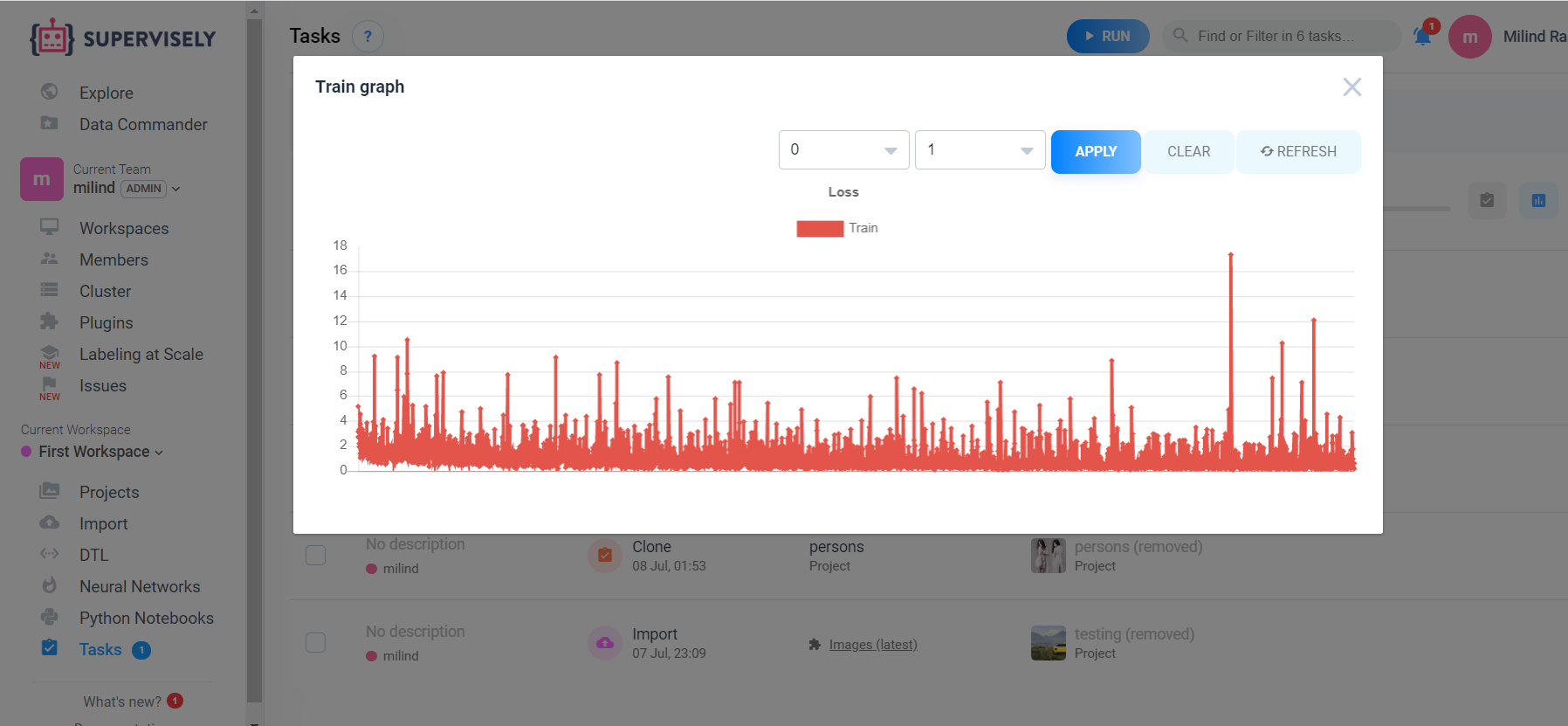
So after training your model don’t forget to stop your instance as aws charges on per hourly basis.
因此,在训练完模型之后,别忘了停止实例,因为AWS每小时都会收费。
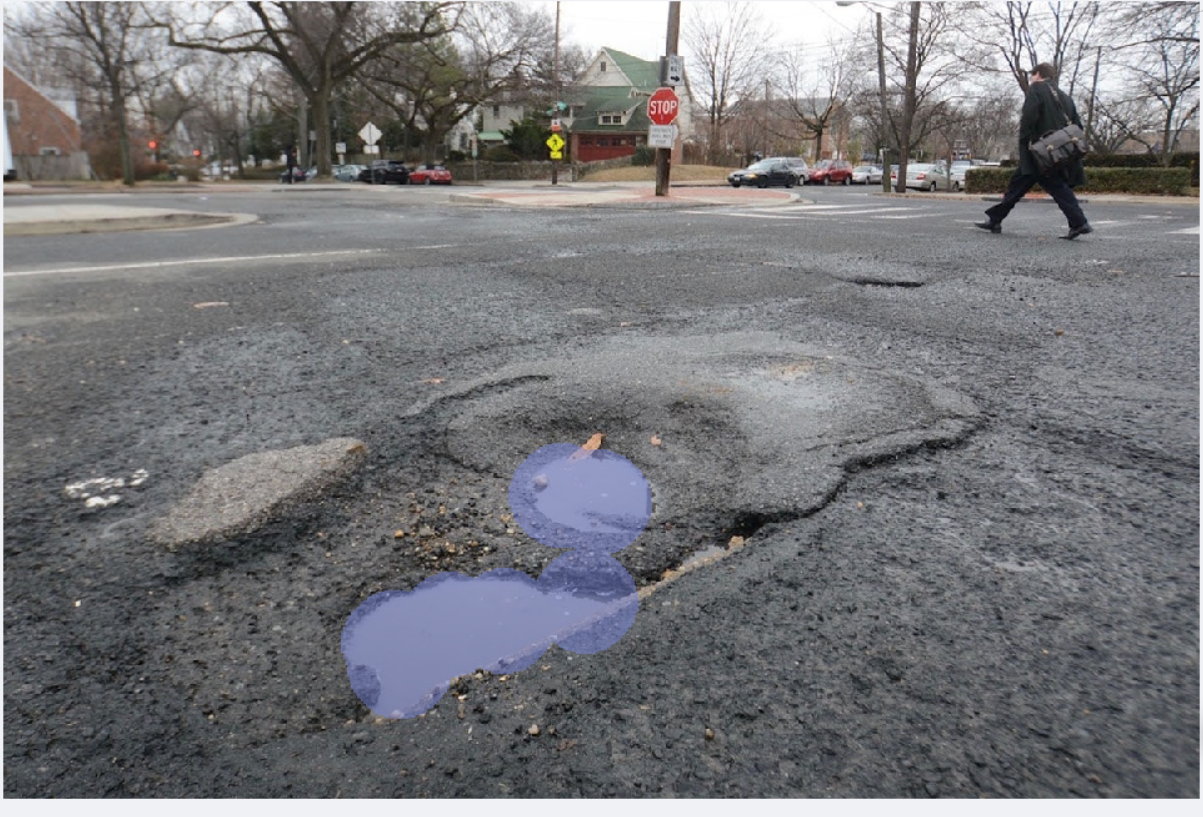
Finally after training we can test our model by uploading some testing images. Here is the result of our model , I think it works pretty well.
最后,经过训练,我们可以通过上传一些测试图像来测试模型。 这是我们模型的结果,我认为它运行良好。
感谢您的阅读! (Thank you for reading!)
I hop you liked my article . Please clap , share and comment.
我希望你喜欢我的文章。 请鼓掌,分享和评论。
翻译自: https://medium.com/swlh/instance-segmentation-using-mask-rcnn-f499bd4ed564
mask rcnn实例分割


 已为社区贡献1条内容

所有评论(0)