解决导航、元素position:fixed定位后被swiper遮挡
·
问题: 导航被轮播图遮挡
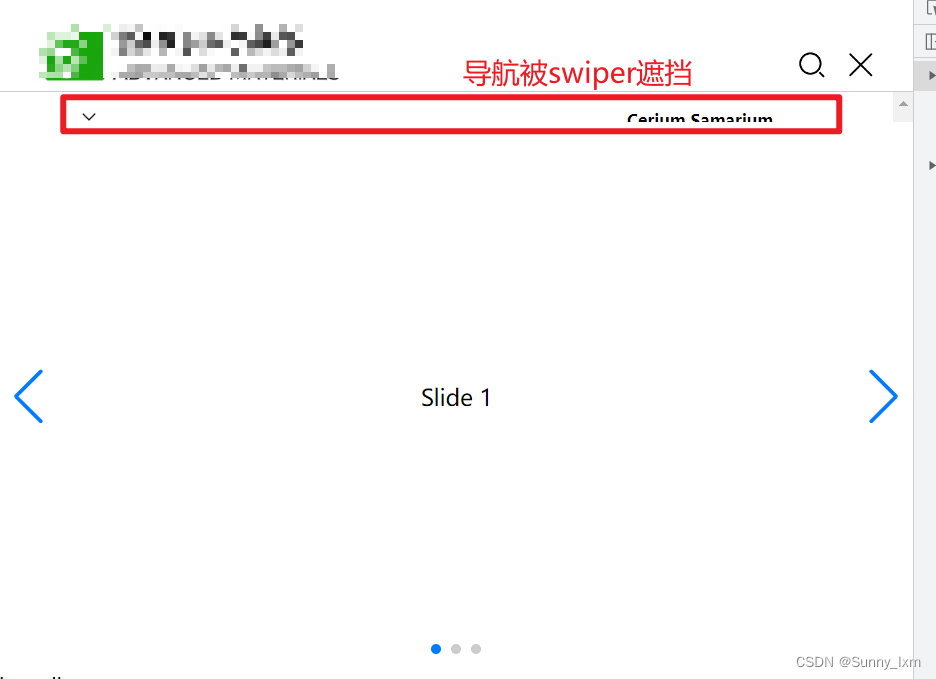
html:
  <div class="banner-wrapper">
    <div class="swiper mySwiper">
      <div class="swiper-wrapper">
        <div class="swiper-slide">Slide 1</div>
        <div class="swiper-slide">Slide 2</div>
        <div class="swiper-slide">Slide 3</div>
      </div>
      <div class="swiper-button-next"></div>
      <div class="swiper-button-prev"></div>
      <div class="swiper-pagination"></div>
    </div>
  </div>
解决方案:主要解决方案在css中设置
.banner-wrapper {
  background: red;
  position: relative;
  width: 100%;
  z-index: -1;
}
/*swiper*/
.swiper {
  width: 100%;
  height: 100%;
  position: absolute;
  top: 50%;
  transform: translateY(-50%)
}

// 以上为解决position fixed定位被swiper遮挡的问题 关键


.swiper-slide {
  text-align: center;
  font-size: 18px;
  background: #fff;
  /* Center slide text vertically */
  display: -webkit-box;
  display: -ms-flexbox;
  display: -webkit-flex;
  display: flex;
  -webkit-box-pack: center;
  -ms-flex-pack: center;
  -webkit-justify-content: center;
  justify-content: center;
  -webkit-box-align: center;
  -ms-flex-align: center;
  -webkit-align-items: center;
  align-items: center;
}
.swiper-slide img {
  display: block;
  width: 100%;
  height: 100%;
  object-fit: cover;
}
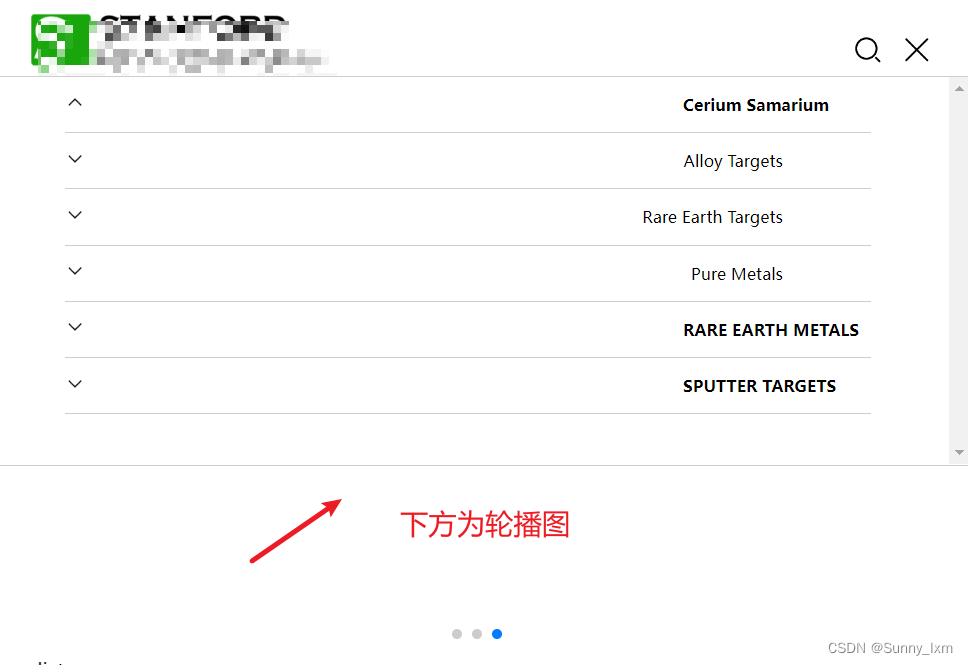
这样有个弊端,看轮播图的左右箭头或者swiper中有点击事件的时候无法点击了,因为元素的z-index设置的是-1
优化方案:把被遮挡的元素(我此处的是导航)的z-index设置为2(大于swiper父级元素的z-index即可),把swiper的父级元素的z-index设置为1。
// 被遮挡元素
.top-header-nav-icon-wrapper {
  position: fixed;
  top: 0;
  width: 100%;
  background: #fff;
  z-index: 2;
}

// swiper的父级元素
.banner-wrapper {
  background: red;
  position: relative;
  width: 100%;
  z-index: 1;
}
ok,解决元素position:fixed定位的被swiper遮挡

北京人形旗下天工造物具身智能开源社区,聚焦具身天工与慧思开物两大平台
更多推荐
 0
0 0
0- 0


 已为社区贡献4条内容

所有评论(0)