
虚拟机vmware玩gazebo仿真px4出现OpenGL报错
虚拟机vmware玩gazebo仿真px4出现OpenGL报错
报错内容:参考问题描述
解决方案:解决方案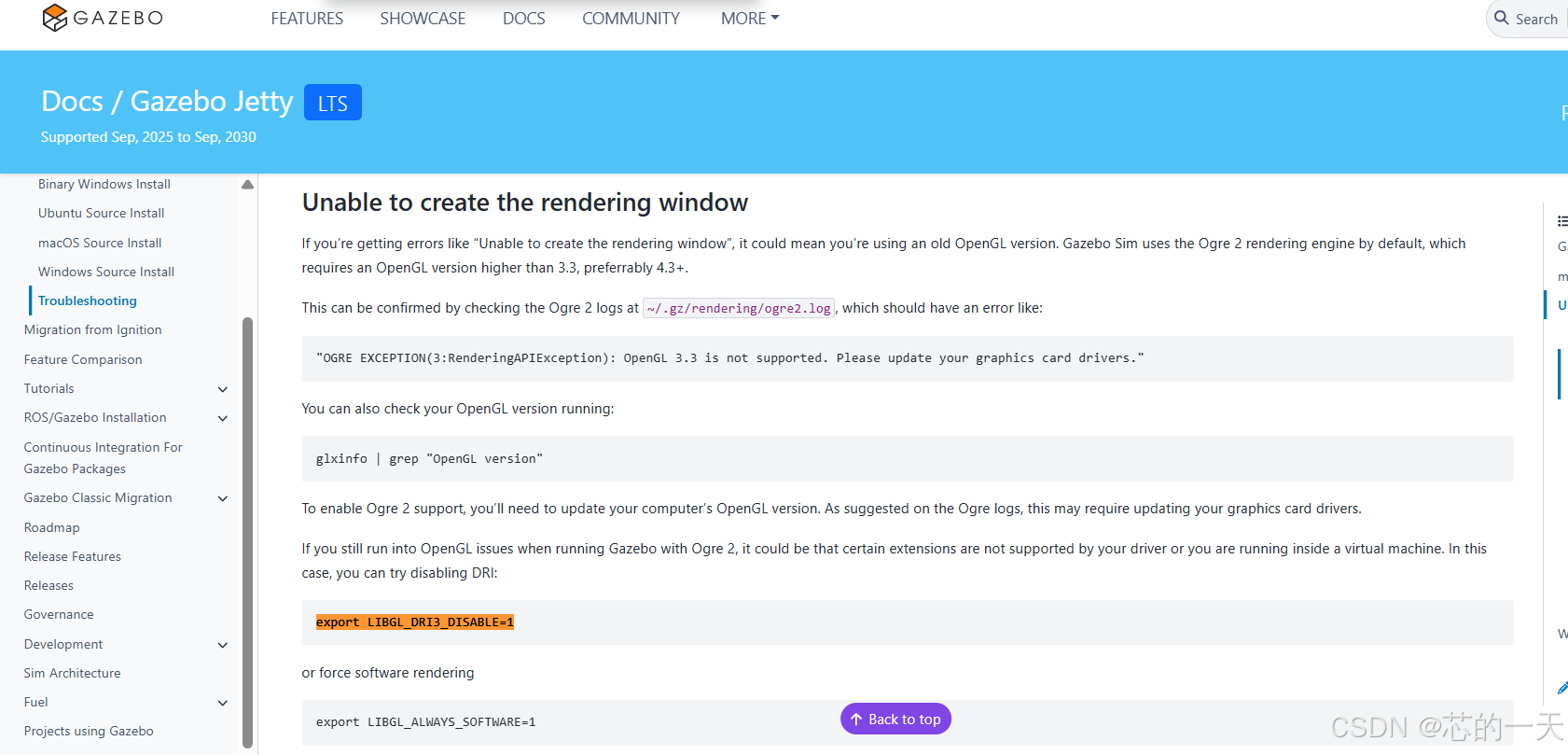
Unable to create the rendering window不能渲染gazebo窗口
If you’re getting errors like “Unable to create the rendering window”, it could mean you’re using an old OpenGL version. Gazebo Sim uses the Ogre 2 rendering engine by default, which requires an OpenGL version higher than 3.3, preferrably 4.3+.
This can be confirmed by checking the Ogre 2 logs at ~/.gz/rendering/ogre2.log, which should have an error like:
“OGRE EXCEPTION(3:RenderingAPIException): OpenGL 3.3 is not supported. Please update your graphics card drivers.”
You can also check your OpenGL version running:
glxinfo | grep “OpenGL version”
To enable Ogre 2 support, you’ll need to update your computer’s OpenGL version. As suggested on the Ogre logs, this may require updating your graphics card drivers.
If you still run into OpenGL issues when running Gazebo with Ogre 2, it could be that certain extensions are not supported by your driver or you are running inside a virtual machine. In this case, you can try disabling DRI: 通过关闭DRI来解决虚拟机问题:
# 临时修改
export LIBGL_DRI3_DISABLE=1
# 或者是
echo 'export LIBGL_DRI3_DISABLE=1' >> ~/.bashrc && source ~/.bashrc
# 添加到 bashrc
更多推荐
 0
0 0
0- 0


 已为社区贡献1条内容

所有评论(0)